- Joined
- Mar 11, 2015
- Messages
- 604
- Reaction score
- 15
- Points
- 81
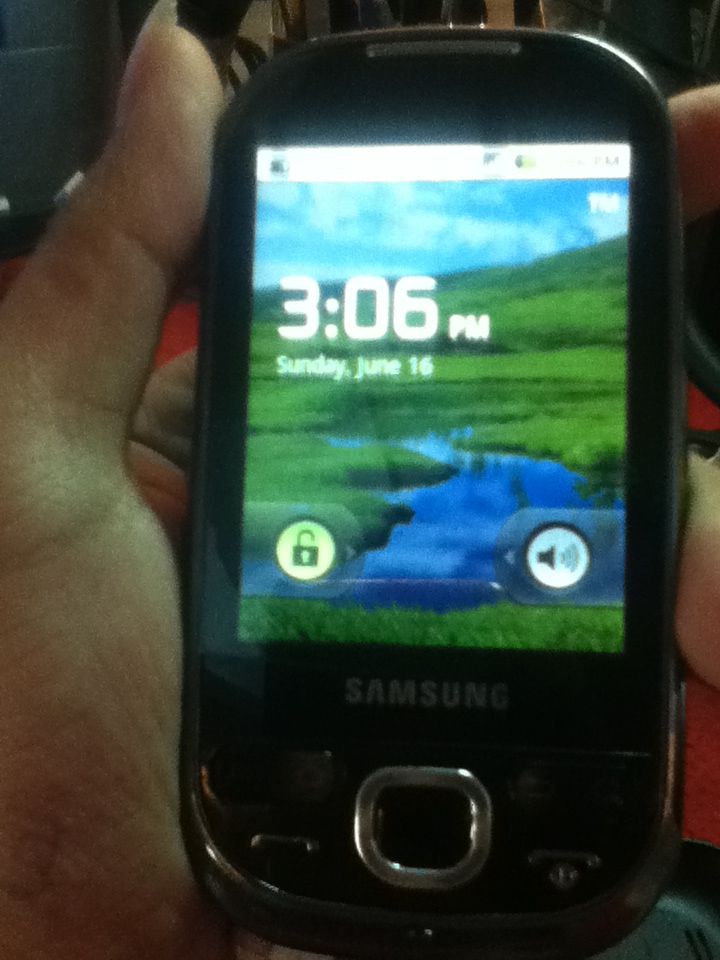
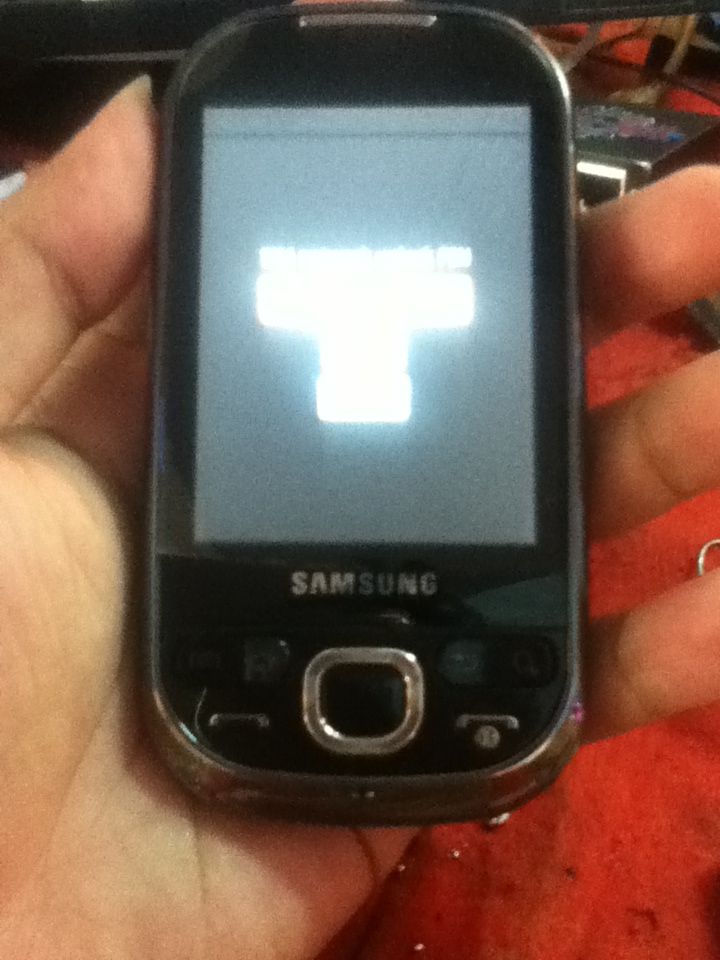
PROBLEM
Lock To all Network
PROCEDURE.
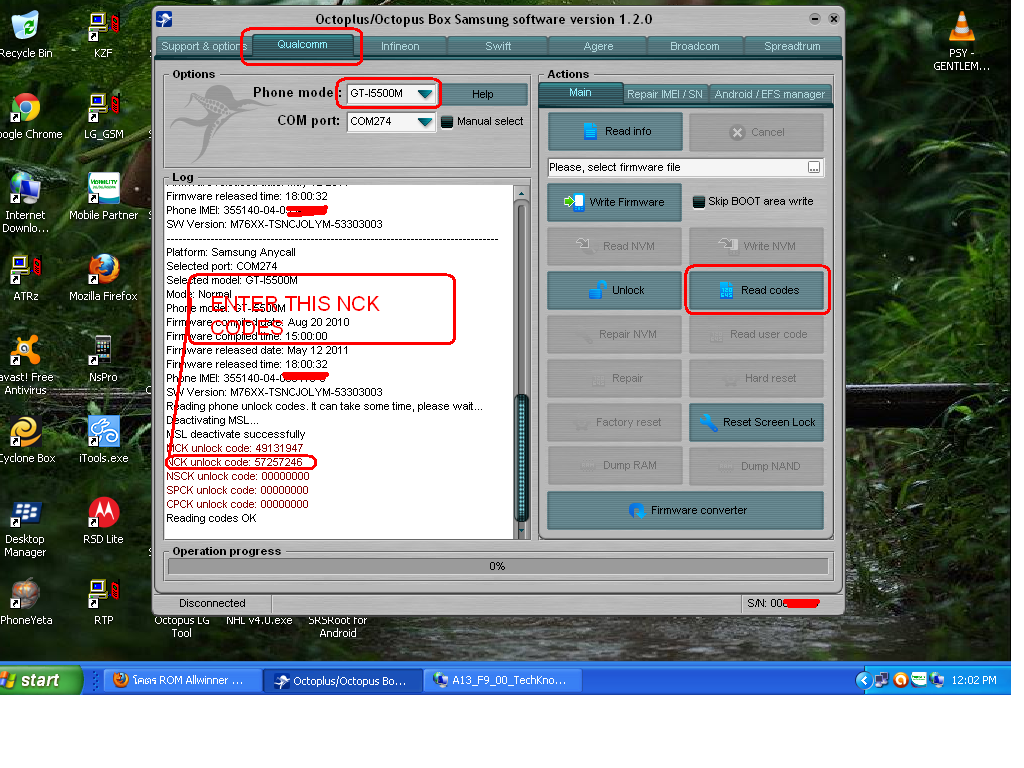
1.Open Octopus Samsung
2.Select Model I5500M
3.Go to dial window;
4.Enter "*#9090#" number;
5.Set "Diag config" to "USB" value;
6.Restart phone;
7.Connect powered-on phone to PC via Micro USB cable;
8.Install required driver;
9.Click "Read codes" button;
10.Wait until success
11.Turn phone off
12.Insert unsupported SIM card
13.Enter NCK codes DONE..
FINISH PRODUCT.