- Joined
- Jun 27, 2014
- Messages
- 1,315
- Reaction score
- 755
- Points
- 521
- Location
- San Jose Del Monte Bulacan
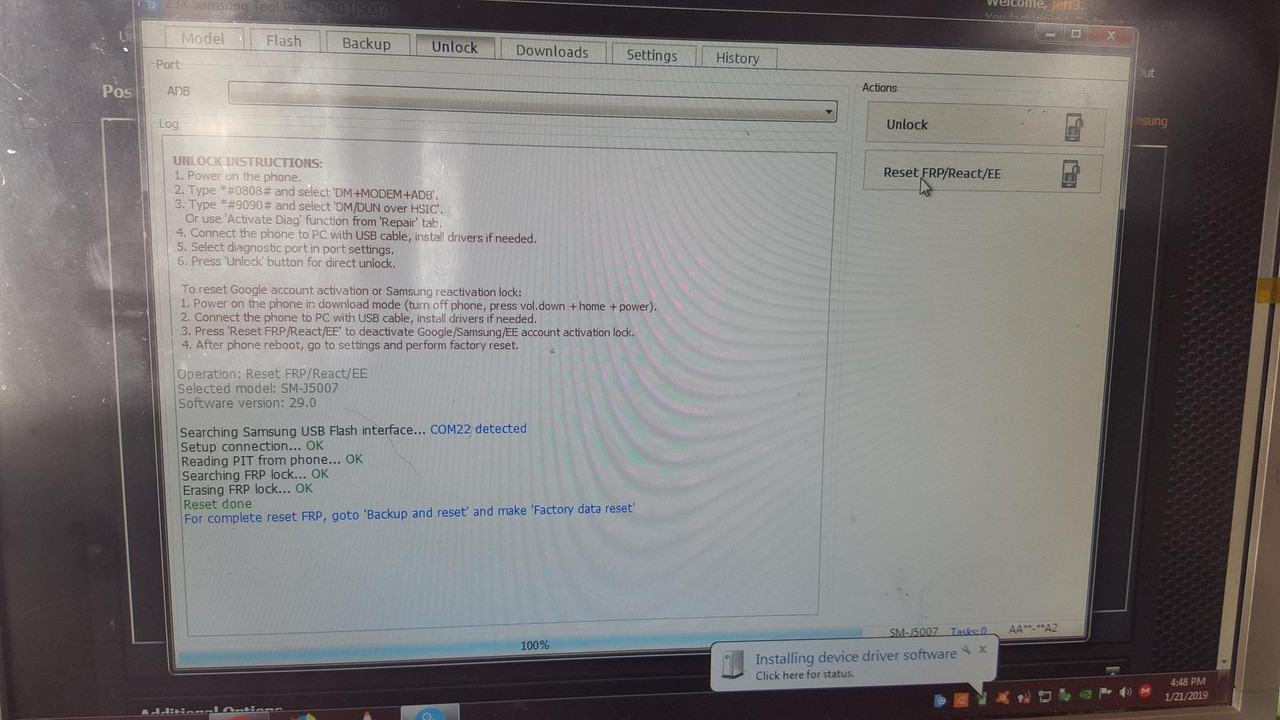
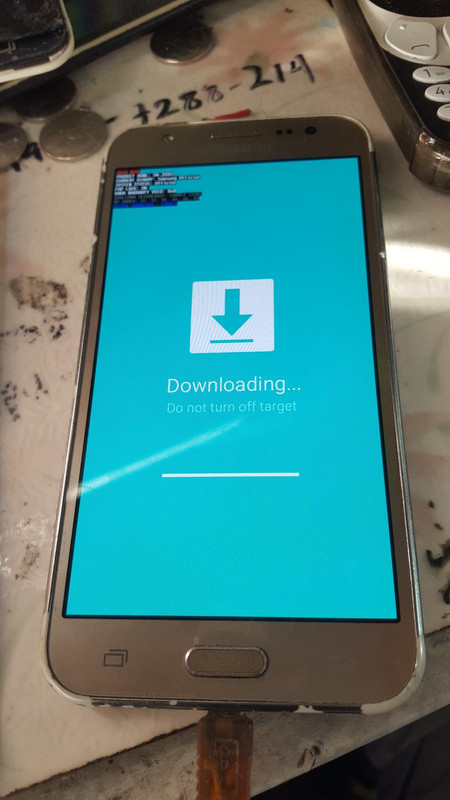
[ 1. Power on the phone in download mode (turn off phone, press vol.down + home + power).
2. Connect the phone to PC with USB cable, install drivers if needed.
3. Press 'Reset FRP/React/EE' to deactivate Google/Samsung/EE account activation lock.
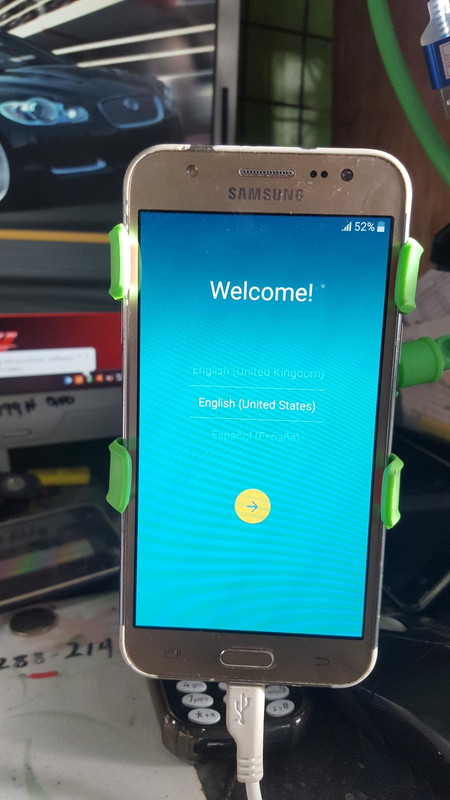
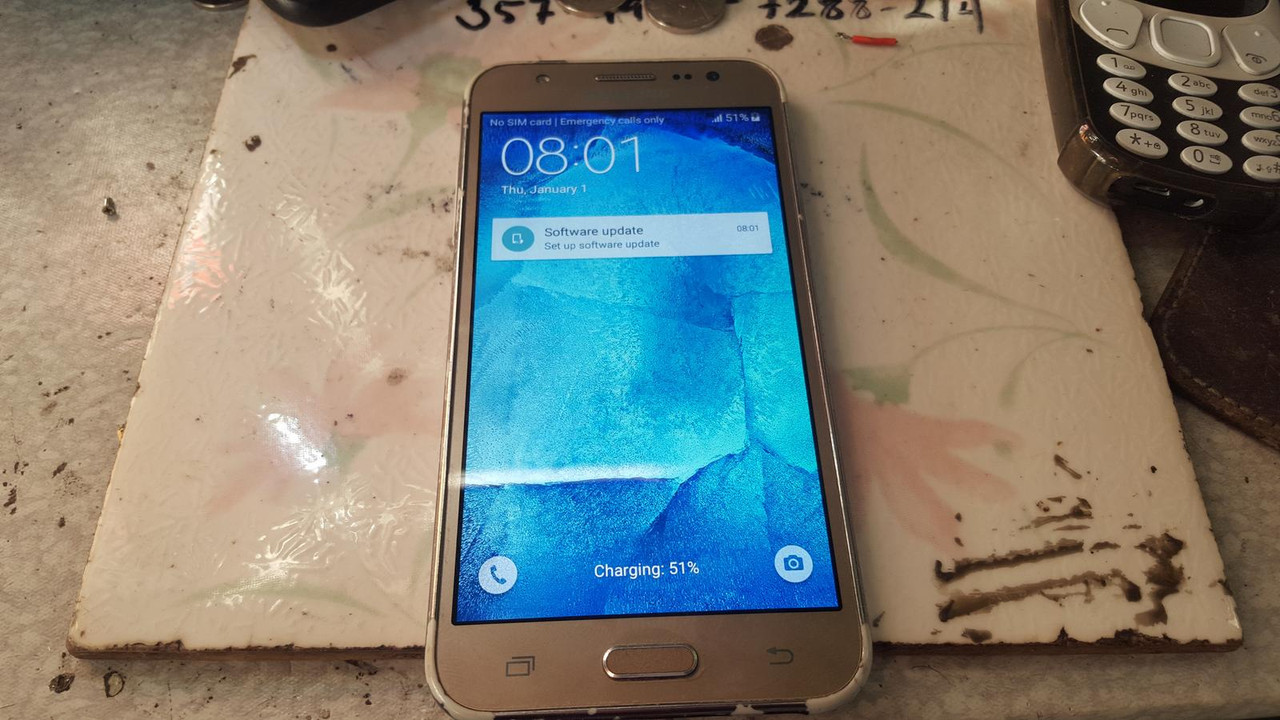
4. After phone reboot, go to settings and perform factory reset.
2. Connect the phone to PC with USB cable, install drivers if needed.
3. Press 'Reset FRP/React/EE' to deactivate Google/Samsung/EE account activation lock.
4. After phone reboot, go to settings and perform factory reset.