
SALAM
Samsung J730GM / J7PRO Binary 3 Adb Enabler
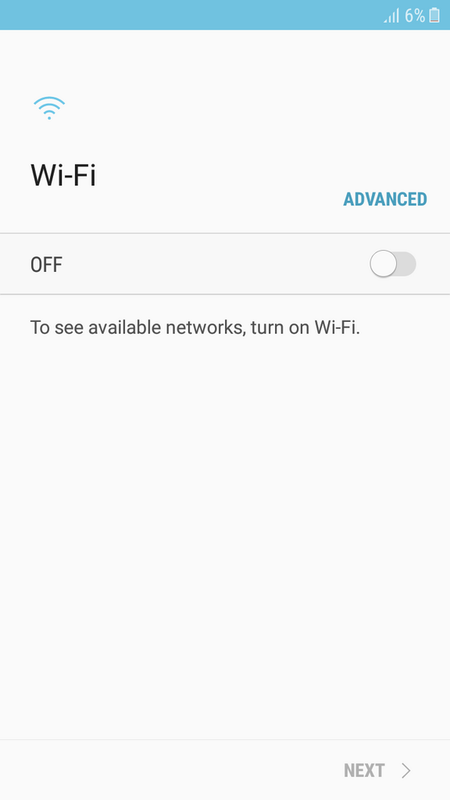
Files Need
AntManila
File Protected
Click TATSULOK for Password
Procedure
Open Odin or Z3x Then Load Adb Enabler on AP
after Flash CP will be Stock then Do Hard Reset
Then Adb now is ON
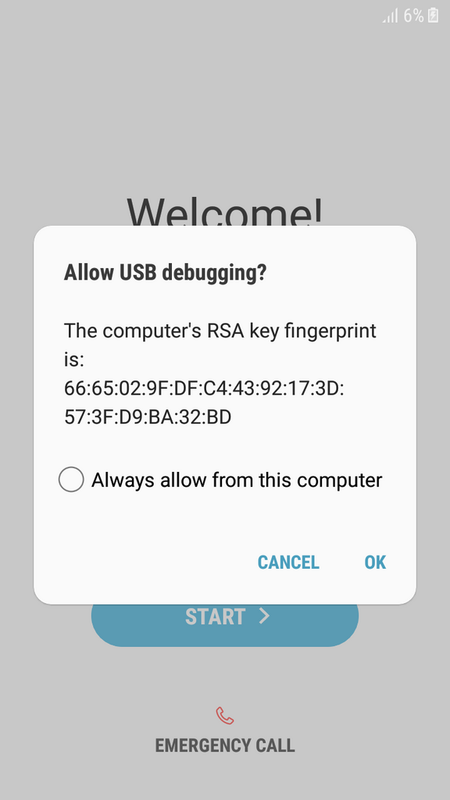
Now Perform Wipe Frp via ADB in Z3x or Any ADB WIPER FRP
Result
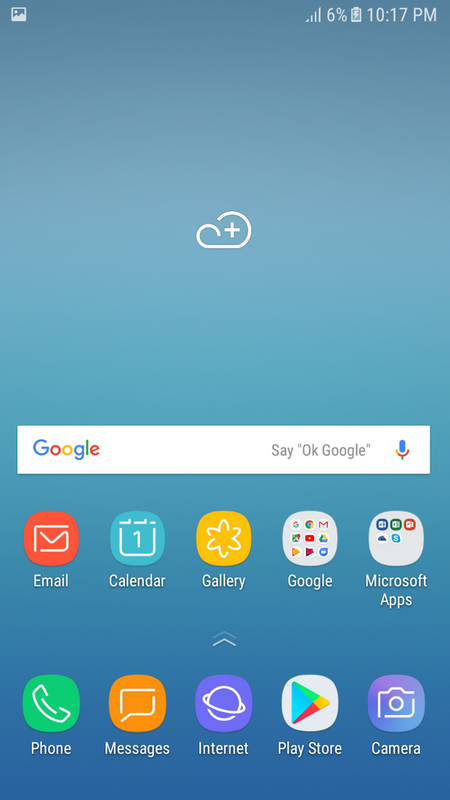
After WIPE (Perform Factory Reset in Setting or Flash Again in Stock Rom for BEST RESULT)
No THANKS, No Password
#ANTGSM #MANILAChapter #ANTStopable
Samsung J730GM / J7PRO Binary 3 Adb Enabler
Files Need
AntManila
File Protected
Click TATSULOK for Password
Procedure
Open Odin or Z3x Then Load Adb Enabler on AP
after Flash CP will be Stock then Do Hard Reset
Then Adb now is ON
Now Perform Wipe Frp via ADB in Z3x or Any ADB WIPER FRP
> Connecting Device OK
Device is connected on ADB
> Checking Device OK
Connected Device is SM-J701F
> Bypassing FRP OK
Device is now CLEAN STATE, Need to make FACTORY RESET
Result
After WIPE (Perform Factory Reset in Setting or Flash Again in Stock Rom for BEST RESULT)
No THANKS, No Password
#ANTGSM #MANILAChapter #ANTStopable