Unlocking using sever:
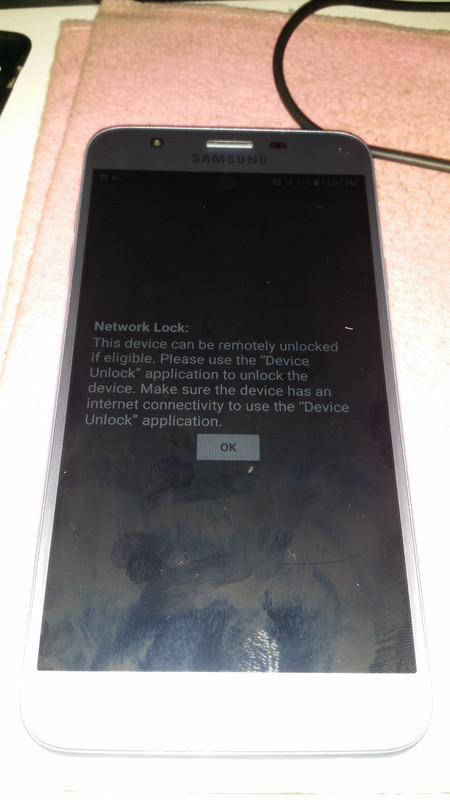
1. Power on the phone.
2. Tap 7 times on 'Build number' in 'Settings'-'About phone'-'Software information'
to enable 'Developer options',
go to 'Settings'-'Developer options' and enable 'USB debugging'.
3. Connect the phone to PC with USB cable, install drivers if needed.
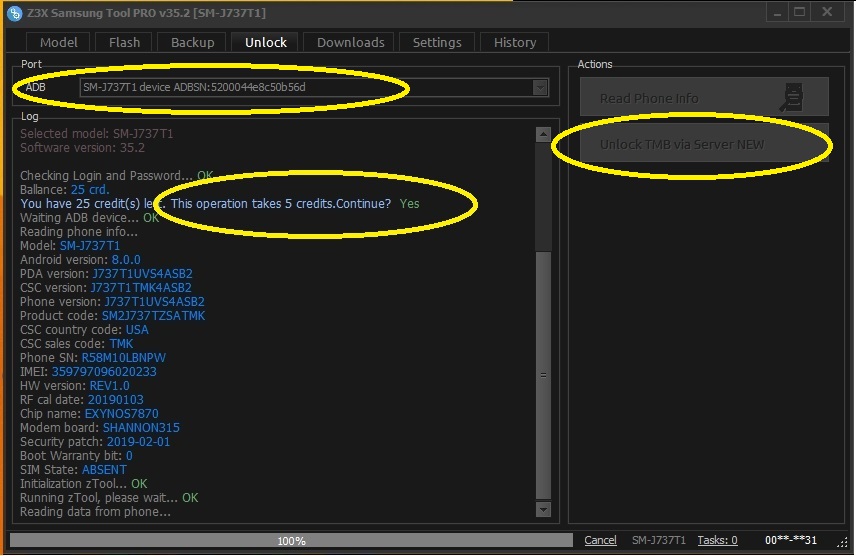
4. Select device in ADB settings.
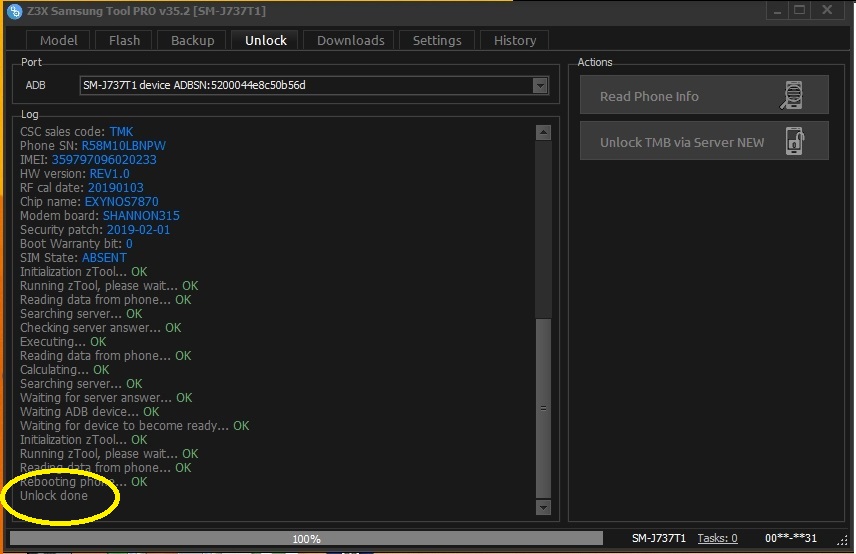
5. Press 'Unlock TMB via server' button, write your login and password in window if it will appear.
(Login and password will be saved as default after first input and can be changed in settings.)
1. Power on the phone.
2. Tap 7 times on 'Build number' in 'Settings'-'About phone'-'Software information'
to enable 'Developer options',
go to 'Settings'-'Developer options' and enable 'USB debugging'.
3. Connect the phone to PC with USB cable, install drivers if needed.
4. Select device in ADB settings.
5. Press 'Unlock TMB via server' button, write your login and password in window if it will appear.
(Login and password will be saved as default after first input and can be changed in settings.)