- Joined
- Apr 27, 2021
- Messages
- 1,435
- Reaction score
- 2,965
- Points
- 341
- Location
- La Union ™️ ( Region 1 )
Samsung SM-A3226B
Forgot Password Problem
Sulotion : Basic
For Reset ->>
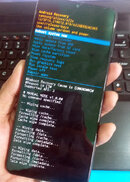
- At first, press Volume Down and Power key for a few moments to turn off the smartphone.
- Now hold down Volume Up and Power button together for a couple of seconds.
- Let go of all buttons when Recovery Mode logo pops up.
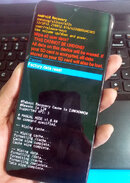
- After that choose Wipe data/factory reset by using Volume keys to navigate and the Power key to accept it.
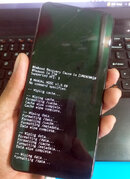
- Then go to Factory data reset option.
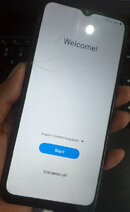
- Finally, select Reboot system now with the Power key.
For FRP ->>
DONE Tnx for View... sana makatulong sa mga newbie katulad ko.

Last edited: