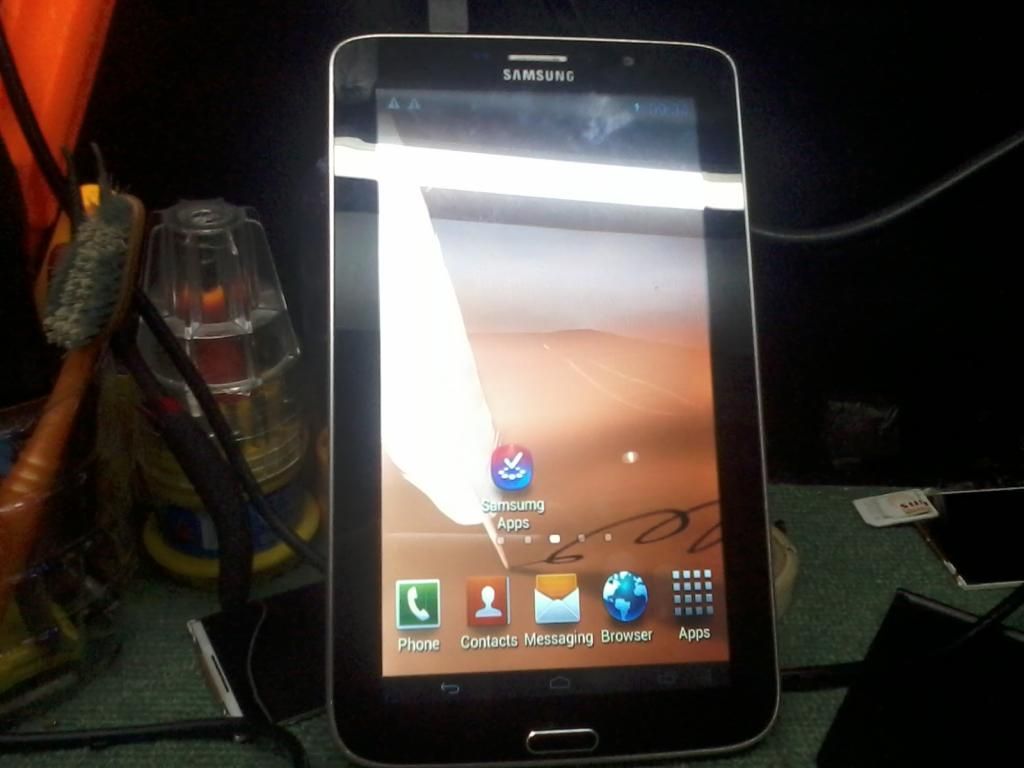
Samsung Tablet P5100 ( Clone ) dead............
*SOLUTION*
Disassemble the Unit Unscrew
Disable the two (2) Backup batteries
Remove Adhesive / Lock on LCD & Touch
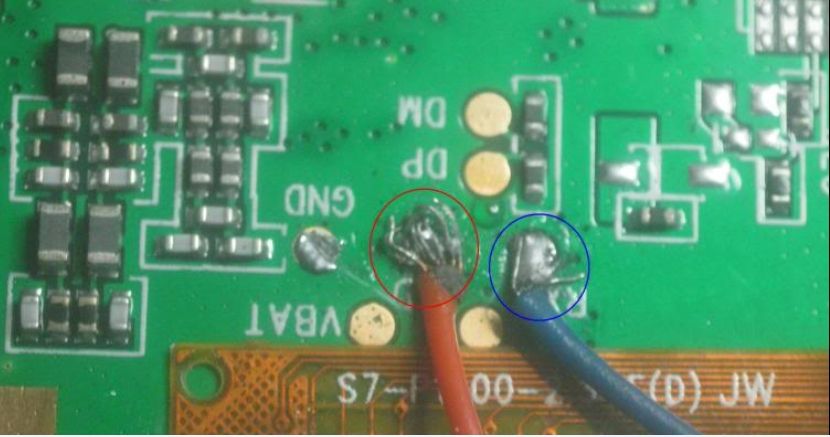
Flip the board, then find the RX TX pinout (near USB Socket)
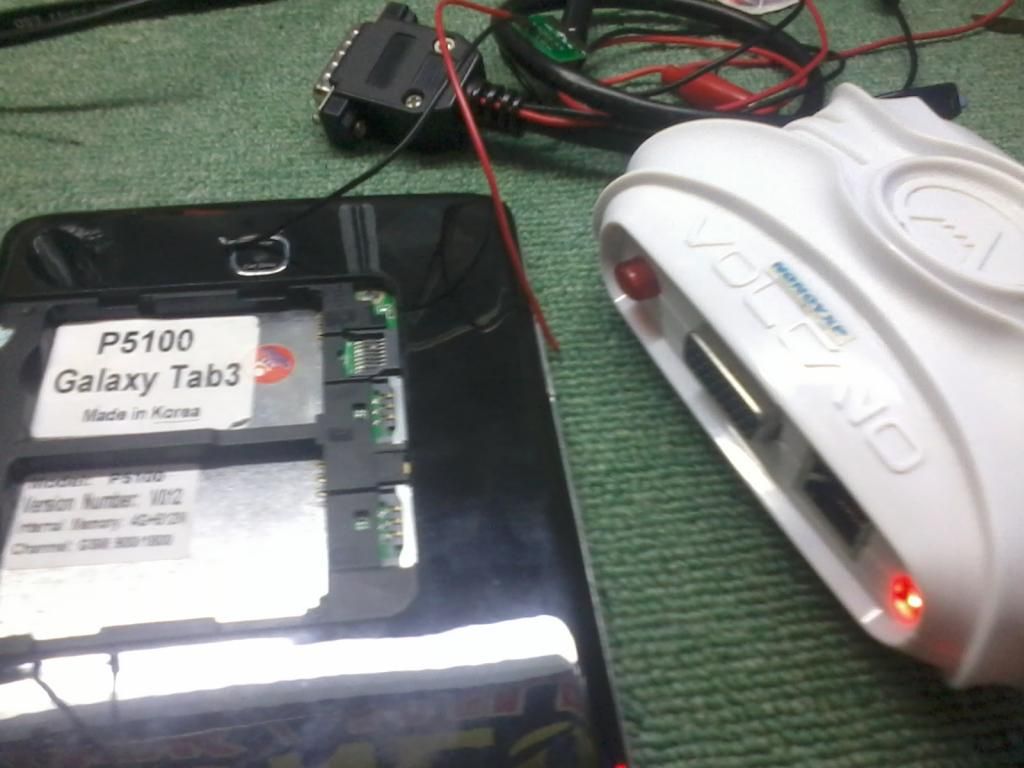
Connect Volcano Box Supply Positive (+) Negative (-) on battery terminal (Note: Disable 1st the backup batteries on board)
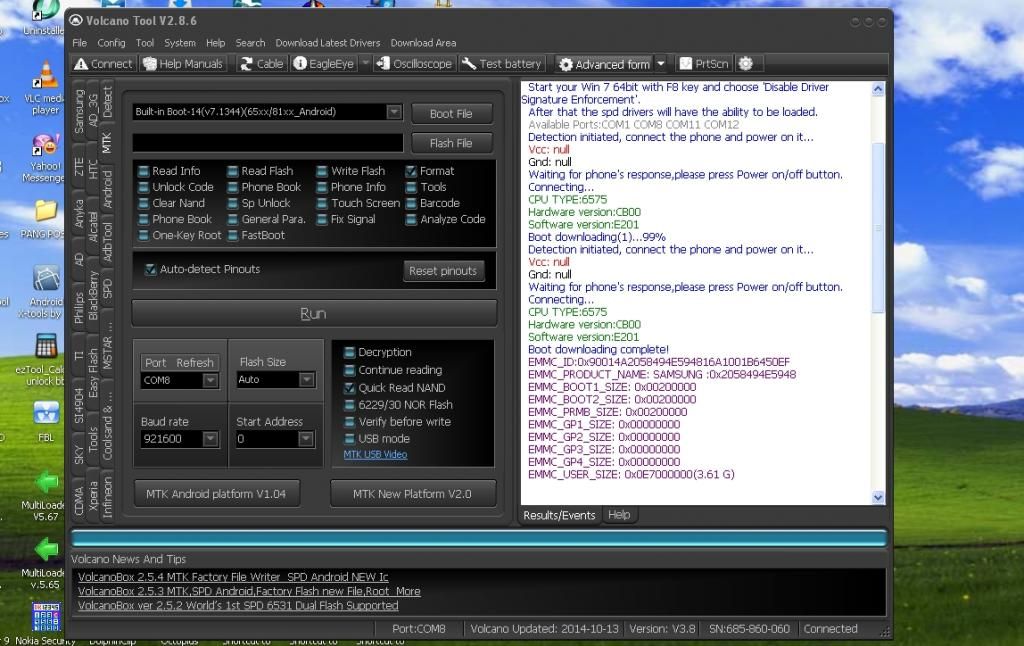
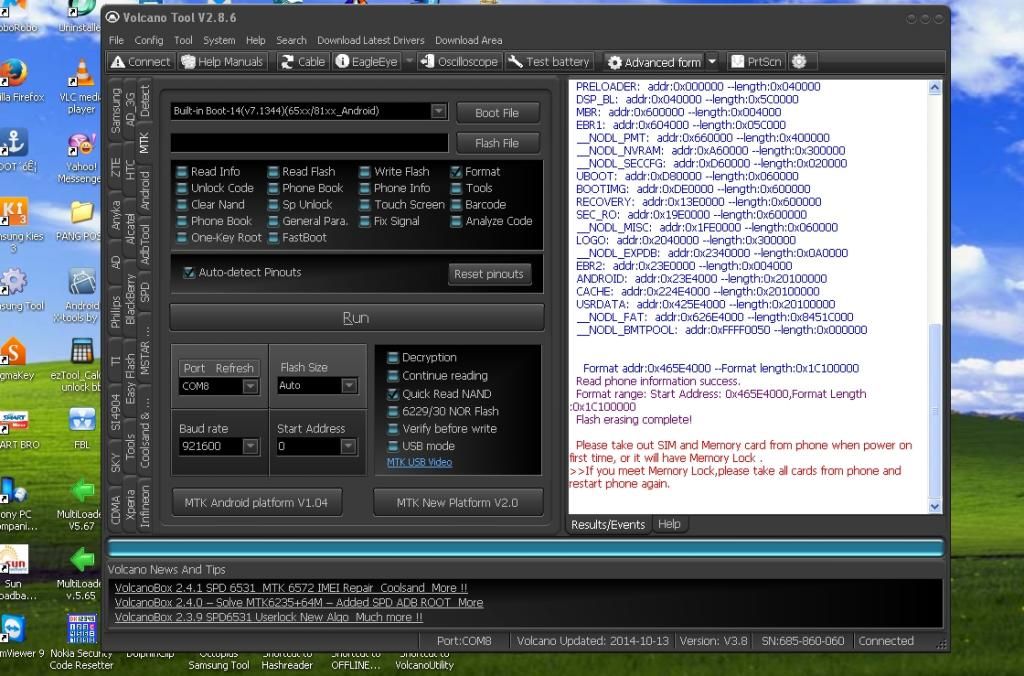
Set MANUALLY BUILT-IN BOOT v7.1324 / Check Auto-Detect Pinout / Check Format / RUN (then FOLLOW PROCEDURE ON GUI)
Just Click Auto Format (Follow procedure on GUI)
done.......................
*SOLUTION*
Disassemble the Unit Unscrew
Disable the two (2) Backup batteries
Remove Adhesive / Lock on LCD & Touch
Flip the board, then find the RX TX pinout (near USB Socket)
Connect Volcano Box Supply Positive (+) Negative (-) on battery terminal (Note: Disable 1st the backup batteries on board)
Set MANUALLY BUILT-IN BOOT v7.1324 / Check Auto-Detect Pinout / Check Format / RUN (then FOLLOW PROCEDURE ON GUI)
Just Click Auto Format (Follow procedure on GUI)
done.......................


