
Sony Xperia XZ2 SOV37 8.0 Firmware

Flash Sony Xperia Stock Rom using FlashTool
Step 1: Download and install Sony Xperia Driver on your computer. If in case Sony Xperia driver is already installed on your computer then SKIP this step
Step 2: Download and extract Sony Xperia Firmware on your computer. After extracting you will be able to see similar file (with .ftf extension):
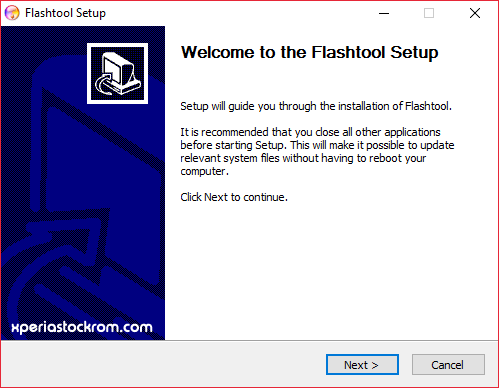
Step 3: Download and install Sony Xperia Flashtool on your computer (if you have already having the FlashTool, then there is no need to download it again).
Step 3: Download and install Sony Xperia Flashtool on your computer (if you have already having the FlashTool, then there is no need to download it again).
Step 4: Once Sony Xperia Flashtool is installed, Open it from C rive > Flashtool.
rive > Flashtool.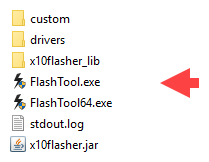
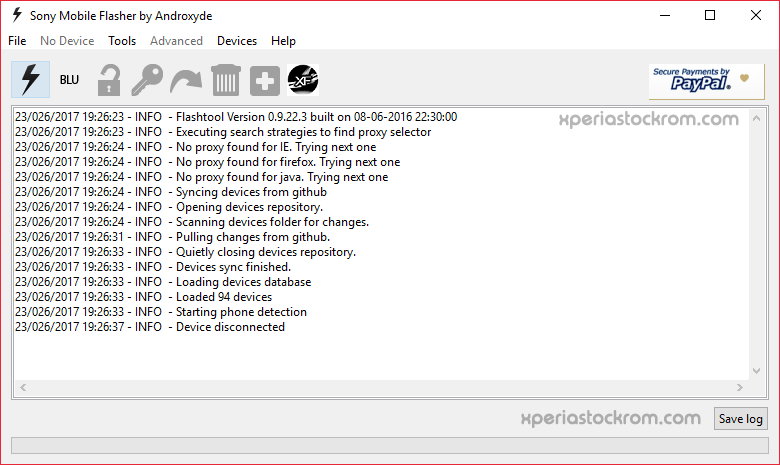
Step 5: Once Sony Xperia Flashtool is launched, you will be able to see the following screen:
firmware
mypass