
Model:
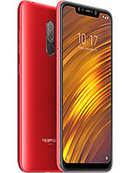
Xiaomi Pocophone F1 M1805E10A
Problem:
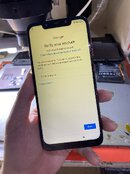
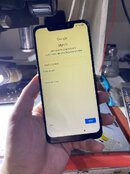
Google Account FRP
Solution:
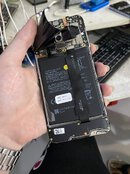
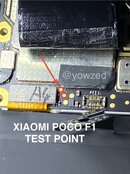
1. Open unit and get ready for test point.
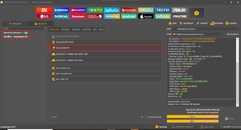
2. Open UnlockTool and go to Mi > Security search Xiaomi PocoPhone F1 and go to BROM | EDL tab then click [EDL] Erase FRP.
3. Connect test point (W/O Battery) then wait for the process to finish and you're done!
2. Open UnlockTool and go to Mi > Security search Xiaomi PocoPhone F1 and go to BROM | EDL tab then click [EDL] Erase FRP.
3. Connect test point (W/O Battery) then wait for the process to finish and you're done!
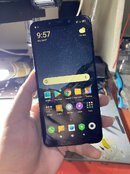
Xiaomi Pocophone F1 M1805E10A Google FRP successfully removed!
Last edited: