Unlock success konka c636 gmit advance with ve dongle
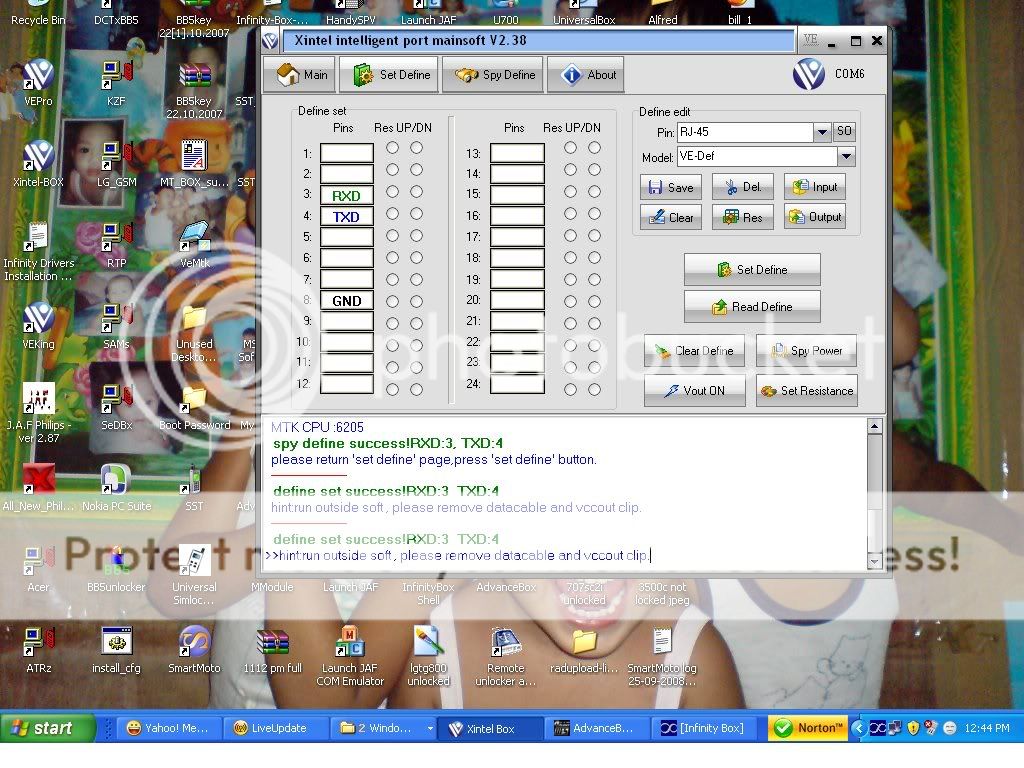
COM3 [VCP0] selected
Action: read codes
unlock method: read codes
Model: Konka C636
Checking data, wait...
Phone should be Switched OFF !
Press and HOLD Power button now !
19200 autodetect
Initializing[6205:8B00]...
CPU: MT6205
Connecting, wait...
error: can't finalize test mode
repeat operation and HOLD phone "Power" button long time !
error: operation failed !
Finished, time used: 8 sec
Remove/Install battery now !
COM16[VCP0] selected
Device: Konka C636
Checking data, wait...
advanced flash detection enabled
eeprom backup enabled, it may takes several minutes !
Action: unlock
unlock method: standard
Boot...
Press and HOLD Power button now !
19200 fixed
Connecting, wait...
Initializing[6205:8B00]...
CPU: MT6205
boot step size: 0400
Release Power button now !
Boot Done
Initialize...
detecting chip #00 in region #00...
flash: 01227E22022201:18E59F00000000
flash: Amd AMD/Fujitsu std [D 0008x002000 007Ex010000 0008x002000] 8Mb
number of flash chip/regions detected: 01/01
Initialize Done
Set baud...
460800
Set baud Done
Initialize bootcode...
Initialize bootcode Done
Check firmware integrity...
detect device identification#1...
detection phase #1...
.
detection phase #2...
................................
warning: identification#1 information not found, possible reasons:
.old firmware type w/o identification#1 data
.damaged firmware
.damaged hardware
if phone works fine just ignore this warning
detect device identification#1 finished
detect device identification#2...
detection phase #1...
.
warning: optional information not found,
if phone works well just ignore this warning
detect device identification#2 finished
Check firmware integrity Done
Check firmware content...
Check firmware content Done
Backup required data...
reading [eeprom]...
file saved: C:\Program Files\InfinityBox\MModule\backup_eeprom_20080927-123849.B0E.bin
flash: 01227E22022201:18E59F00000000
Backup required data Done
Patch required data...
detection procedure, wait...
detection procedure completed
Patch required data Done
Special operation...
detecting additional parameters...
.......
flash: 01227E22022201:18E59F00000000
flash: 01227E22022201:18E59F00000000
Write: area 0/1
.........................
additional parameters detected Ok
Special operation Done
Write...
flash: 01227E22022201:18E59F00000000
Write: eeprom
Write Done
Finalization...
Finalization Done
Finished, time used: 78 sec
Remove/Install battery now ! infinity po ang gmit ko
COM3 [VCP0] selected
Action: read codes
unlock method: read codes
Model: Konka C636
Checking data, wait...
Phone should be Switched OFF !
Press and HOLD Power button now !
19200 autodetect
Initializing[6205:8B00]...
CPU: MT6205
Connecting, wait...
error: can't finalize test mode
repeat operation and HOLD phone "Power" button long time !
error: operation failed !
Finished, time used: 8 sec
Remove/Install battery now !
COM16[VCP0] selected
Device: Konka C636
Checking data, wait...
advanced flash detection enabled
eeprom backup enabled, it may takes several minutes !
Action: unlock
unlock method: standard
Boot...
Press and HOLD Power button now !
19200 fixed
Connecting, wait...
Initializing[6205:8B00]...
CPU: MT6205
boot step size: 0400
Release Power button now !
Boot Done
Initialize...
detecting chip #00 in region #00...
flash: 01227E22022201:18E59F00000000
flash: Amd AMD/Fujitsu std [D 0008x002000 007Ex010000 0008x002000] 8Mb
number of flash chip/regions detected: 01/01
Initialize Done
Set baud...
460800
Set baud Done
Initialize bootcode...
Initialize bootcode Done
Check firmware integrity...
detect device identification#1...
detection phase #1...
.
detection phase #2...
................................
warning: identification#1 information not found, possible reasons:
.old firmware type w/o identification#1 data
.damaged firmware
.damaged hardware
if phone works fine just ignore this warning
detect device identification#1 finished
detect device identification#2...
detection phase #1...
.
warning: optional information not found,
if phone works well just ignore this warning
detect device identification#2 finished
Check firmware integrity Done
Check firmware content...
Check firmware content Done
Backup required data...
reading [eeprom]...
file saved: C:\Program Files\InfinityBox\MModule\backup_eeprom_20080927-123849.B0E.bin
flash: 01227E22022201:18E59F00000000
Backup required data Done
Patch required data...
detection procedure, wait...
detection procedure completed
Patch required data Done
Special operation...
detecting additional parameters...
.......
flash: 01227E22022201:18E59F00000000
flash: 01227E22022201:18E59F00000000
Write: area 0/1
.........................
additional parameters detected Ok
Special operation Done
Write...
flash: 01227E22022201:18E59F00000000
Write: eeprom
Write Done
Finalization...
Finalization Done
Finished, time used: 78 sec
Remove/Install battery now ! infinity po ang gmit ko
Last edited by a moderator: