
- Joined
- Jan 23, 2016
- Messages
- 2,192
- Reaction score
- 148
- Points
- 381
- Location
- City of San Fernando pampanga
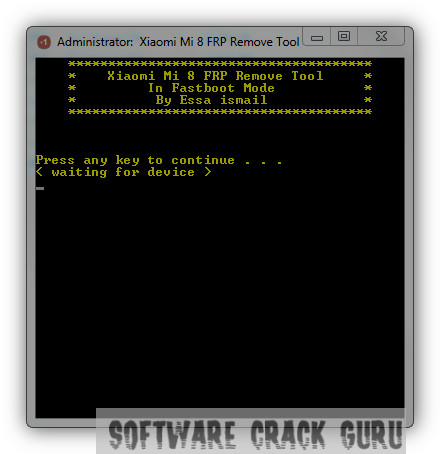
Features:-
- Removed FRP Lock in one click only
- Removed FRP Lock Without short test point
- Removed FRP Lock without any Deep cable
- Main Features is this tool is working on FASTBOOT Mode.
- First Download Tool From Below Link
- Now Open Tool With Winrar and extract on desktop
- Now Run Xiaomi Mi 8 Frp Tool.exe file with admin mode.
- Now Connect your mobile in fastboot mode with press volume down button and power button.
- if fastboot mode is showing on your mobile screen connect your mobile in pc.
- if Driver is not installed Download From Here (Fastboot Drivers)
- Drivers is installed successfully now follow your computer screen and remove FRP Lock From your Mi8 Mobile.
use tats for pass


