
ZTE Liquid Z5
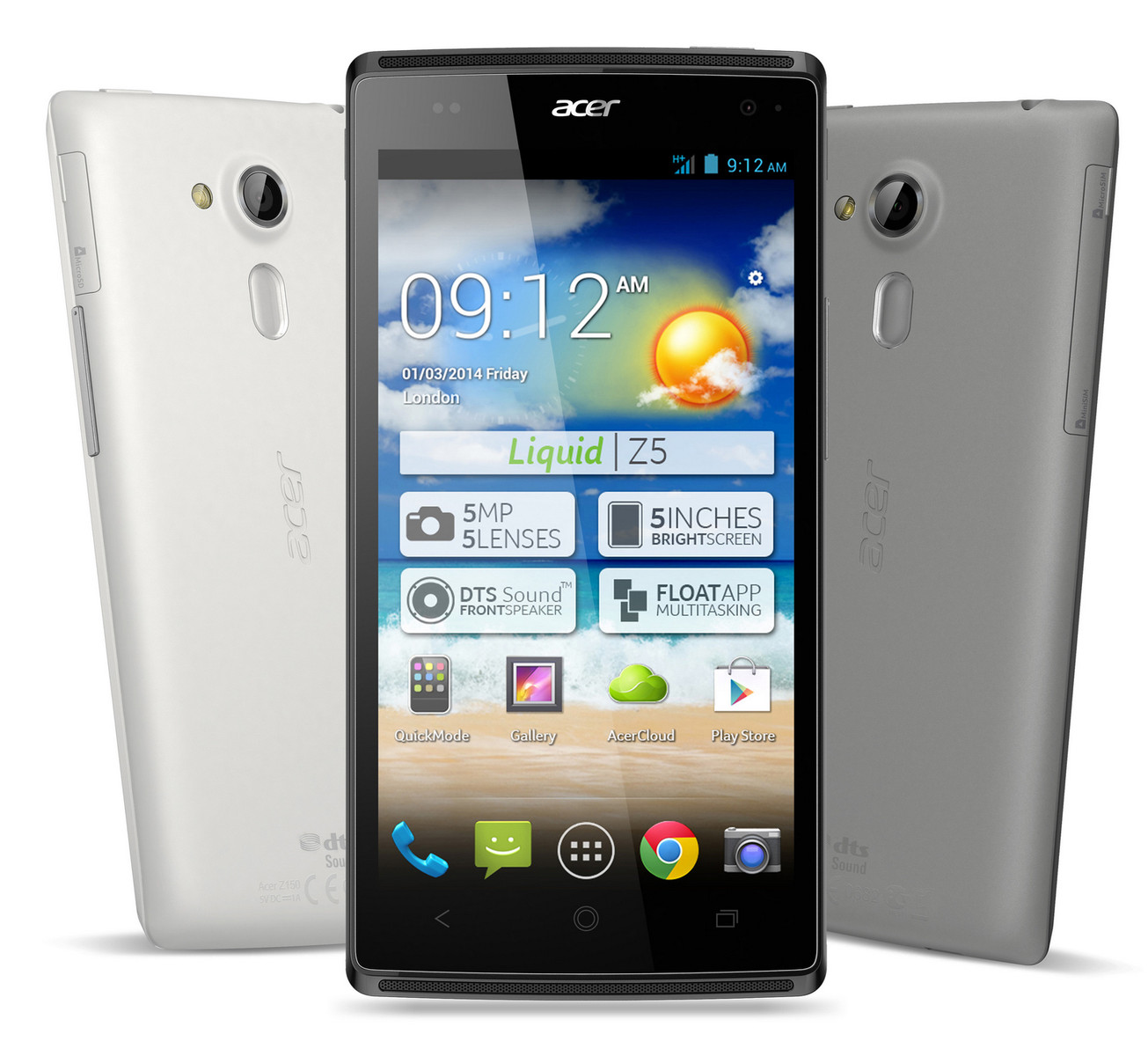
Acer_Liquid_Z5_02222012_4.2.2_OTA
HERE THE FIRMWARE
password protected
use triangle for pass
How to Flash
Acer_Liquid_Z5_02222012_4.2.2_OTA
HERE THE FIRMWARE
password protected
use triangle for pass
How to Flash
- For you to flash you will need your stock recovery.
- Download the firmware to your PC or phone and extract the zip file.
- Inside the zip file, there is another zip file for the firmware.
- Rename the firmware to update.zip or just leave it the way it is.
- Copy the downloaded firmware to the root of your SD card.
- Boot to recovery by powering it off.

Last edited by a moderator:
