ZTE MF180 Smart lock Unlock Done[Reference]
Problem: ZTE MF180 locked to SMART
Solution: Openline
Procedures:
1. Connect modem to pc
2. be sure that no other modem is inserted
3. Install modem software
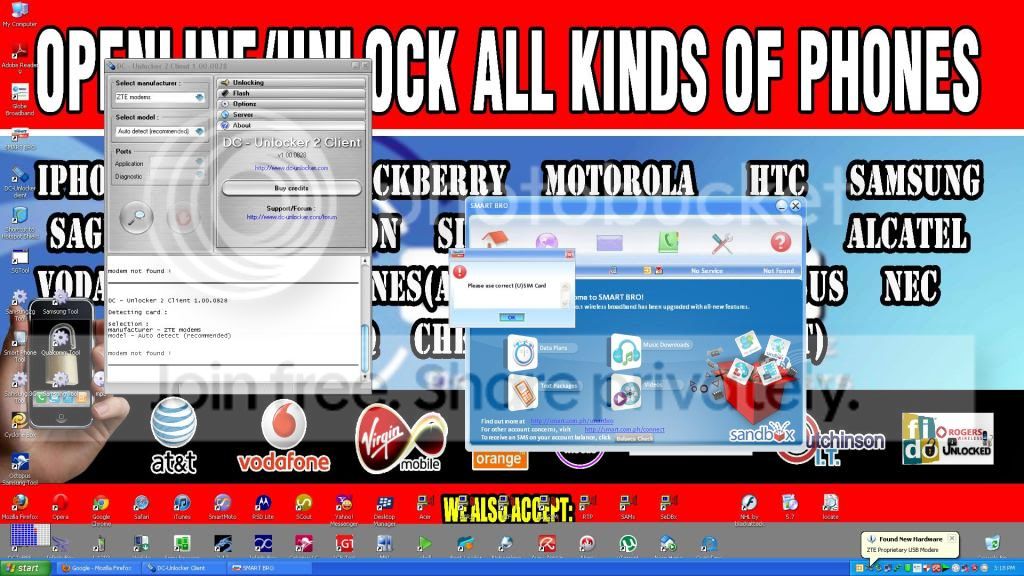
4. Insert non-accepted sim and wait until the ZTE dashboard will appear and display insert correct USIM
5. insert DC unlocker dongle
6. Scan for device
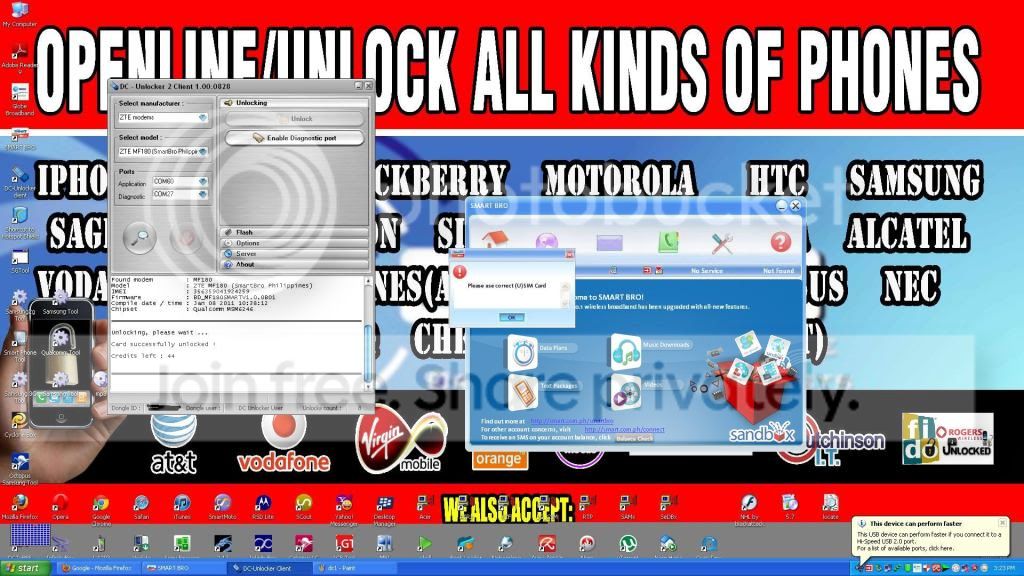
7. tick unlock and wait until it finish
8. Done
unlock w/ no credits consume for dongle user
Solution: Openline
Procedures:
1. Connect modem to pc
2. be sure that no other modem is inserted
3. Install modem software
4. Insert non-accepted sim and wait until the ZTE dashboard will appear and display insert correct USIM
5. insert DC unlocker dongle
6. Scan for device
7. tick unlock and wait until it finish
8. Done
unlock w/ no credits consume for dongle user