
You are using an out of date browser. It may not display this or other websites correctly.
You should upgrade or use an alternative browser.
You should upgrade or use an alternative browser.
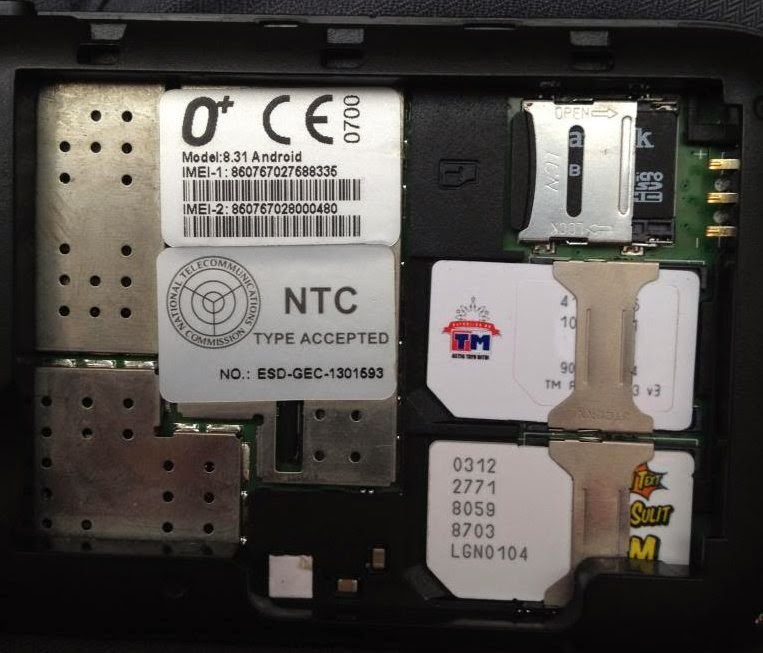
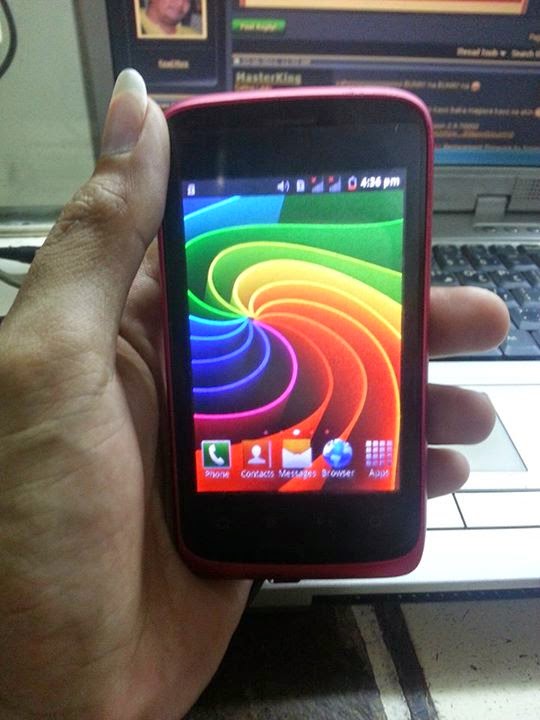
O+ 8.31 Android 'Hang - Done in Flashing..
- Thread starter MANSTERCELL
- Start date


NET25
Registered
congrats sir at salamat sa frimware.......

salamat po sa pag share bossing pwede po ba pa complete ng procedure
para mas madali masundan at di mag kamali gaya po ng baguhan na tulad ko
salamat
e2 po ang Procedure.

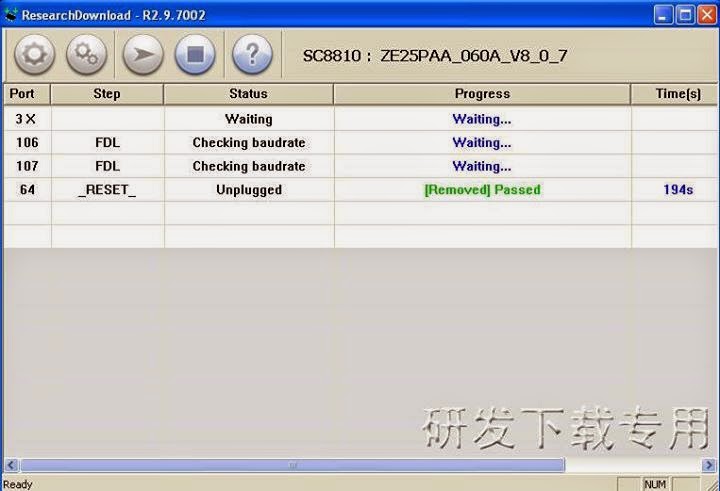
* Open Research Download Tool.
* Load pac File.(Click the first gear button. This will open up a browse menu
and locate your pac file.
* Once the rom is loaded you can see it at the top on tool.
* Click PLAY button..nOw,Connect your Smartphone to your Computer using USB cable (Before you connect your device into the computer.Turn off your phone,remove the battery then put it back.& Hold Volume DOWN key to easily detect your device.)
* Flashing is Completed,(shown on bar PASSED).
up ko lang po wala kang stock firmware nito dami kasing nawala na hinahanap ng may ari...
wala pa po sir..e2 pa palang ang tested ko
boss anung tool yan???
Research Download po.


-=iLink_613=-
Registered
- Joined
- Jun 12, 2014
- Messages
- 19
- Reaction score
- 1
- Points
- 1
up ko lng to bkit sakin hindi gana puro waiting lng nakalgay tpos mag reremove.. other idea pra ma fix ito thanks
sundan ng maayos to boss
Code:
e2 po ang Procedure.

* Open Research Download Tool.
* Load pac File.(Click the first gear button. This will open up a browse menu
and locate your pac file.
* Once the rom is loaded you can see it at the top on tool.
* Click PLAY button..nOw,Connect your Smartphone to your Computer using USB cable (Before you connect your device into the computer.Turn off your phone,remove the battery then put it back.& Hold Volume DOWN key to easily detect your device.)
* Flashing is Completed,(shown on bar PASSED).
limpo098
Registered
- Joined
- Mar 12, 2016
- Messages
- 48
- Reaction score
- 1
- Points
- 1
sundan ng maayos to boss
Code:e2 po ang Procedure. * Open Research Download Tool. * Load pac File.(Click the first gear button. This will open up a browse menu and locate your pac file. * Once the rom is loaded you can see it at the top on tool. * Click PLAY button..nOw,Connect your Smartphone to your Computer using USB cable (Before you connect your device into the computer.Turn off your phone,remove the battery then put it back.& Hold Volume DOWN key to easily detect your device.) * Flashing is Completed,(shown on bar PASSED).
yan ang ginawa ko kaso ayaw eh nag change usb cable na ako ganun pa rin... bkit kaya ganun babasahin ung device tapos biglang mawawala kaya nalabas remove (waiting)


RedFox
Moderator

jhun.lagda
Registered
- Joined
- Mar 18, 2015
- Messages
- 172
- Reaction score
- 0
- Points
- 1
boss salamat po sa pagshare

Atheana14
Registered
:clap:clap:clap tested po na try ko na po sa costmer q ngaun tnx bro !!!!

moxyme
Registered
good job boss

Who read this thread
(Total readers: 0)
No registered users viewing this thread.