
PROCEDURE:
1.Open Piranha Box Crack By DzCraXx
2.Tick Ok
3.Chinise Tools
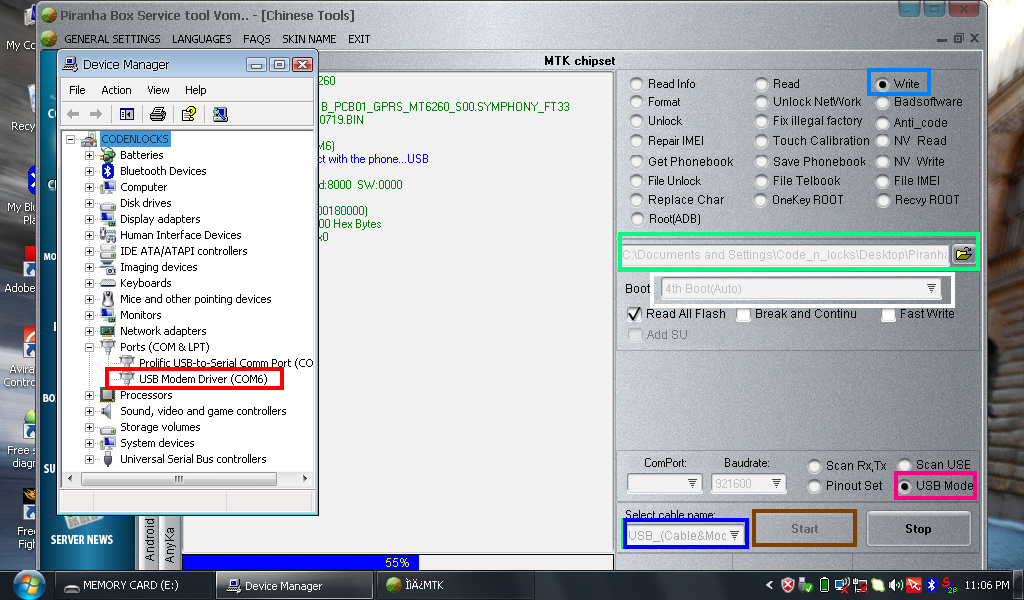
4.Tick Write
5.Tick Open Files(For The Exact Phone Firmware)
6.Tick 4th Auto Boot
7.Usb Mode
8.select Cable Name (Usb Cable & Mode)
9.Tick Start (Then Insert Usb Micro Cable & Battery Wait Until Wizard Detect And Find The Driver Suitable For The Phone.Located At The Piranha Folder.
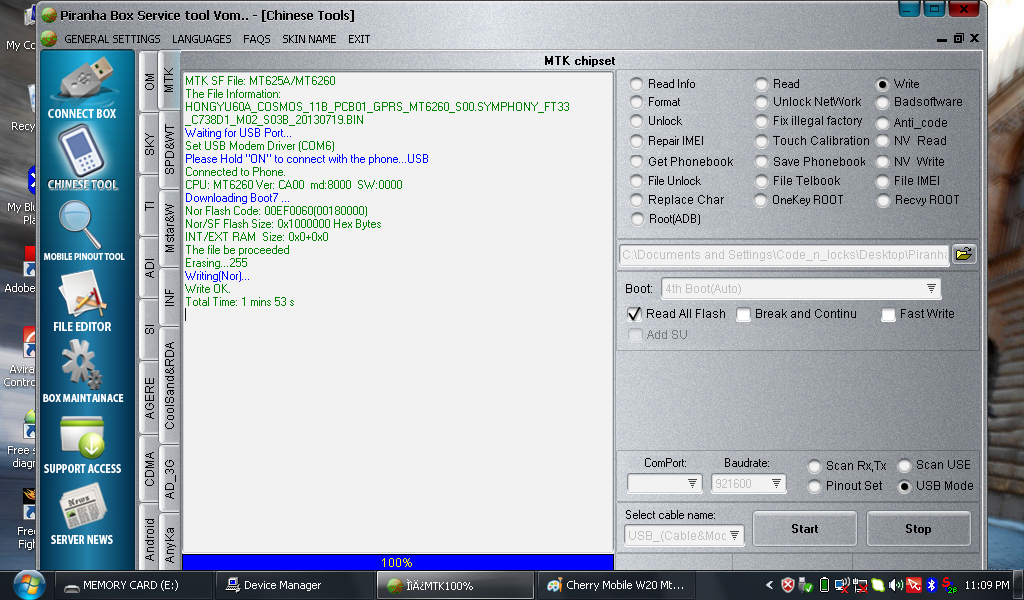
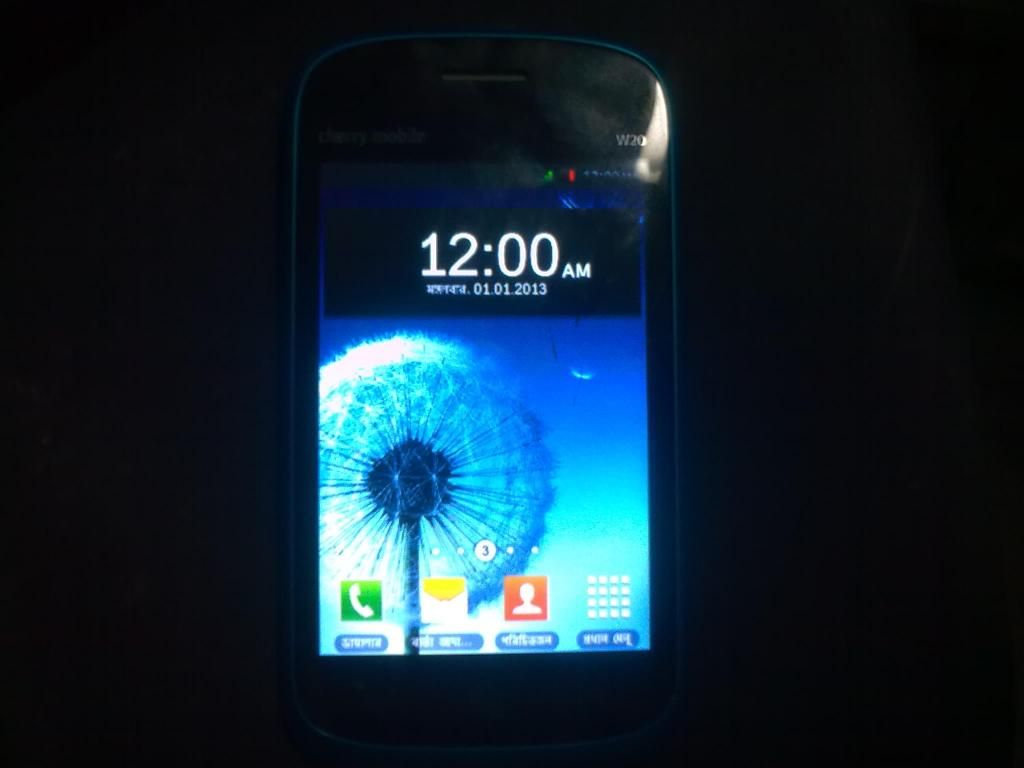
DONE:
TAKE NOTE:
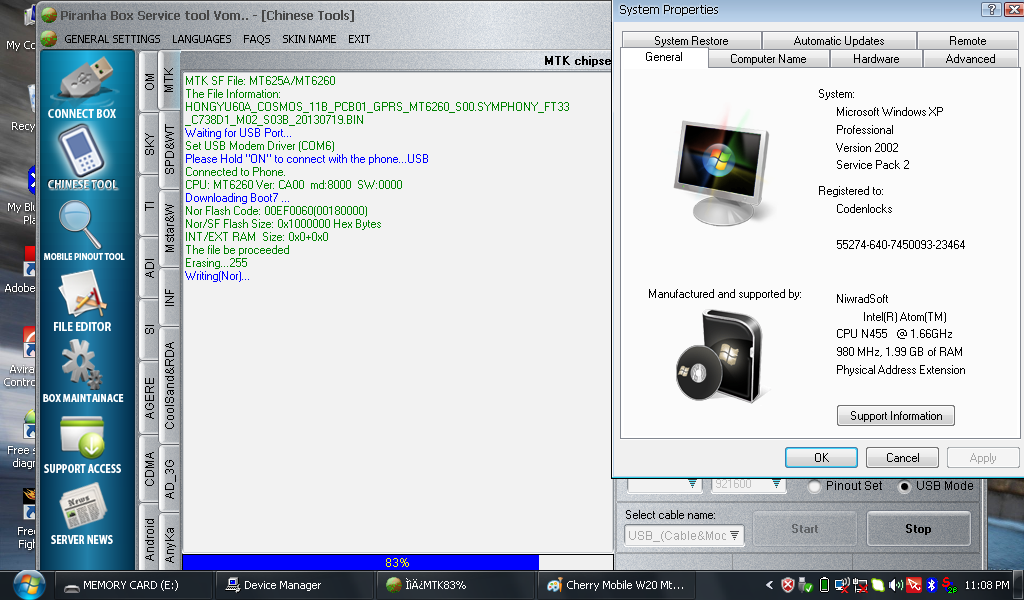
If Not Recognized In Windows 7 Try To Windows Xp Sp2....:=+:

1.Open Piranha Box Crack By DzCraXx
2.Tick Ok
3.Chinise Tools
4.Tick Write
5.Tick Open Files(For The Exact Phone Firmware)
6.Tick 4th Auto Boot
7.Usb Mode
8.select Cable Name (Usb Cable & Mode)
9.Tick Start (Then Insert Usb Micro Cable & Battery Wait Until Wizard Detect And Find The Driver Suitable For The Phone.Located At The Piranha Folder.

DONE:


TAKE NOTE:
If Not Recognized In Windows 7 Try To Windows Xp Sp2....:=+:


 salamat


