
share ko lang baka makatulong
CTTO
To easily use the dr.fone software to unlock your phone easily and without any hassle follow this simple steps:
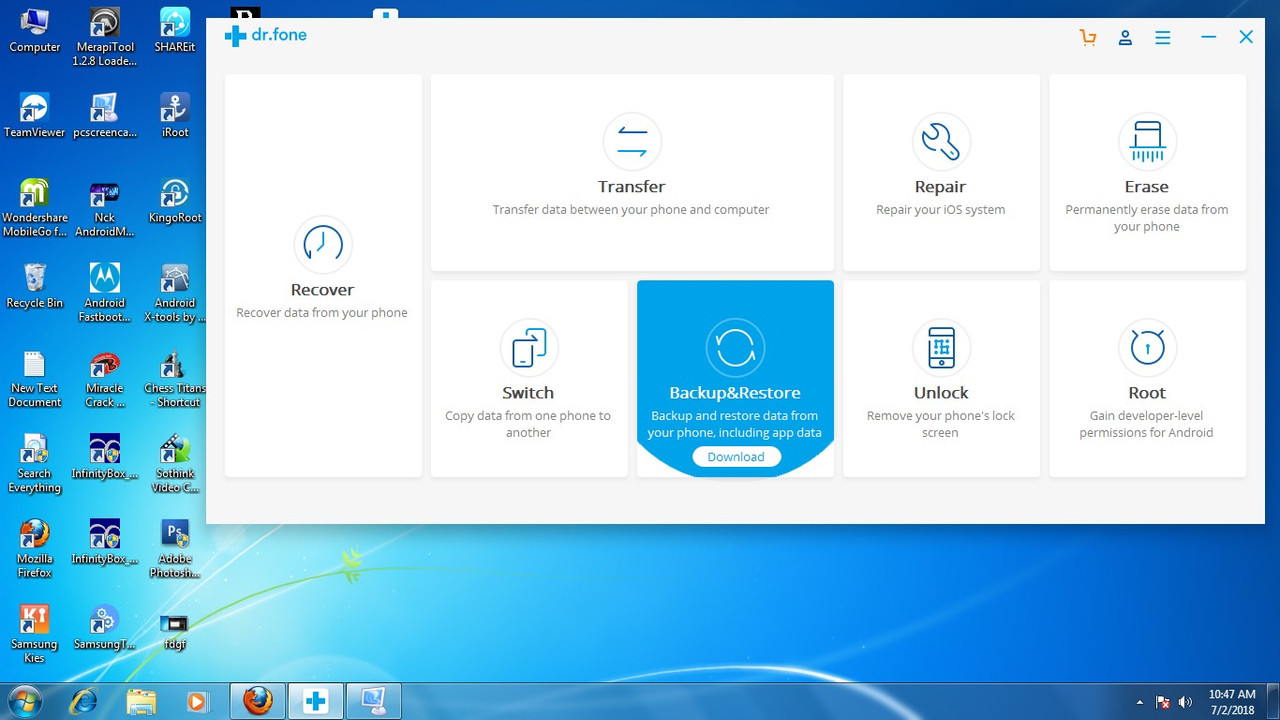
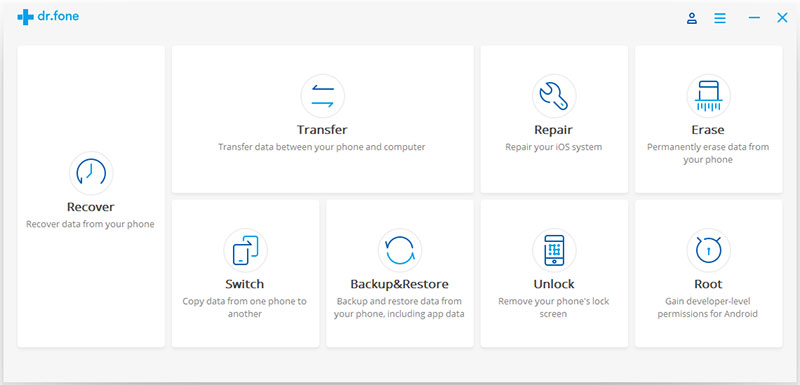
Step 1. Launch the dr.fone - Unlock (Android) software
This is the starting point of unlocking your phone. First connect your phone to a computer, get to the wondershare’s website and launch the launch the program. Once this is done head to the more tools section of the software and select the ‘Unlock’ feature.
Step 2. Download the recovery package
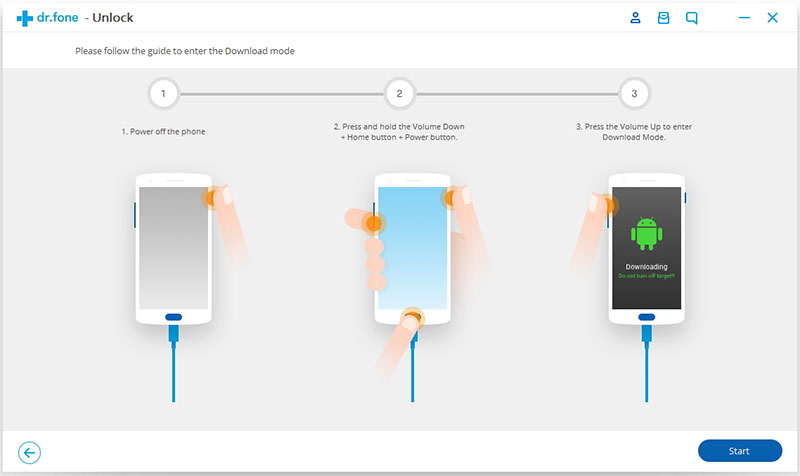
This is the next step to unlocking your Samsung phone’s screen. To do this you start by powering off your android phone, then you press and hold the following three buttons simultaneously: home button, power button and volume down button. To start the download you then press the ‘Volume Up’ button. Now you phone will start to download the recovery package. Don’t do anything until you are certain that the download is complete.
Step 3. Remove the lock screen
Once the download is complete the dr.fone software will start working to remove the screen unlock on your phone. Wait until the process is done and you can now access your Samsung smart phone without using a password or pattern.
HERES THE FILE PASS PROTECTED https://www.4shared.com/rar/ka7BHT-ngm/drfone_setup_full3360.html
CTTO
To easily use the dr.fone software to unlock your phone easily and without any hassle follow this simple steps:
Step 1. Launch the dr.fone - Unlock (Android) software
This is the starting point of unlocking your phone. First connect your phone to a computer, get to the wondershare’s website and launch the launch the program. Once this is done head to the more tools section of the software and select the ‘Unlock’ feature.
Step 2. Download the recovery package
This is the next step to unlocking your Samsung phone’s screen. To do this you start by powering off your android phone, then you press and hold the following three buttons simultaneously: home button, power button and volume down button. To start the download you then press the ‘Volume Up’ button. Now you phone will start to download the recovery package. Don’t do anything until you are certain that the download is complete.
Step 3. Remove the lock screen
Once the download is complete the dr.fone software will start working to remove the screen unlock on your phone. Wait until the process is done and you can now access your Samsung smart phone without using a password or pattern.
HERES THE FILE PASS PROTECTED https://www.4shared.com/rar/ka7BHT-ngm/drfone_setup_full3360.html


