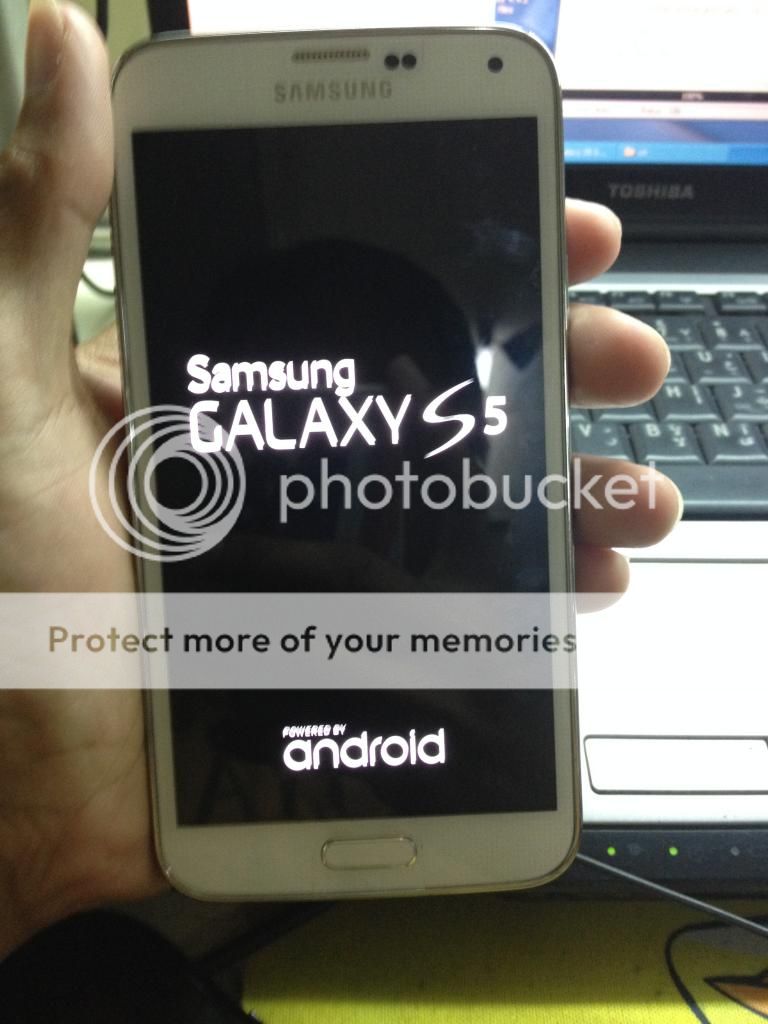
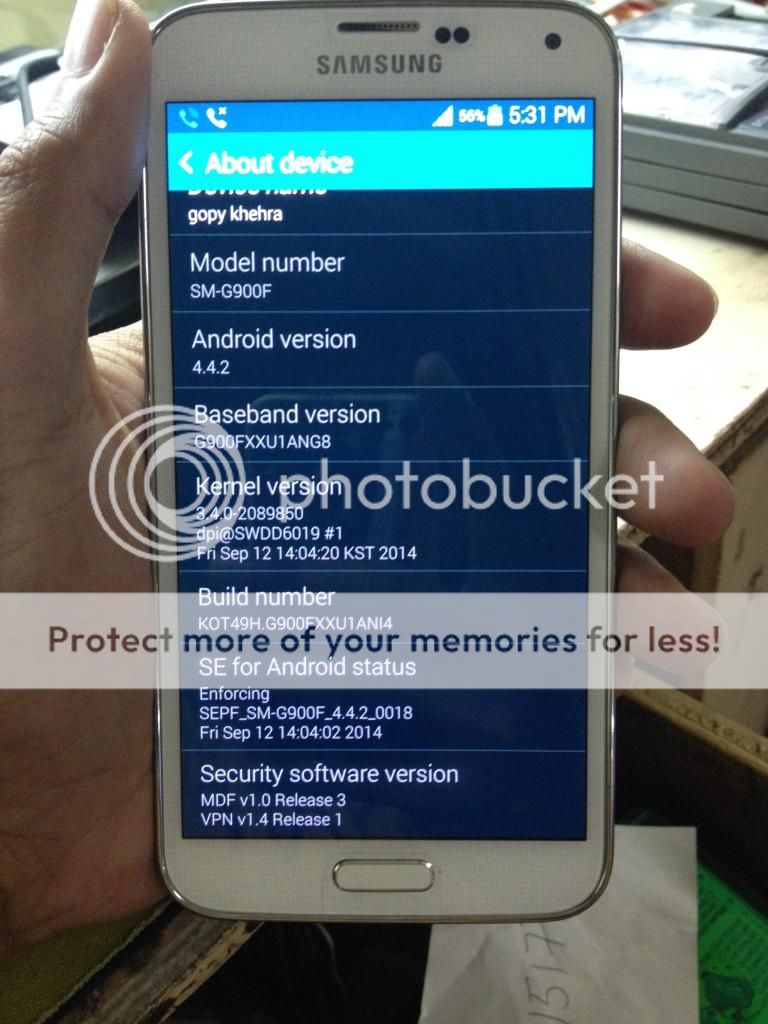
Samsung Galaxy S5 SM-G900F
Android version 4.4.2
Status: Lock in Globe
Procedure:
1 ) rooting Download Files Here.
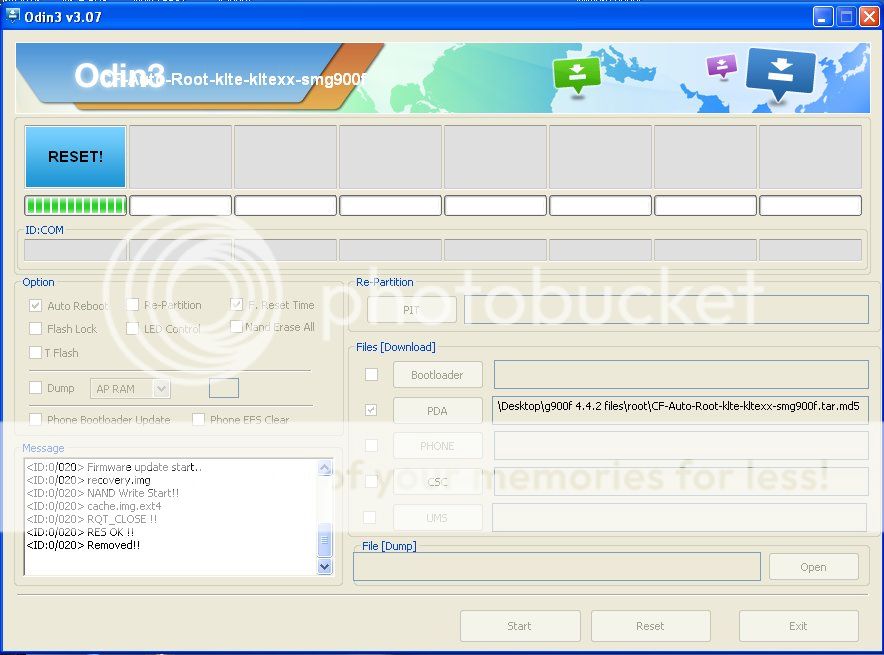
Put the phone into Download mode & Open Odin3-v3.07 click PDA then put the root file.
Click Start.
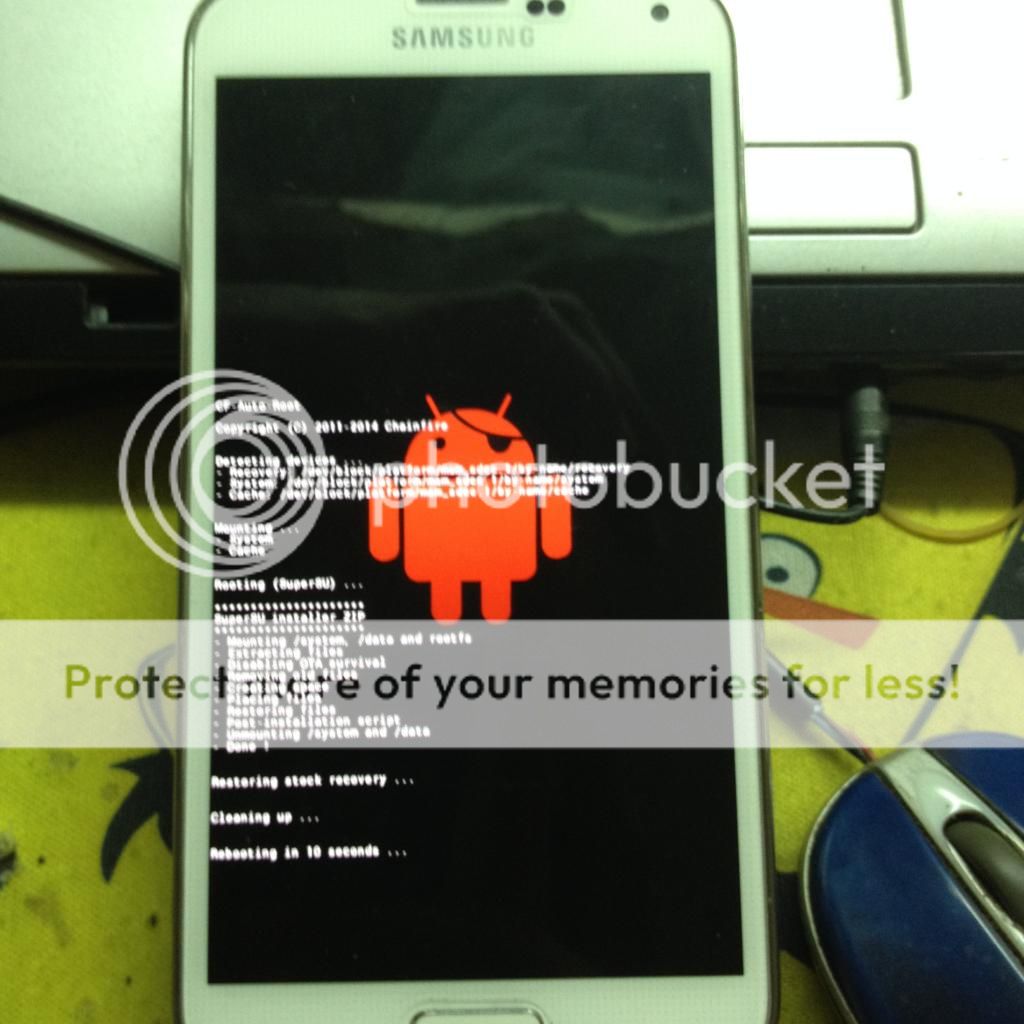
After rooting..
2 ) Dial *#0808# then choose dm+modem+adb then reboot.
go to setting and Enable USB Debugging.
3 ) Open z3x Samsung Tool v18.5 & choose correct USB Serial Port.
4 ) Click Wipe EFS
5 ) & Write Cert (Cert-SM-G900F_352558067456401_00000000000.cert)
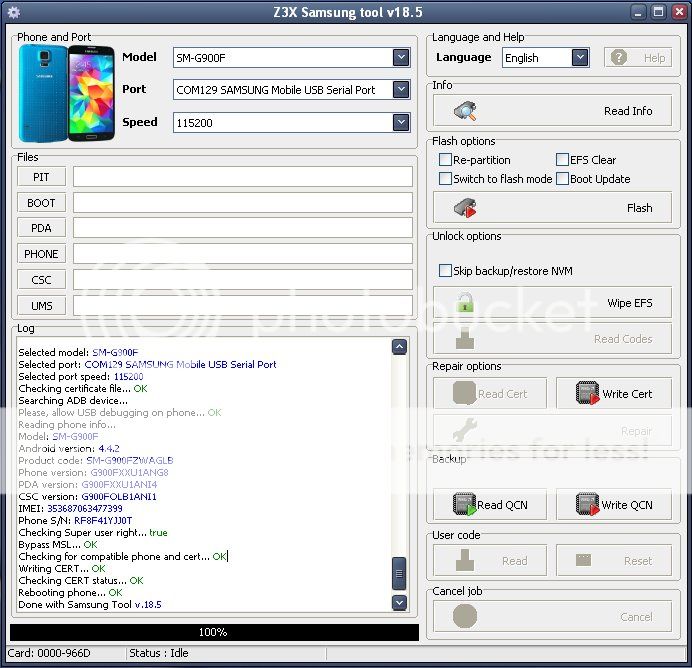
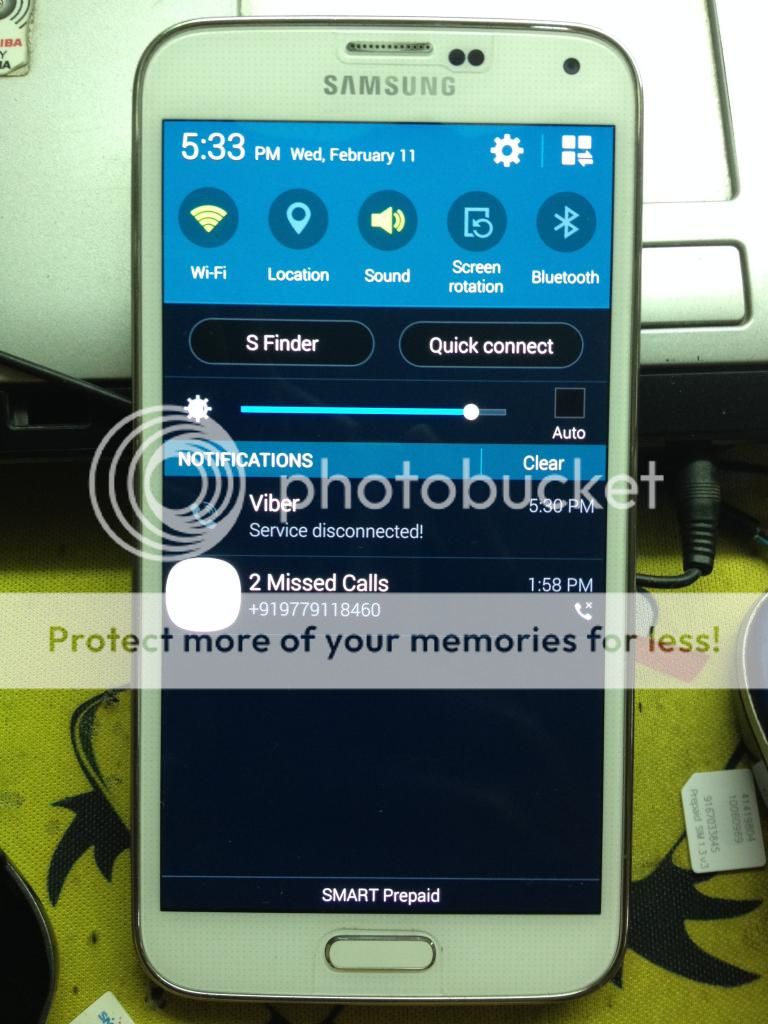
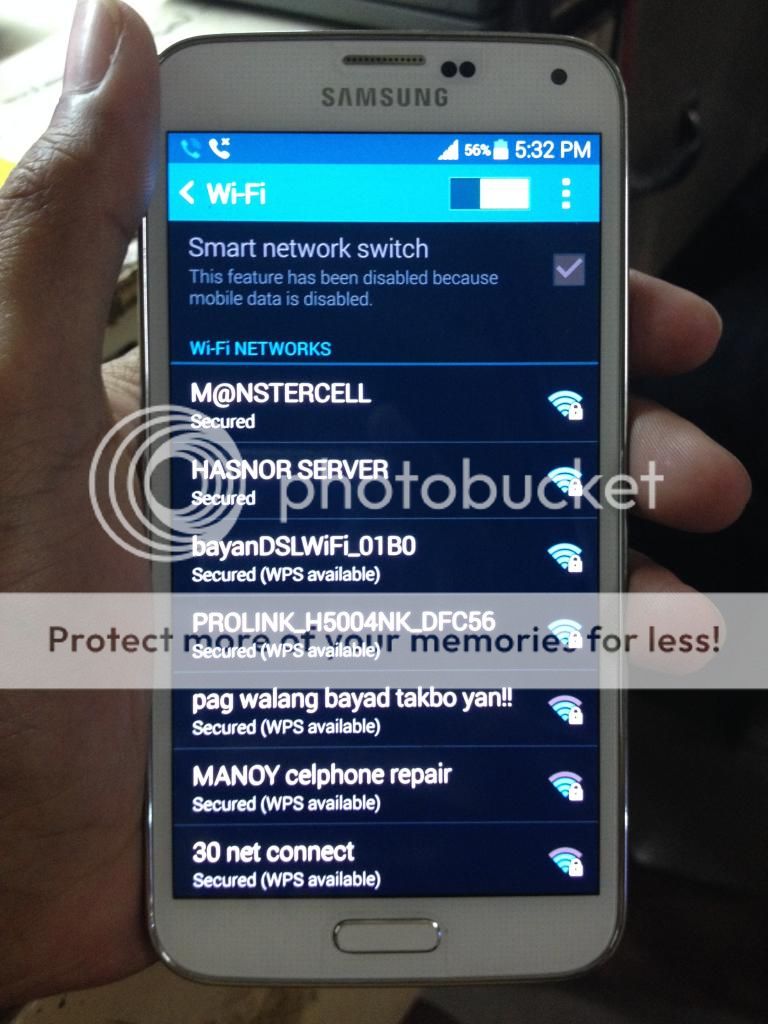
6 ) Unlock Done!
Android version 4.4.2
Status: Lock in Globe
Procedure:
1 ) rooting Download Files Here.
Put the phone into Download mode & Open Odin3-v3.07 click PDA then put the root file.
Click Start.
After rooting..
2 ) Dial *#0808# then choose dm+modem+adb then reboot.
go to setting and Enable USB Debugging.
3 ) Open z3x Samsung Tool v18.5 & choose correct USB Serial Port.
4 ) Click Wipe EFS
5 ) & Write Cert (Cert-SM-G900F_352558067456401_00000000000.cert)
Selected model: SM-G900F Selected port: COM129 SAMSUNG Mobile USB Serial Port Selected port speed: 115200 Searching Samsung modem... detected COM130 Reading phone info... Software version: G900FXXU1ANI4/G900FOLB1ANI1/G900FXXU1ANG8/G900FXXU1ANI4 IMEI: 353687063477399 Product code: Done with Samsung Tool v.18.5 Selected model: SM-G900F Selected port: COM129 SAMSUNG Mobile USB Serial Port Selected port speed: 115200 Searching ADB device... Please, allow USB debugging on phone... Please, allow USB debugging on phone... Please, allow USB debugging on phone... OK Reading phone info... Model: SM-G900F Android version: 4.4.2 Product code: SM-G900FZWAGLB Phone version: G900FXXU1ANG8 PDA version: G900FXXU1ANI4 CSC version: G900FOLB1ANI1 IMEI: 353687063477399 Phone S/N: RF8F41YJJ0T Checking Super user right... true Backuping MMCBLK... OK Checking phone at COM129 Detected ID: 00000FF3 (MSM8974) SW Version: MPSS.DI.2.0.1.c2-00064-M8974AAAAANRZM-1 Reading ESN... OK Backuping RFNV... OK Backuping Feature Mask... OK Backuping NV Item... OK Backuping NV Item SIM1... OK Backuping NV Item SIM2... OK Backuping Provisioning Item Files... OK Writing data to phone... OK Rebooting phone... OK Waiting phone... Please, allow USB debugging on phone... OK Reading QCN file... OK Checking phone at COM129 Detected ID: 00000FF3 (MSM8974) SW Version: MPSS.DI.2.0.1.c2-00064-M8974AAAAANRZM-1 Checking paths... OK Restoring EFS Backup... OK Restoring NV Items... OK Restoring NV Item SIM1... OK Restoring NV Item SIM2... OK Restoring Provisioning Item Files... OK Done with Samsung Tool v.18.5 Selected model: SM-G900F Selected port: COM129 SAMSUNG Mobile USB Serial Port Selected port speed: 115200 Searching Samsung modem... detected COM130 Reading phone info... Software version: G900FXXU1ANI4/G900FOLB1ANI1/G900FXXU1ANG8/G900FXXU1ANI4 IMEI: 353687063477399 Product code: Done with Samsung Tool v.18.5 Selected model: SM-G900F Selected port: COM129 SAMSUNG Mobile USB Serial Port Selected port speed: 115200 Checking certificate file... OK Searching ADB device... Please, allow USB debugging on phone... OK Reading phone info... Model: SM-G900F Android version: 4.4.2 Product code: SM-G900FZWAGLB Phone version: G900FXXU1ANG8 PDA version: G900FXXU1ANI4 CSC version: G900FOLB1ANI1 IMEI: 353687063477399 Phone S/N: RF8F41YJJ0T Checking Super user right... true Bypass MSL... OK Checking for compatible phone and cert... OK Writing CERT... OK Checking CERT status... OK Rebooting phone... OK Done with Samsung Tool v.18.5
6 ) Unlock Done!


