5130xm white screen done...
Unit: 5130xm white screen
Tools:
Procedure:
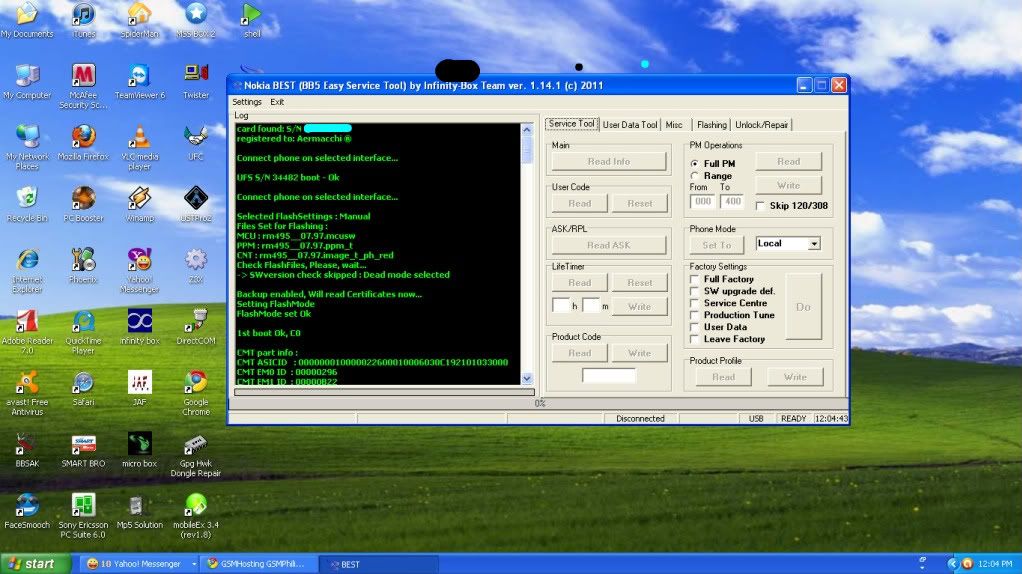
Unit: 5130xm white screen
Tools:
- Infinity Best Dongle
- Usb Cable (CA-101)
Procedure:
- Open Best GUI
- tick settings
- tick connection settings
- select usb
- then select flashing tab
- select model (RM-495)
- then tick dead mode
- then tick flash