
ACER A1-734 PASSCODE + FRP RESET
PROCEDURES:
Platform: ACER
Selected model: A1-734
Please, power phone OFF, press and hold "Vol-" button and connect USB cable.
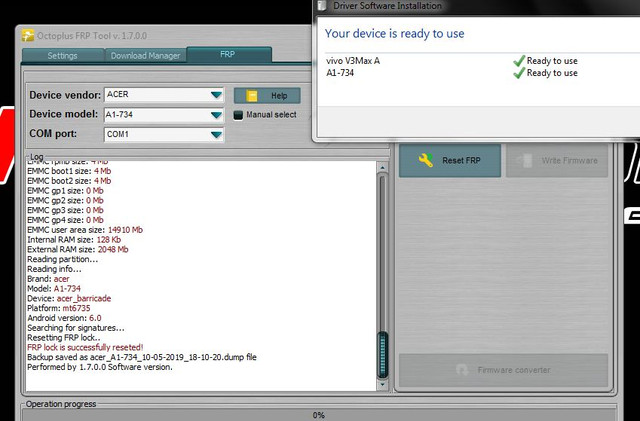
PROCEDURES:
Platform: ACER
Selected model: A1-734
Please, power phone OFF, press and hold "Vol-" button and connect USB cable.