Tools:
NckBox Activated
Micro USB (5130c)
Procedure:
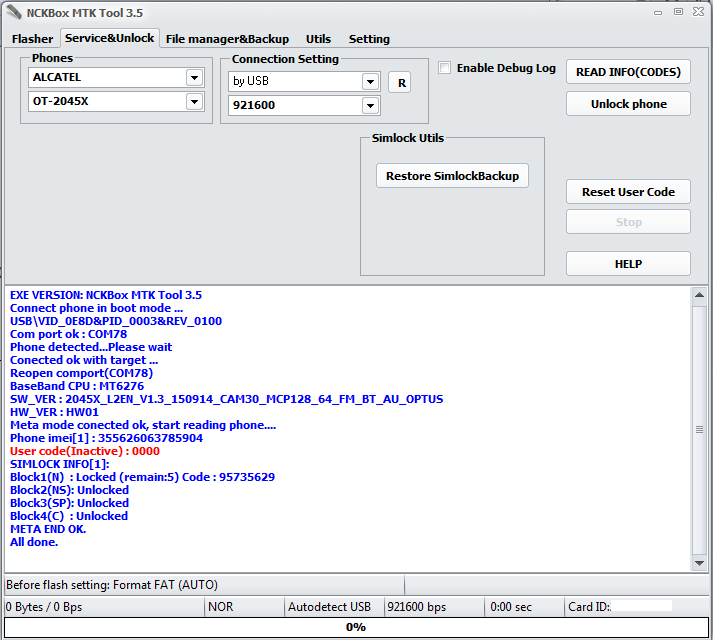
Open NCK Box Generic MTK Module v3.5
Click Service Unlock
Select Brand Model
in Connection Settings select by USB
then click Read Codes
Power Off the Phone
HOLD * and Insert USB Cable
Install driver (if needed)
Wait Until Finish
If Codes is Ready
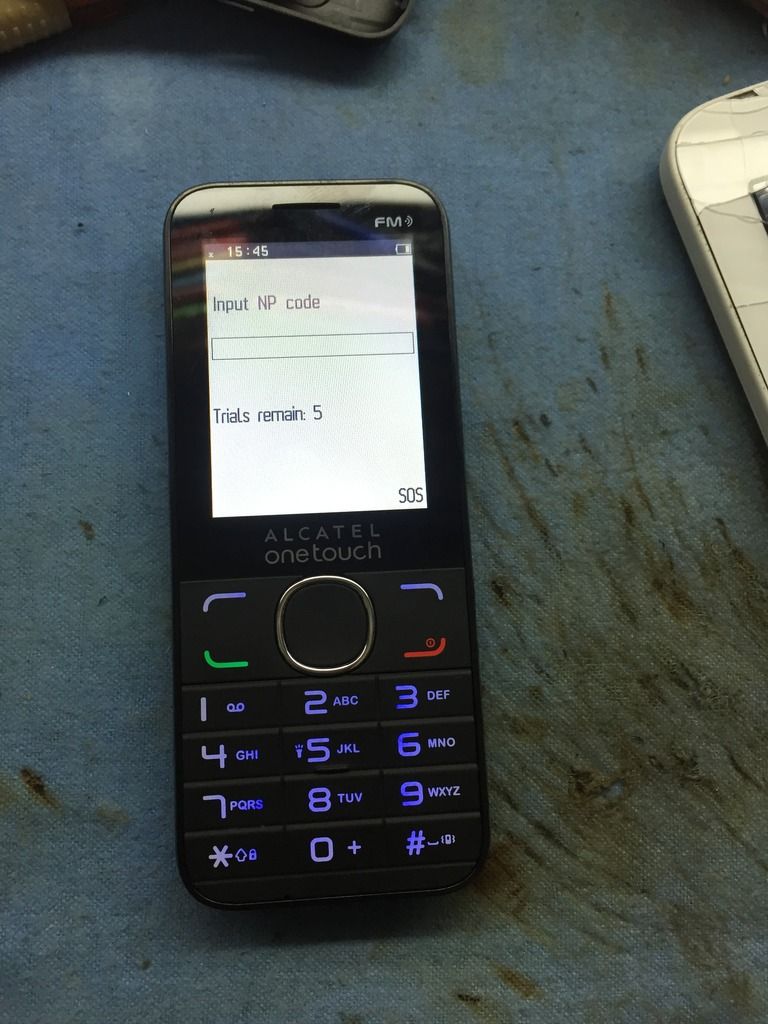
Put Local Sim to phone then power On
Put the NCK Codes
All Done
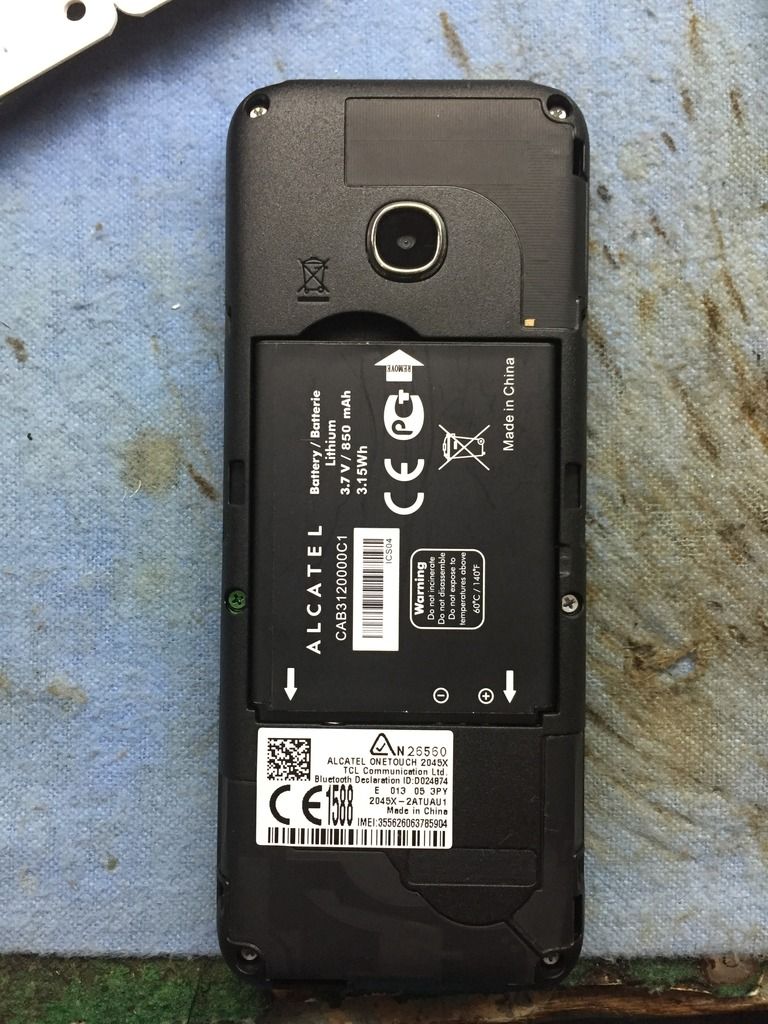
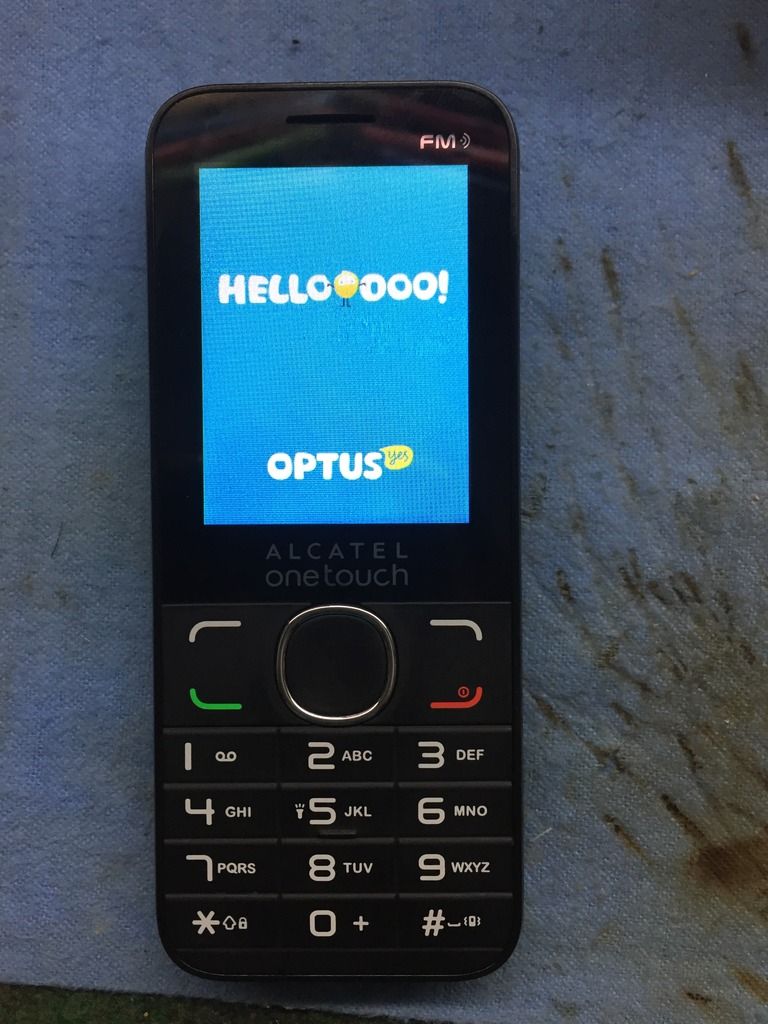
ScreenShot
NckBox Activated
Micro USB (5130c)
Procedure:
Open NCK Box Generic MTK Module v3.5
Click Service Unlock
Select Brand Model
in Connection Settings select by USB
then click Read Codes
Power Off the Phone
HOLD * and Insert USB Cable
Install driver (if needed)
Wait Until Finish
If Codes is Ready
Put Local Sim to phone then power On
Put the NCK Codes
All Done
ScreenShot