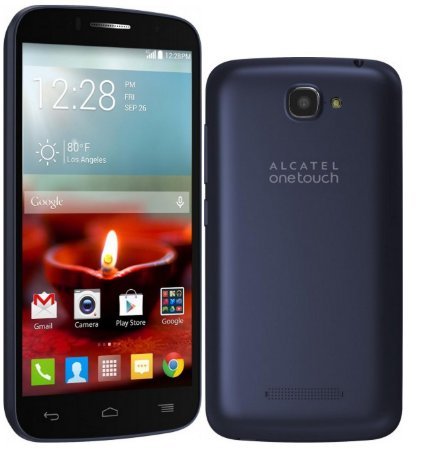
Alcatel OneTouch Fierce 7040N Firmware
Flash Stock Rom using Smart Phone Flash Tool (SP Flash Tool)
Step 1: Download and install Android Usb Driver on your computer. In case Android Usb Drivers are already installed on your computer then skip this step.

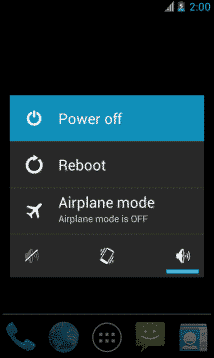
Step 2: Power Off your Android Smartphone and Removed the Battery (if it is removable).
Step 3: Download the stock rom or custom rom that you want to flash on your android smartphone and extract it on your computer.

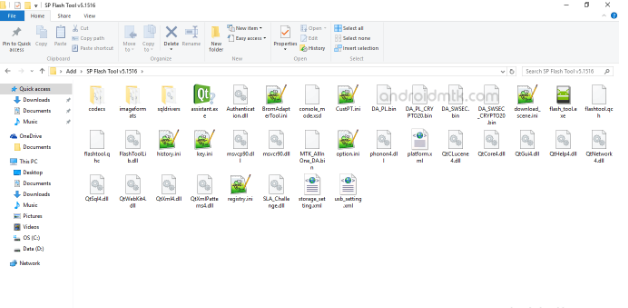
Step 4: Download and extract smart phone flash tool on you computer. After extracting you will be able to see the following files:
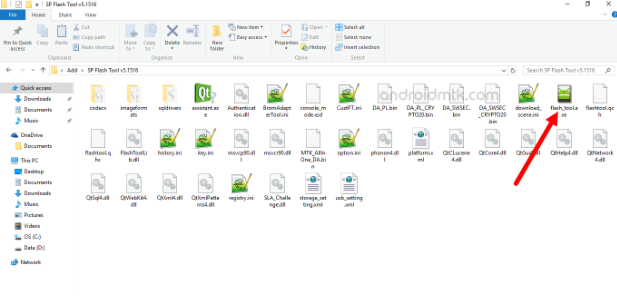
Step 5: Now open flash_tool.exe (You will find this from the extracted files in step #4).
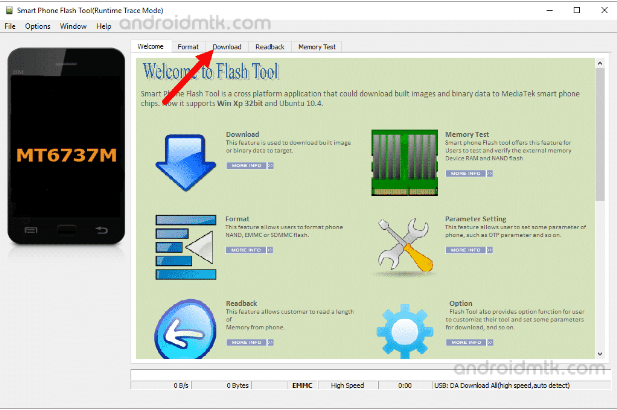
Step 6: Once smart phone flash tool is launched, click on the download tab.
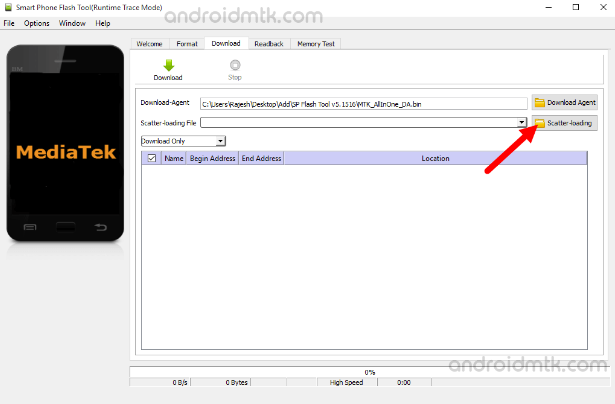
Step 7: In the download tab, now click on the scatter-loading button.
 https://postimages.org/
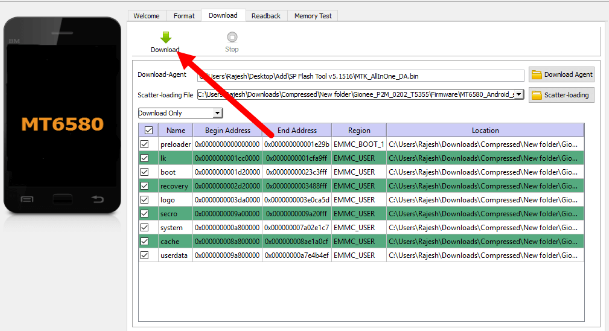
Step 8: Now, locate the scatter file (you will find the scatter file in the stock rom folder).
https://postimages.org/Step 9: Now, click on the download button to begin the flshing process.
Step 10: Now, connect your smartphone to the computerusing usb cable (without battery- if it is removable). After connecting the device to the computer press volume up or volume down key, so that your computer easily detect your smartphone.
Step 11: Once flashing is completed, a green ring will appear

Step 12: Close the smart phone flash tool on your computer and disconnect your android smartphone from the computer.