
Share ko lng tanggap ko
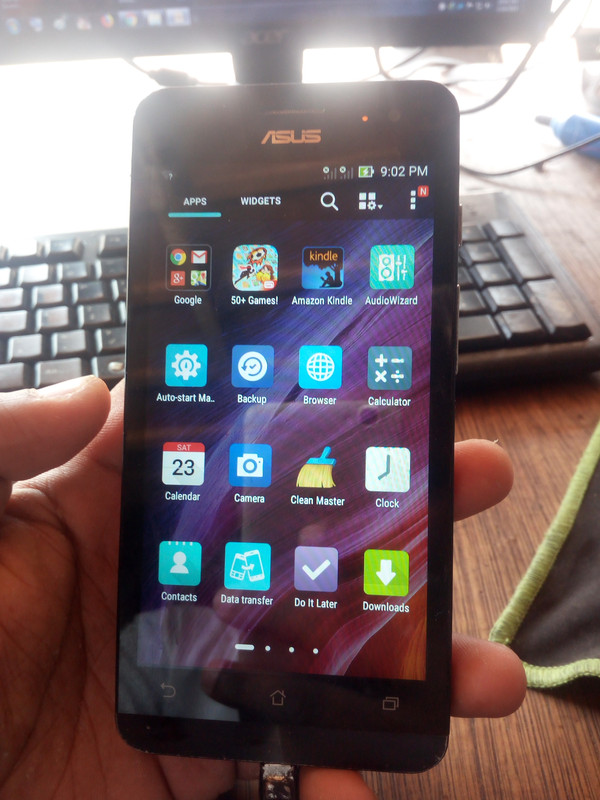
Unit: Asus T00j
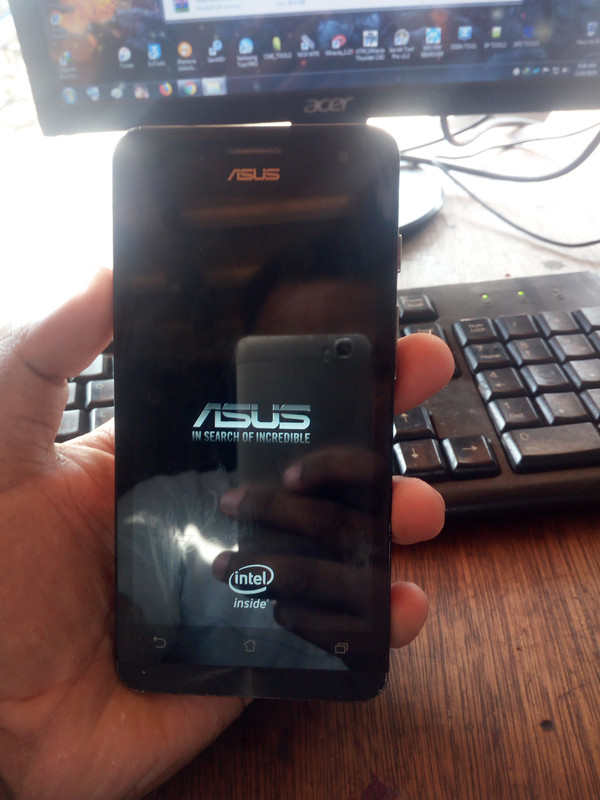
Status: Hang On Logo
Procedure: Flashing By Asus Flash Tool
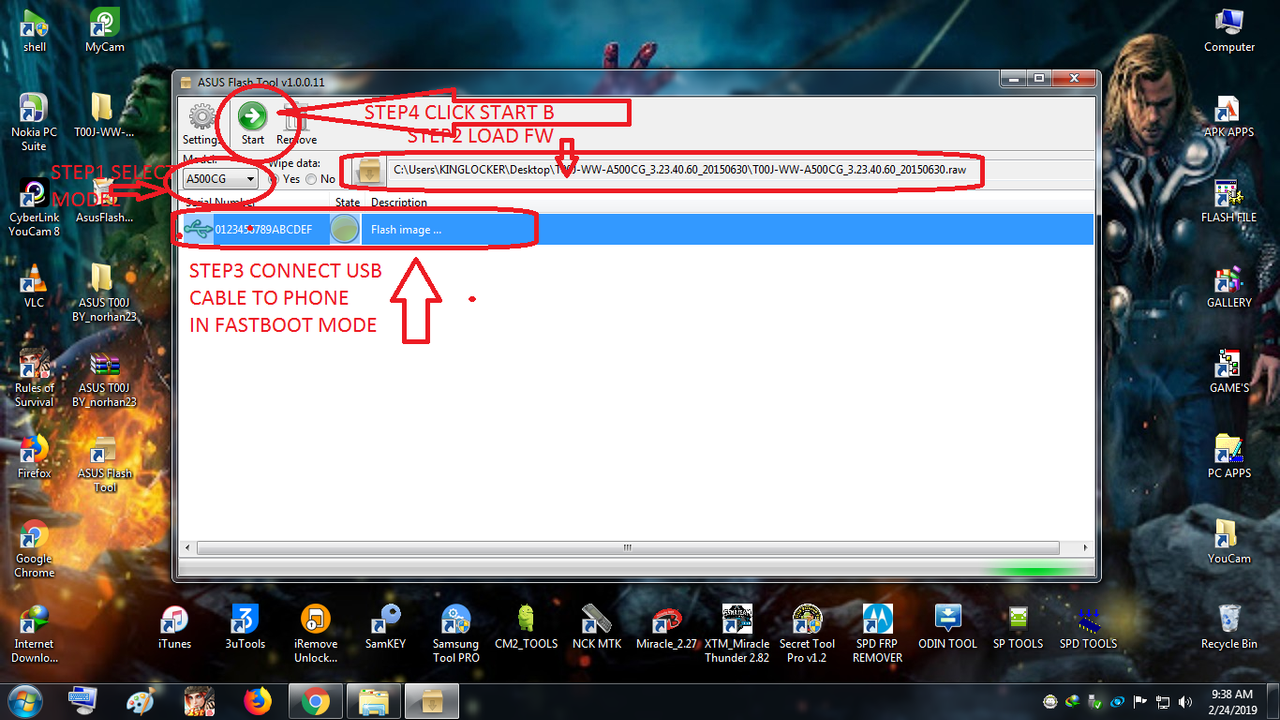
1. Open Asus flashtool
2. Select Model A500CG Sub to T00J
3. Load FW In Asus Flasher
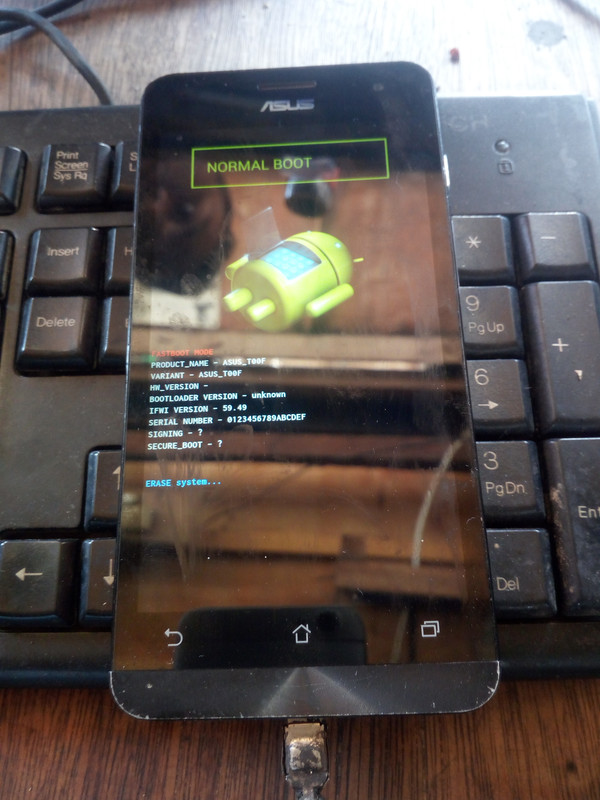
4. Conect Usb Cable to Phone in Fastboot mode
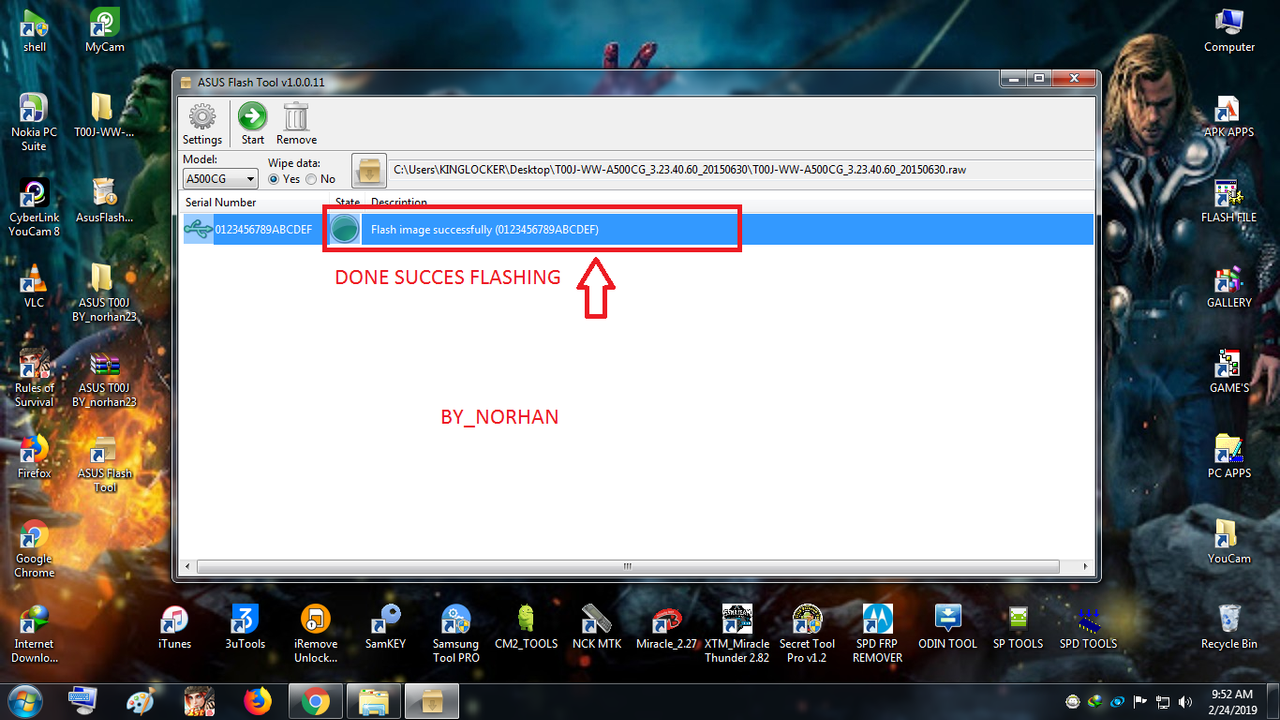
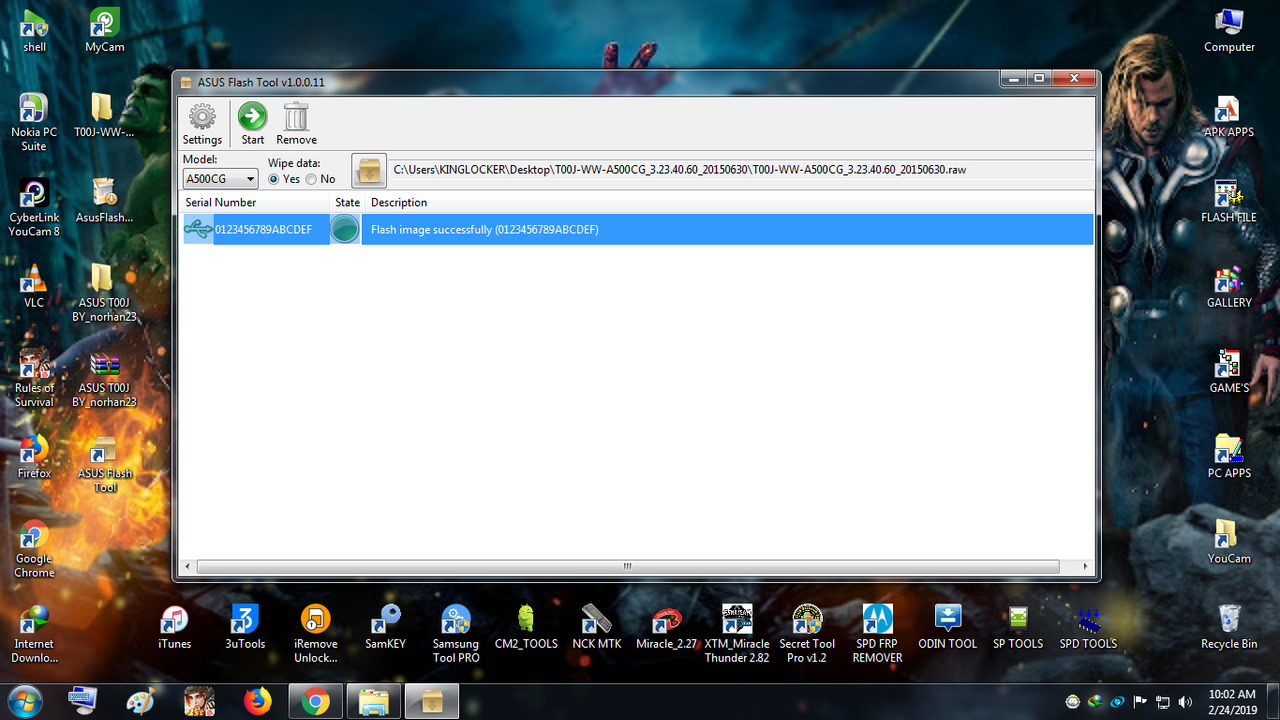
5. Wait flashing until Done
Firmware and Flasher:
Here: https://www.4shared.com/rar/GSxIZrOZda/ASUS_T00J_BY_norhan23.html?
Pass Protected Up kolang sa tatsulok
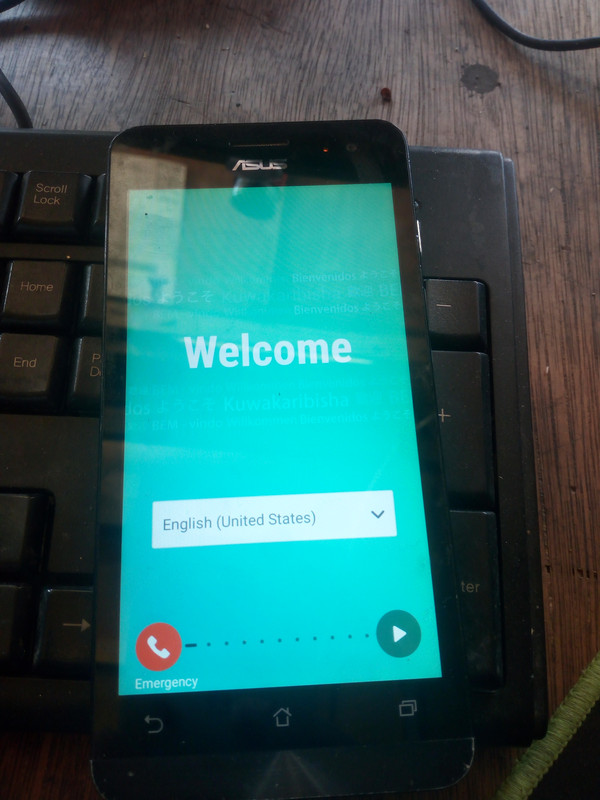
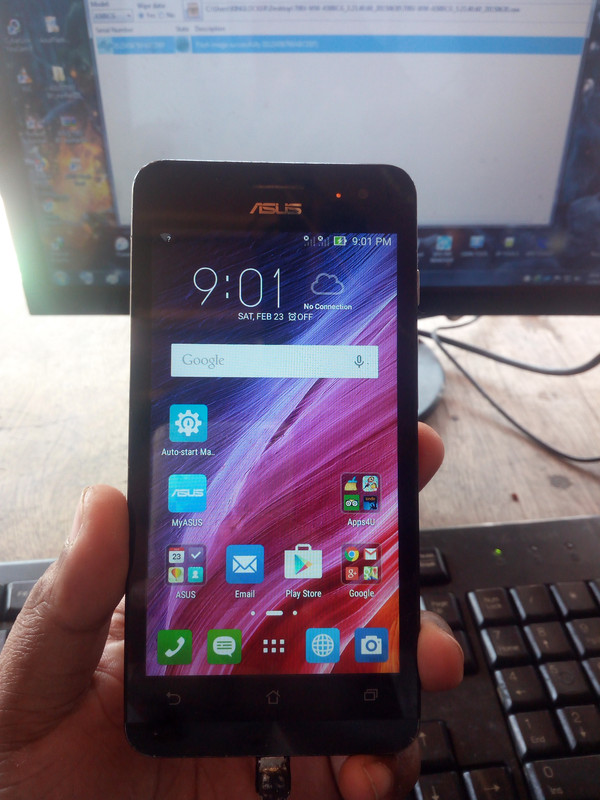
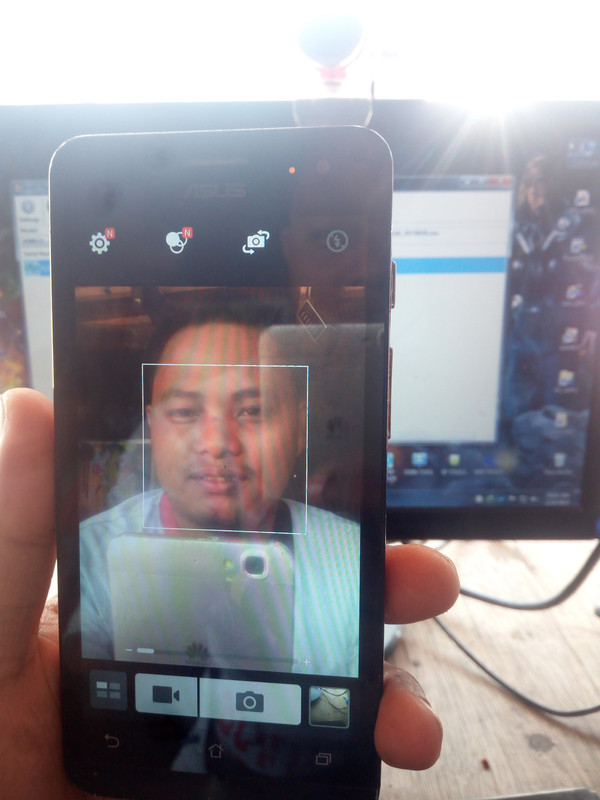
Screen Shots=))
Salamat sana maka tolong!
pass: norhan23
Unit: Asus T00j
Status: Hang On Logo
Procedure: Flashing By Asus Flash Tool
1. Open Asus flashtool
2. Select Model A500CG Sub to T00J
3. Load FW In Asus Flasher
4. Conect Usb Cable to Phone in Fastboot mode
5. Wait flashing until Done
Firmware and Flasher:
Here: https://www.4shared.com/rar/GSxIZrOZda/ASUS_T00J_BY_norhan23.html?
Pass Protected Up kolang sa tatsulok
Screen Shots=))
Salamat sana maka tolong!
pass: norhan23
Last edited by a moderator:


