
- Joined
- Sep 18, 2014
- Messages
- 395
- Reaction score
- 11
- Points
- 31
ZenFone 2 Laser
Problem: laging naka Recovery Mode
Flash Tools: https://mega.nz/#!J1EB3JZA!tlitea5INHKYbnt4BXWBhCxIlotIJMBNOojppMvX2zE
Firmware: https://mega.nz/#fm/vk4QTDiI
Procedure:
1. Download Flashtool and extract to a folder
2. Download img files
- extract
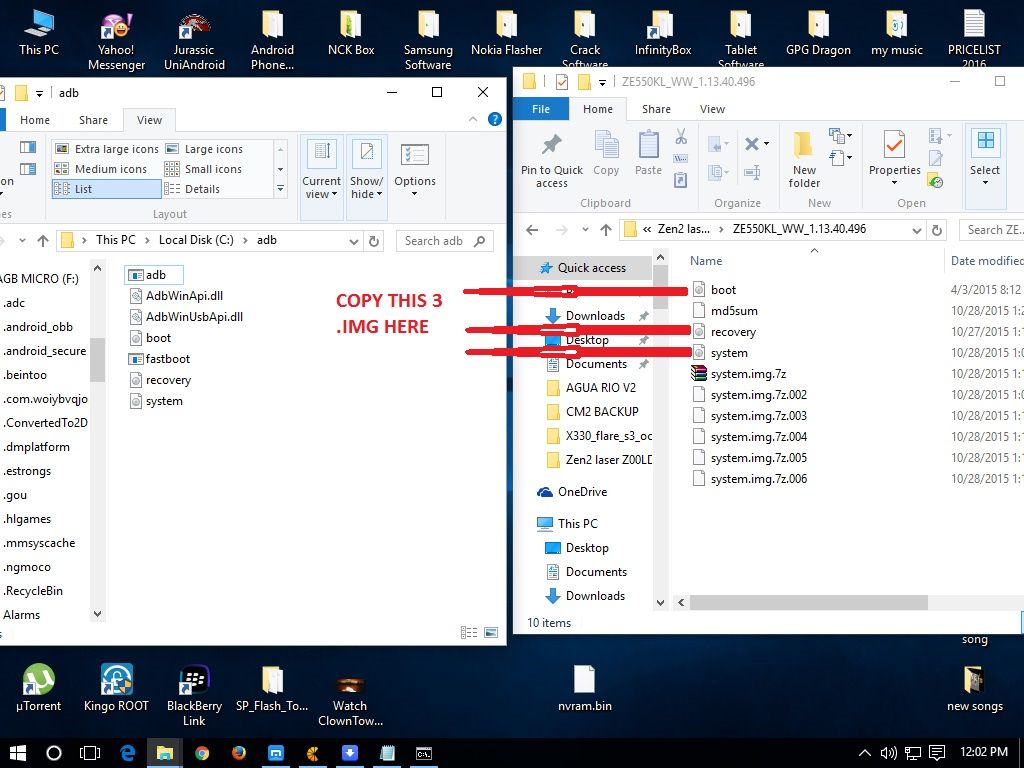
- move recovery.img to Flashtool folder
- move boot.img to Flashtool folder
- move system.img to Flashtool folder
3. Turn off phone and enter fast boot mode (Power + Vol. up)
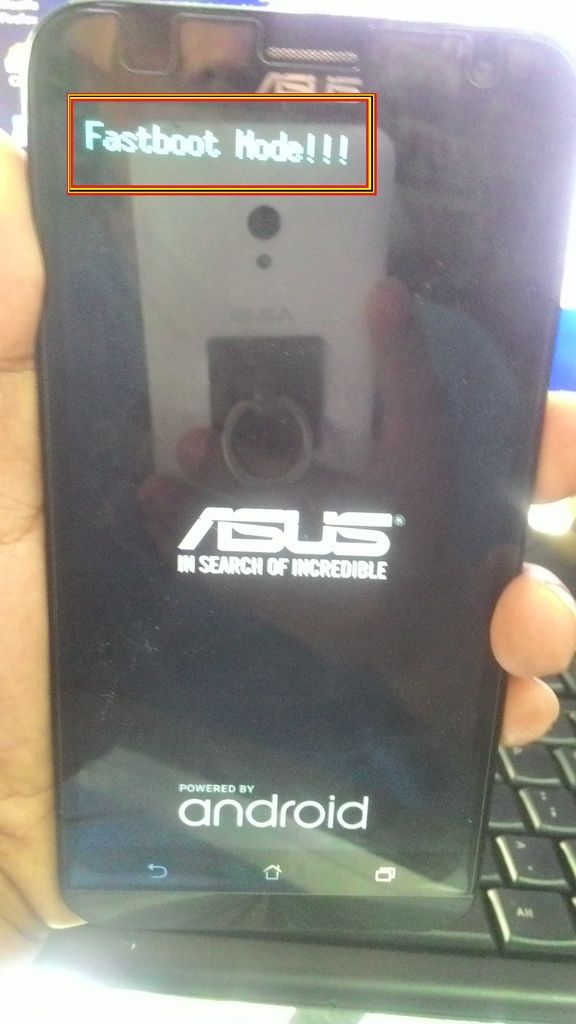
4. Connect phone to PC/Laptop
5. In Flashtool folder, press Shift+Right click then select Open command here
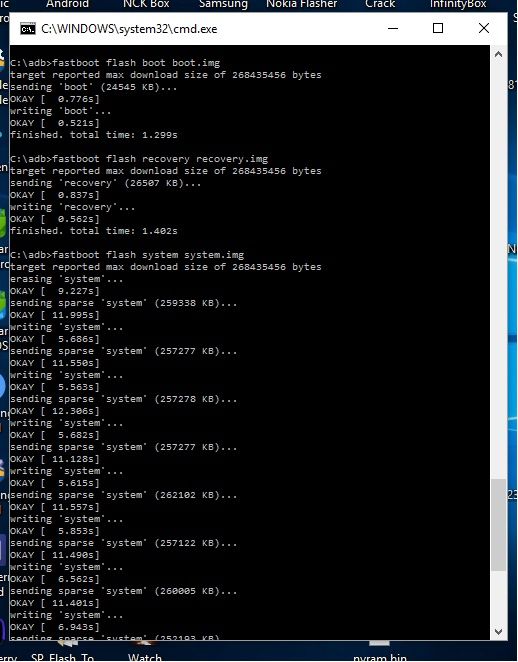
6. Enter these commands:
fastboot flash boot boot.img
fastboot flash recovery recovery.img
fastboot flash system system.img
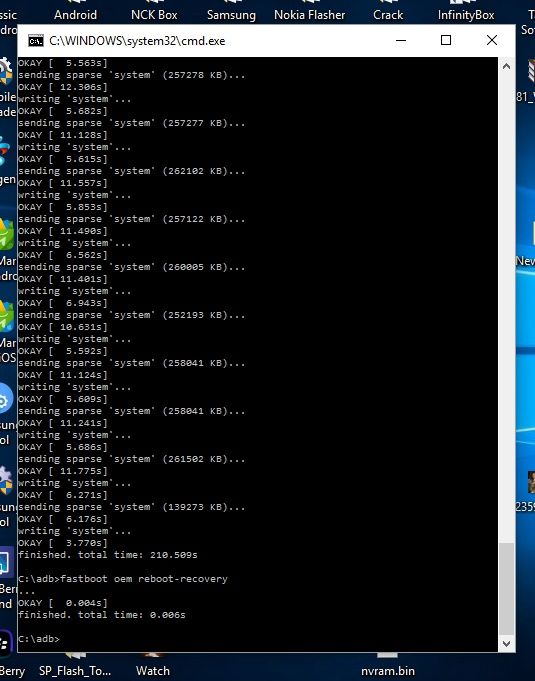
fastboot oem reboot-recovery
7. Wipe data/factory reset
8. DONE.
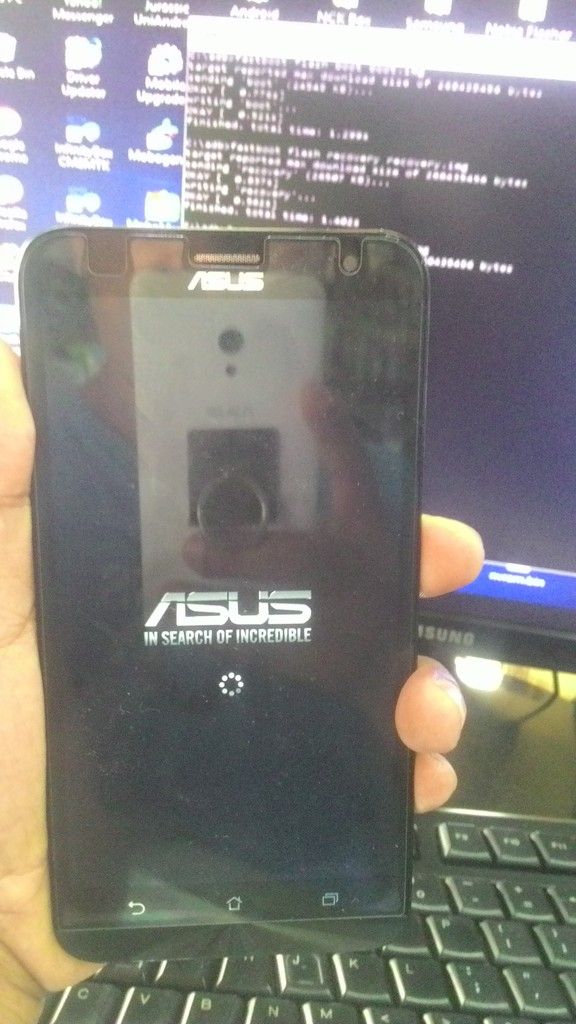
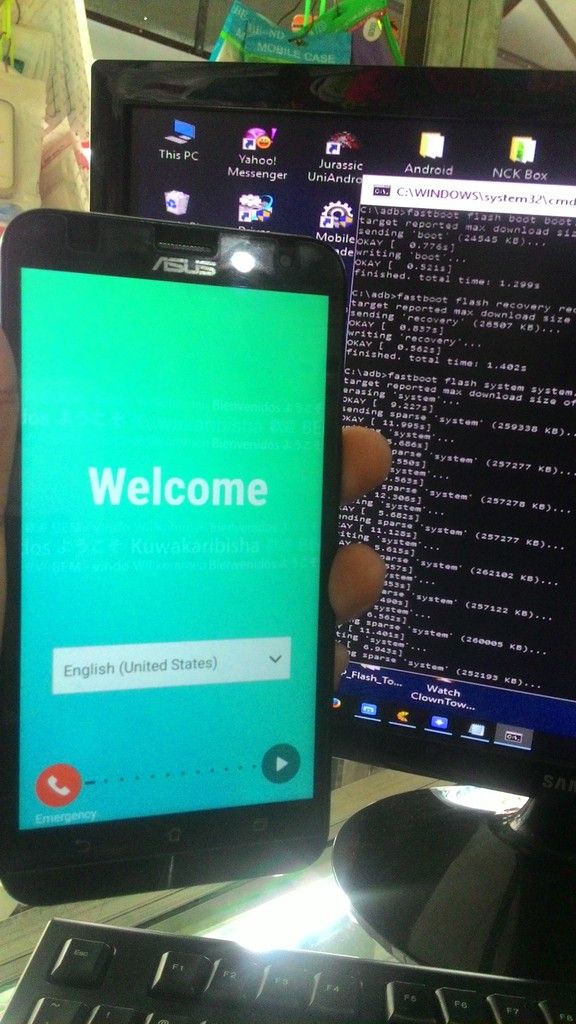
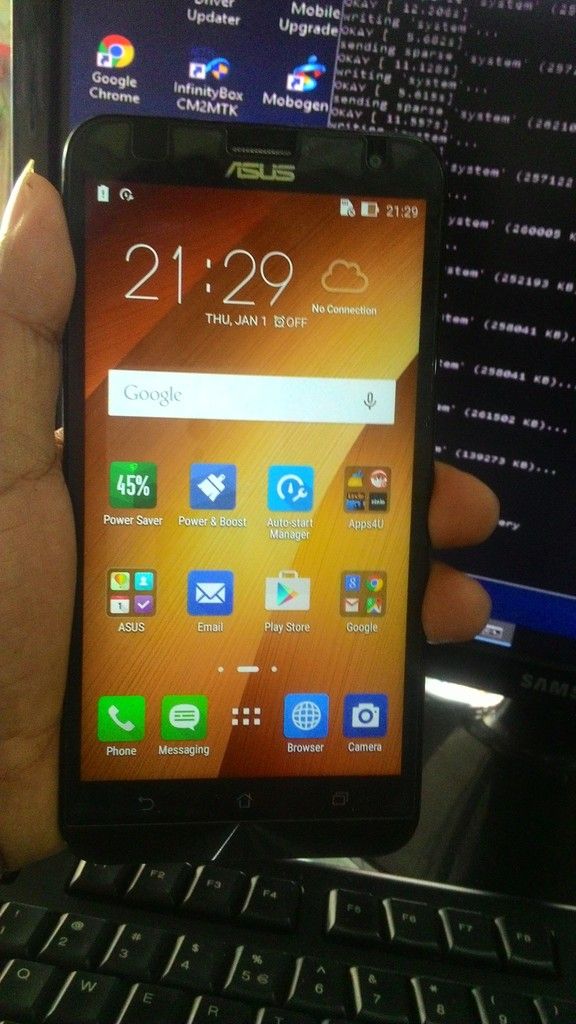
Sana makatulong sa medyo nahihirapan magflash ng ganito lalo na sa mga baguhan palang !
!
Salamat sa original Uploader na pinagkopyahan ko! Jlleva
Problem: laging naka Recovery Mode
Flash Tools: https://mega.nz/#!J1EB3JZA!tlitea5INHKYbnt4BXWBhCxIlotIJMBNOojppMvX2zE
Firmware: https://mega.nz/#fm/vk4QTDiI
Procedure:
1. Download Flashtool and extract to a folder
2. Download img files
- extract

- move recovery.img to Flashtool folder
- move boot.img to Flashtool folder
- move system.img to Flashtool folder
3. Turn off phone and enter fast boot mode (Power + Vol. up)

4. Connect phone to PC/Laptop
5. In Flashtool folder, press Shift+Right click then select Open command here
6. Enter these commands:
fastboot flash boot boot.img
fastboot flash recovery recovery.img
fastboot flash system system.img


fastboot oem reboot-recovery
7. Wipe data/factory reset
8. DONE.


Sana makatulong sa medyo nahihirapan magflash ng ganito lalo na sa mga baguhan palang
!Salamat sa original Uploader na pinagkopyahan ko! Jlleva
Last edited by a moderator:


