Cherry Mobile E2 Hang DONE!
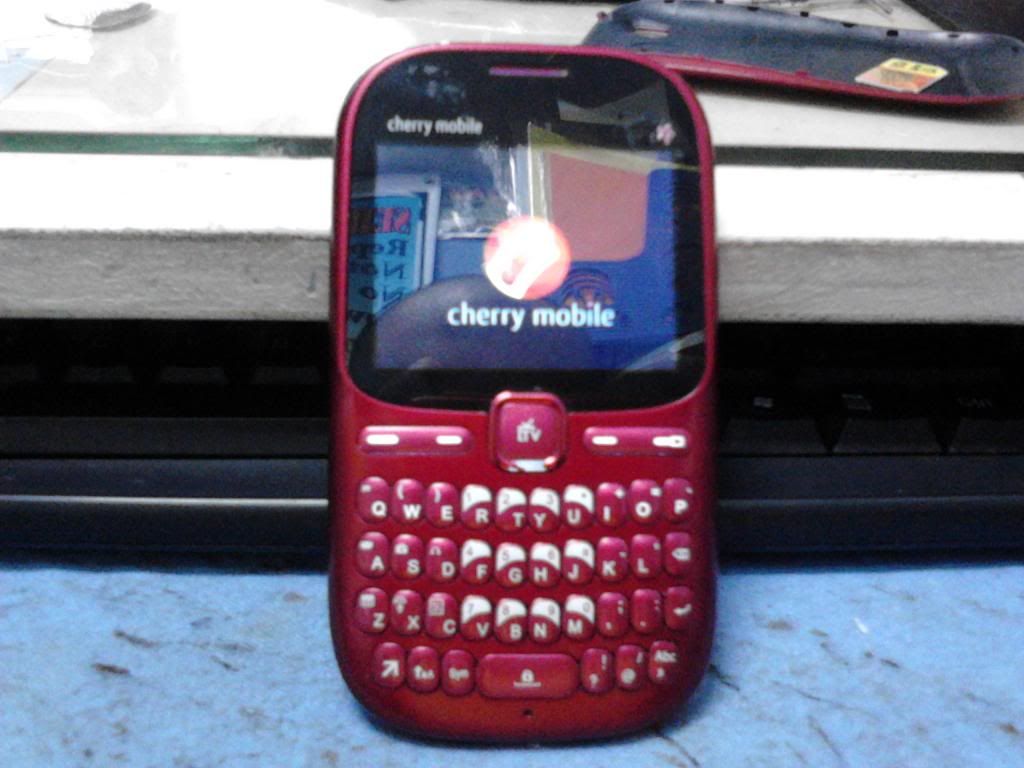
Tools:
Volcano Box
JIG P-07A
Procedure
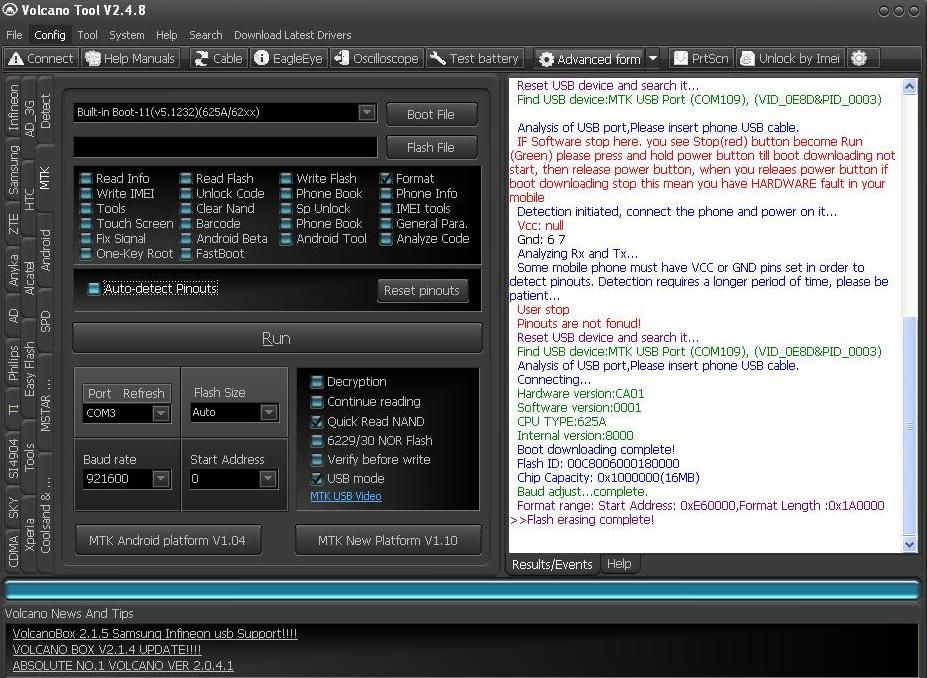
1. Open Volcano Box
2. Connect JIG to unit and power source
3. Go to Detect use Detect Type SPD/ANYKA (Do find BOOT) option
4. Set pin out
5. Back to MTK tab Select Built in Boot 11
6. Uncheck auto detect mode
7. Check Usb mode
8. Select read flash for safety then run
9. Check format option then click run
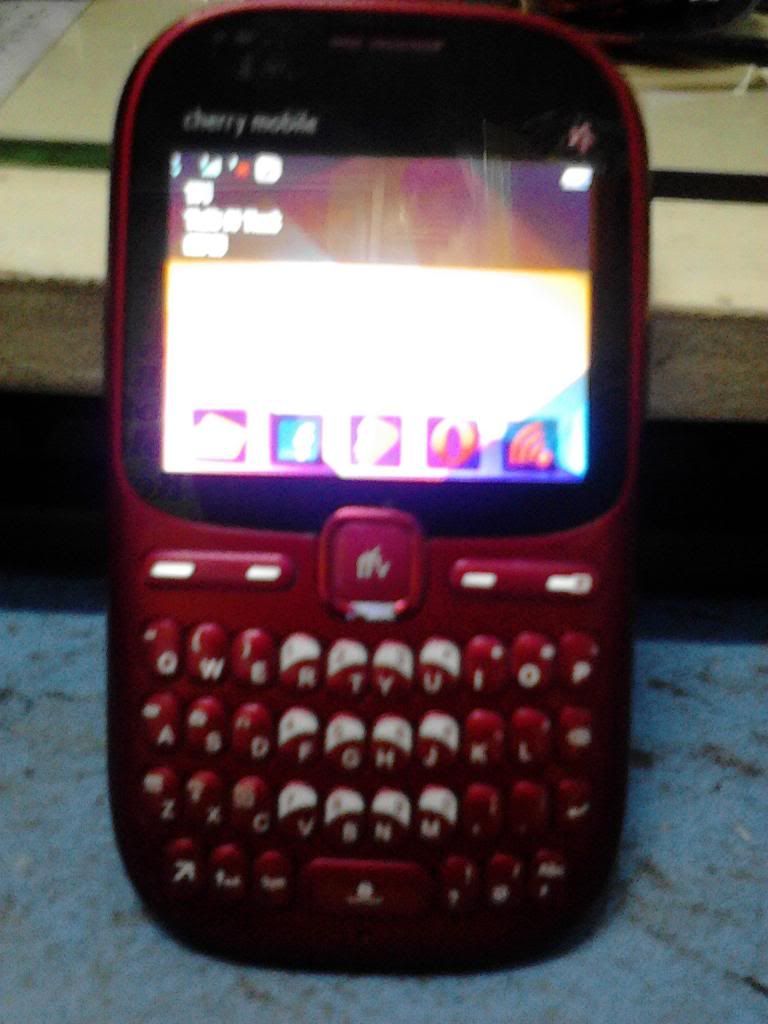
Done..
Tools:
Volcano Box
JIG P-07A
Procedure
1. Open Volcano Box
2. Connect JIG to unit and power source
3. Go to Detect use Detect Type SPD/ANYKA (Do find BOOT) option
4. Set pin out
5. Back to MTK tab Select Built in Boot 11
6. Uncheck auto detect mode
7. Check Usb mode
8. Select read flash for safety then run
9. Check format option then click run
Done..