- Joined
- Oct 17, 2014
- Messages
- 2,447
- Reaction score
- 22
- Points
- 381
Cloudfone excite 500d Hang on logo Done
Action Taken
Hard reset phone Hold vol down + power sad to say no luck
so i decided to search a firmware
at dito may na hanap ako dito sa post ni Alexaliah
or you must download it here --> http://www.4shared.com/folder/lwSVZIBG/Excite_500d.html
Here's the procedure
1. Install 3G emmc upgrade tool ,Click Next all the way
2. Install python( python-2.7.msi);
3. Open the phone,Ensure that the battery has enough power,Use USB Connecting to PC,And make sure that the phone Debug port turned,if not,please Menu-> System Settings -> Developer Options - >USB debug,make sure this options is selected
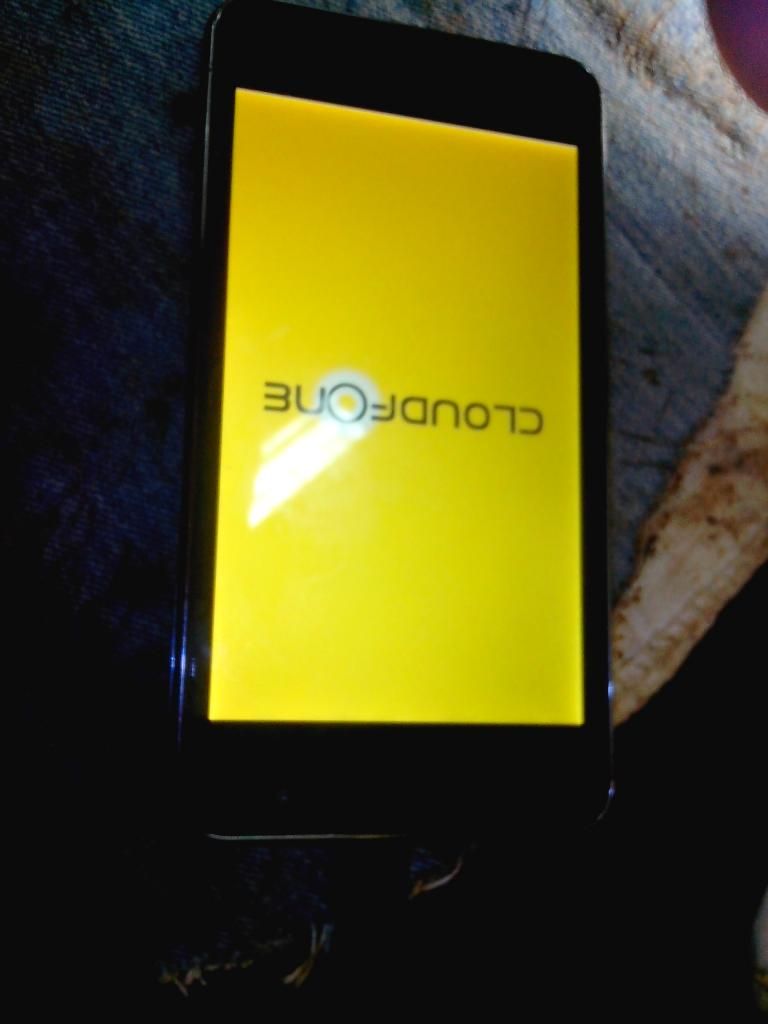
4. If this is the first time use,Windows will detect the new port,And prompts to install the driver,Follow the prompts,choose USBDriverADB->win32 directory(The driver can only support 32-bit operating system)
5. After the driver is installed,Keep the phone is opened and connecting to PC,run 3G emmc upgrade tool ,then,The interface should be displayed on the phone line connected,the
picture:
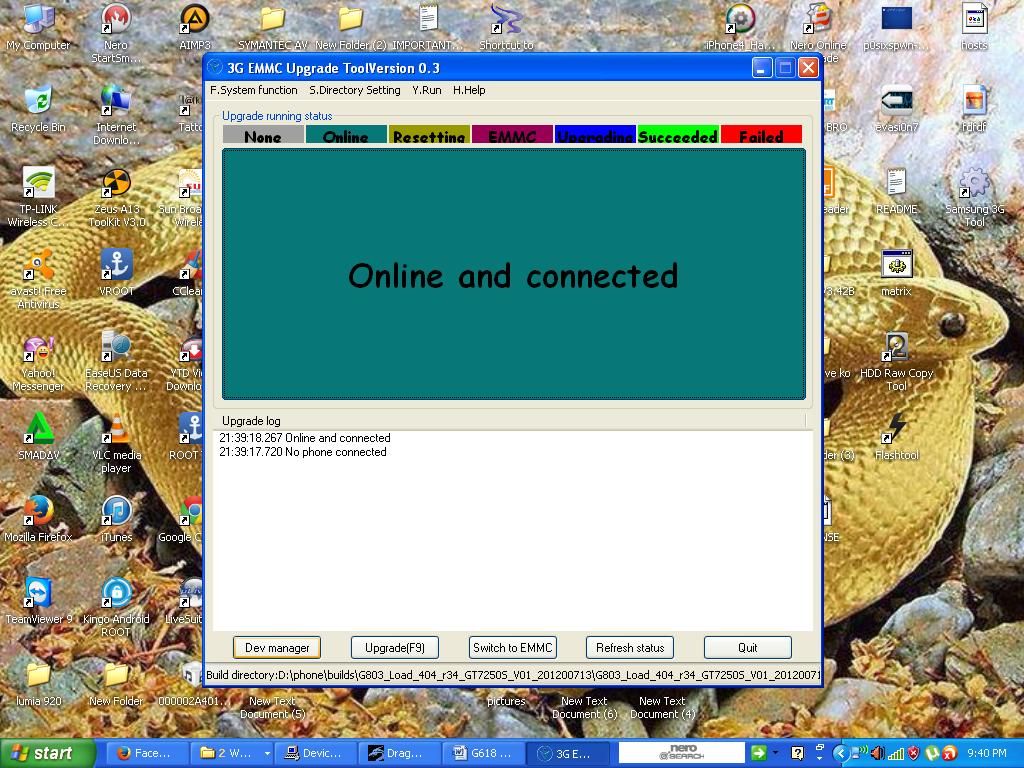
If the interface does not appear,Please go back and check the driver or connection,Or phone status;
6. Set directory files "kung saan mo nilagay or inextract ang firmware"
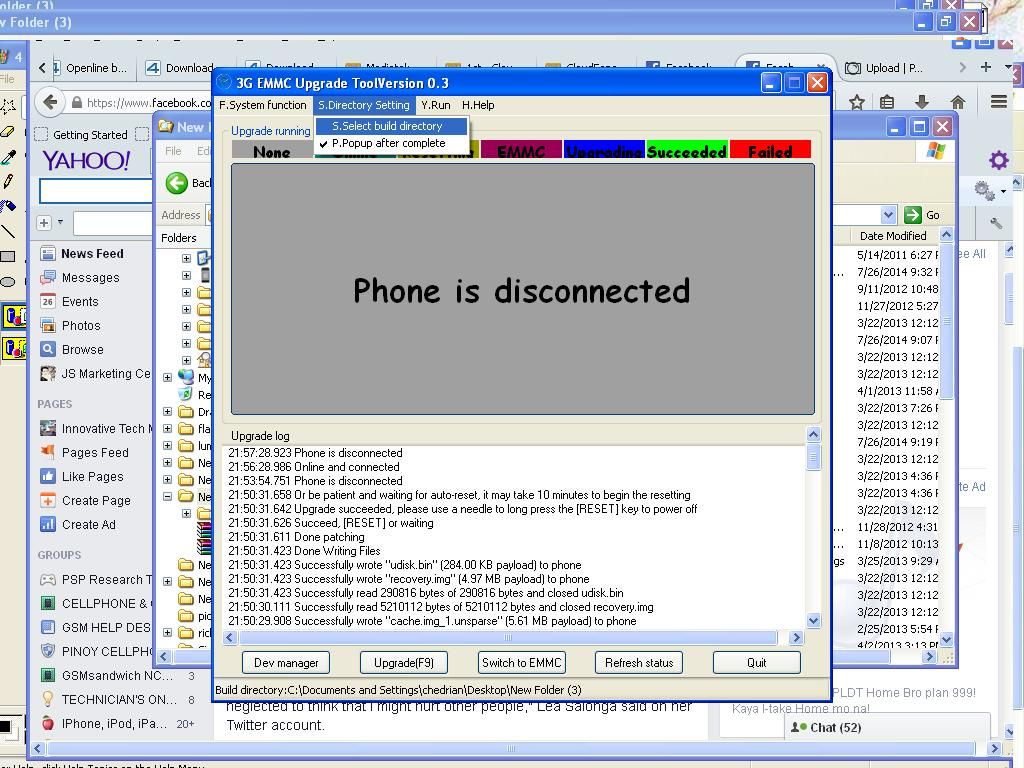
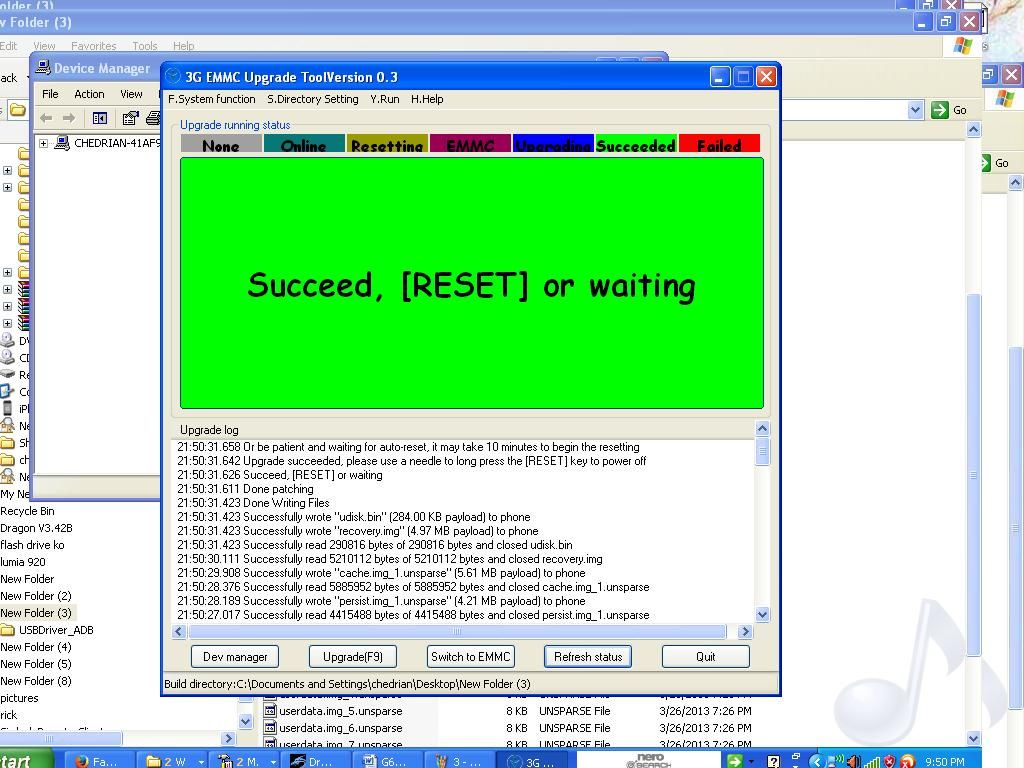
7. Click the Switch to EMMC,The phone will automatically restart and switch mode,Windwos will detect the new port, and prompts to install the driver,Follow the prompts to point to the directory QCTUSBDriver,Select the corresponding file,Complete the driver installation;
8. After the installation OK,click Upgrade(F9),Start the upgrade process。
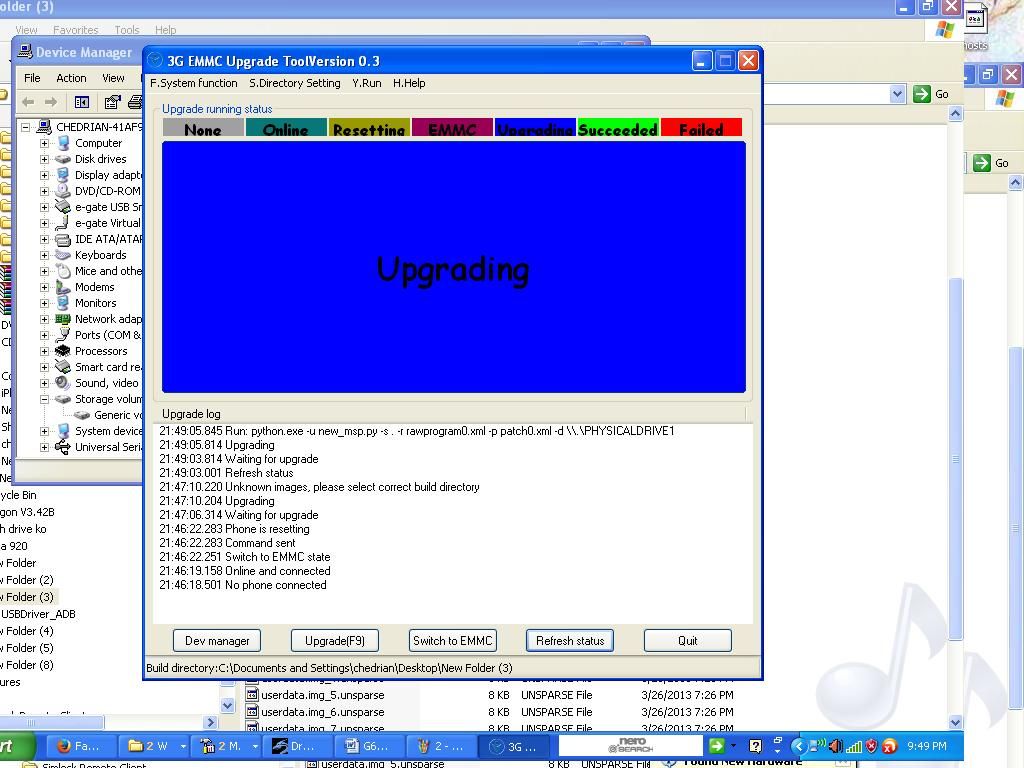
9. the screen will turn green, and prompted a successful upgrade。Then,Need to unplug the battery, wait 3 seconds,Open the phone。
DONE
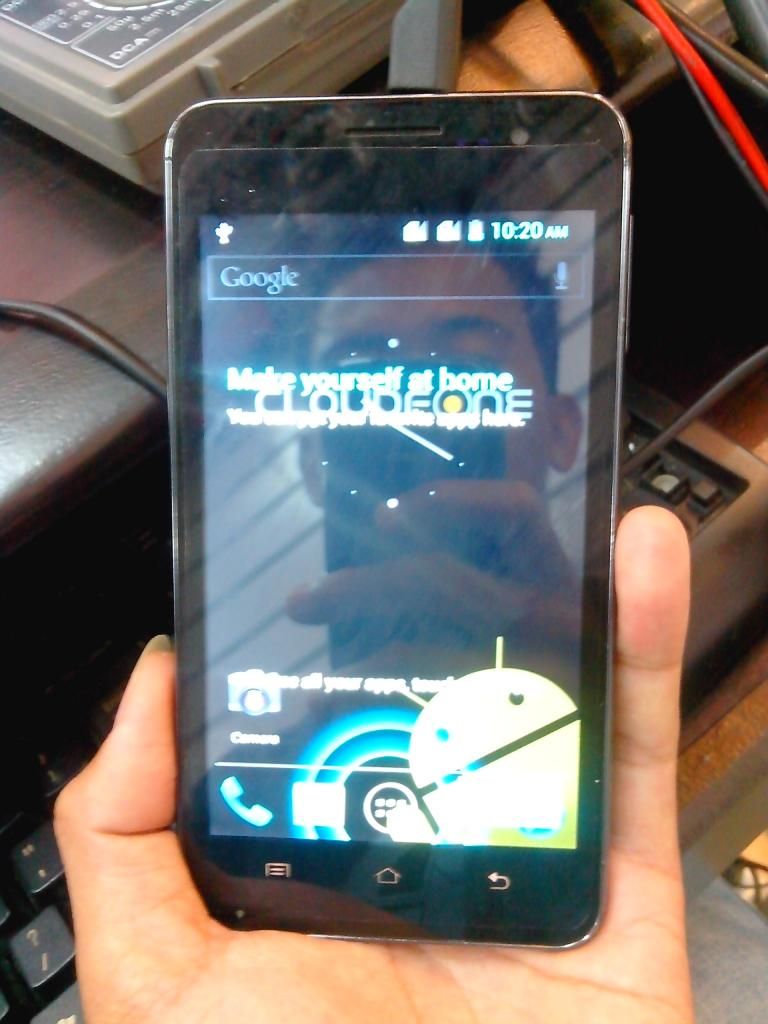
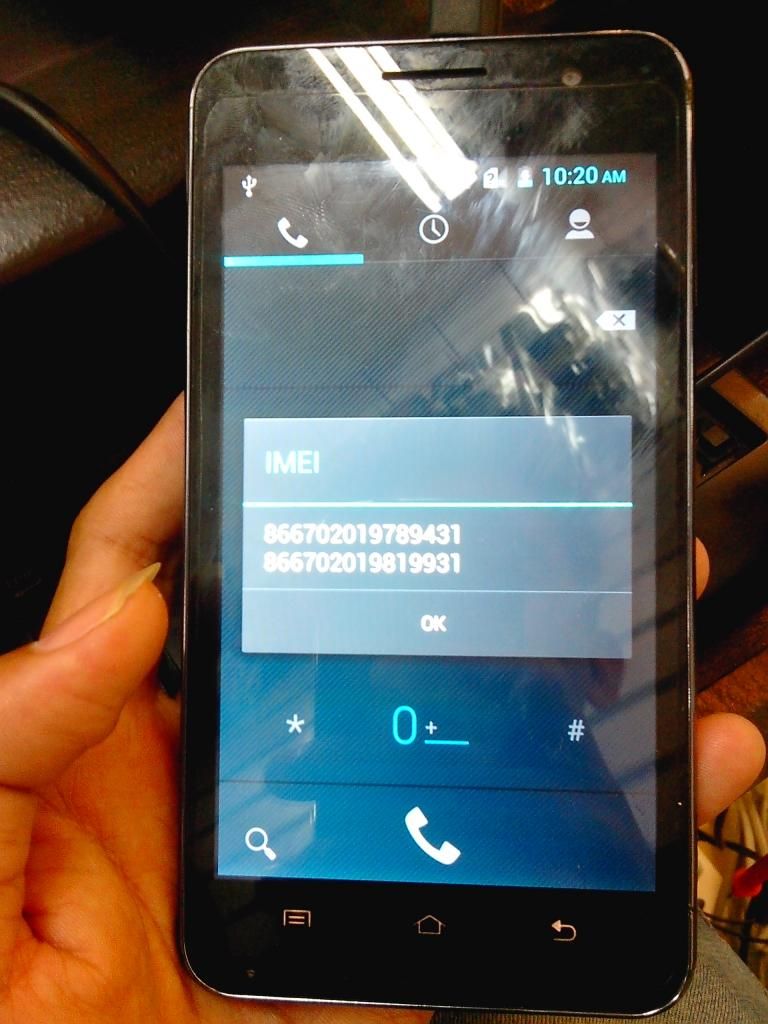
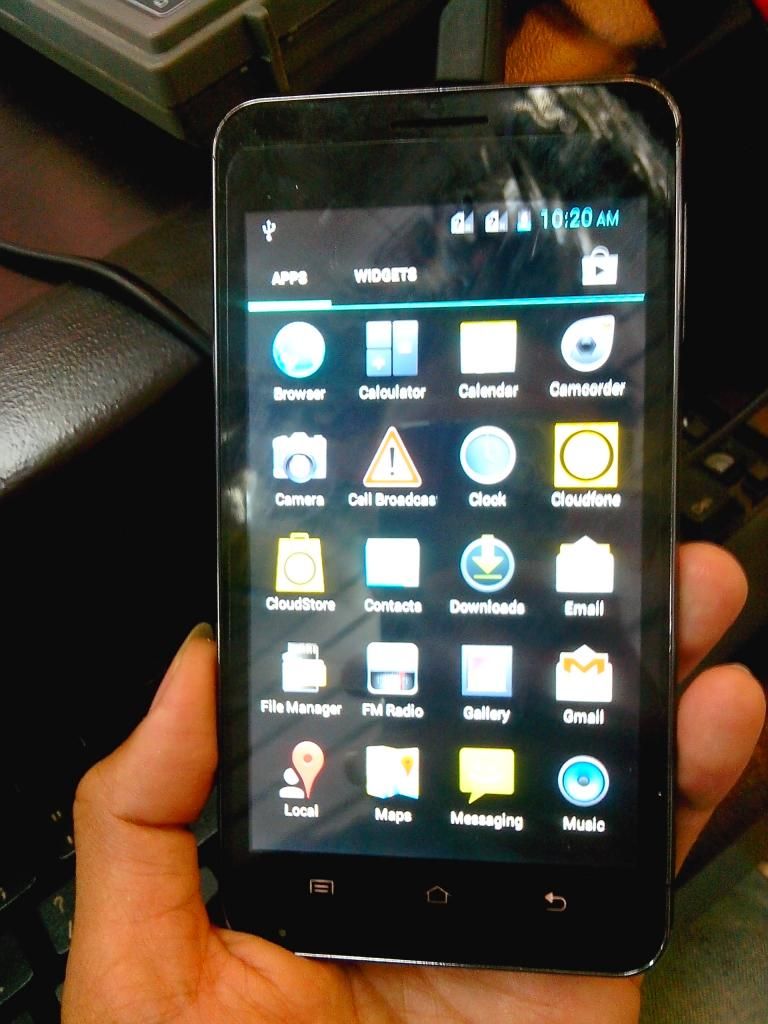
thanks for viewing
Action Taken
Hard reset phone Hold vol down + power sad to say no luck
so i decided to search a firmware
at dito may na hanap ako dito sa post ni Alexaliah
or you must download it here --> http://www.4shared.com/folder/lwSVZIBG/Excite_500d.html
Here's the procedure
1. Install 3G emmc upgrade tool ,Click Next all the way
2. Install python( python-2.7.msi);
3. Open the phone,Ensure that the battery has enough power,Use USB Connecting to PC,And make sure that the phone Debug port turned,if not,please Menu-> System Settings -> Developer Options - >USB debug,make sure this options is selected

4. If this is the first time use,Windows will detect the new port,And prompts to install the driver,Follow the prompts,choose USBDriverADB->win32 directory(The driver can only support 32-bit operating system)
5. After the driver is installed,Keep the phone is opened and connecting to PC,run 3G emmc upgrade tool ,then,The interface should be displayed on the phone line connected,the
picture:

If the interface does not appear,Please go back and check the driver or connection,Or phone status;
6. Set directory files "kung saan mo nilagay or inextract ang firmware"

7. Click the Switch to EMMC,The phone will automatically restart and switch mode,Windwos will detect the new port, and prompts to install the driver,Follow the prompts to point to the directory QCTUSBDriver,Select the corresponding file,Complete the driver installation;
8. After the installation OK,click Upgrade(F9),Start the upgrade process。

9. the screen will turn green, and prompted a successful upgrade。Then,Need to unplug the battery, wait 3 seconds,Open the phone。

DONE


thanks for viewing


