T
theghost
Anonymous
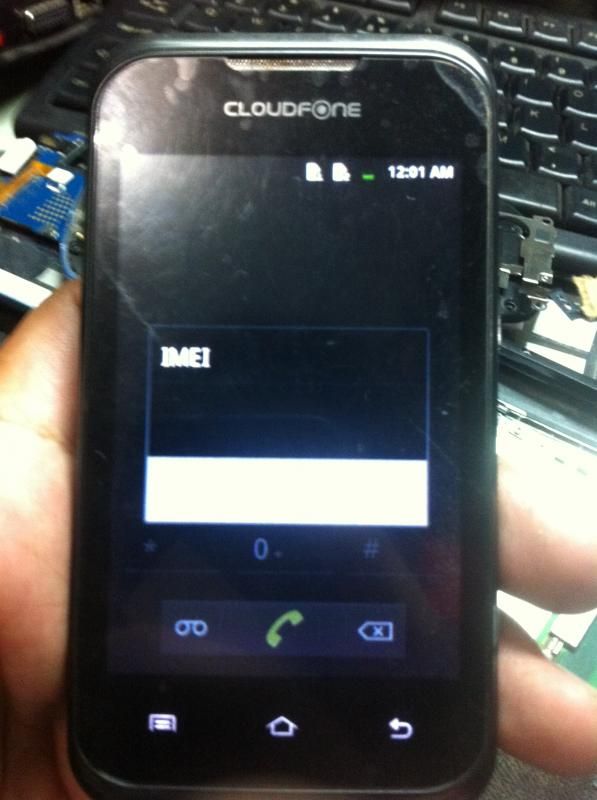
Cloudphone excite 352g no imei done
PROBLEM:
no imei, resulting no signal, no wifi, and no bluetooth
GUIDE:
1. download po ung software and firmware sa baba
2. after madownload extract po parehas kung saan nyo pong gustong folder
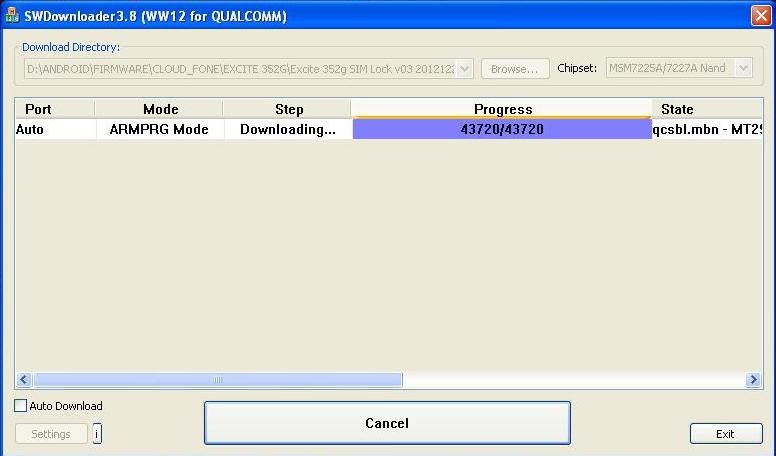
3. dun sa swdownloader browse lang po ung extracted firmware folder
4. then click po ung start download tab sa may bandang ilalim ng swdownloader
5: wait until finish
6. after writing the firmware phone imei will be 0 so need to write imei
7. look at the back of the phone and write down imei in small piece of paper
8. inside SNdownloader folder choose SNwriter.exe for you to use to write the imei of the phone
SCREENSHOTS:
NOTE:
phone must be detected as Android phone in device manager or enter recovery mode by pressing up + power on
USB driver are Included in the inside swdownloader folder
 This image has been resized. Click this bar to view the full image. The original image is sized 775x457.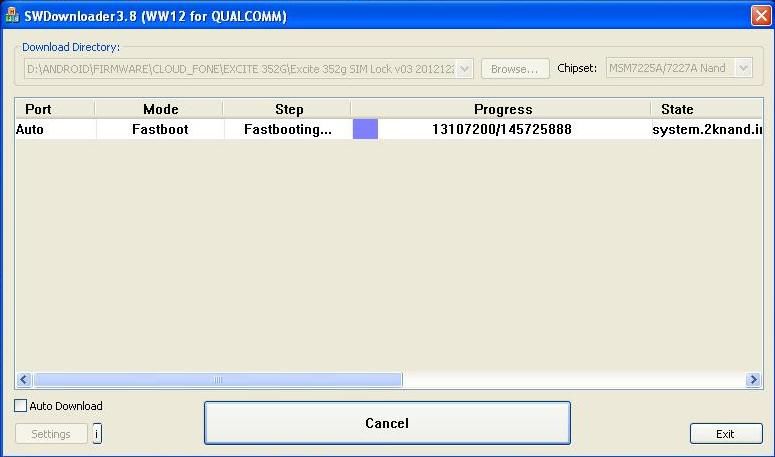
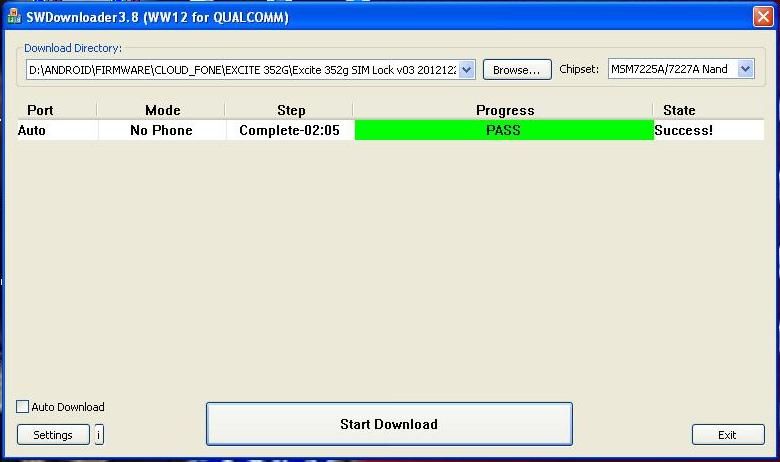
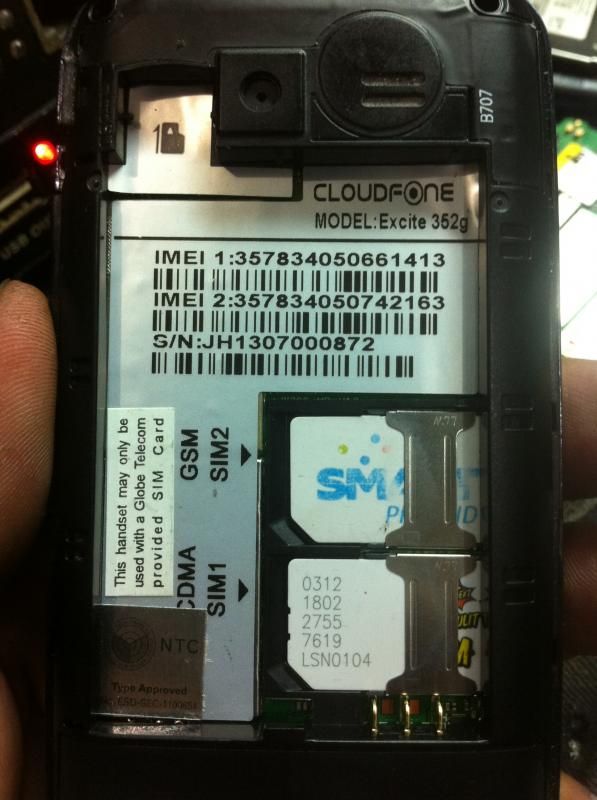
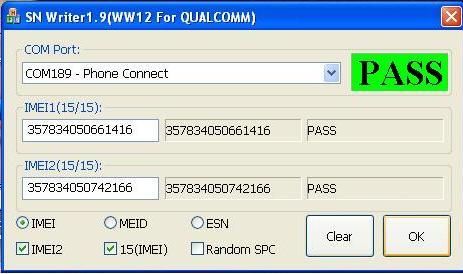
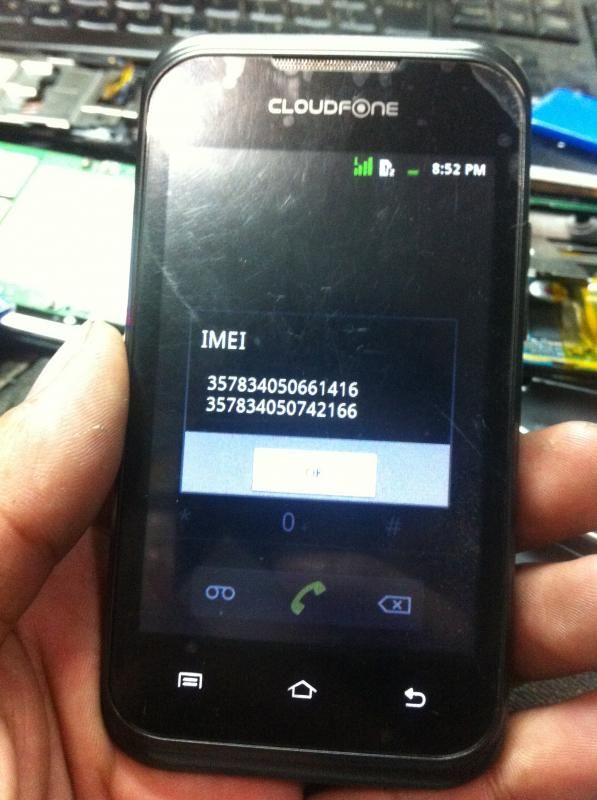
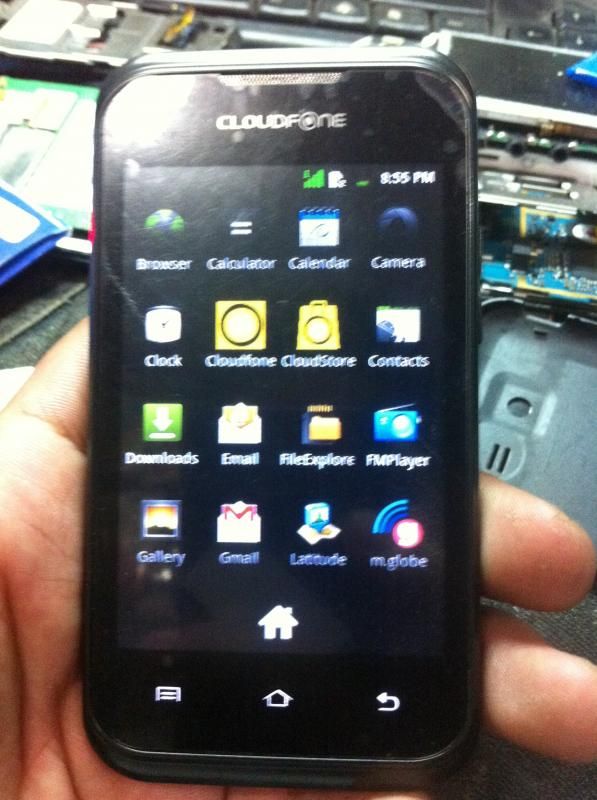
ayan may signal na ok na din yung wifi and bluetooth
SW DOWNLOADER
DONE
EXCITE 352G FIRMWARE
PROBLEM:
no imei, resulting no signal, no wifi, and no bluetooth

GUIDE:
1. download po ung software and firmware sa baba
2. after madownload extract po parehas kung saan nyo pong gustong folder
3. dun sa swdownloader browse lang po ung extracted firmware folder
4. then click po ung start download tab sa may bandang ilalim ng swdownloader
5: wait until finish
6. after writing the firmware phone imei will be 0 so need to write imei
7. look at the back of the phone and write down imei in small piece of paper
8. inside SNdownloader folder choose SNwriter.exe for you to use to write the imei of the phone
SCREENSHOTS:
NOTE:
phone must be detected as Android phone in device manager or enter recovery mode by pressing up + power on
USB driver are Included in the inside swdownloader folder

 This image has been resized. Click this bar to view the full image. The original image is sized 775x457.


ayan may signal na ok na din yung wifi and bluetooth
SW DOWNLOADER
DONE
EXCITE 352G FIRMWARE