
Hi
Unit: Huawei
Model:FRD-L09
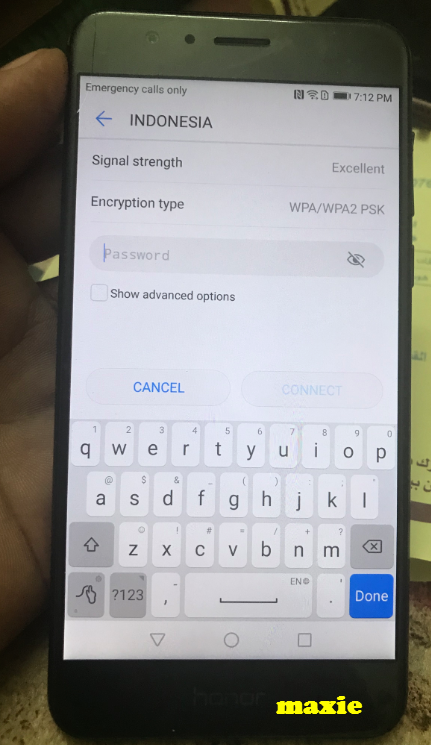
Problem:virtual Keboard not working
Tools: DC-Unlocker
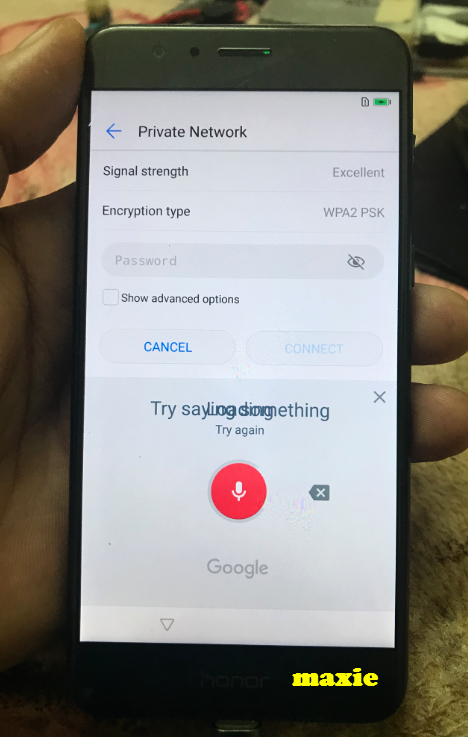
Diagnose: ayaw gumana yong build in keyboard kaya ayaw ma connect sa wifi at kahit mag enter kalang ng password ng wifi Direct to google voice command tulad ng nasa litrato sa baba
Procedure:
How to put into Fastboot mode?
Mga Litrato
Before
Logs
After:
Thanks lang ayus na
Unit: Huawei
Model:FRD-L09
Problem:virtual Keboard not working
Tools: DC-Unlocker
Diagnose: ayaw gumana yong build in keyboard kaya ayaw ma connect sa wifi at kahit mag enter kalang ng password ng wifi Direct to google voice command tulad ng nasa litrato sa baba
Procedure:
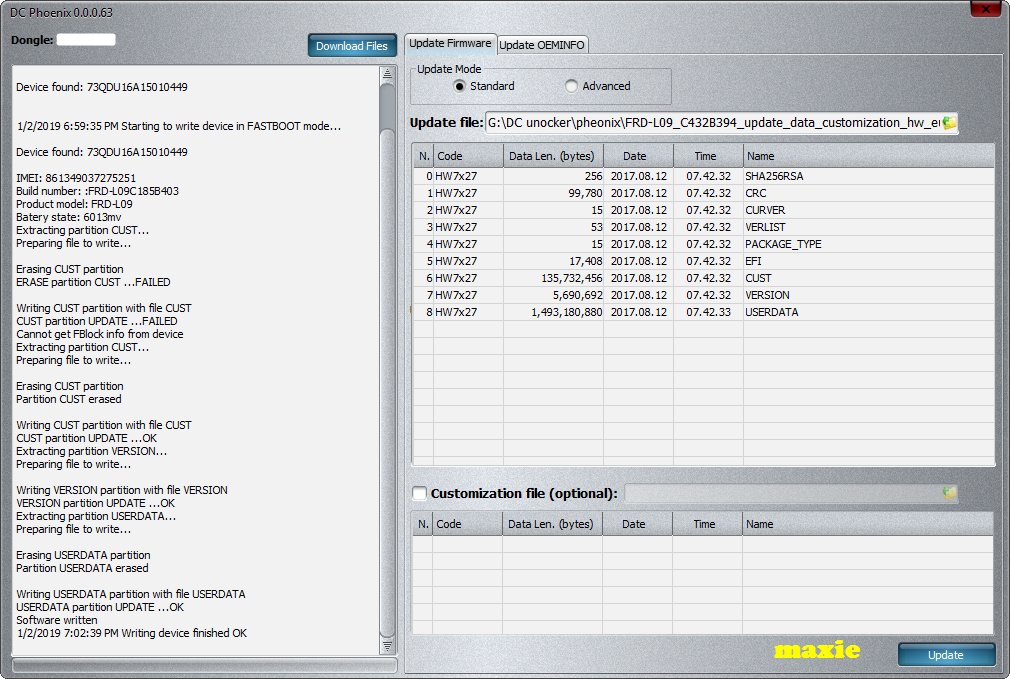
- DC-Unlocker must be activated to HCU tools and phoenix
- Open DCPhoenix
- Click support
- Download Files (yong para sa unit mo)
- Load to software
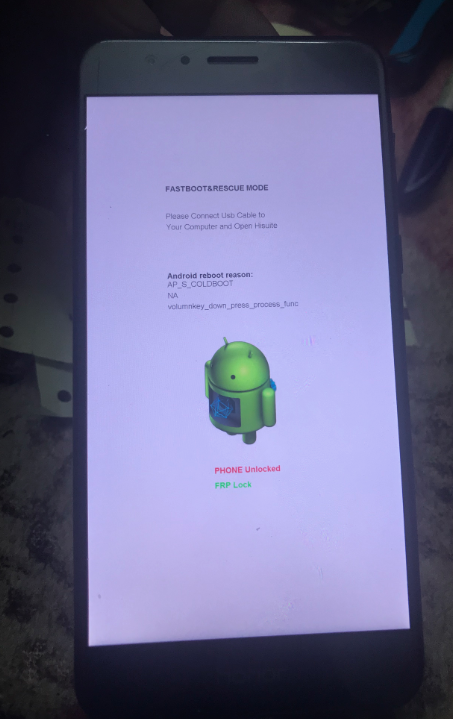
- Put into fastboot mode
- Connect Cable to phone
- Click update
- Done
How to put into Fastboot mode?
- Turn off Phone
- Press vol. Down
- Connect usb
- Done
Mga Litrato
Before
Logs
Code:
ooking for a device in fastboot mode

Device found: 73QDU16A15010449


1/2/2019 6:59:35 PM Starting to write device in FASTBOOT mode...

Device found: 73QDU16A15010449

IMEI: 861349037275251
Build number: :FRD-L09C185B403
Product model: FRD-L09
Batery state: 6013mv
Extracting partition CUST...
Preparing file to write...

Erasing CUST partition
ERASE partition CUST ...FAILED

Writing CUST partition with file CUST
CUST partition UPDATE ...FAILED
Cannot get FBlock info from device
Extracting partition CUST...
Preparing file to write...

Erasing CUST partition
Partition CUST erased

Writing CUST partition with file CUST
CUST partition UPDATE ...OK
Extracting partition VERSION...
Preparing file to write...

Writing VERSION partition with file VERSION
VERSION partition UPDATE ...OK
Extracting partition USERDATA...
Preparing file to write...

Erasing USERDATA partition
Partition USERDATA erased

Writing USERDATA partition with file USERDATA
USERDATA partition UPDATE ...OK
Software written
1/2/2019 7:02:39 PM Writing device finished OK
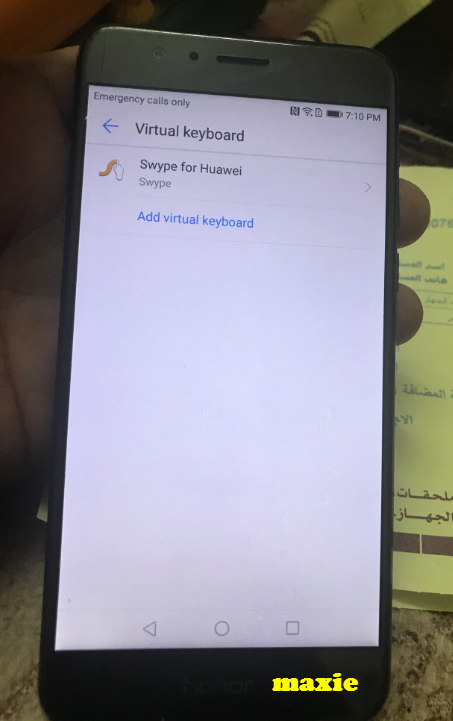
After:
Thanks lang ayus na