- Joined
- Dec 27, 2015
- Messages
- 12
- Reaction score
- 0
- Points
- 1
share ko lang po mga amo
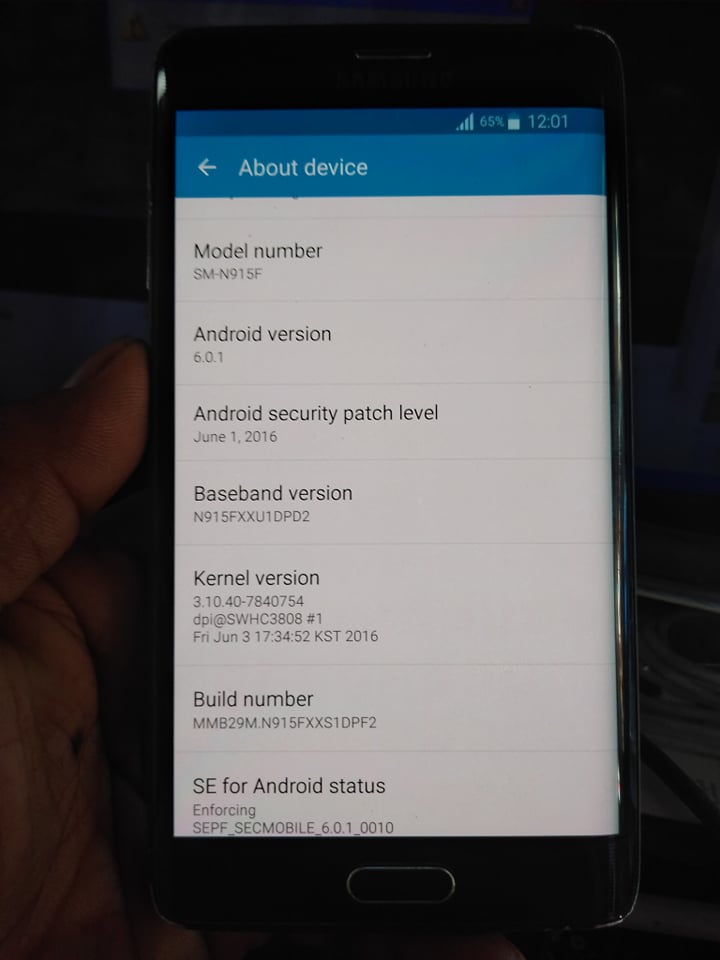
Galaxy Note Edge SM-N915F logo hang
tools..
Octopus
USB
firmware download sa support
N915FXXS1DPF2_N915FOLC1DPE1_THL_Android_6.0.1_2.oct
-----------------------------------------------------------------------------------
-----------------------------------------------------------------------------------
Please put the phone into Download Mode and connect USB cable.
To put SM-N915F into Download Mode, You have to perform the
following steps:
1. Reconnect the battery.
2. Press and hold "Volume-" + "Home" + "Power ON" keys.
3. When phone turns on, press "Volume+" key.
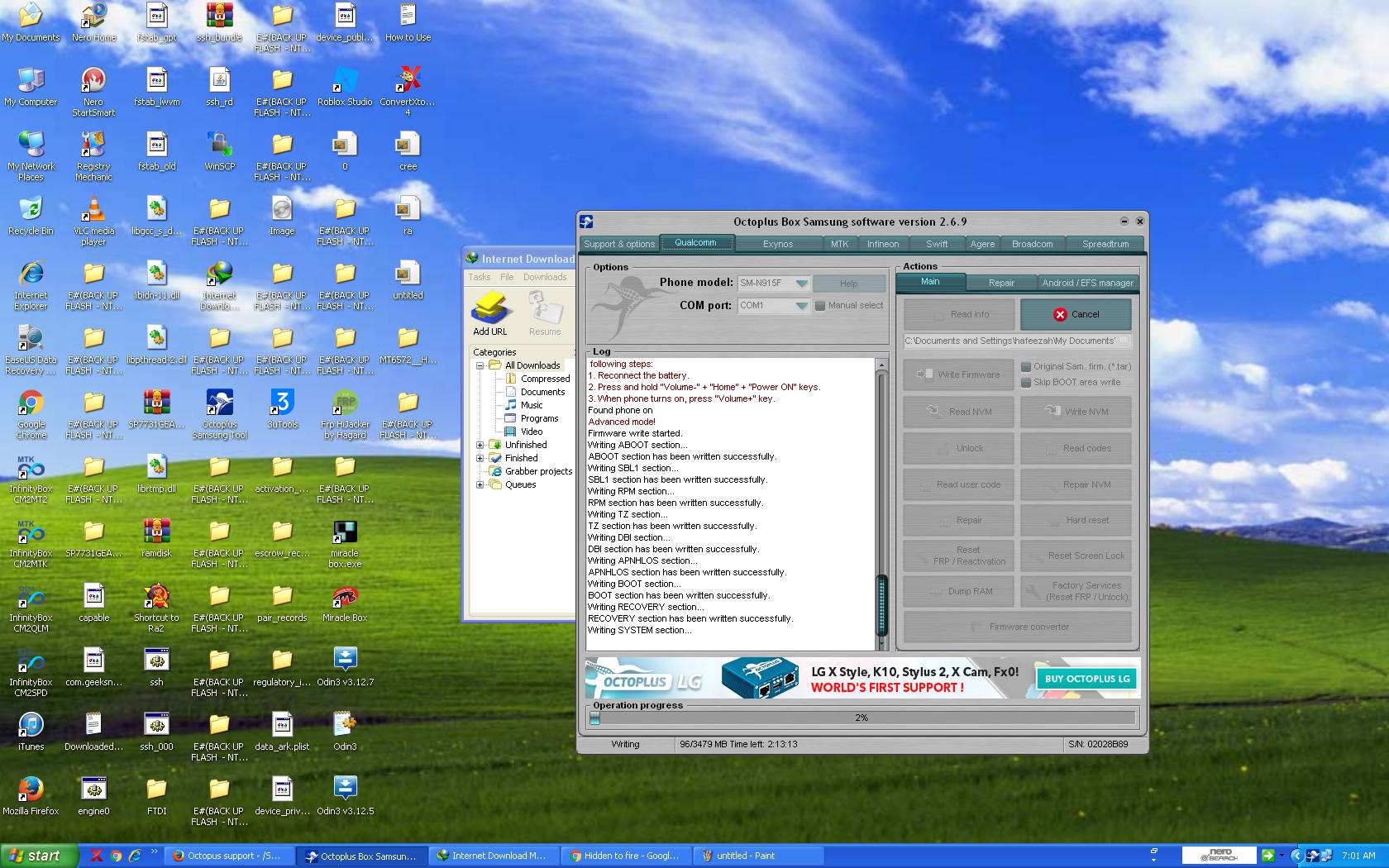

Firmware write started.
Writing ABOOT section...
ABOOT section has been written successfully.
Writing SBL1 section...
SBL1 section has been written successfully.
Writing RPM section...
RPM section has been written successfully.
Writing TZ section...
TZ section has been written successfully.
Writing DBI section...
DBI section has been written successfully.
Writing APNHLOS section...
APNHLOS section has been written successfully.
Writing BOOT section...
BOOT section has been written successfully.
Writing RECOVERY section...
RECOVERY section has been written successfully.
Writing SYSTEM section...
SYSTEM section has been written successfully.
Writing MODEM section...
MODEM section has been written successfully.
Writing CACHE section...
CACHE section has been written successfully.
Writing HIDDEN section...
HIDDEN section has been written successfully.
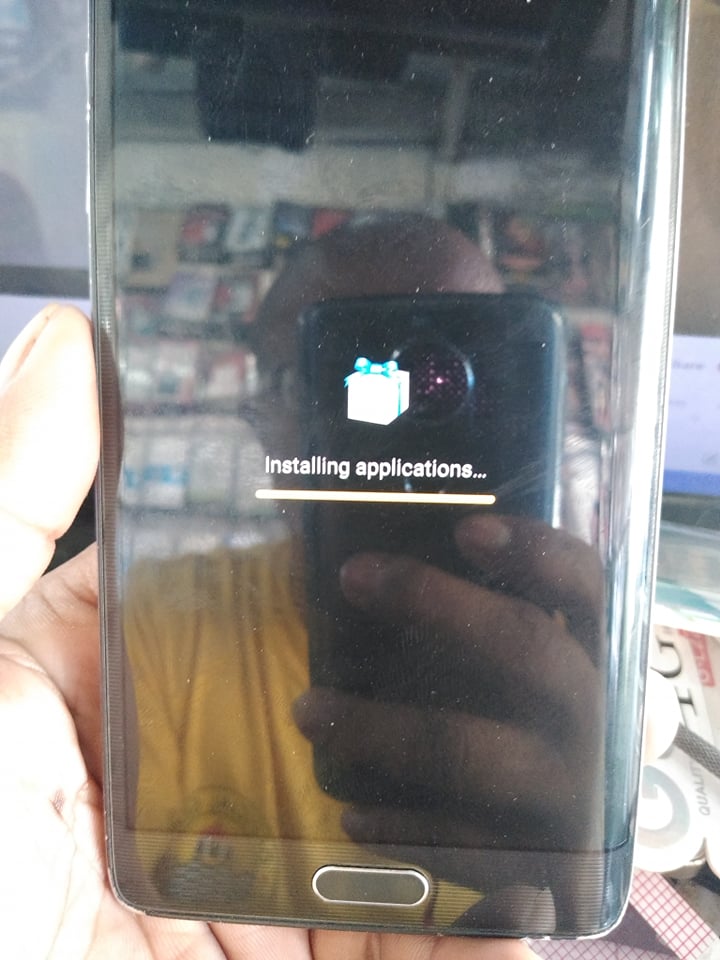
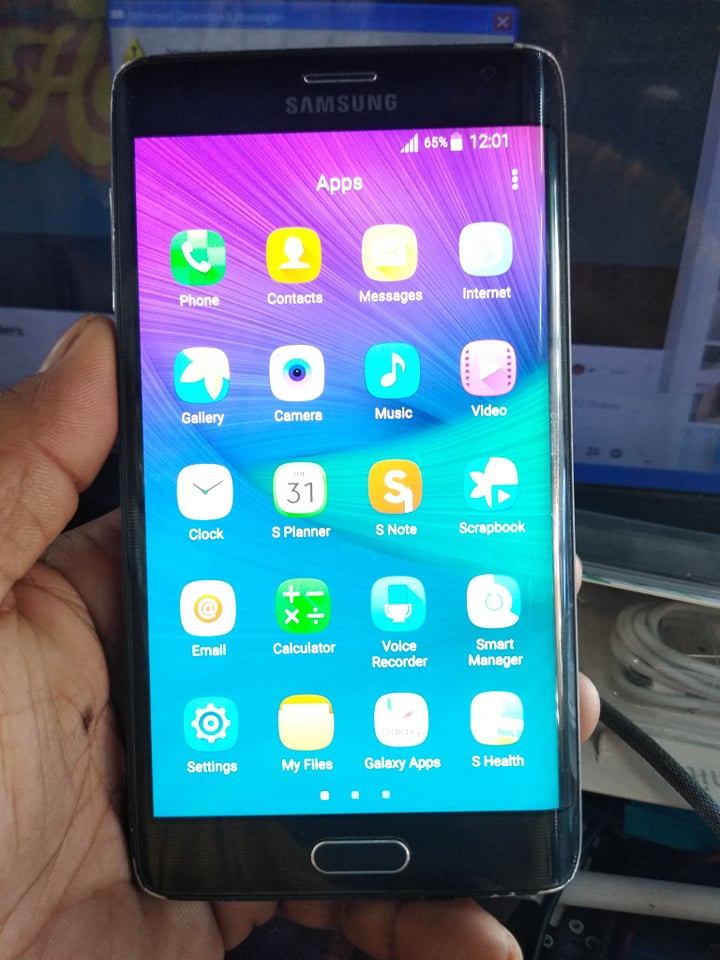
Firmware writing successfully completed.
Performed by 2.6.9 Software version.
succes
salamat sa pag view
Galaxy Note Edge SM-N915F logo hang
tools..
Octopus
USB
firmware download sa support
N915FXXS1DPF2_N915FOLC1DPE1_THL_Android_6.0.1_2.oct
-----------------------------------------------------------------------------------
-----------------------------------------------------------------------------------
Please put the phone into Download Mode and connect USB cable.
To put SM-N915F into Download Mode, You have to perform the
following steps:
1. Reconnect the battery.
2. Press and hold "Volume-" + "Home" + "Power ON" keys.
3. When phone turns on, press "Volume+" key.
Firmware write started.
Writing ABOOT section...
ABOOT section has been written successfully.
Writing SBL1 section...
SBL1 section has been written successfully.
Writing RPM section...
RPM section has been written successfully.
Writing TZ section...
TZ section has been written successfully.
Writing DBI section...
DBI section has been written successfully.
Writing APNHLOS section...
APNHLOS section has been written successfully.
Writing BOOT section...
BOOT section has been written successfully.
Writing RECOVERY section...
RECOVERY section has been written successfully.
Writing SYSTEM section...
SYSTEM section has been written successfully.
Writing MODEM section...
MODEM section has been written successfully.
Writing CACHE section...
CACHE section has been written successfully.
Writing HIDDEN section...
HIDDEN section has been written successfully.
Firmware writing successfully completed.
Performed by 2.6.9 Software version.
succes
salamat sa pag view