
GT-S7582 UNLOCK DONE SA Z3X CRACK
DONE
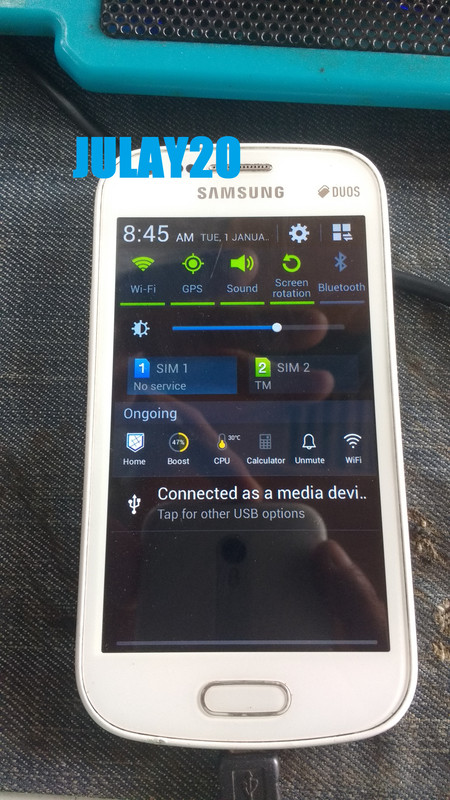
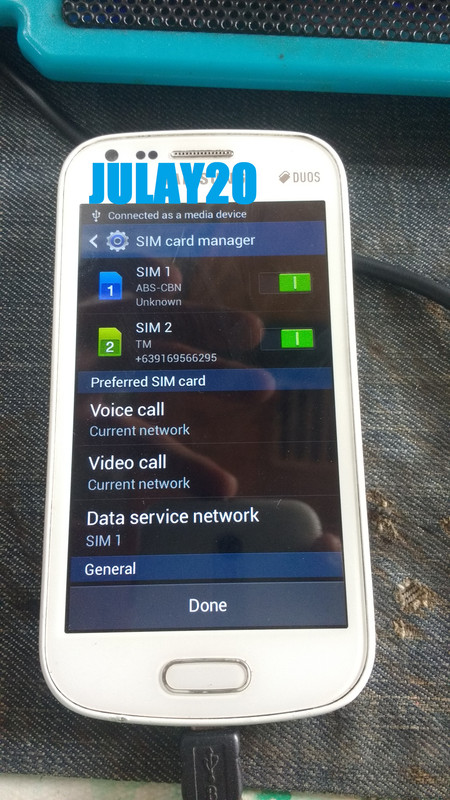
reference lang mga boss sana maka tolong
ganito ginawa ko
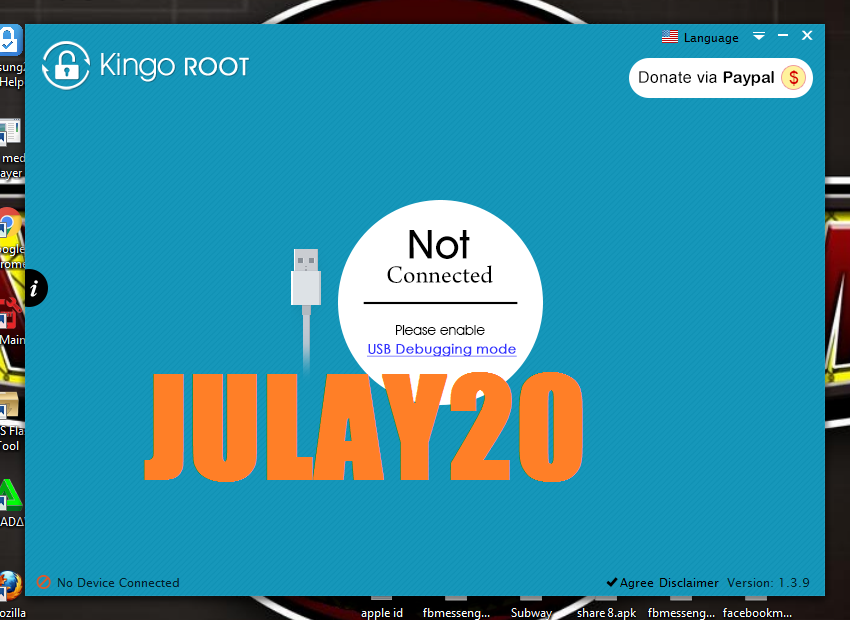
una root ko mona gamit Kingo ROOT
power on cp go to settings About phone
top 3x Build number para mag ka Developer options
open Developer options on mo USB debugging
open mona kingo root hayan mo lang ma tapos yung root
pag ka tapos
una root ko mona gamit Kingo ROOT
power on cp go to settings About phone
top 3x Build number para mag ka Developer options
open Developer options on mo USB debugging
open mona kingo root hayan mo lang ma tapos yung root
pag ka tapos
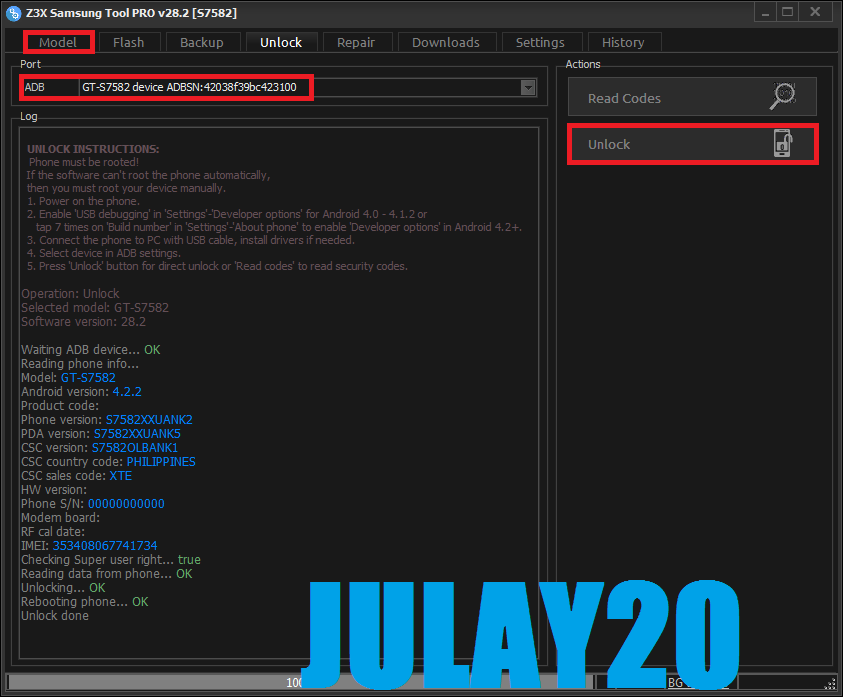
open mona z3x crack mo crack lang yung sakin wala akong z3x box
click Model
Port ADB
HIT UNLOCK
hantayin mo lang ma tapos
click Model
Port ADB
HIT UNLOCK
hantayin mo lang ma tapos
Code:
  UNLOCK INSTRUCTIONS:
   Phone must be rooted!
  If the software can't root the phone automatically,
  then you must root your device manually.
  1. Power on the phone.
  2. Enable 'USB debugging' in 'Settings'-'Developer options' for Android 4.0 - 4.1.2 or
     tap 7 times on 'Build number' in 'Settings'-'About phone' to enable 'Developer options' in Android 4.2+.
  3. Connect the phone to PC with USB cable, install drivers if needed.
  4. Select device in ADB settings.
  5. Press 'Unlock' button for direct unlock or 'Read codes' to read security codes.

Operation: Unlock
Selected model: GT-S7582
Software version: 28.2

Waiting ADB device... OK
Reading phone info...
Model: GT-S7582
Android version: 4.2.2
Product code:
Phone version: S7582XXUANK2
PDA version: S7582XXUANK5
CSC version: S7582OLBANK1
CSC country code: PHILIPPINES
CSC sales code: XTE
HW version:
Phone S/N: 00000000000
Modem board:
RF cal date:
IMEI: 353408067741734
Checking Super user right... true
Reading data from phone... OK
Unlocking... OK
Rebooting phone... OK
Unlock done

Done with Samsung Tool PRO v.28.2
DONE
reference lang mga boss sana maka tolong

 )
)