- Joined
- Oct 17, 2014
- Messages
- 2,447
- Reaction score
- 22
- Points
- 381
Noon una dumating samin TMPA lang, nung bumalik hang logo na. buti di deadboot tatagain ko talaga singil :x
Simple Procedure
1. boot into bootloader mode (hold volume down + power). select fast boot by pressing power button.
2. Go to command promt sa iyong PC at i-type sa c:\fastboot devices dapat may makita na device. kung wala, check your drivers.
3. type sa C:\fastboot getvar all makikita nyo kung anong CID at radio version ang dapat na hanapin at gamitin, dapat pareho ng CID
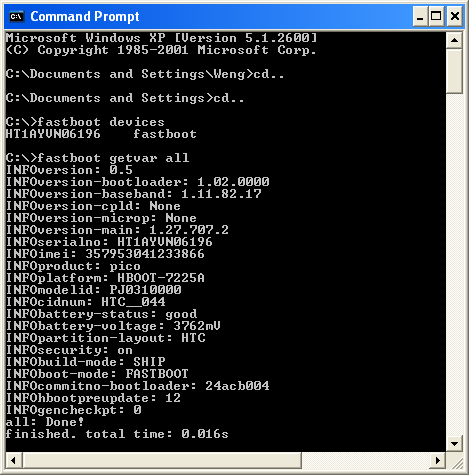
Eto po ang kapareha ng saakin at ang aking ginamit http://dl.vmall.com/c0bbqb3wk0
matapos po makuha ang Rom, double click lang at follow software instructions
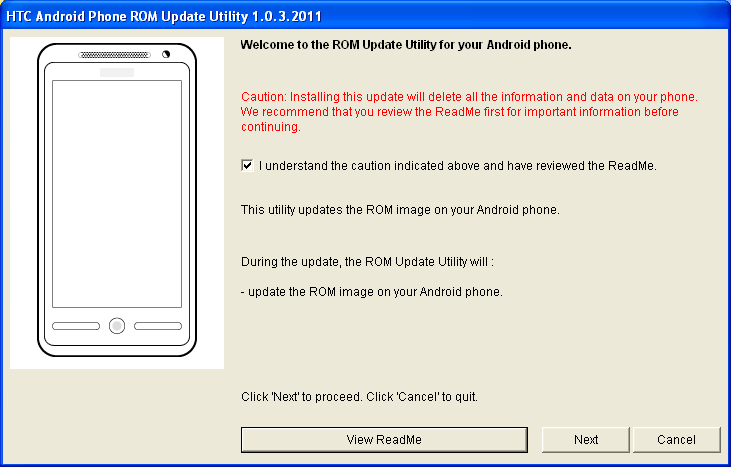
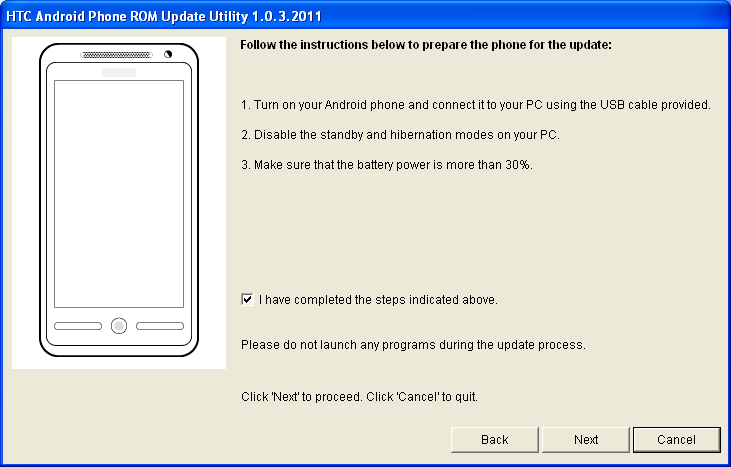

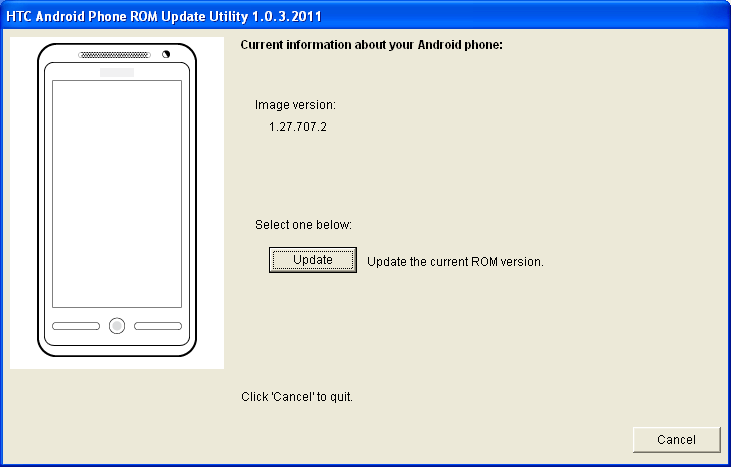
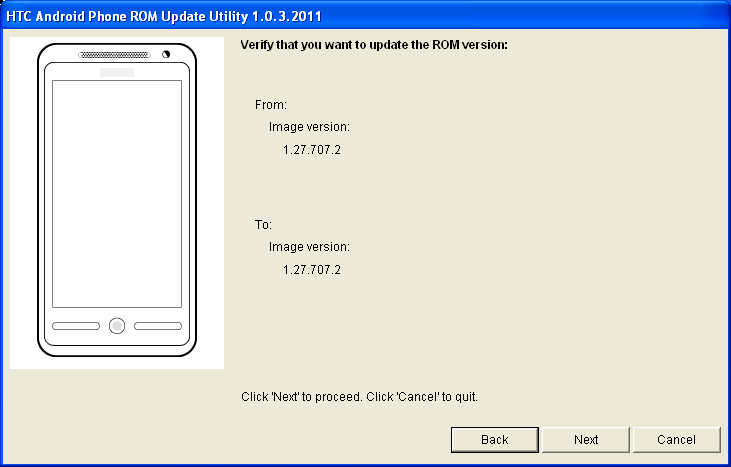
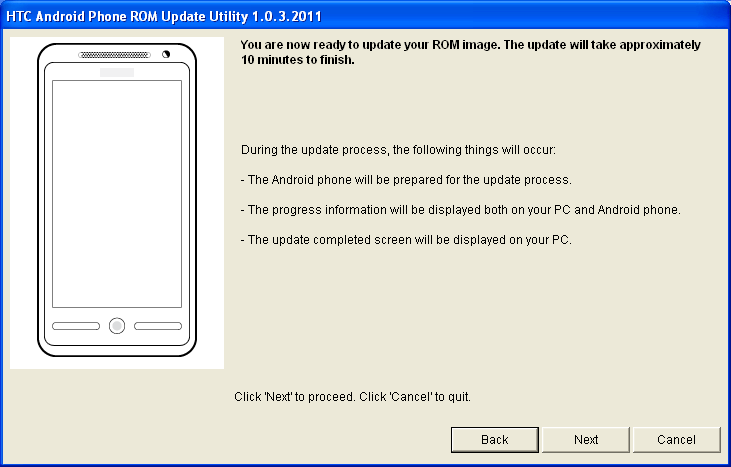
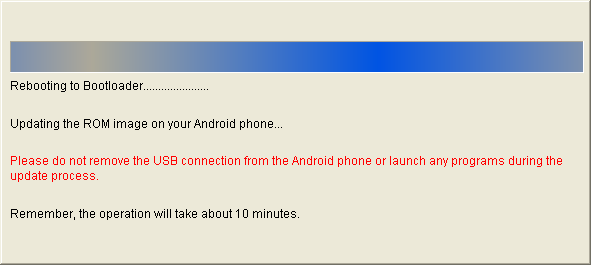
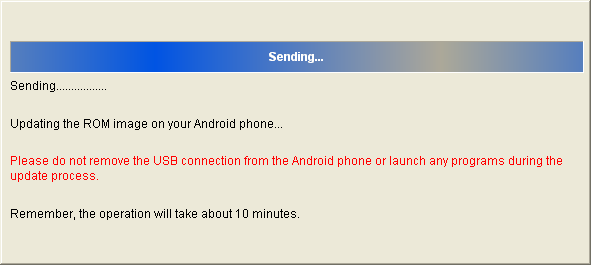
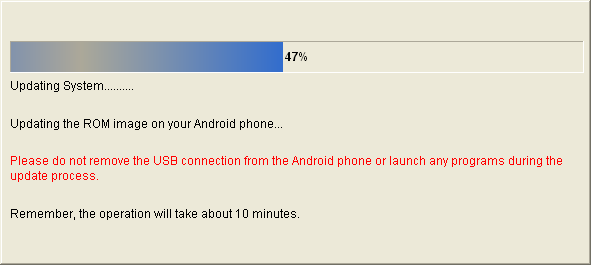
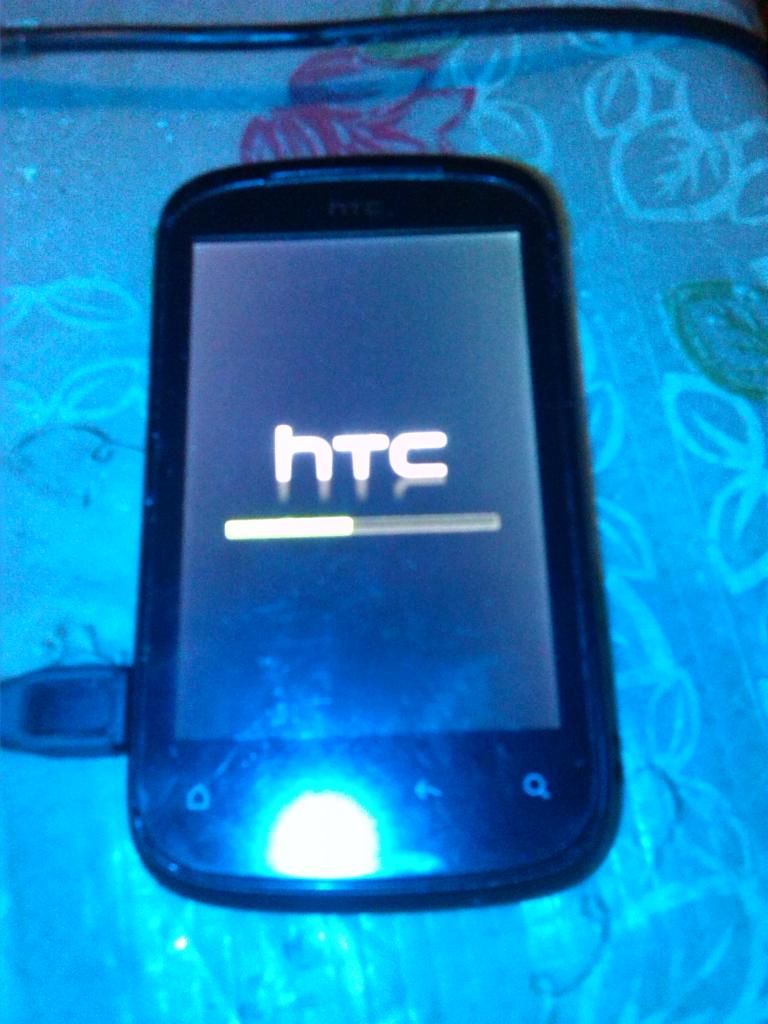
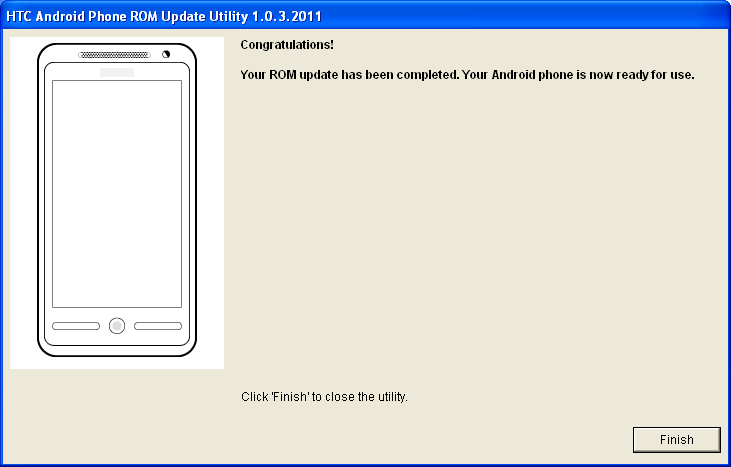
Finish :x
Simple Procedure
1. boot into bootloader mode (hold volume down + power). select fast boot by pressing power button.
2. Go to command promt sa iyong PC at i-type sa c:\fastboot devices dapat may makita na device. kung wala, check your drivers.
3. type sa C:\fastboot getvar all makikita nyo kung anong CID at radio version ang dapat na hanapin at gamitin, dapat pareho ng CID
Eto po ang kapareha ng saakin at ang aking ginamit http://dl.vmall.com/c0bbqb3wk0
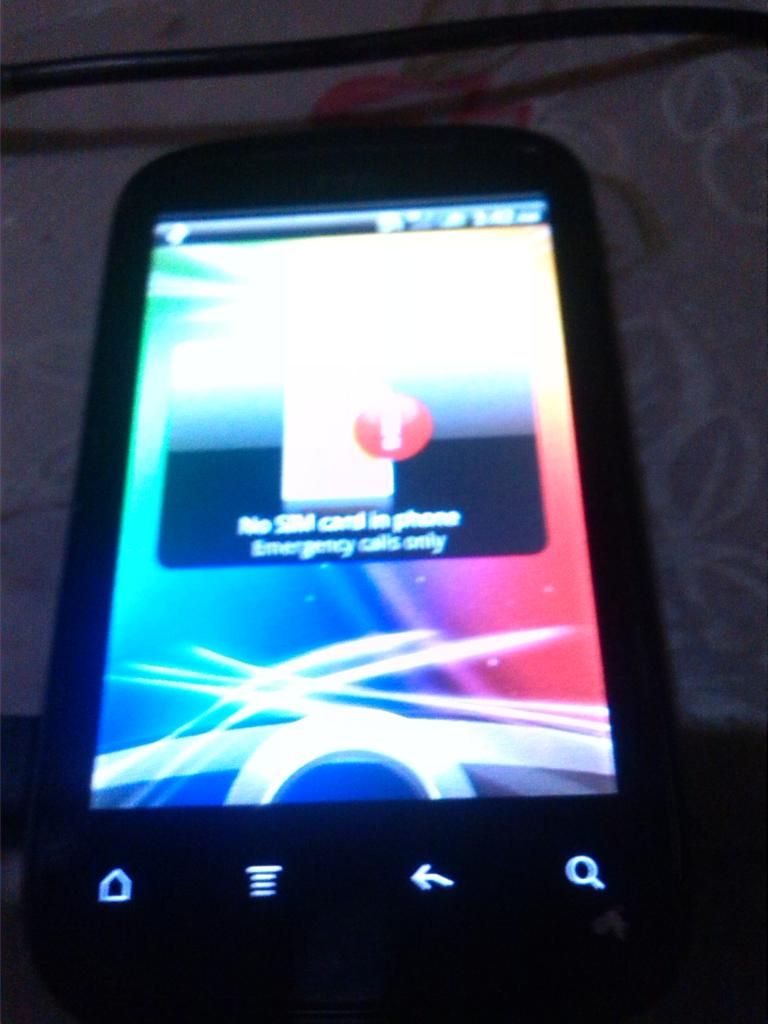
matapos po makuha ang Rom, double click lang at follow software instructions
Finish :x

