P
prinz07
Anonymous
sabi pa ng customer ko hung up sa HTC logo at lock daw sa VERIZON
so try ko muna hard reset........
procedure:
1. Turn the phone off. Press and hold the red End / Power button.
2.Select Power off then press the center of the 5-way navigation pad.
3.Simultaniously press and hold the Volume down, Send key and Power key.
4.Press the Volume up.
5.Press the Send key.
6.Press the Volume down.
screen shot:
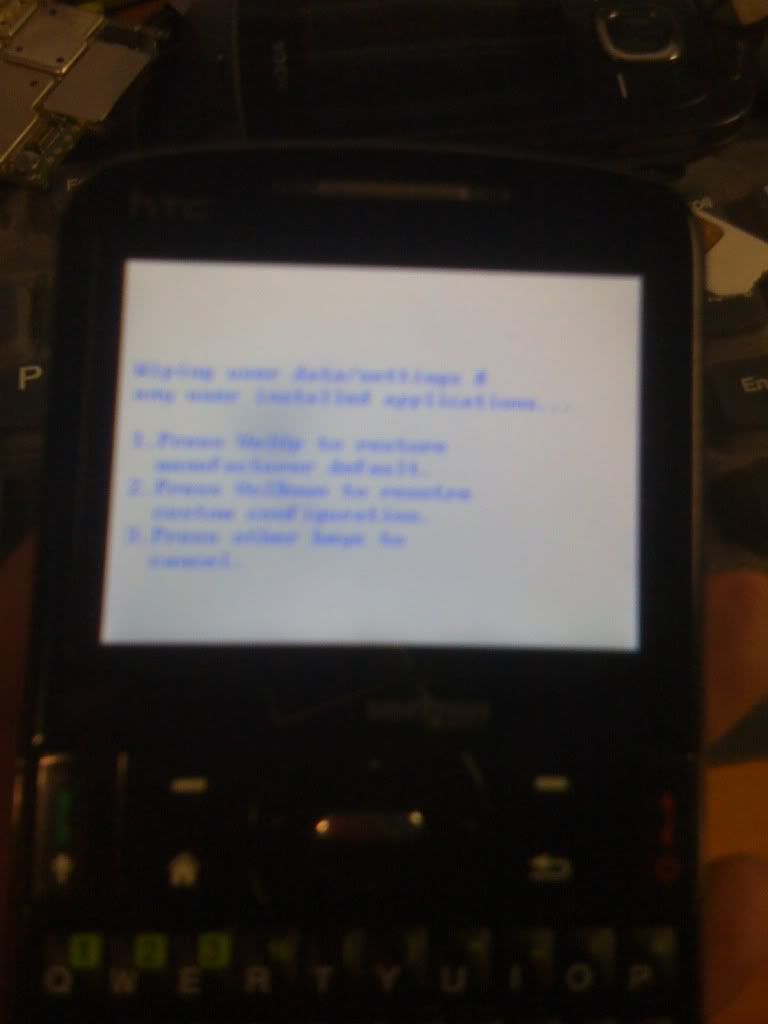
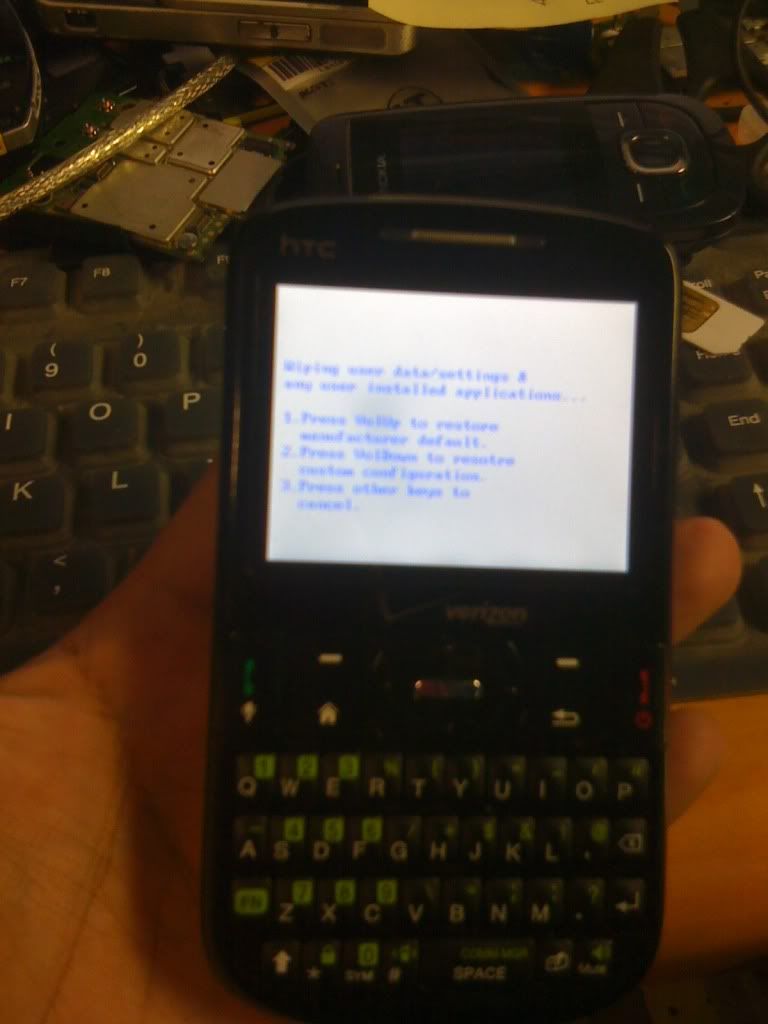


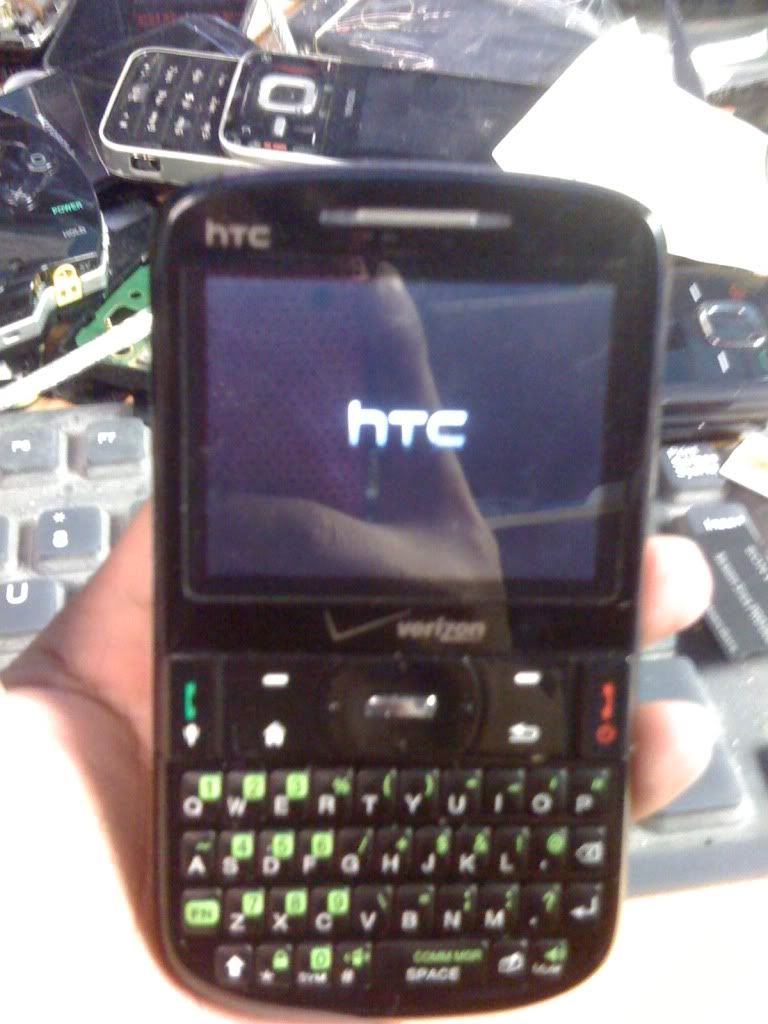

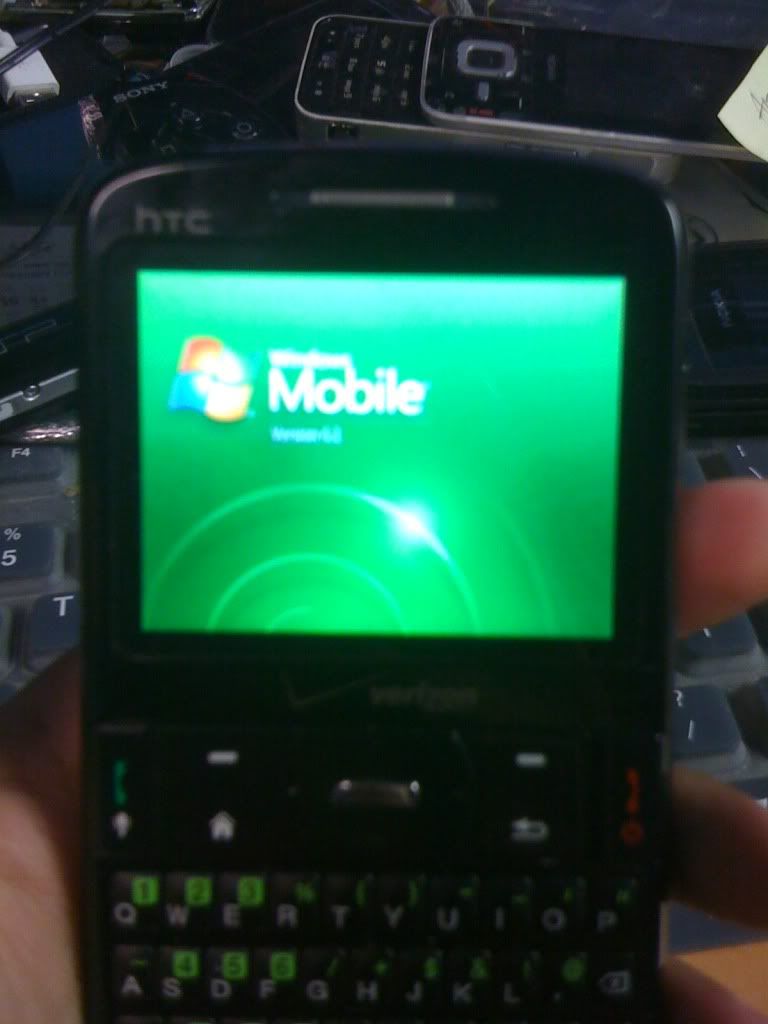

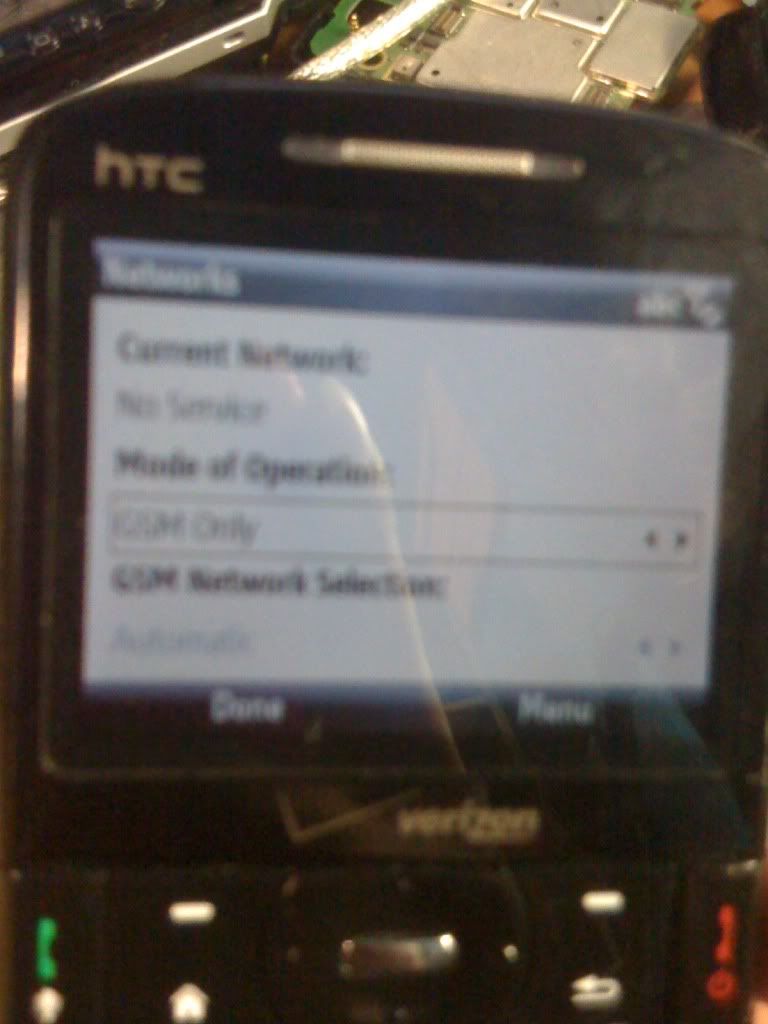
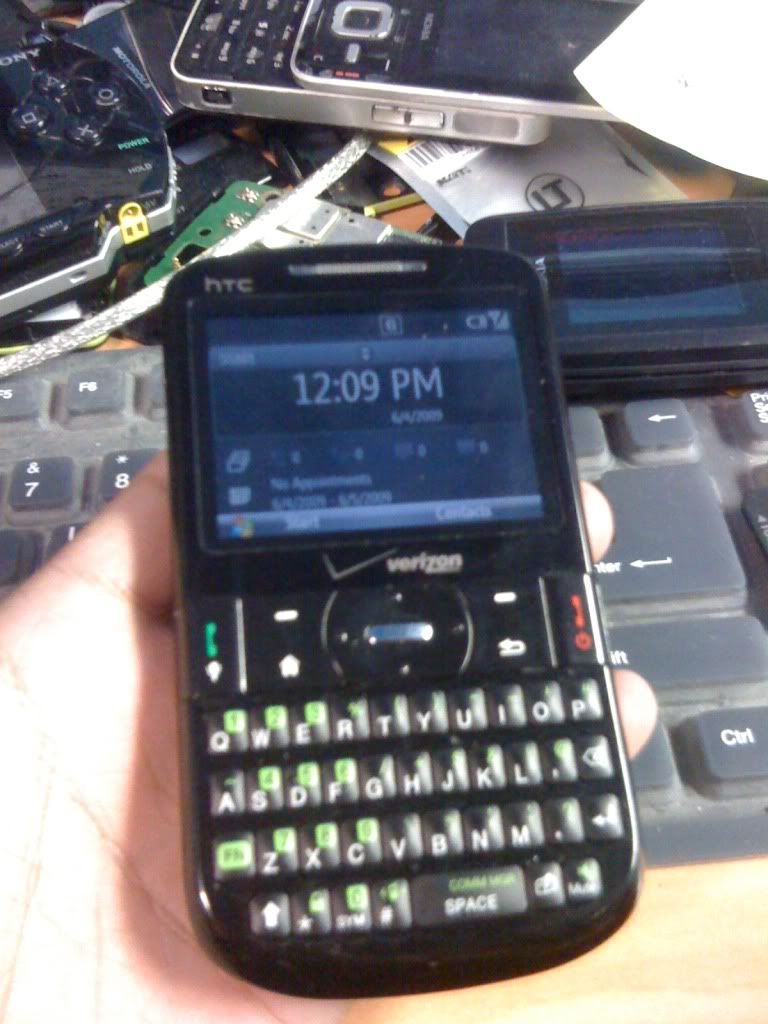
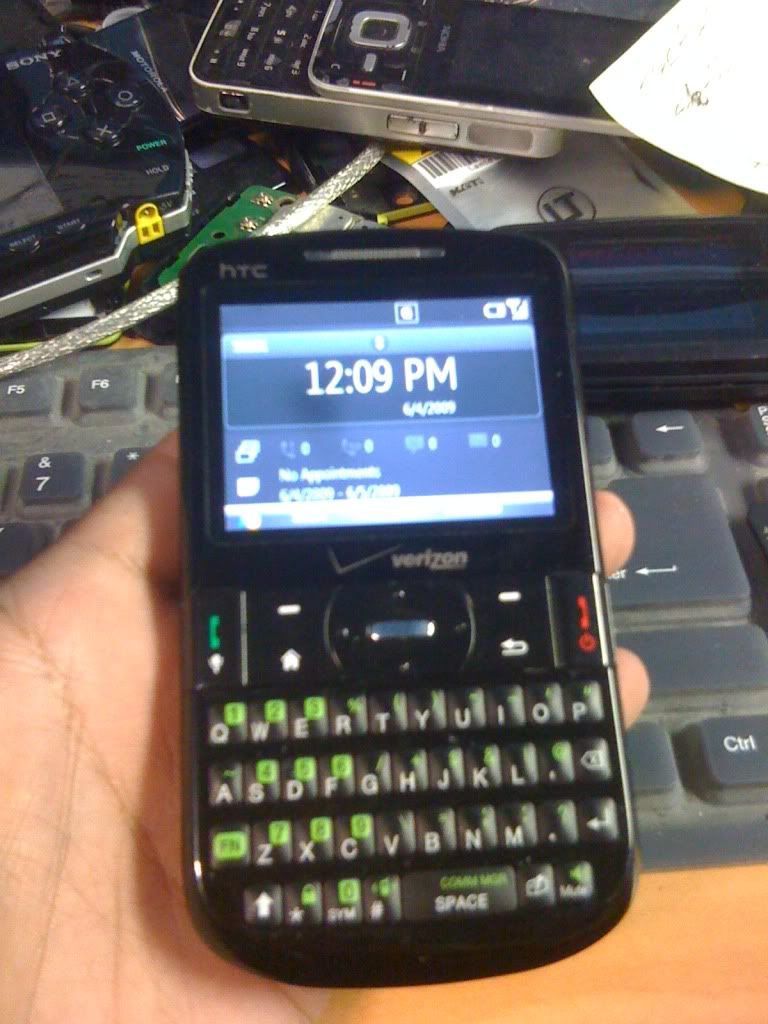
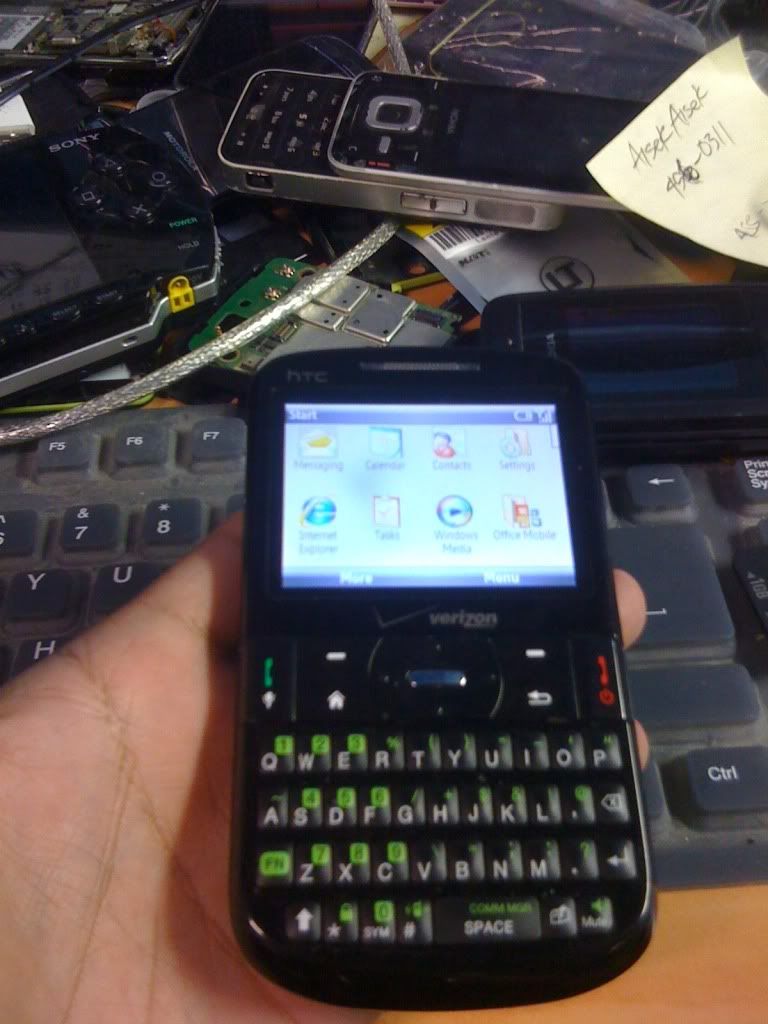
after reset go to setting then network change CDMA to GLOBAL/GSM ONLY
unlock na pala....heheheh
so try ko muna hard reset........
procedure:
1. Turn the phone off. Press and hold the red End / Power button.
2.Select Power off then press the center of the 5-way navigation pad.
3.Simultaniously press and hold the Volume down, Send key and Power key.
4.Press the Volume up.
5.Press the Send key.
6.Press the Volume down.
screen shot:
after reset go to setting then network change CDMA to GLOBAL/GSM ONLY
unlock na pala....heheheh