What's new
PinoyTechnician

This is a sample guest message. Register a free account today to become a member! Once signed in, you'll be able to participate on this site by adding your own topics and posts, as well as connect with other members through your own private inbox!

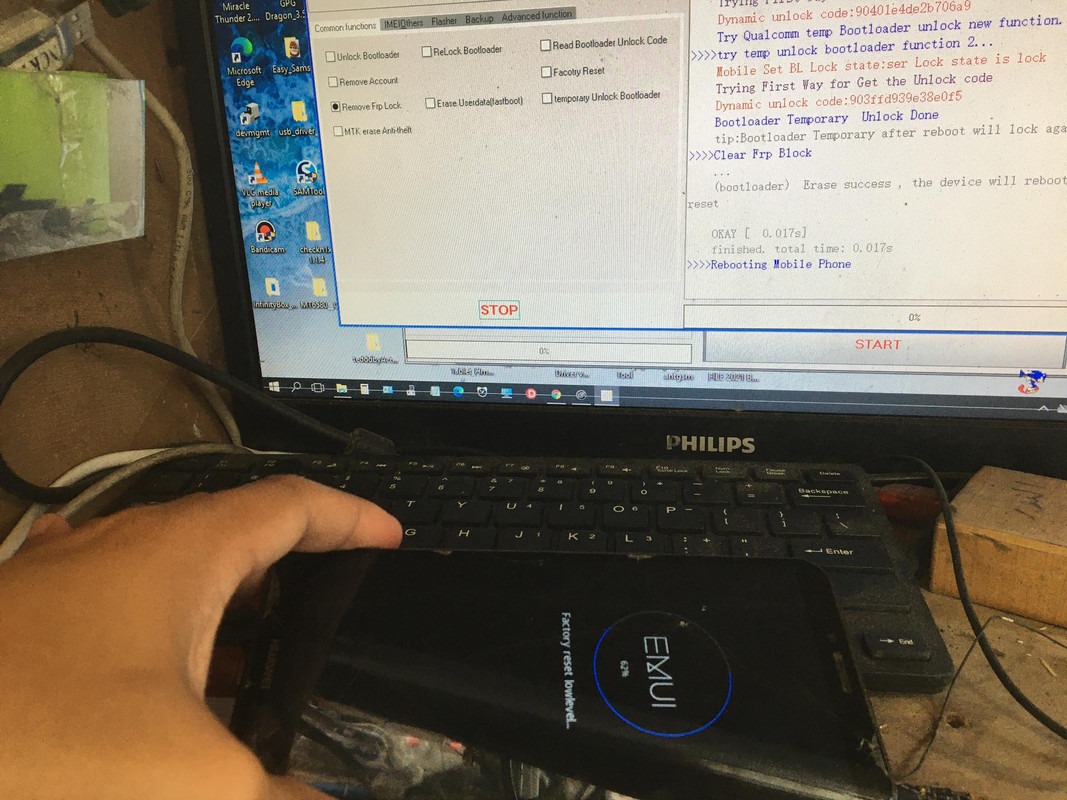
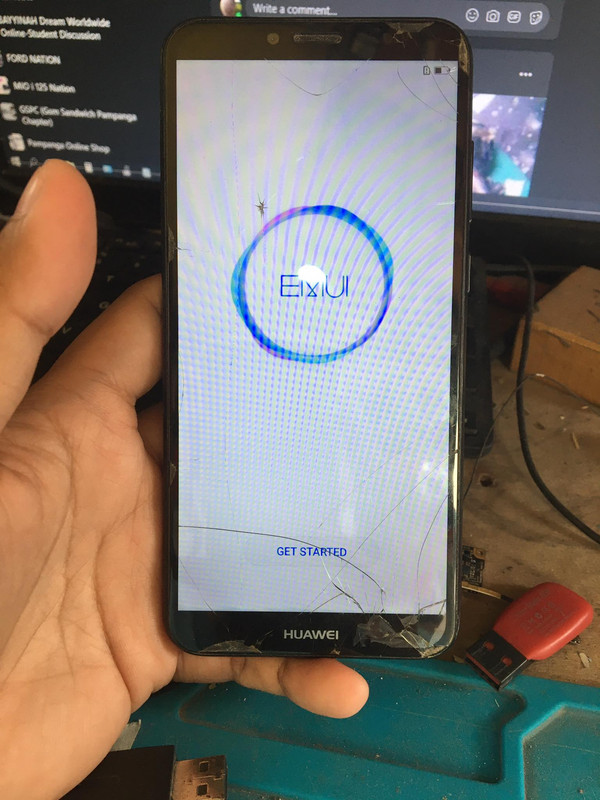
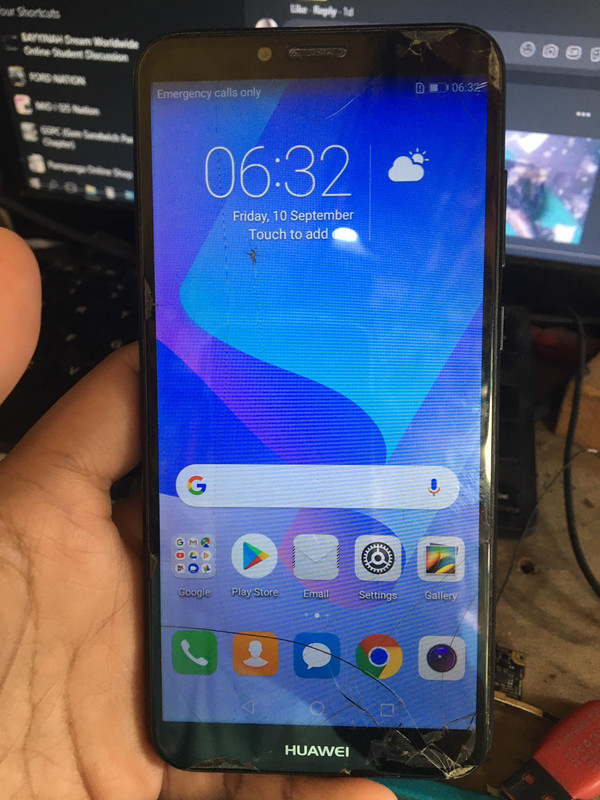
REFERENCE Huawei Atu-l22 Frp Done sa Mrt v3.80 With Procedures

AL-GSM

Registered
Joined
Jun 12, 2020
Messages
39
Reaction score
29
Points
1
Location
Guagua, Pampanga
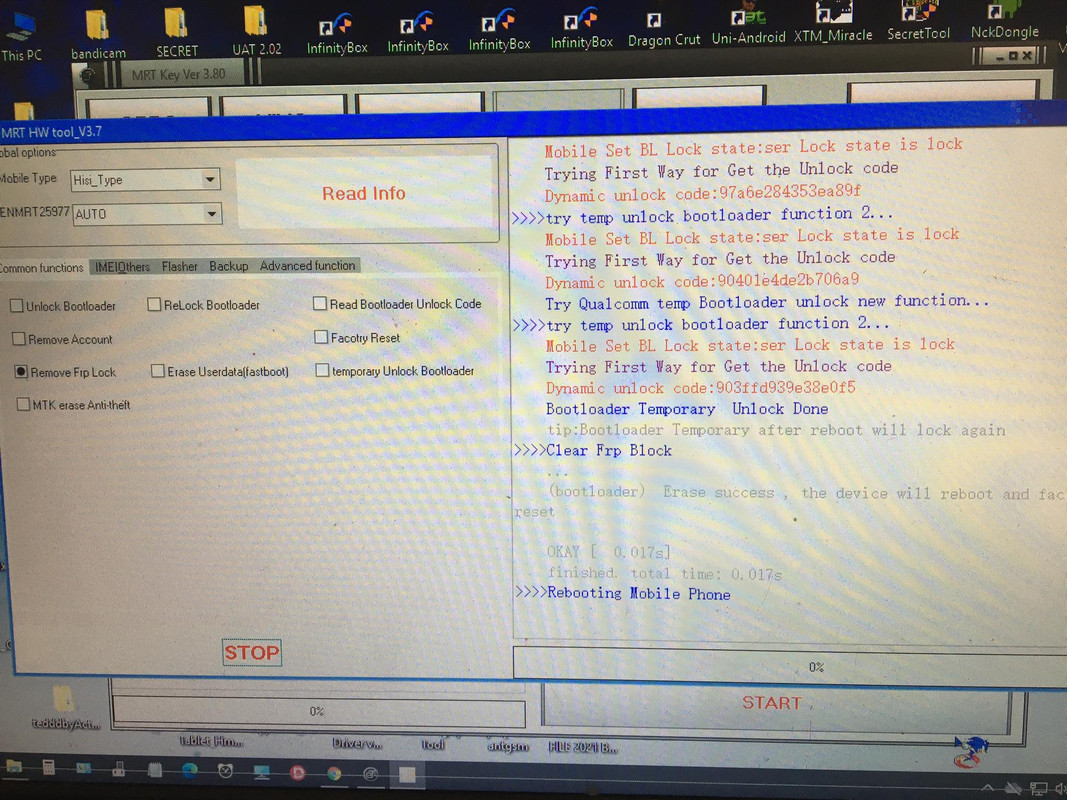
Mrt v 3.80 install drivers if needed ( DRIVERS )
1st : Open Mrt dongle 3.80
2nd : Click HW Tool
3rd : Click Remove Frp Lock & START
4th : Power off unit Hold vol - insert usb ( FASTBOOT MODE )
hintayin matapos, DONE!!!
161604085_3575252362603273_1853221269257914803_n.jpg

160960456_1425410621131304_9016027292029534155_n.jpg

160927409_2653799451577461_1183259459062923082_n.jpg

161665421_1656836184519576_7212848693250548855_n.jpg

DONE
 
Back
Top