
- Joined
- Jun 12, 2014
- Messages
- 63
- Reaction score
- 1
- Points
- 1
Huawei HW-01E NTT Docomo Successfuly Unlock
HI just want to share this...
1. Debrand the phone using this File (U9501L / D1 LTE / HW-01E)
2. Root Using Vroot.
3. Do Unlock Procedure using SIGMAKEY
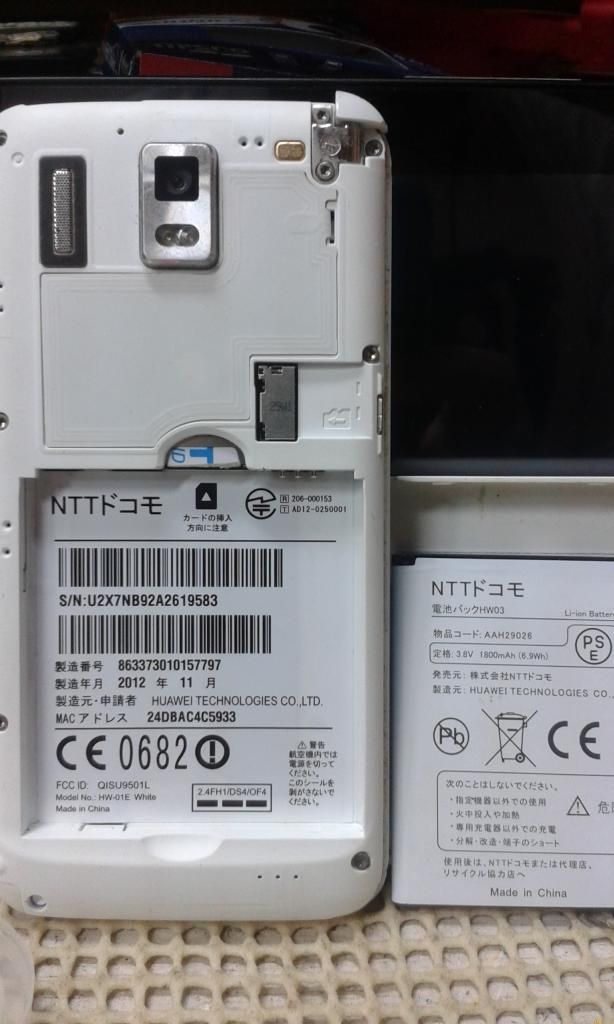
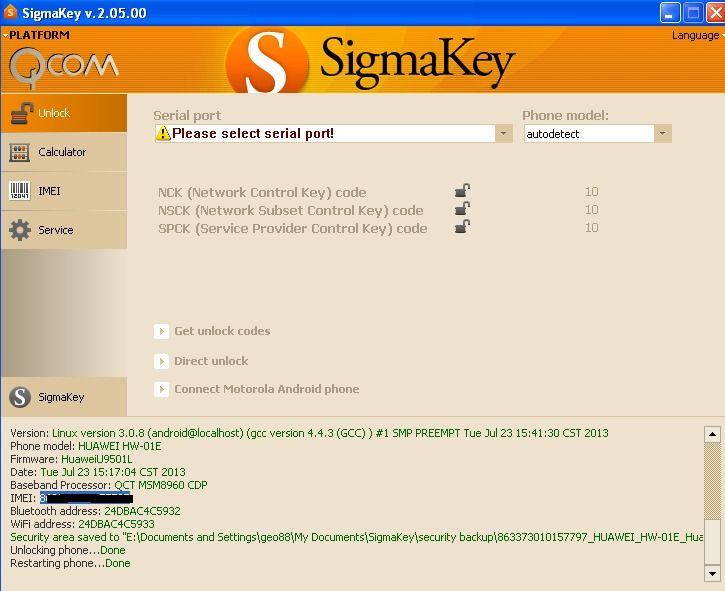
HI just want to share this...
1. Debrand the phone using this File (U9501L / D1 LTE / HW-01E)
1. Grab "Intermediate Pack", desired firmware version, intermediate FashPack. Links in bottom of this guide.
2. Take the RECOVERY.IMG out of intermediate FlashPack, and Install it through the steps above. (fastboot flash recovery recovery.img)
3. Place "Intermediate Pack" UPDATE.APP on your SD-card. The file structure MUST be: (Root of SD-card) dload\UPDATE.APP
4. Boot into recovery (Volume up+down when powering on the device). This should start flashing procedure of B123, Intermediate Pack. If it doesn't work and you come from a custom ROM, you must change build.prop to the one included in Intermediate Pack FlashPack. See "FAQ" on how to replace build.prop.
5. After install, it will boot. Now switch the UPDATE.APP from Intermediate Pack with the one from desired firmware version. ((Root of SD-card) dload\UPDATE.APP)
6. Boot to recovery. The firmware flashing procedure will start.
2. Root Using Vroot.
3. Do Unlock Procedure using SIGMAKEY


