What's new
PinoyTechnician

This is a sample guest message. Register a free account today to become a member! Once signed in, you'll be able to participate on this site by adding your own topics and posts, as well as connect with other members through your own private inbox!

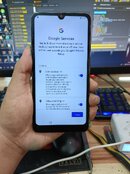
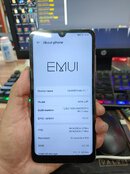
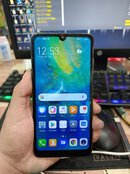
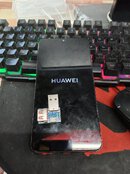
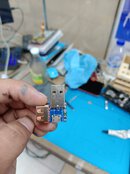
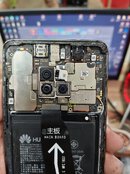
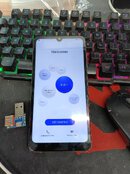
REFERENCE Huawei Mate 20 (HMA-L29) FRP Remove DONE Via Unlocktools With TP Using Harmony Cable!

Johnlhon24

Registered
Joined
May 18, 2022
Messages
5
Reaction score
5
Points
1
Location
Naga City
Procedure
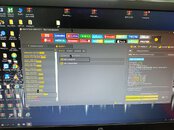
1.Open UT Tools
2. Baklasin ang unit
3. Select Huawei
4. Select Kirin 980 FRP
5. Salpak Harmony Cable pag tumunog
6.Click Erase FRP
wait until done!

sana makatulong mga maam/sir
 

Attachments

  • 3.jpg
    3.jpg
    172.2 KB · Views: 73
  • 4.jpg
    4.jpg
    140.5 KB · Views: 36
  • 5.jpg
    5.jpg
    116.9 KB · Views: 32
  • 6.jpg
    6.jpg
    155.1 KB · Views: 50
  • 7.jpg
    7.jpg
    122.9 KB · Views: 55
  • 8.jpg
    8.jpg
    164.5 KB · Views: 77
  • harmony.jpg
    harmony.jpg
    95.6 KB · Views: 91
  • tp.jpg
    tp.jpg
    190.9 KB · Views: 93
Back
Top