Open Hydra Main Module
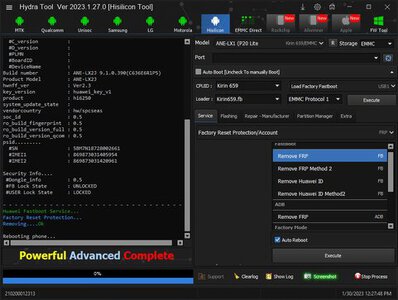
click hisilicon tool
select ane-lx1 (p20 lite)
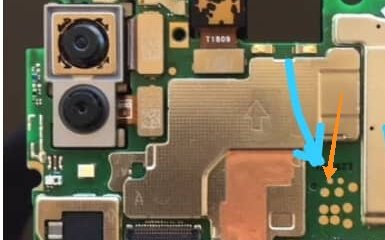
connect battery
Connect TP
1 Choose Factory Boot
2 Click Load Factory Fastboot
3 Click Execute
4 Choose fastboot
5 click Factory Reset Protection/Account frp
6 Execute, Done
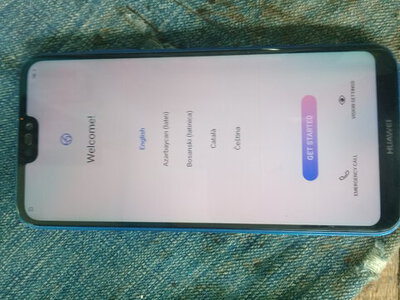
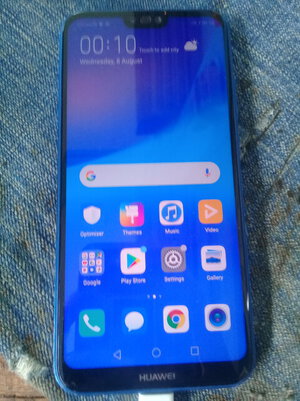
mag auto wipe yan mga lods....
click hisilicon tool
select ane-lx1 (p20 lite)
connect battery
Connect TP
1 Choose Factory Boot
2 Click Load Factory Fastboot
3 Click Execute
4 Choose fastboot
5 click Factory Reset Protection/Account frp
6 Execute, Done
mag auto wipe yan mga lods....