
Share ko lang po itong narepair ko ngaun..
pinutakti ako ng napakaraming HARD RESET
hindi lang 3 kundi pito.. ito munang naunang Huawei Y210D
kabaliktaran po yan ng Huawei Y210 nasa kaliwa ang volume control
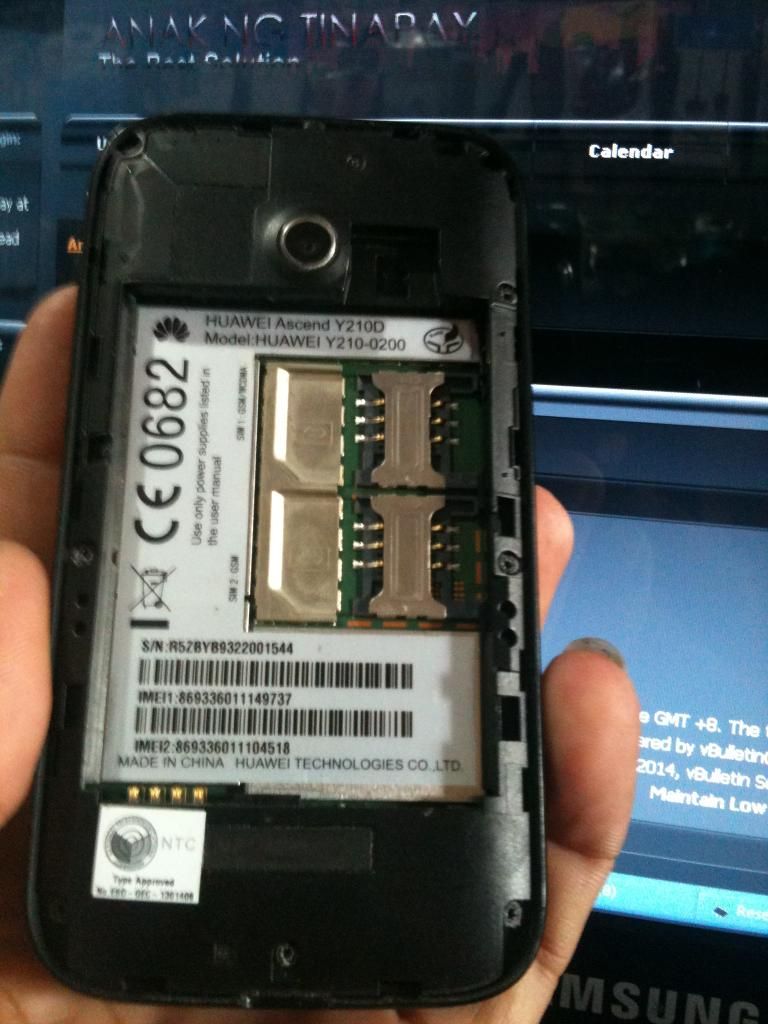
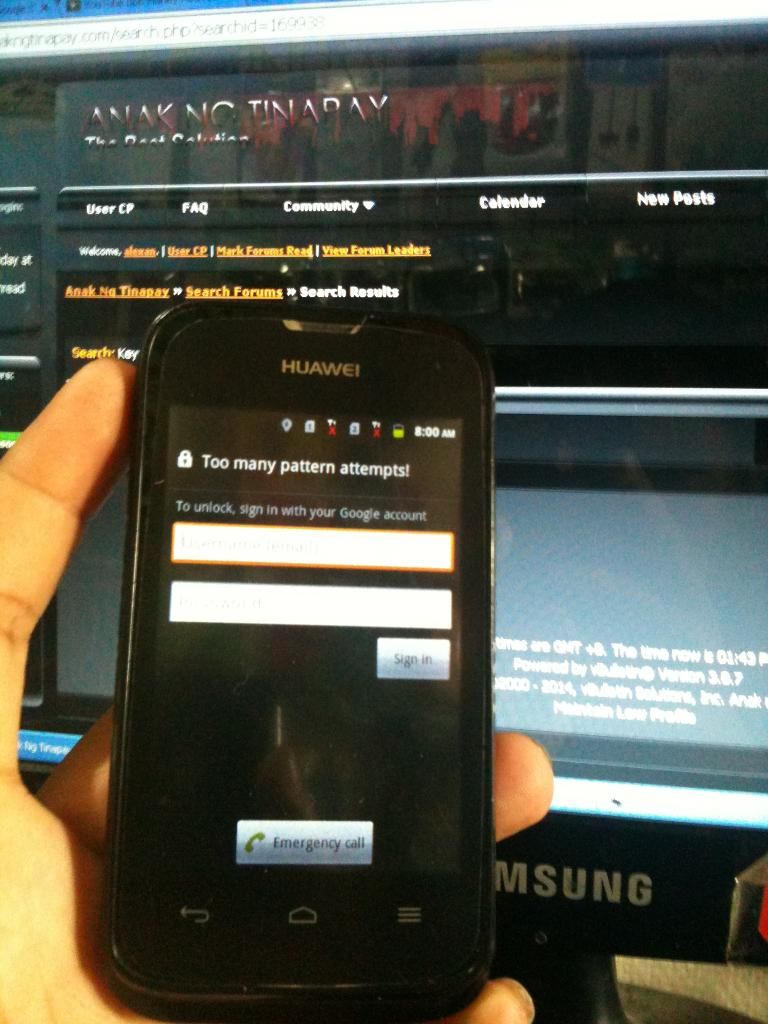
sundan na lang po ang procedure
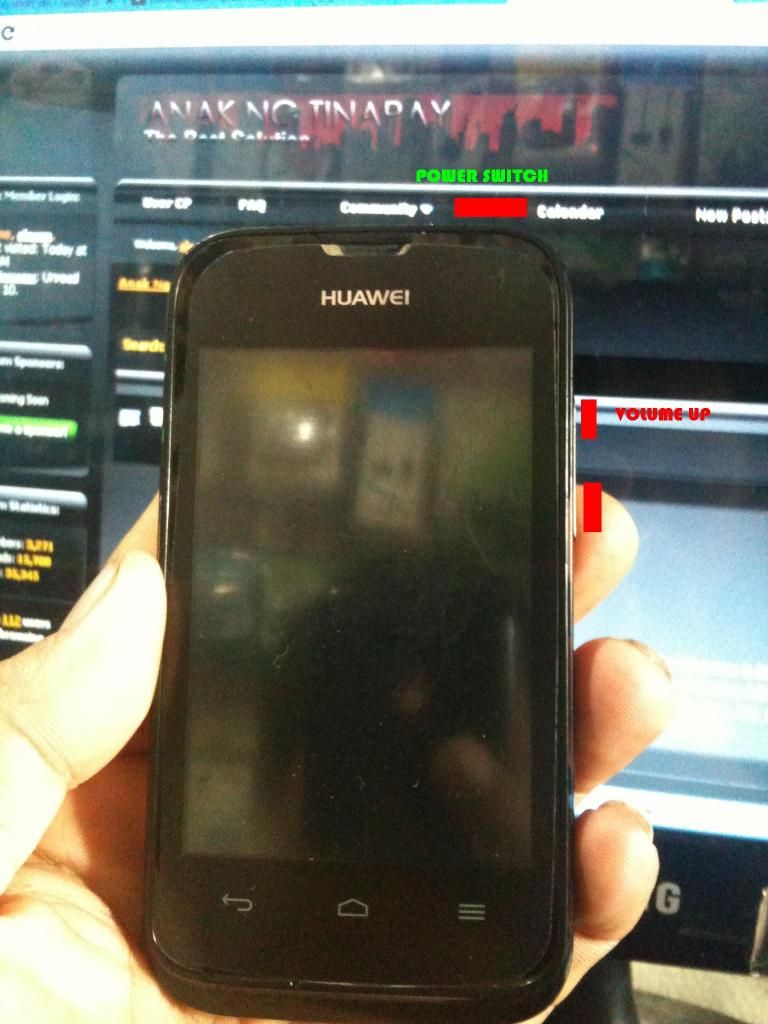
HOLD VOLUME UP AT POWER NG SABAY.. hantayin lumabas ang
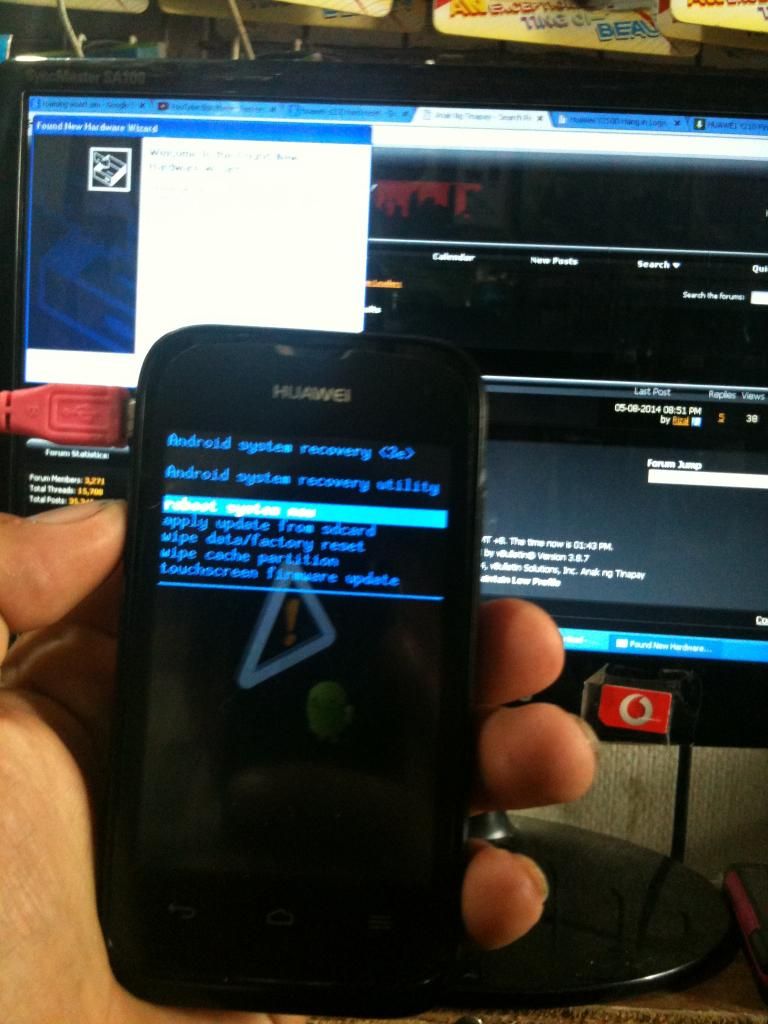
USE VOLUME DOWN TO SELECT WIPE DATA FACTORY RESET...
CLICK POWER TO SELECT
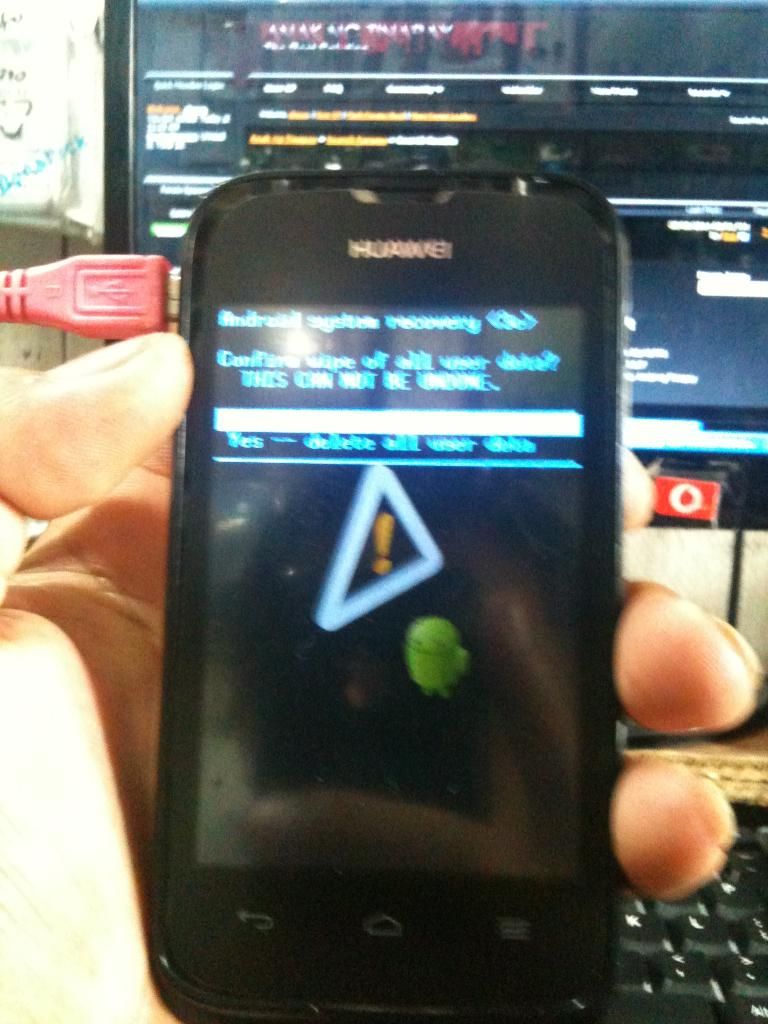
CLICK DELETE ALL USER DATA
CLICK POWER TO SELECT
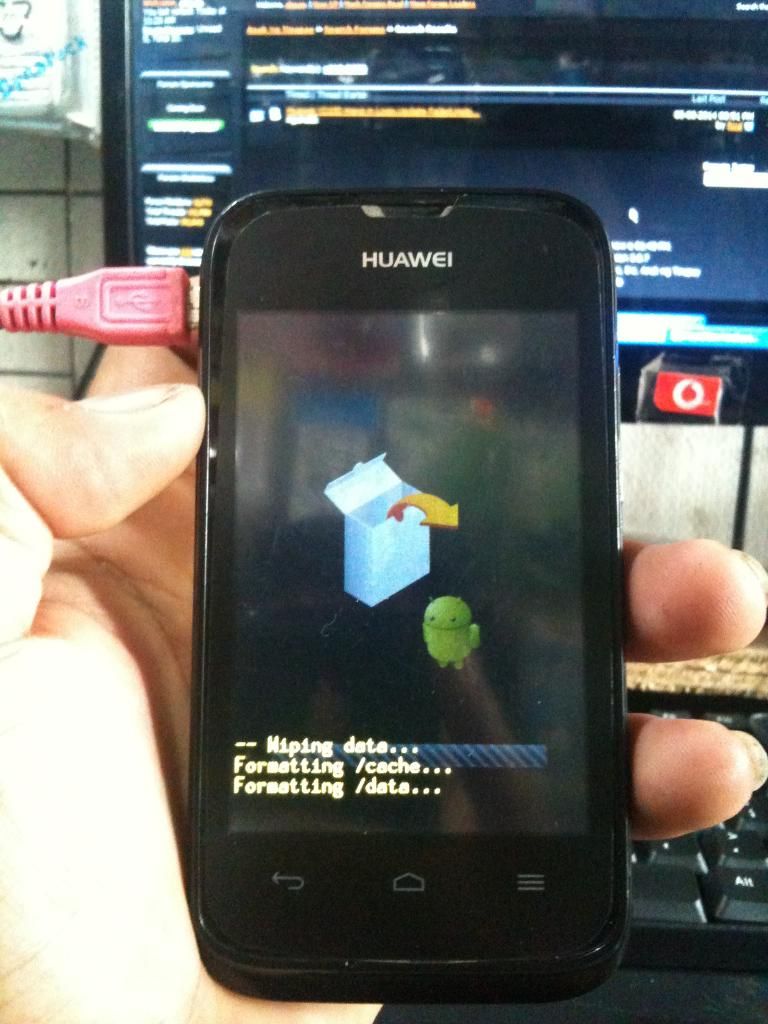
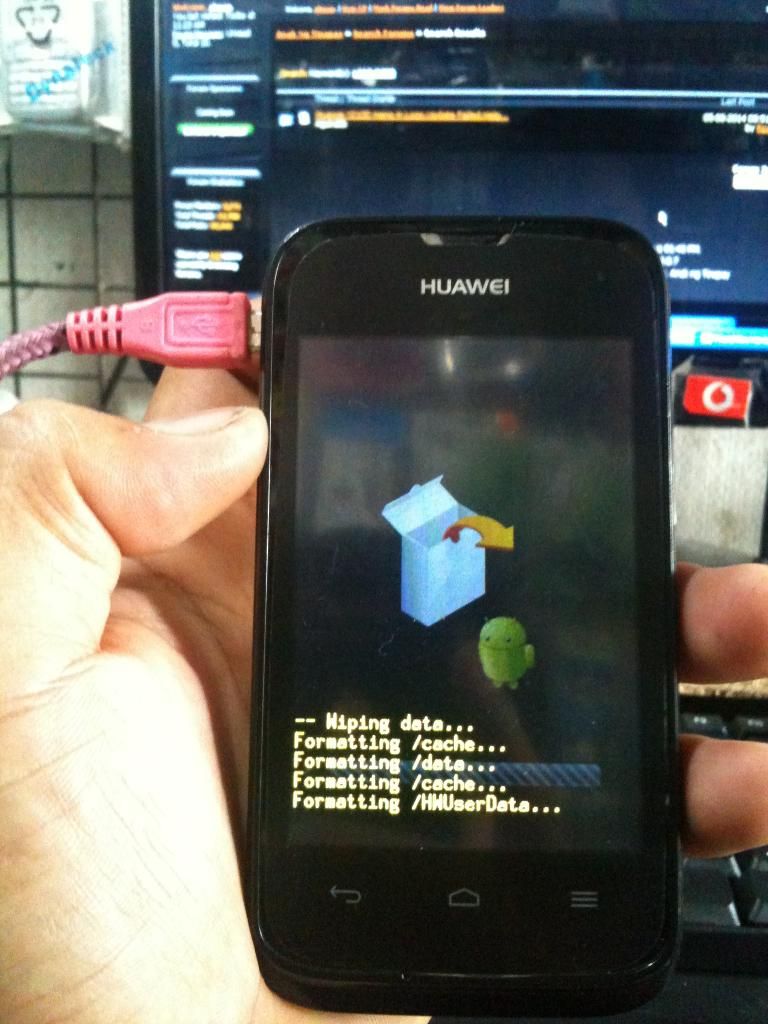
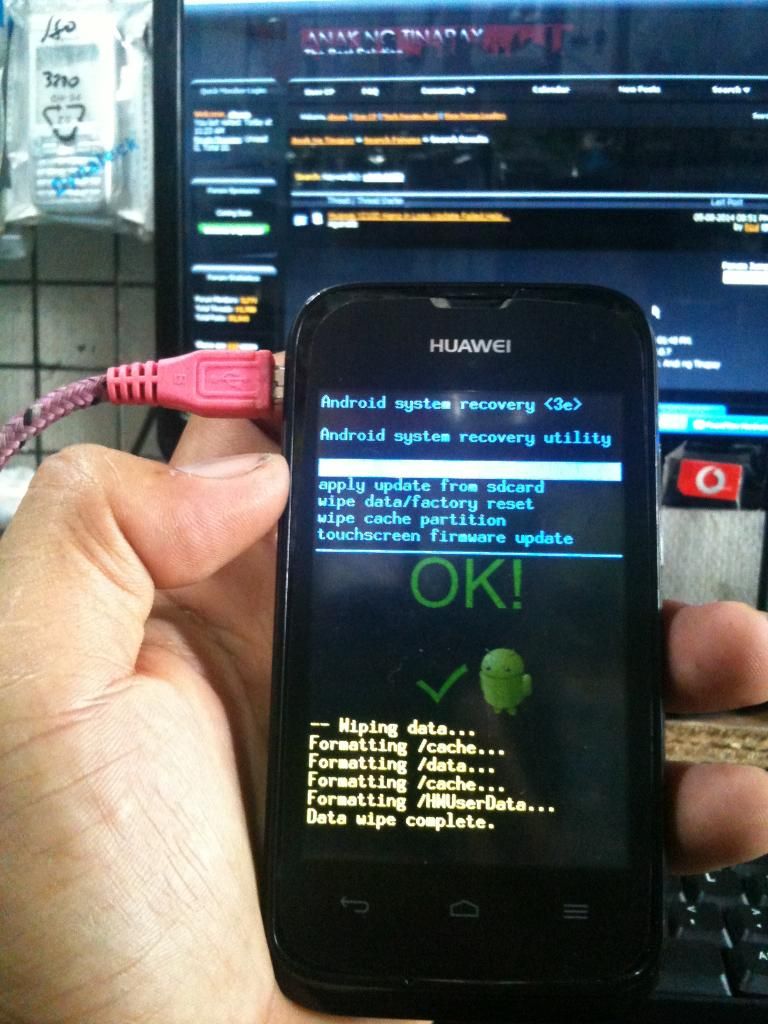
PAG NAKITA ANG OK.. IBIG SABIHIN PERA NA..
sana po makatulong sa mga baguhang tulad ko..
salamat po sa viewing
pinutakti ako ng napakaraming HARD RESET
hindi lang 3 kundi pito.. ito munang naunang Huawei Y210D
kabaliktaran po yan ng Huawei Y210 nasa kaliwa ang volume control


sundan na lang po ang procedure

HOLD VOLUME UP AT POWER NG SABAY.. hantayin lumabas ang

USE VOLUME DOWN TO SELECT WIPE DATA FACTORY RESET...
CLICK POWER TO SELECT

CLICK DELETE ALL USER DATA
CLICK POWER TO SELECT


PAG NAKITA ANG OK.. IBIG SABIHIN PERA NA..
sana po makatulong sa mga baguhang tulad ko..
salamat po sa viewing

