
Hi
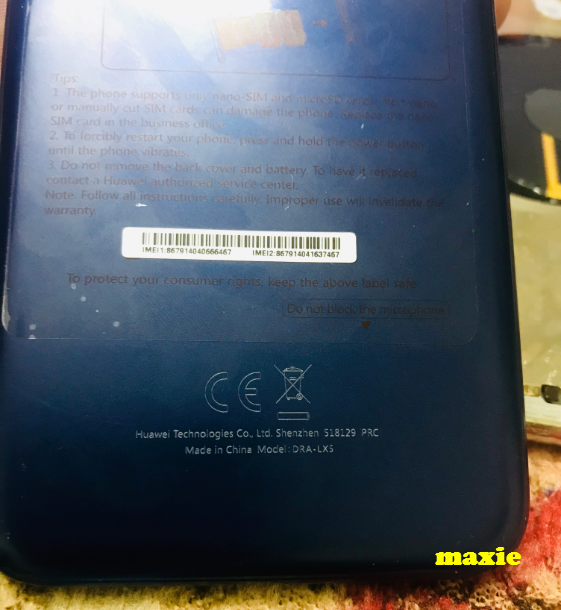
Unit: Huawei Y5 lite
Model: DRA-LX5
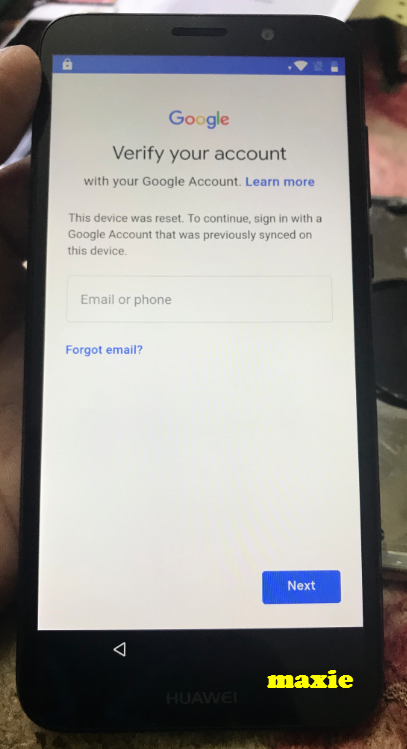
Problem: FRP
Solution: remove via Octoplus
Instruction
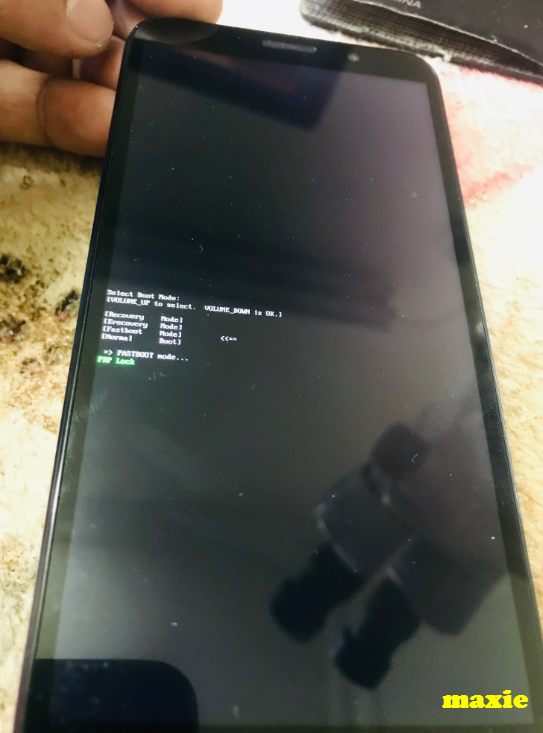
Put the phone in FastBoot Mode:
1. Remove SD and SIM cards from the phone
2. Power phone OFF
3. Press and hold "Vo+" + "Power"and insert USB cable
4. Wait until the phone enter Recovery Mode
5. Select Fastboot
6. Done
Picture
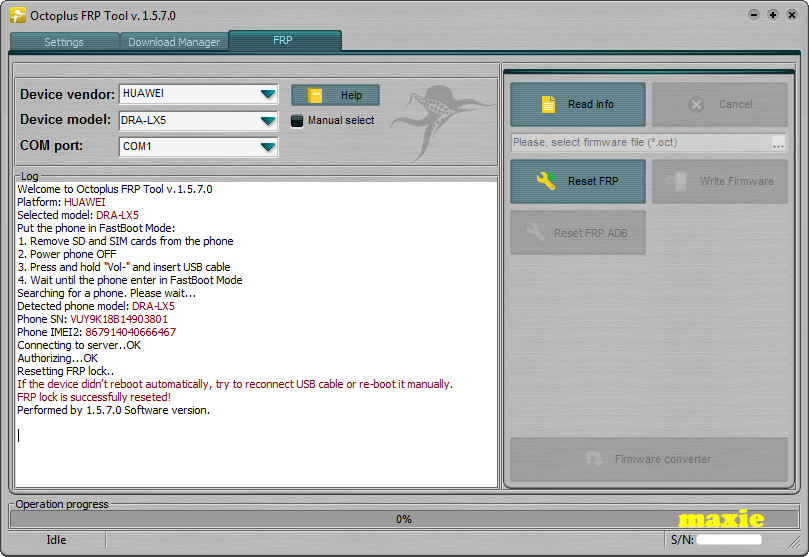
Logs
Finish
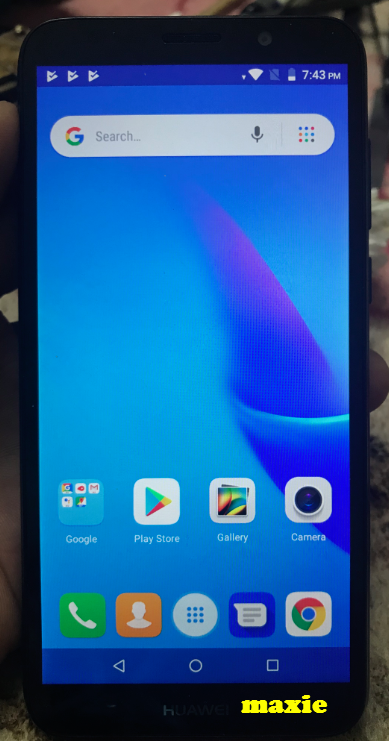
oh wag lang puro view mag pasalamat ka naman
Unit: Huawei Y5 lite
Model: DRA-LX5
Problem: FRP
Solution: remove via Octoplus
Instruction
Put the phone in FastBoot Mode:
1. Remove SD and SIM cards from the phone
2. Power phone OFF
3. Press and hold "Vo+" + "Power"and insert USB cable
4. Wait until the phone enter Recovery Mode
5. Select Fastboot
6. Done
Picture
Logs
Code:
Welcome to Octoplus FRP Tool v.1.5.7.0
Platform: HUAWEI
Selected model: DRA-LX5
Put the phone in FastBoot Mode:
1. Remove SD and SIM cards from the phone
2. Power phone OFF
3. Press and hold "Vol-" and insert USB cable
4. Wait until the phone enter in FastBoot Mode
Searching for a phone. Please wait...
Detected phone model: DRA-LX5
Phone SN: VUY9K18B14903801
Phone IMEI2: 867914040666467
Connecting to server..OK
Authorizing...OK
Resetting FRP lock..
If the device didn't reboot automatically, try to reconnect USB cable or re-boot it manually.
FRP lock is successfully reseted!
Performed by 1.5.7.0 Software version.
Finish
oh
wag lang puro view mag pasalamat ka naman