- Joined
- Jul 16, 2014
- Messages
- 26
- Reaction score
- 2
- Points
- 1
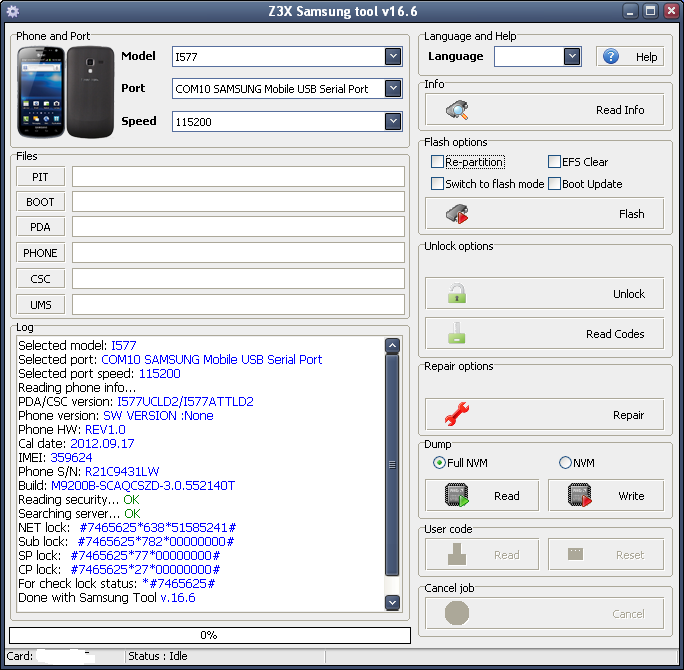
i577 unlock by read codes.
1. Phone must be powered on.
2. Type *#7284# and choose Modem for both options.
3. Type *#9090# and choose DM/DUN over HSIC.
4. Reboot phone.
5. Connect USB cable, install drivers.
6. Select diagnostic port in port settings.
7. Press "Read codes" button
1. Phone must be powered on.
2. Type *#7284# and choose Modem for both options.
3. Type *#9090# and choose DM/DUN over HSIC.
4. Reboot phone.
5. Connect USB cable, install drivers.
6. Select diagnostic port in port settings.
7. Press "Read codes" button

