i9295 unlock + root done...[Reference]
i9295 unlock + root done hindi ako nag kakamali 1st yata sa tinapay
d2 poh galing ung pinag root ko na odin at file
1,download 3.04 odin + file and extract
2.run odin click pda brouse file root
3.press volume down +home + power
4.click start hintayin matapos
rooting done
[URL="http://i769.photobucket.com/albums/xx331/felixracoma/e_zpsf08bf248.jpg"][URL="http://i769.photobucket.com/albums/xx331/felixracoma/e_zpsf08bf248.jpg"]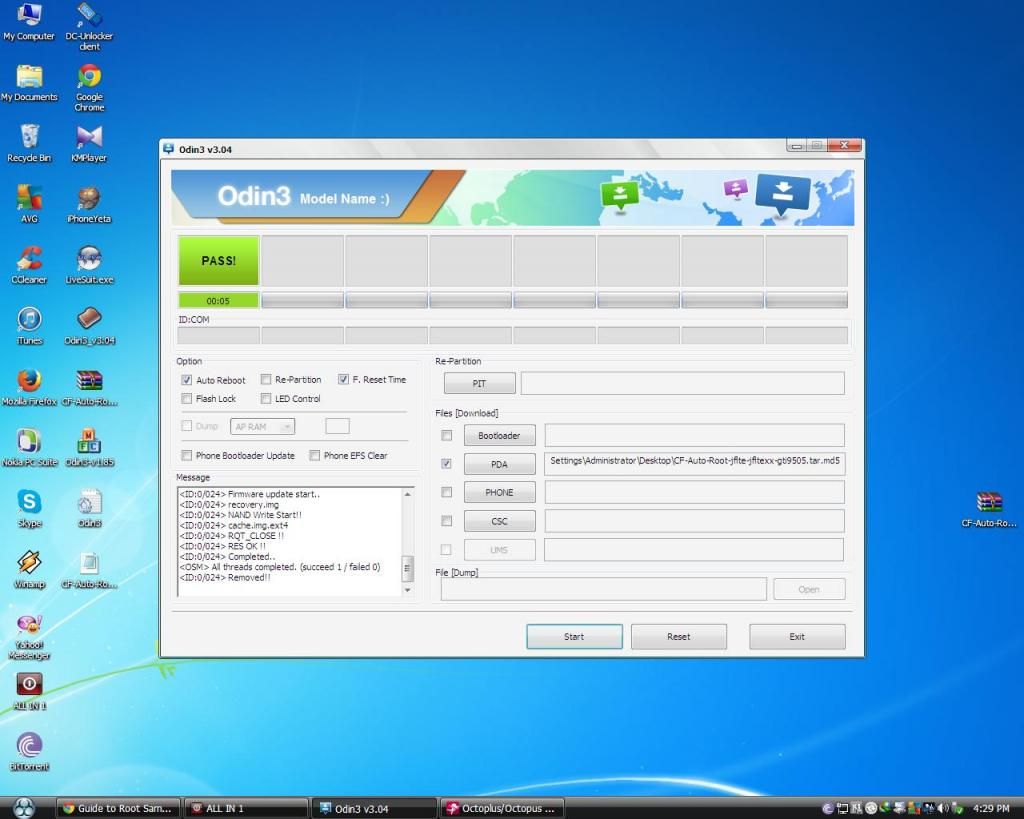 [/URL][/URL]
unlocking procedure lock sa globe
To connect GT-I9295 phone you have to perform the following steps:
1. Disconnect USB cable from phone.
2. Go to Menu->Settings->More->About Device.
3.Tap on "Builds numbers" 7 times to enable developer options.
4. Go to Menu->Settings->More->Developer options.
5. Turn on "USB Debugging" option.
6. Go to dial window.
7. Enter "*#0808#" number.
8. Select "DM+Modem+ADB".
9. Close window.
10. Go to dial window.
11. Enter "*#9090#" number.
12. Set "Diag config" to "USB" value.
13. Restart phone.
14. Press "Read Info" in software.
[URL="http://i769.photobucket.com/albums/xx331/felixracoma/fff_zps9d277a75.jpg"][URL="http://i769.photobucket.com/albums/xx331/felixracoma/fff_zps9d277a75.jpg"]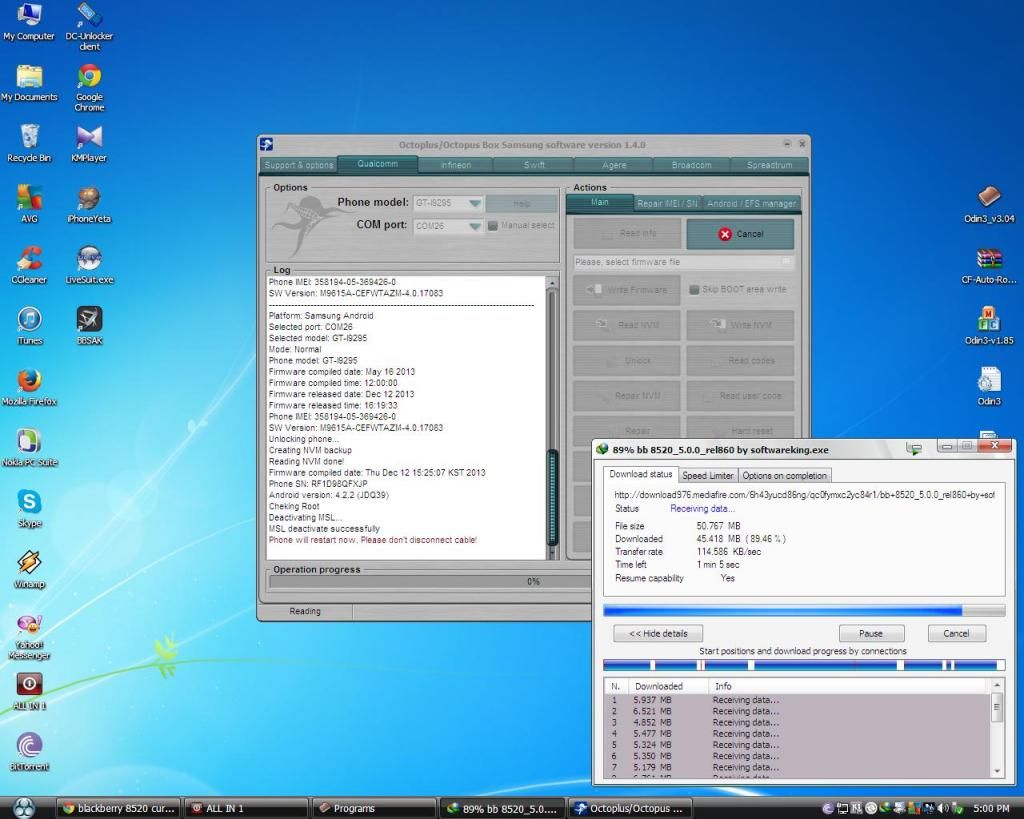 [/URL][/URL]
[URL="http://i769.photobucket.com/albums/xx331/felixracoma/100APPLE_IMG_0011_zpsc43c6acc.jpg"][URL="http://i769.photobucket.com/albums/xx331/felixracoma/100APPLE_IMG_0011_zpsc43c6acc.jpg"]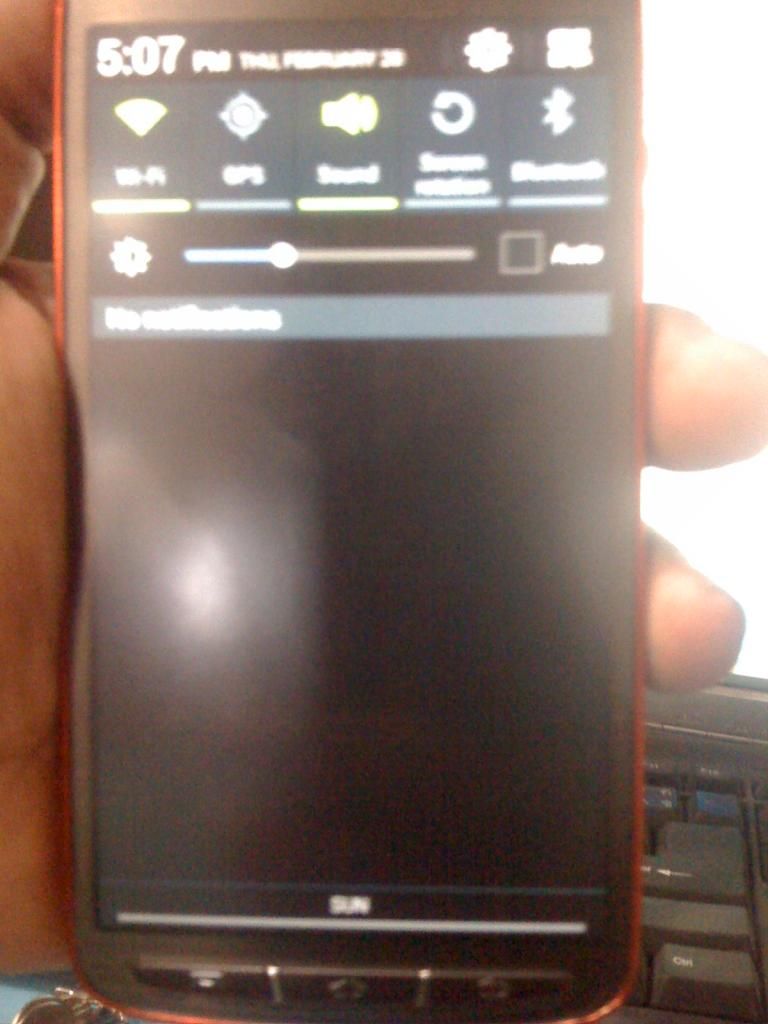 [/URL][/URL]
[URL="http://i769.photobucket.com/albums/xx331/felixracoma/100APPLE_IMG_0010_zps659989e0.jpg"][URL="http://i769.photobucket.com/albums/xx331/felixracoma/100APPLE_IMG_0010_zps659989e0.jpg"]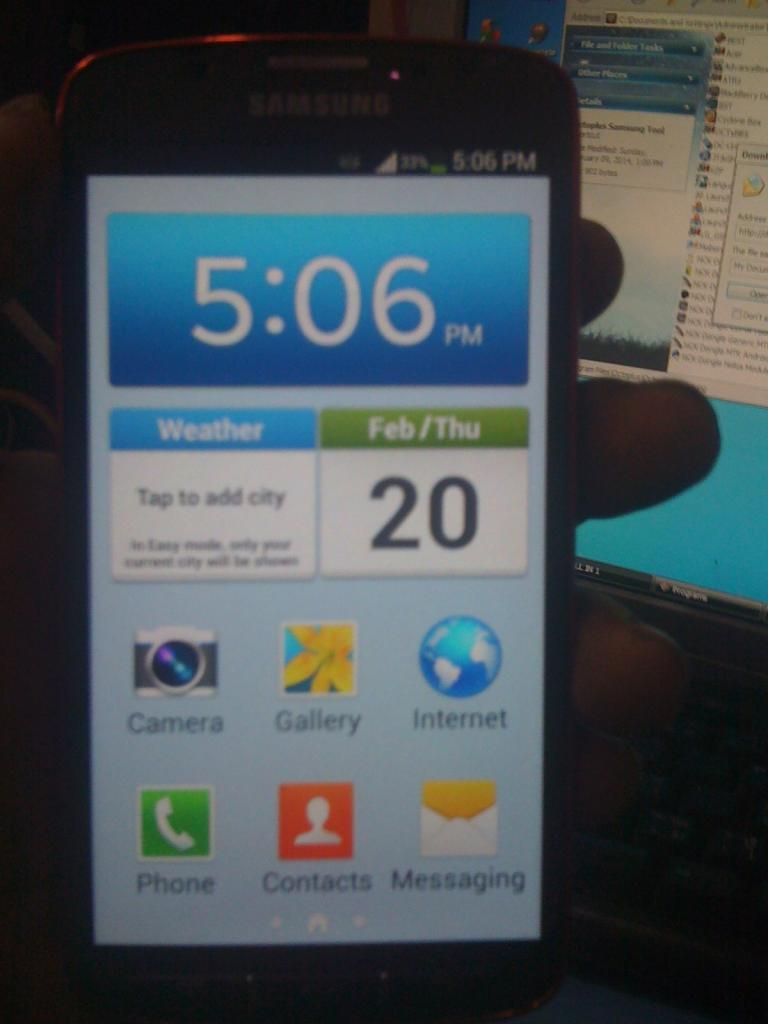 [/URL][/URL]
d2 poh galing ung pinag root ko na odin at file
1,download 3.04 odin + file and extract
2.run odin click pda brouse file root
3.press volume down +home + power
4.click start hintayin matapos
rooting done
[URL="http://i769.photobucket.com/albums/xx331/felixracoma/e_zpsf08bf248.jpg"][URL="http://i769.photobucket.com/albums/xx331/felixracoma/e_zpsf08bf248.jpg"]
 [/URL][/URL]
unlocking procedure lock sa globe
To connect GT-I9295 phone you have to perform the following steps:
1. Disconnect USB cable from phone.
2. Go to Menu->Settings->More->About Device.
3.Tap on "Builds numbers" 7 times to enable developer options.
4. Go to Menu->Settings->More->Developer options.
5. Turn on "USB Debugging" option.
6. Go to dial window.
7. Enter "*#0808#" number.
8. Select "DM+Modem+ADB".
9. Close window.
10. Go to dial window.
11. Enter "*#9090#" number.
12. Set "Diag config" to "USB" value.
13. Restart phone.
14. Press "Read Info" in software.
[URL="http://i769.photobucket.com/albums/xx331/felixracoma/fff_zps9d277a75.jpg"][URL="http://i769.photobucket.com/albums/xx331/felixracoma/fff_zps9d277a75.jpg"]
 [/URL][/URL]
[URL="http://i769.photobucket.com/albums/xx331/felixracoma/100APPLE_IMG_0011_zpsc43c6acc.jpg"][URL="http://i769.photobucket.com/albums/xx331/felixracoma/100APPLE_IMG_0011_zpsc43c6acc.jpg"]
 [/URL][/URL]
[URL="http://i769.photobucket.com/albums/xx331/felixracoma/100APPLE_IMG_0010_zps659989e0.jpg"][URL="http://i769.photobucket.com/albums/xx331/felixracoma/100APPLE_IMG_0010_zps659989e0.jpg"]
 [/URL][/URL]