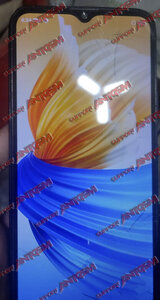
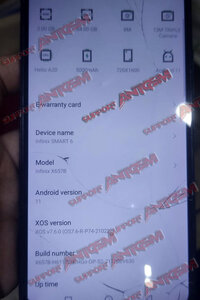
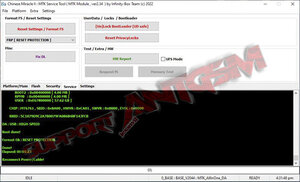
Problem : FRP Google acc. lock
Tools: Infinity Cm2 , Data Cable
Procedures / Images :


IF FAILED. Try set muna to Smart Reset after done perform Frp [Reset Protection] Follow This :

Tools: Infinity Cm2 , Data Cable
Procedures / Images :
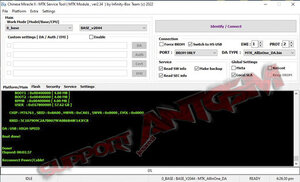
- On Platform/Main Tab set Work Mode [Model/Base/CPU] : 0_base BASE_v2044
- Global Settings : check Local SLA
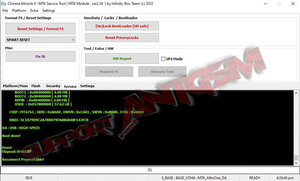
- Go to Service tab then set Format FS / Reset Settings : FRP [Reset Protection]
- Click Reset Settings / Format FS then Turn Off phone
- Press volume - and volume + at the same time then insert data cable. Release buttons when detected.
IF FAILED. Try set muna to Smart Reset after done perform Frp [Reset Protection] Follow This :
- On Platform/Main Tab set Work Mode [Model/Base/CPU] : 0_base BASE_v2044
- Global Settings : check Local SLA
- Go to Service tab then set Format FS / Reset Settings : SMART RESET
- Click Reset Settings / Format FS then Turn Off phone
- Press volume - and volume + at the same time then insert data cable. Release buttons when detected.
- When done disconnect data cable then Go to Service tab then set Format FS / Reset Settings : FRP [Reset Protection]
- Click Reset Settings /Format FS then Turn Off phone
- Press volume - and volume + at the same time then insert data cable. Release buttons when detected.