
- Joined
- Aug 18, 2015
- Messages
- 1,156
- Reaction score
- 53
- Points
- 181
Stock ROM File Name: Infinix_Zero_5_X603_MT6757_H575A_V219_171121_7.0.zip/file
Stock ROM File Size: 1.7 GB
Android OS Version: 7.0
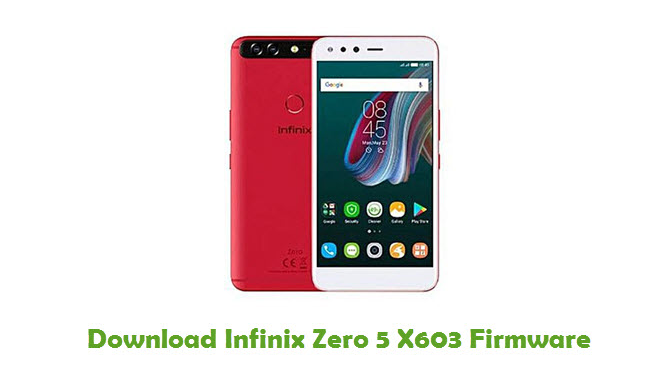
How To Flash Stock ROM Firmware On Infinix Zero 5 X603
Step 1: Download the stock ROM zip file given above and extract it on your computer. You will find SP flash tool and Android scatter file after extracting.
Step 2: Now download Infinix Zero 5 X603 USB driver and install it on your computer. In case if you have already installed USB driver on your computer skip this step.
Step 3: Next, switch off your Infinix Zero 5 X603 smartphone and remove the battery (it is removable).
power-off-android
Step 4: Now go to the extracted folder in Step 1 and open up the SP Flash Tool sub-folder. You will find “Flash_tool.exe†file in it. Launch it.
stock-rom-flash-process
Step 5: Once SP Flash tool is launched, click on “Download†tab.
stock-rom-flash-process-2
Step 6: Now, click on “scatter-loading†button in the download tab.
stock-rom-flash-process-3
Step 7: Next, click on “Open Scatter File†and select the scatter file from Step 1. For reference see the image given below.
stock-rom-flash-process-4
Step 8: Now click on the “Download†button to start the flashing process.
stock-rom-flash-process-5
Step 9: Next, connect your Infinix Zero 5 X603 Android device to your computer through original USB cable (without battery – if it is battery removable) and press volume up or volume down button.
Step 10: The flashing process will begin momentarily and it will get completed in a minute or two. Once it is over, you will see the “Download OK†green ring in SP Flash Tool.
download-ok-green-ring
Step 11: Now, close SP Flash tool on your computer and unplug your smartphone.
tatsulok is the key:
Stock ROM File Size: 1.7 GB
Android OS Version: 7.0
How To Flash Stock ROM Firmware On Infinix Zero 5 X603
Step 1: Download the stock ROM zip file given above and extract it on your computer. You will find SP flash tool and Android scatter file after extracting.
Step 2: Now download Infinix Zero 5 X603 USB driver and install it on your computer. In case if you have already installed USB driver on your computer skip this step.
Step 3: Next, switch off your Infinix Zero 5 X603 smartphone and remove the battery (it is removable).
power-off-android
Step 4: Now go to the extracted folder in Step 1 and open up the SP Flash Tool sub-folder. You will find “Flash_tool.exe†file in it. Launch it.
stock-rom-flash-process
Step 5: Once SP Flash tool is launched, click on “Download†tab.
stock-rom-flash-process-2
Step 6: Now, click on “scatter-loading†button in the download tab.
stock-rom-flash-process-3
Step 7: Next, click on “Open Scatter File†and select the scatter file from Step 1. For reference see the image given below.
stock-rom-flash-process-4
Step 8: Now click on the “Download†button to start the flashing process.
stock-rom-flash-process-5
Step 9: Next, connect your Infinix Zero 5 X603 Android device to your computer through original USB cable (without battery – if it is battery removable) and press volume up or volume down button.
Step 10: The flashing process will begin momentarily and it will get completed in a minute or two. Once it is over, you will see the “Download OK†green ring in SP Flash Tool.
download-ok-green-ring
Step 11: Now, close SP Flash tool on your computer and unplug your smartphone.
tatsulok is the key: