IROLA DX752 Rockchip 2926 hung on logo done..[Reference]
IROLA DX752 hung on logo done
Problem : hung on Logo
Solution : Flashing sa Rockchip batch tools
Download Firmware and tools: Irola
Procedure :
turn off tablet
open rockchip batch tools
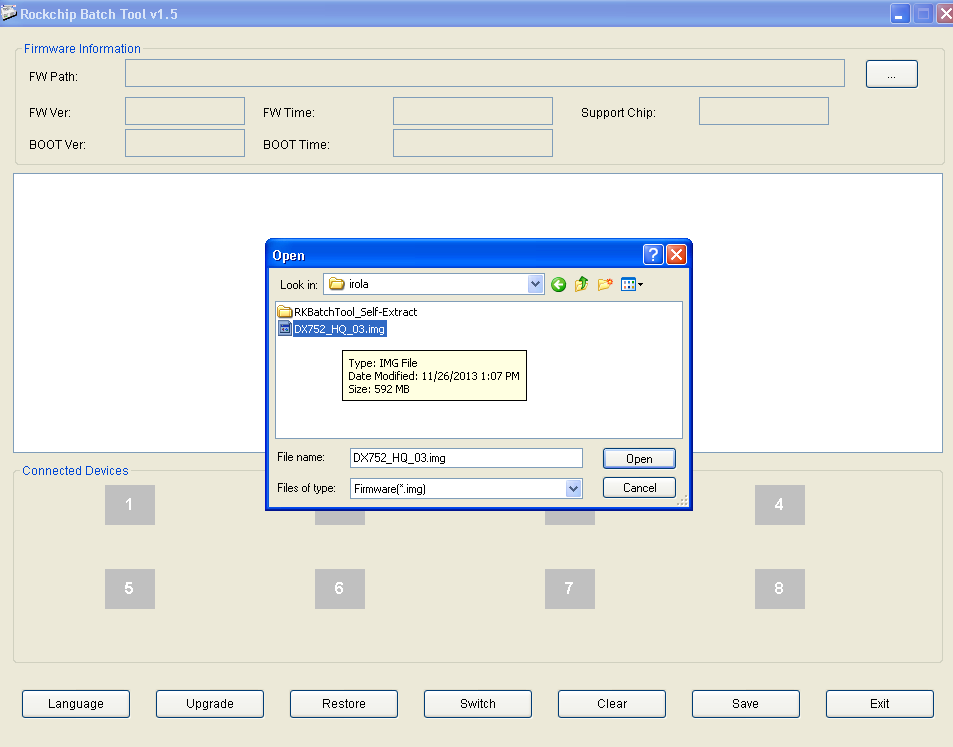
load firmware
hold volume down and power button for 10 seconds
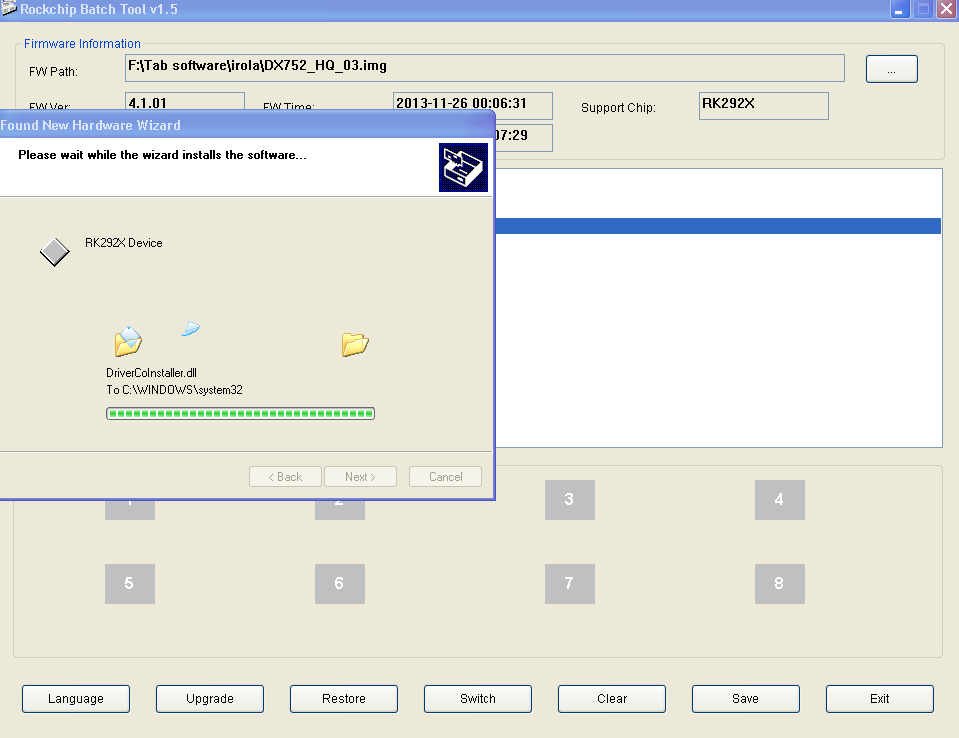
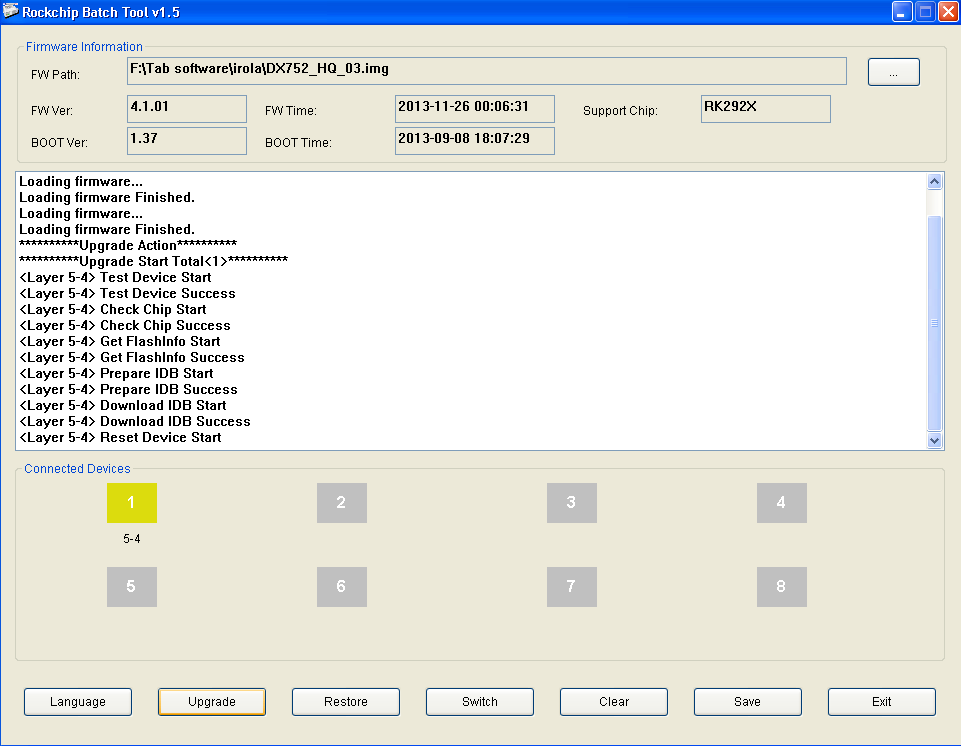
then insert usb cable then install drivers after installing drivers click upgrade
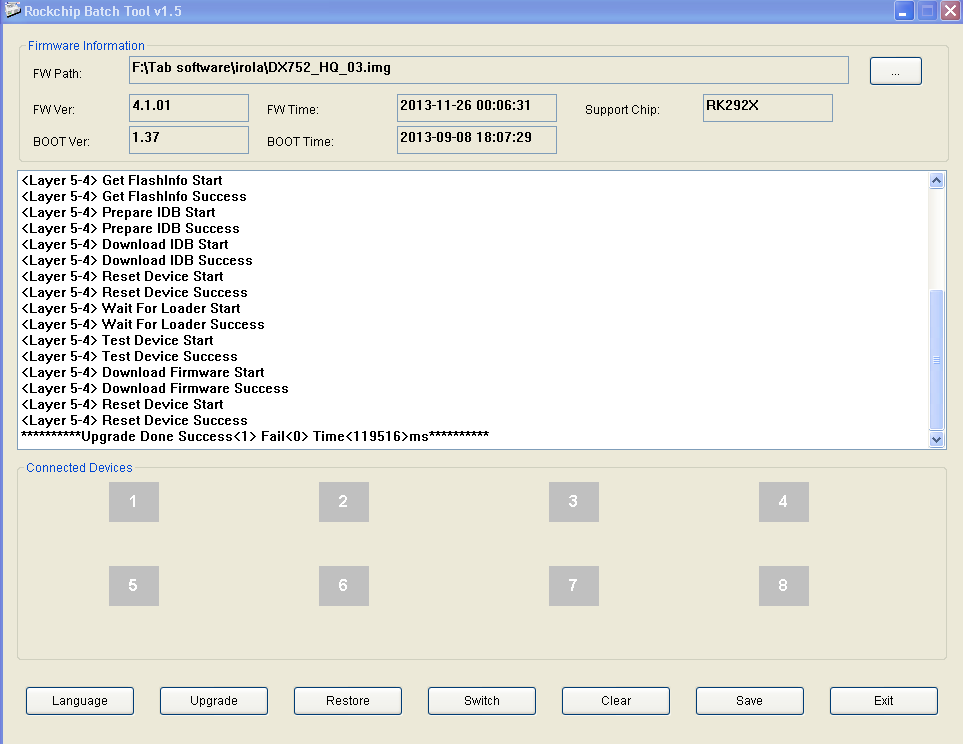
and untill success
Finish
Testing
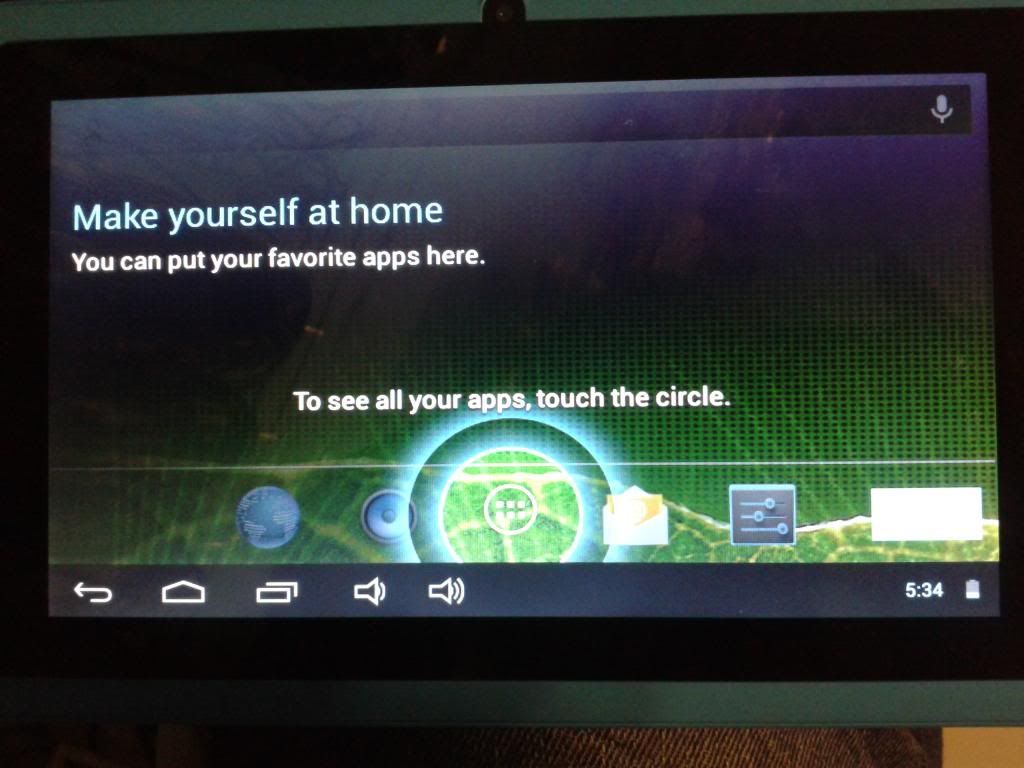
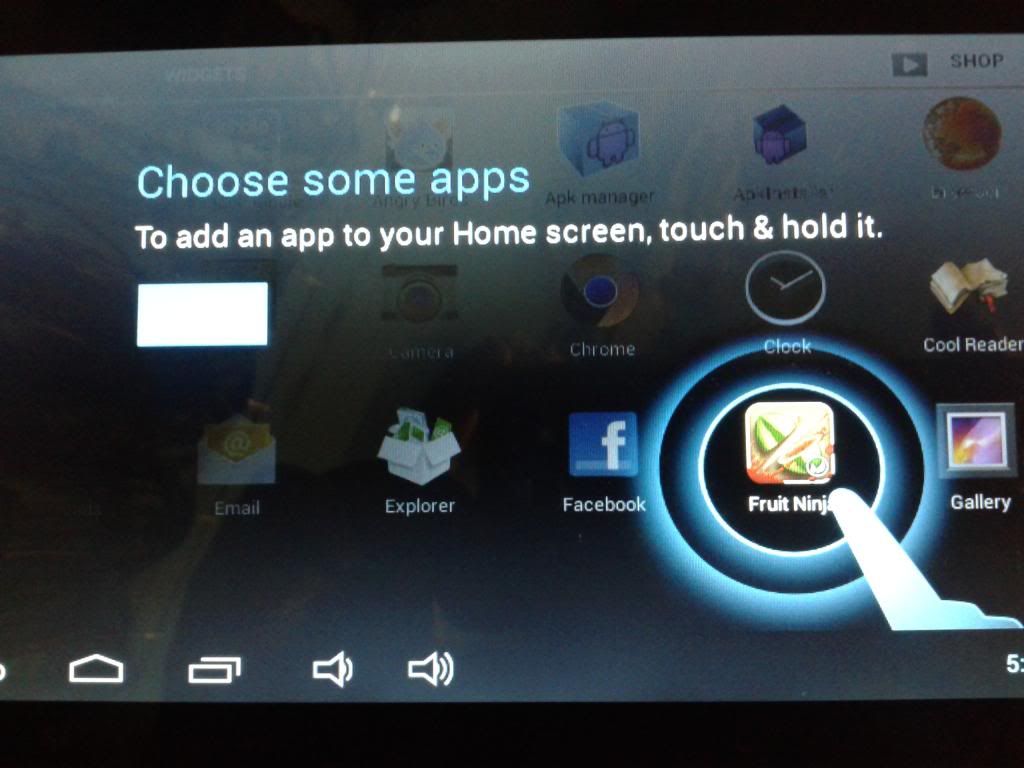
Working : wifi, touchscreen & camera
more firmware here:
Click this
Problem : hung on Logo
Solution : Flashing sa Rockchip batch tools
Download Firmware and tools: Irola
Procedure :
turn off tablet
open rockchip batch tools
load firmware
hold volume down and power button for 10 seconds
then insert usb cable then install drivers after installing drivers click upgrade
and untill success
Finish
Testing
Working : wifi, touchscreen & camera
more firmware here:
Click this