MODEL: Lenovo Ideapad K1
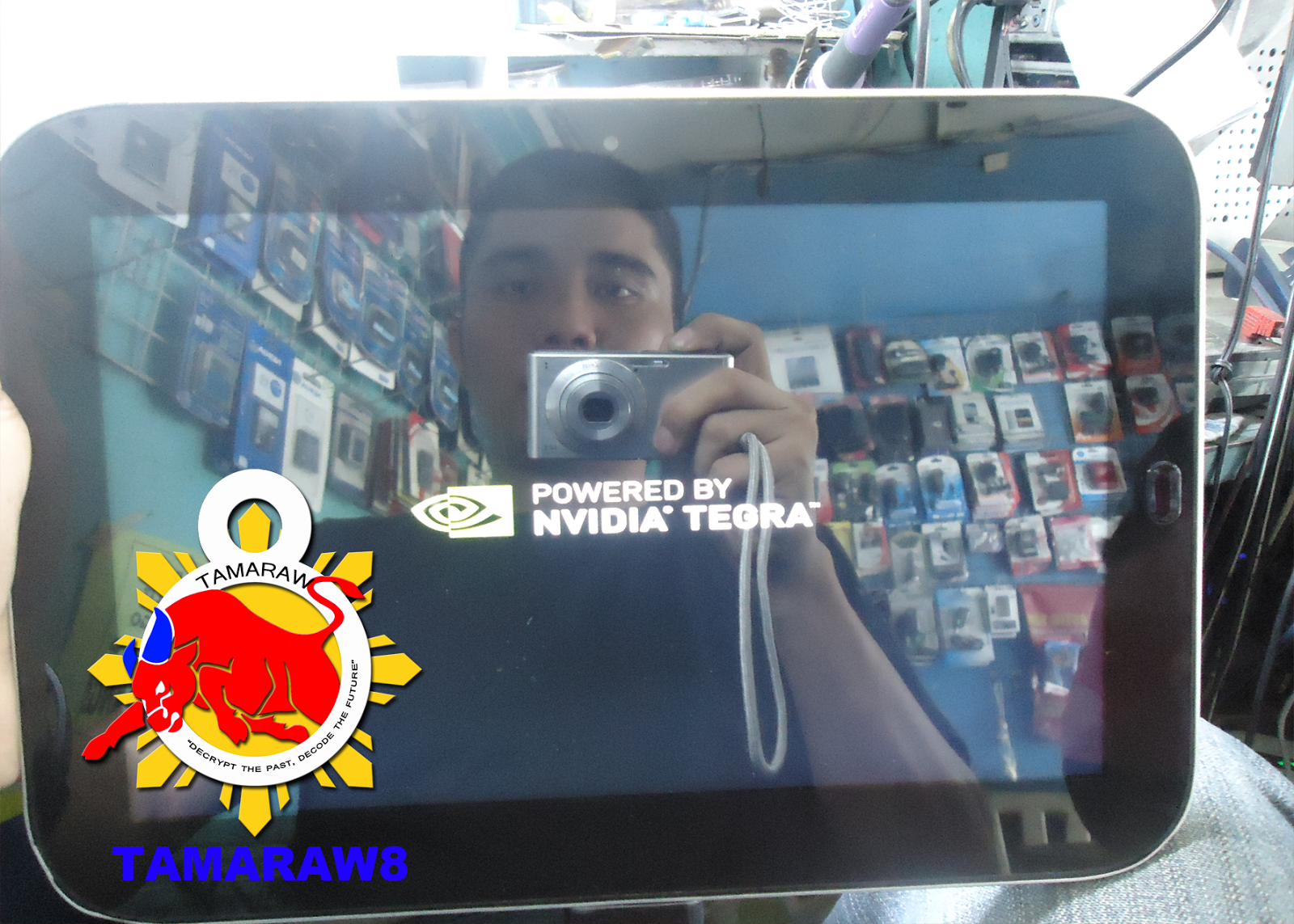
PROBLEM: Hang (Logo Only)
FIles Needed:
Firmware and Driver..
PROCEDURE:
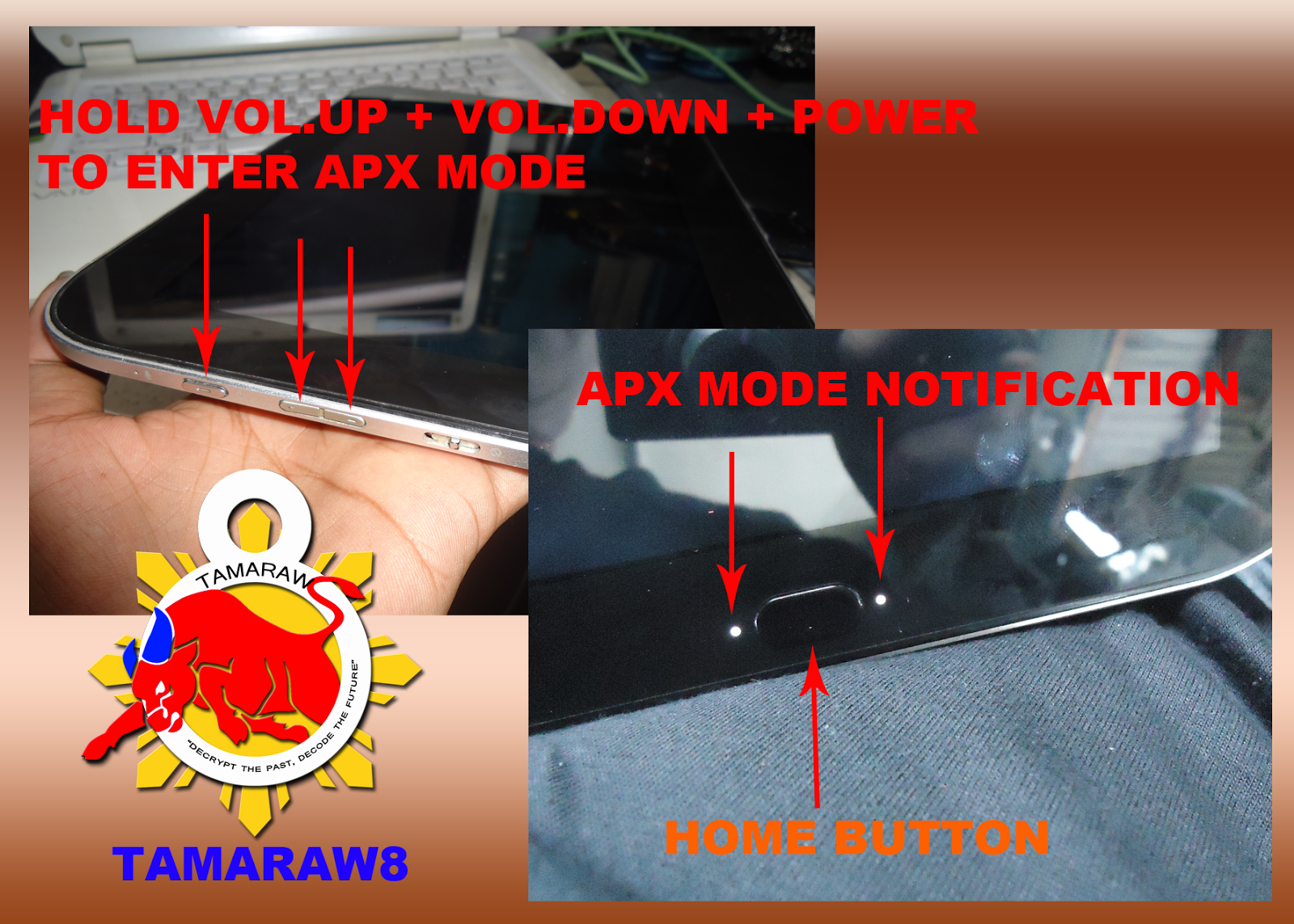
1. Enter in APX Mode
(HOld Volume up + Volume Down + Power Button)
~You may notify APX MODE if you see two LED lights Lit beside of HOME Button.
2. Insert USB Cable from PC to K1
3. Right Click MY COMPUTER,
4. Select Manage
5. Click Device Manager
6. Locate APX with Yellow Exclamation Sign in OTHER DEVICES
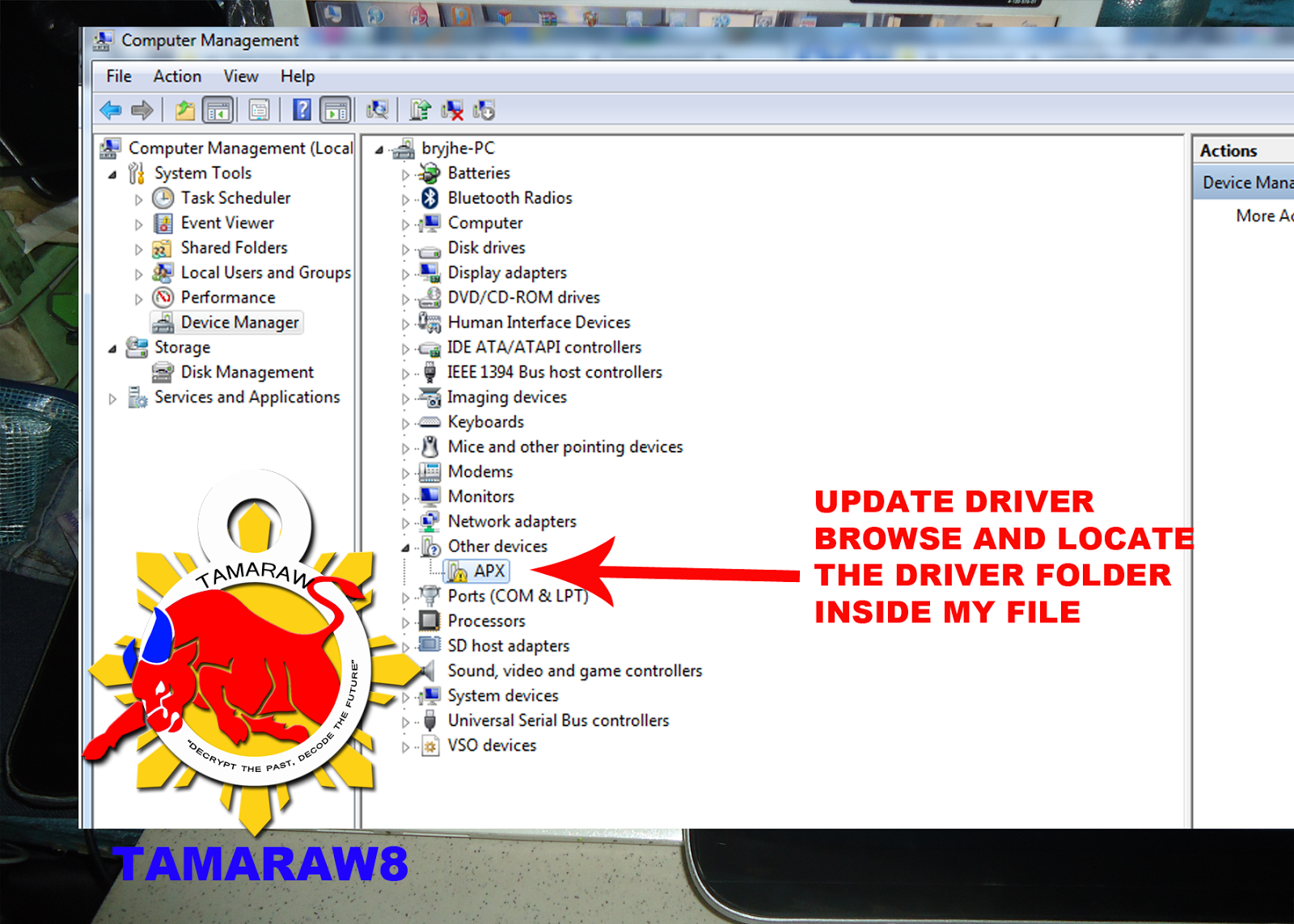
7. Update driver and Browse to DRIVER FOLDER inside of the file you Downloaded
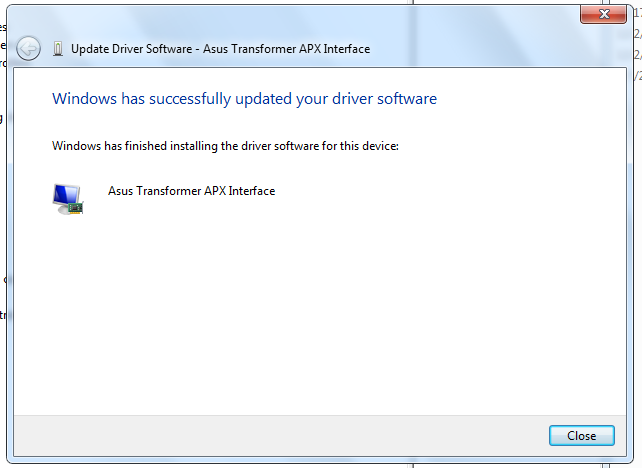
8. A Windows Driver Installation may Prompt you to install/update.
9. Go to K1 FILES Folder and Locate "Flash-win.bat"
10. Right Click "Flash-win.bat" and select run as Admin.
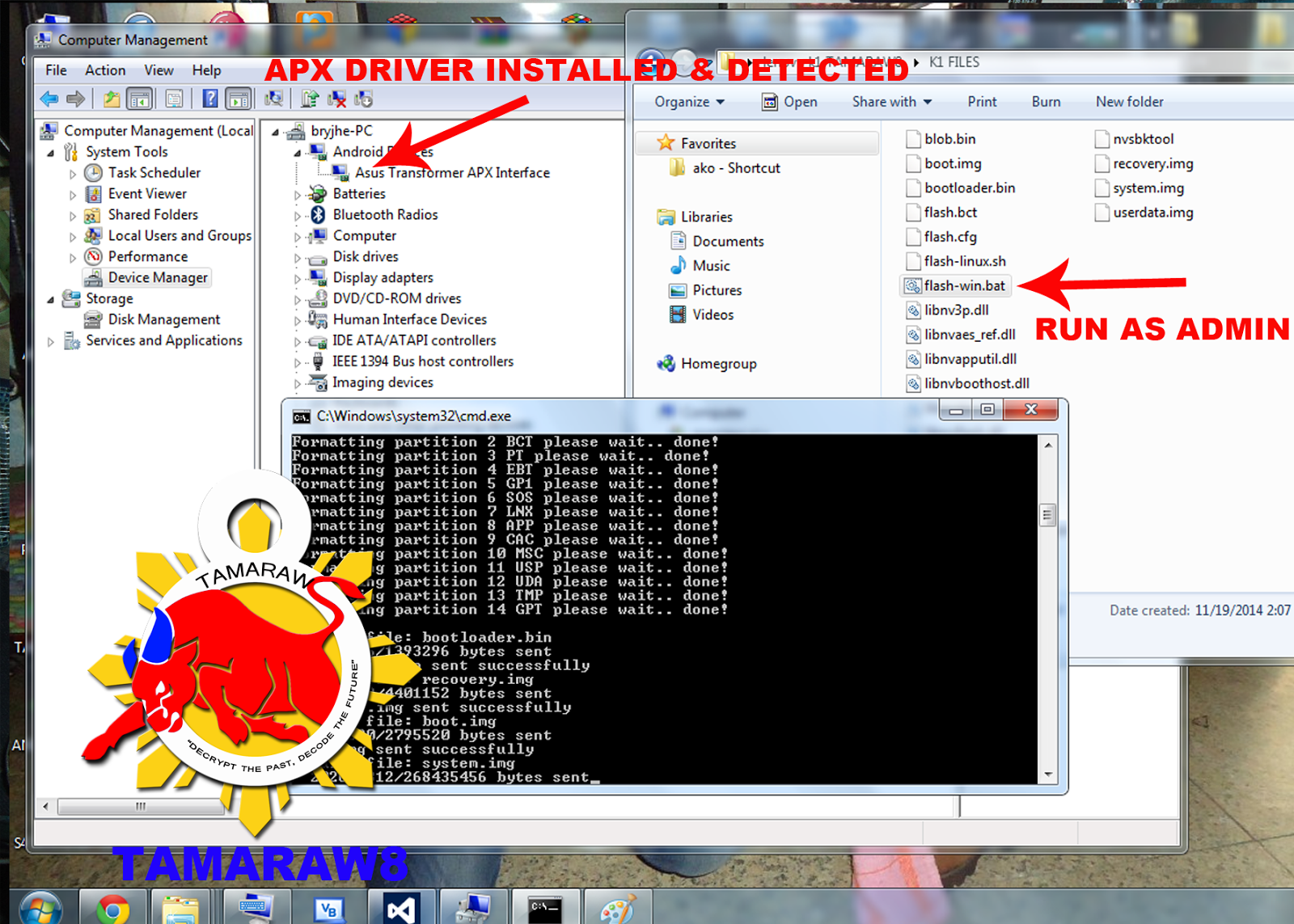
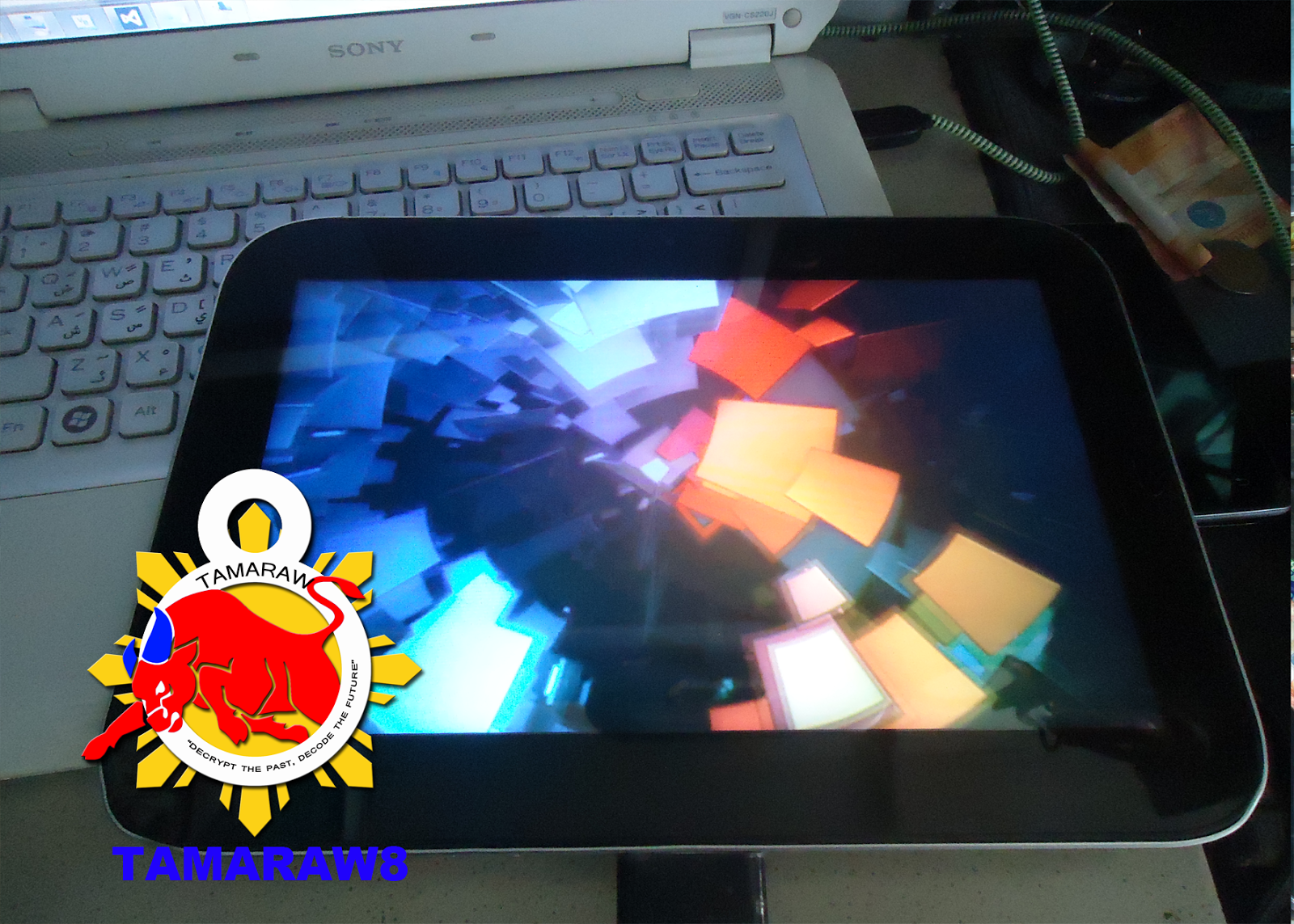
11. Just wait for Flash-win.bat CMD to Disappear, meaning you're done! Congrats!
br. TAMARAW8
PROBLEM: Hang (Logo Only)
FIles Needed:
Firmware and Driver..
PROCEDURE:
1. Enter in APX Mode
(HOld Volume up + Volume Down + Power Button)
~You may notify APX MODE if you see two LED lights Lit beside of HOME Button.
2. Insert USB Cable from PC to K1
3. Right Click MY COMPUTER,
4. Select Manage
5. Click Device Manager
6. Locate APX with Yellow Exclamation Sign in OTHER DEVICES
7. Update driver and Browse to DRIVER FOLDER inside of the file you Downloaded
8. A Windows Driver Installation may Prompt you to install/update.
9. Go to K1 FILES Folder and Locate "Flash-win.bat"
10. Right Click "Flash-win.bat" and select run as Admin.
11. Just wait for Flash-win.bat CMD to Disappear, meaning you're done! Congrats!
br. TAMARAW8
Last edited by a moderator:


