Lenovo S920 logo Done/With Factory File & Tools !
Screenshots:
<TEXTAREA class=ncode_imageresizer_warning id=ncode_imageresizer_warning_2 style="WIDTH: 500px" readOnly>Click here to view the original image of 800x454px.</TEXTAREA>
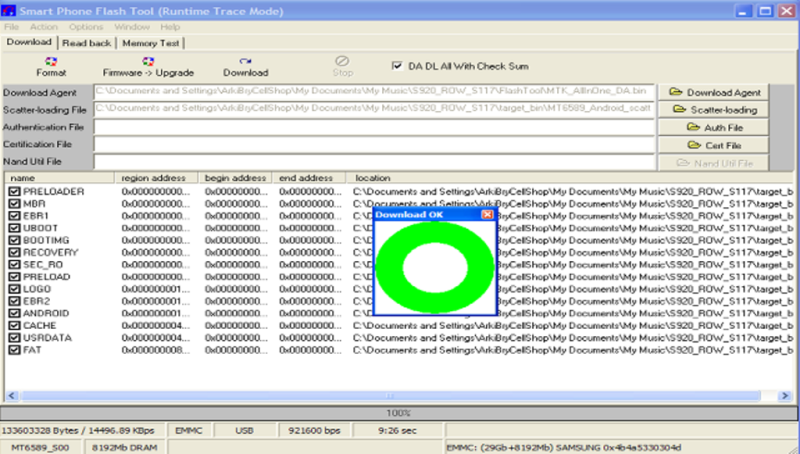

Rom Link - Lenovo S920 Factory File& Tools
Procedure:
1. Extract firmware to your desktop!
2. Open Flash Tool & tick & select scatter file!
3. Tick download & Connect powered off unit to usb cable by pressing volume up&down!
4. Wait until finish downloading!
5. Dont forget to tick DA DL ALL With Check Sum
2. Open Flash Tool & tick & select scatter file!
3. Tick download & Connect powered off unit to usb cable by pressing volume up&down!
4. Wait until finish downloading!
5. Dont forget to tick DA DL ALL With Check Sum
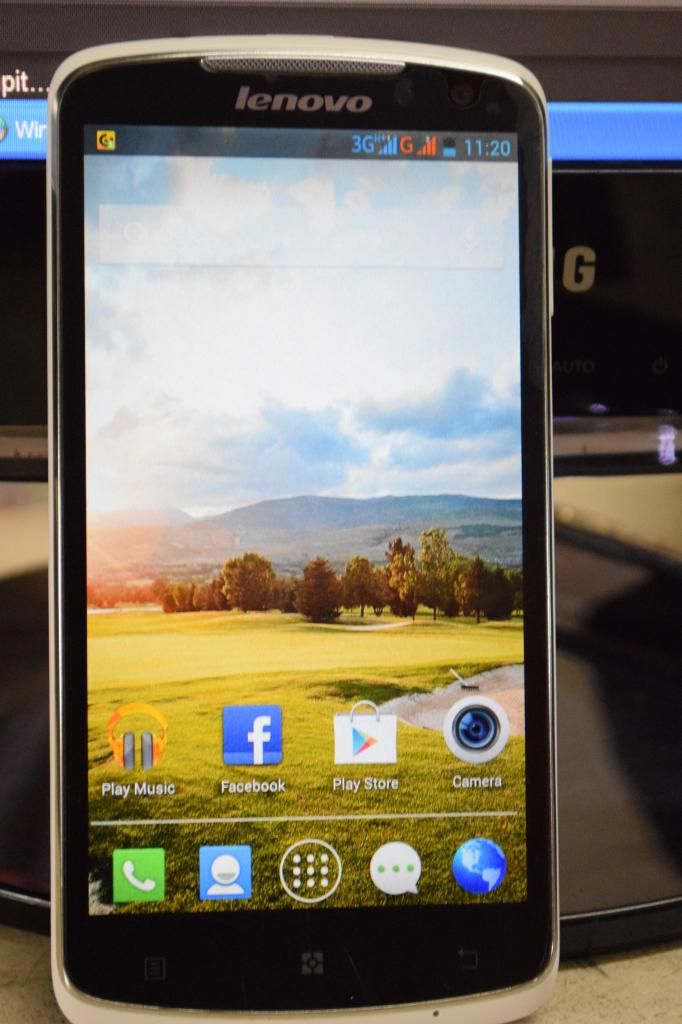
Done:
<TEXTAREA class=ncode_imageresizer_warning id=ncode_imageresizer_warning_1 style="WIDTH: 500px" readOnly>Click here to view the original image of 682x1024px.</TEXTAREA>

Salamat mga bosing!


