
LG-F200L TMPA DONE VIA ADB COMMAND
share ko lang po
history..password too many pattern attemp
workdone..
try ko hard reset combinating keys
search sa forum
search sa youtube
NO LUCK lahat ng combination
wlang recovery na lumalabas
SEARCH KAY PARENG Google
try sa adb command
eto po success
screenshots
procedure
reboot phone to lg service mode
by pressing power ,vol up and down
when logo appear
press volume down 5 times hangang lumabas yung lg service
then insert usb adb driver
then follow this image
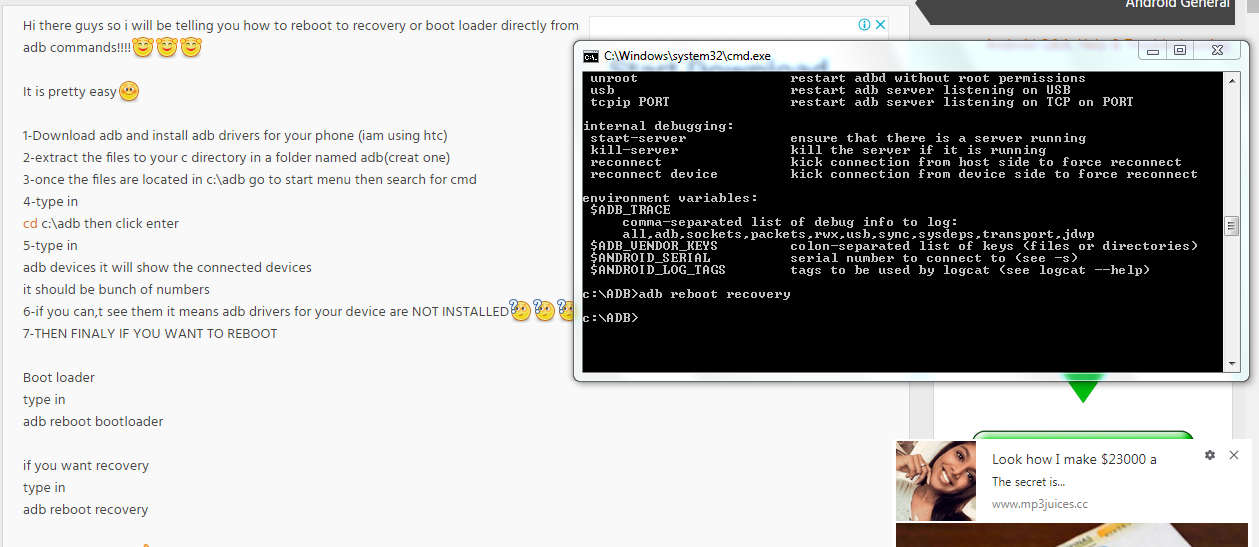
type adb
then may lalabas na logs then
type adb reboot recovery for removing tmpa/password
after nian eto na
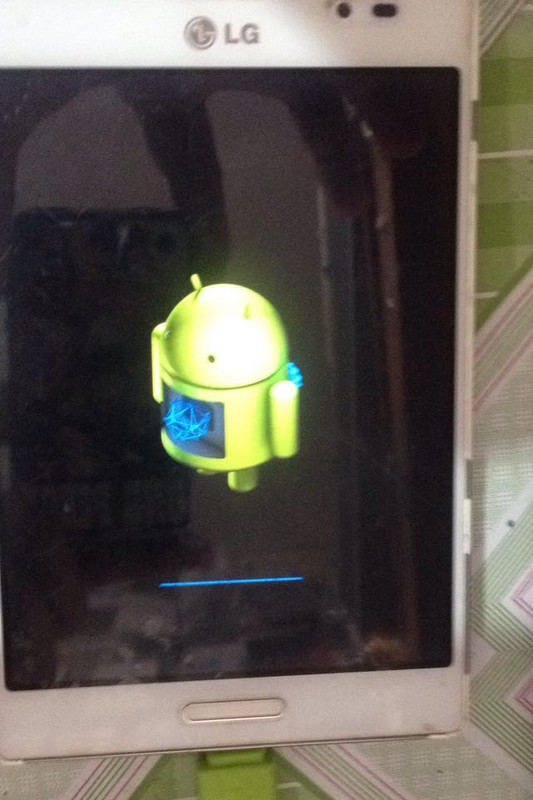
wait lang mafinish
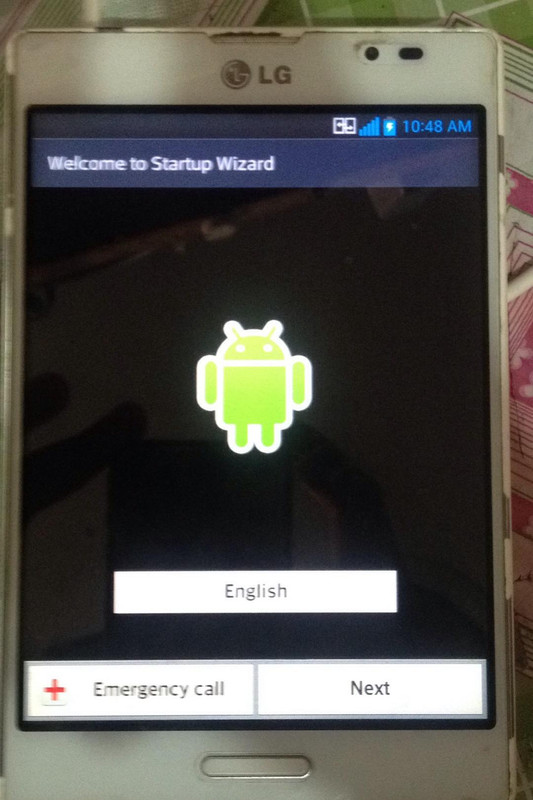
DONE DONE
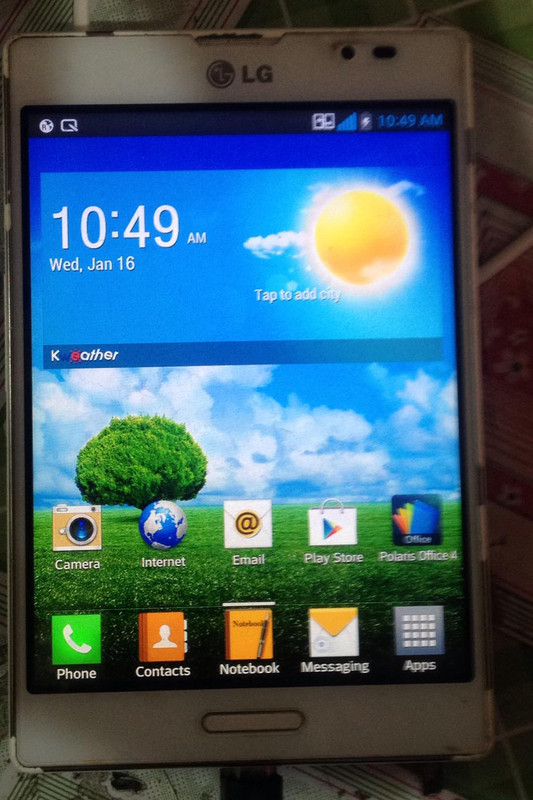
sana makatulong
share ko lang po
history..password too many pattern attemp
workdone..
try ko hard reset combinating keys
search sa forum
search sa youtube
NO LUCK lahat ng combination
wlang recovery na lumalabas
SEARCH KAY PARENG Google
try sa adb command
eto po success
screenshots
procedure
reboot phone to lg service mode
by pressing power ,vol up and down
when logo appear
press volume down 5 times hangang lumabas yung lg service
then insert usb adb driver
then follow this image
type adb
then may lalabas na logs then
type adb reboot recovery for removing tmpa/password
after nian eto na
wait lang mafinish
DONE DONE
sana makatulong