
- Joined
- Feb 23, 2015
- Messages
- 1,961
- Reaction score
- 6
- Points
- 181
LG GD510 unlocked by Z3X via read Codes
LG GD510 unlocked by Z3X via read Codes.
procedure:
- first make modified cable rj45 or use MBC cable (multi boot cable)
http://i244.photobucket.com/albums/gg19/novelxands/GD510pinout.jpg
- use USB cable of 5310 or RPS (regulated power supply) for powering the phone.
- run LG Infeneon SGOLD3 Tool (z3x lg activated)
- select model GD510
- select right the Port
- choose UART in flashing mode functions TAB
- connect phone to box
- then click CONNECT
- wait until to read the codes
http://i244.photobucket.com/albums/gg19/novelxands/gd510.jpg
- now power on the phone with out simcard
- type 2945#*510# and Unlock USIM will appear on the screen
- then enter the NCK code
- UNLOCKED DONE

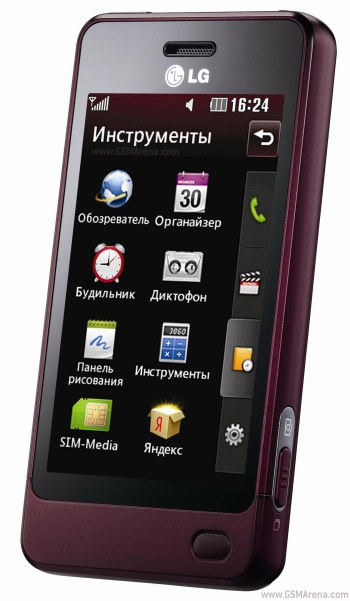
phone model purposes only not actual image
LG GD510 unlocked by Z3X via read Codes.
procedure:
- first make modified cable rj45 or use MBC cable (multi boot cable)
http://i244.photobucket.com/albums/gg19/novelxands/GD510pinout.jpg
- use USB cable of 5310 or RPS (regulated power supply) for powering the phone.
- run LG Infeneon SGOLD3 Tool (z3x lg activated)
- select model GD510
- select right the Port
- choose UART in flashing mode functions TAB
- connect phone to box
- then click CONNECT
- wait until to read the codes
http://i244.photobucket.com/albums/gg19/novelxands/gd510.jpg
- now power on the phone with out simcard
- type 2945#*510# and Unlock USIM will appear on the screen
- then enter the NCK code
- UNLOCKED DONE
phone model purposes only not actual image