Review
Malwarebytes Anti-Malware for Business reduces user vulnerability to zero-hour malware, including ransomware, by delivering industry-leading detection and remediation. Detection and remediation are so powerful that security experts often recommend Malwarebytes Anti-Malware for Business when traditional endpoint security solutions fail.
General features:
Proprietary blend of heuristic and definitions-based technologies protects against these threats at zero hours, including ransomware, often before they have been identified by other security products. And if user endpoint security fails to detect malware, award-winning remediation technology will remove it completely.
Streamlines endpoint security deployment and maximizes IT management resources
The Malwarebytes Management Console, synchronizing with Active Directory, enables a user to deploy and configure Malwarebytes products on distributed endpoints. It can send security events to a user Syslog server for convenient reporting.
Maintains end-user productivity by preserving system performance
Malwarebytes Anti-Malware for Business is proven to be as resource-efficient as possible. It preserves endpoint performance to maximize end-user productivity while the small system footprint extends the life of older hardware.
Simplifies endpoint security management and identifies vulnerable endpoints
Malwarebytes Anti-Malware for Business enables a user to configure client settings and customize policies by user group. Malwarebytes Threat View aggregates threat data, including clients under attack, from the distributed Malwarebytes clients so a user can address and minimize security risks.
- Real-time protection works together with leading anti-virus utilities to make your computer more secure;
- Real-time Protection detects and blocks threats whenever they try to execute;
- Malicious website blocking prevents access to malicious and infected websites;
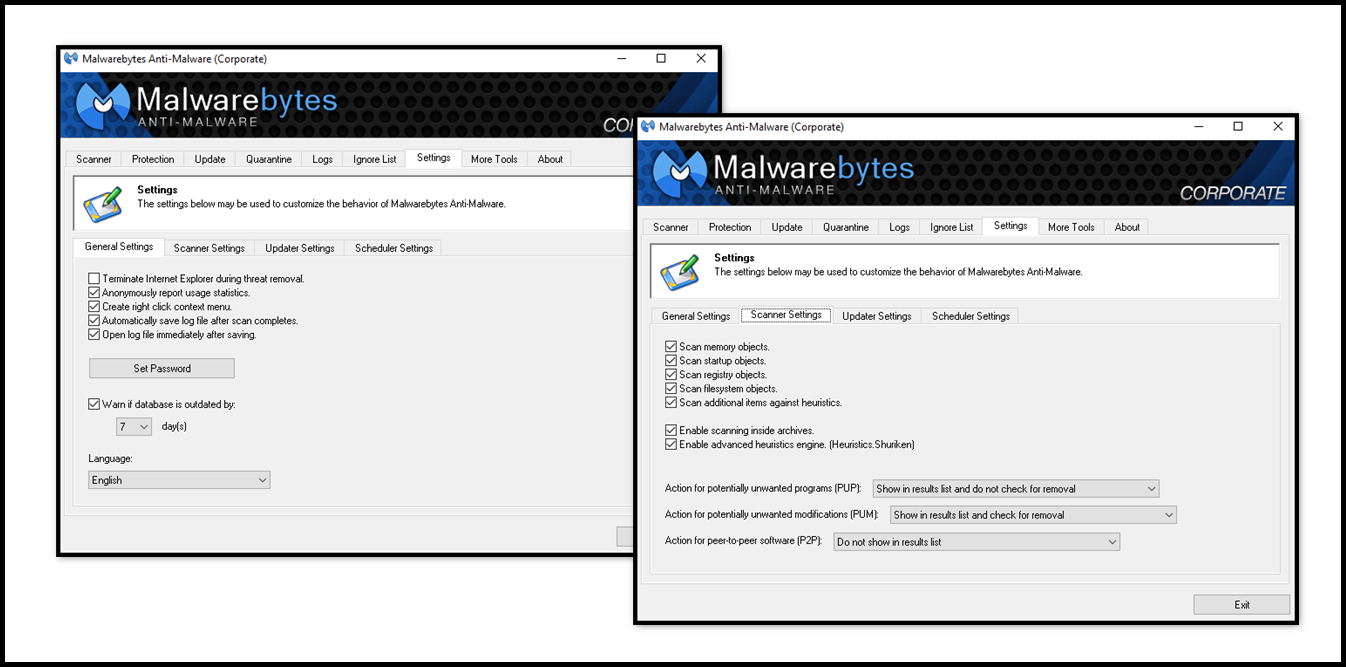
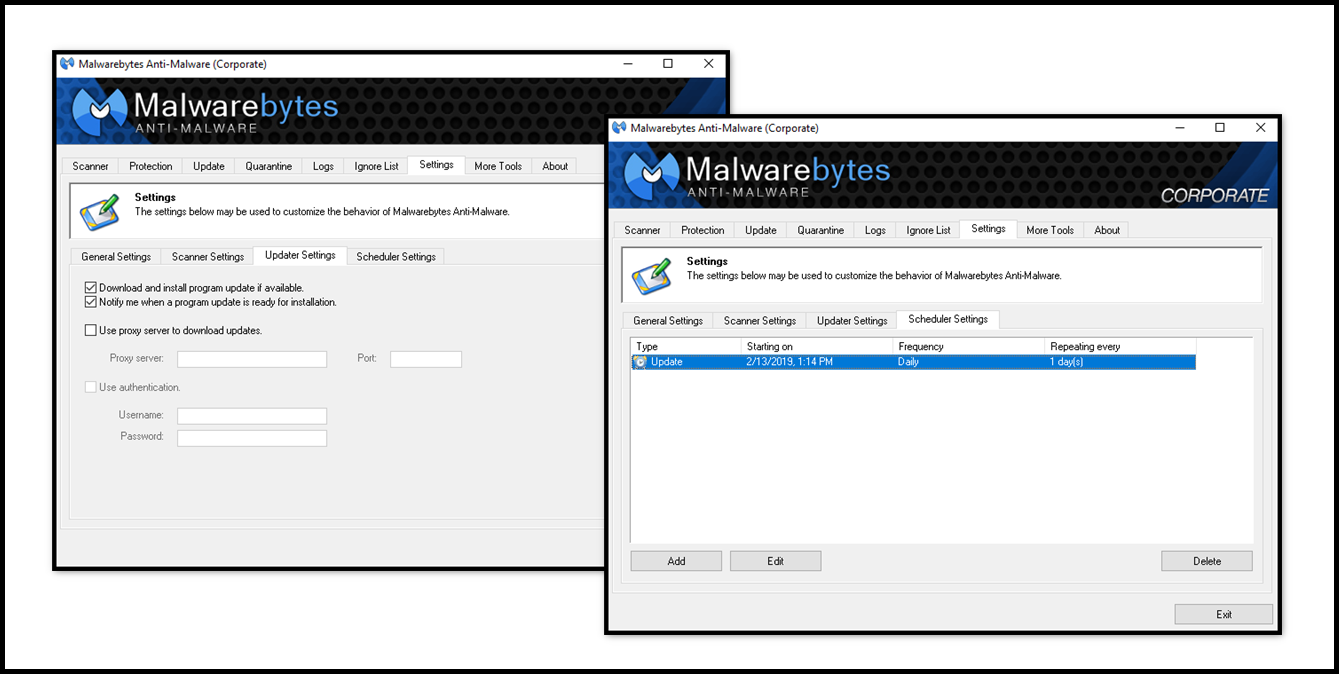
- Scheduled updates to keep protection up-to-date automatically;
- Scheduled scans so you can set it and forget it, knowing that your system will get checked as regularly as you desire;
- Lightning fast Flash Scans to check for immediately active threats on your system;
- Password protect your settings to prevent unauthorized changes;
- Light speed quick scanning;
- Ability to perform full scans for all drives;
- Database updates released daily to protect against the newest malware in-the-wild;
- Intelligent heuristics detect even the most persistent malware while remaining light on system resources;
- Quarantine to hold threats and restore them at your convenience;
- Ignore List for both the scanner and Protection Module;
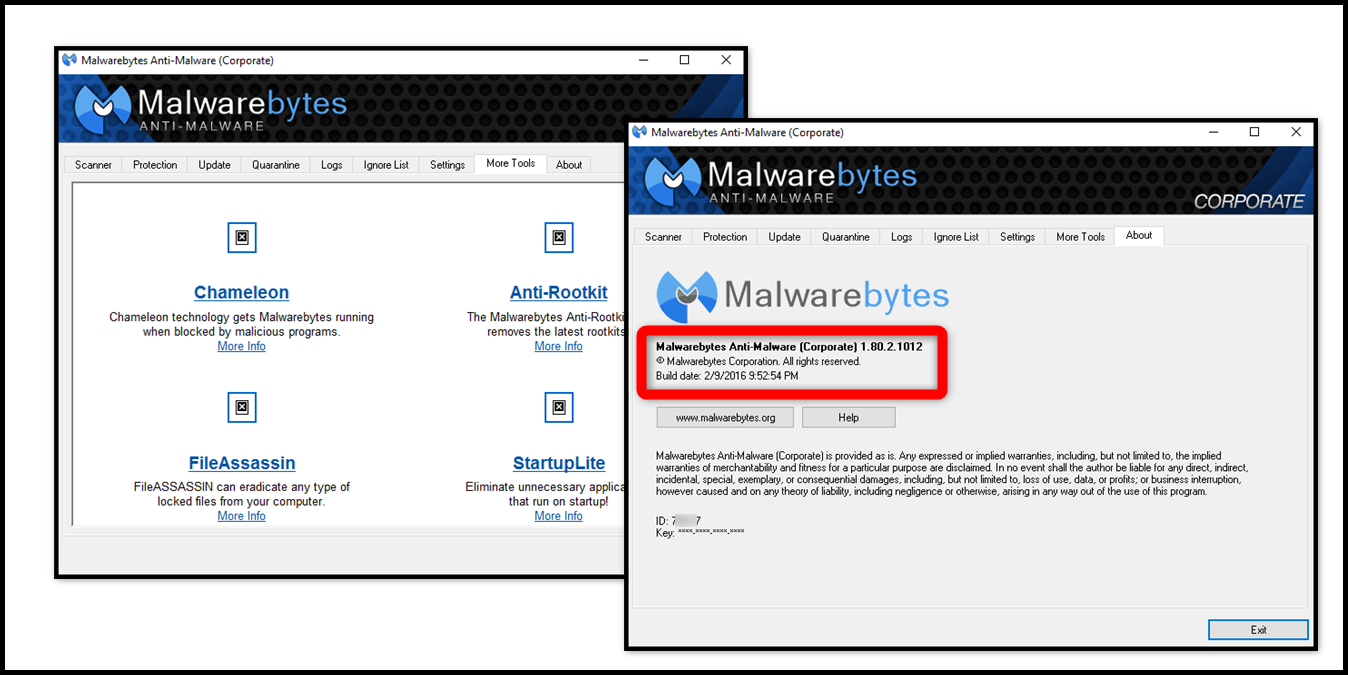
- A small list of extra utilities to help remove malware manually;
- Dynamic Malwarebytes Chameleon technologies to get Malwarebytes Anti-Malware running when blocked by infection;
- Multi-lingual support;
- Context menu integration to scan files on demand;
- Plus many more.
- Proactive heuristic scanning engine;
- Small system footprint;
- Malicious website blocking;
- Three scan modes;
- Windows Server support;
- Compatible with other endpoint security products.
- Multiple client management (up to thousands from a single console);
- Push install functionality;
- Comprehensive policies for different user groups;
- Active Directory integration and synchronization;
- Virtual deployment simulator;
- Email notifications/Syslog reporting.
Proprietary blend of heuristic and definitions-based technologies protects against these threats at zero hours, including ransomware, often before they have been identified by other security products. And if user endpoint security fails to detect malware, award-winning remediation technology will remove it completely.
Streamlines endpoint security deployment and maximizes IT management resources
The Malwarebytes Management Console, synchronizing with Active Directory, enables a user to deploy and configure Malwarebytes products on distributed endpoints. It can send security events to a user Syslog server for convenient reporting.
Maintains end-user productivity by preserving system performance
Malwarebytes Anti-Malware for Business is proven to be as resource-efficient as possible. It preserves endpoint performance to maximize end-user productivity while the small system footprint extends the life of older hardware.
Simplifies endpoint security management and identifies vulnerable endpoints
Malwarebytes Anti-Malware for Business enables a user to configure client settings and customize policies by user group. Malwarebytes Threat View aggregates threat data, including clients under attack, from the distributed Malwarebytes clients so a user can address and minimize security risks.
Improvements:
- Added substantial improvements to core detection and removal technology;
- Enhanced safeguards to prevent false positives on legitimate files;
- Added support for Windows 10, Windows Server 2003 (32-bit), Windows Server 2008 and Windows Server 2012
operating systems; - Added capability to download incremental updates directly from the Internet;
- Modified incremental database update process to allow 50 incremental updates before requiring a full database update.
- Fixed issue which caused BSOD when scanning a drive encrypted with BitLocker;
- Resolved various issues that could result in crashes or system hangs
What is the difference between the "Corporate" and the "Premium" versions?
- The primary difference between the Consumer Premium version and the Business/Enterprise Corporate version is related to licensing.
- There is no security difference between them. The protection is the same on both software and uses the same database.
OS: Windows 10, Windows 8.1, Windows 8, Windows 7, Windows Vista, Windows Server 2012/2012 R2, Windows Small Business Server 2011, Windows Server 2008/2008 R2, (both 32 & 64-bit), Windows XP (Service Pack 3 or later, 32-bit only), Windows Server 2003 (32-bit only);
CPU: 800MHz CPU or faster, with SSE2 technology;
RAM: 2048 MB (server OS), 1024 MB (client OS except for Windows XP), 256 MB (Windows XP);
HDD: 25 MB of free hard disk space;
Screen Resolution: 800x600 or higher;
Active Internet Connection.
Install notes:
1. Kindly read "Readme.txt" file given in download zip file;
2. Enjoy!
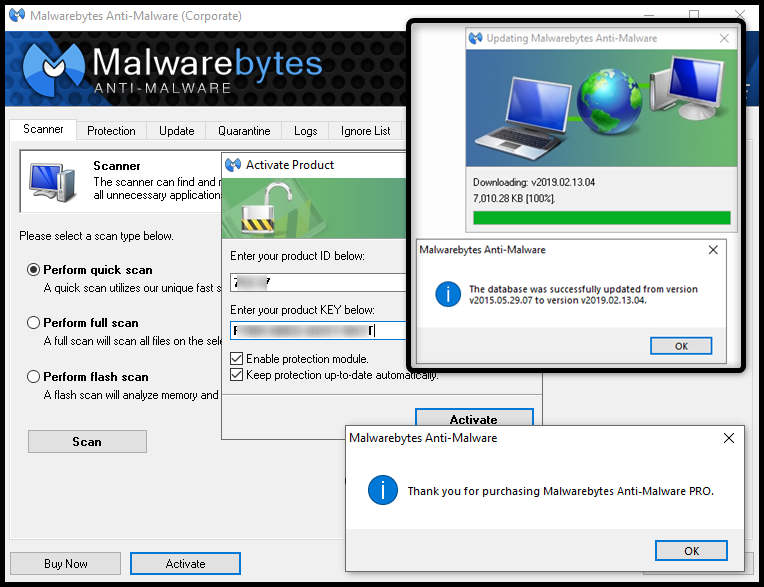
NOTE: I tested on the older version 1.80.1.1011, and then I updated to the current one and software remains activated. I also updated the database which was more than 1,000 days old, and the program remains activated too.
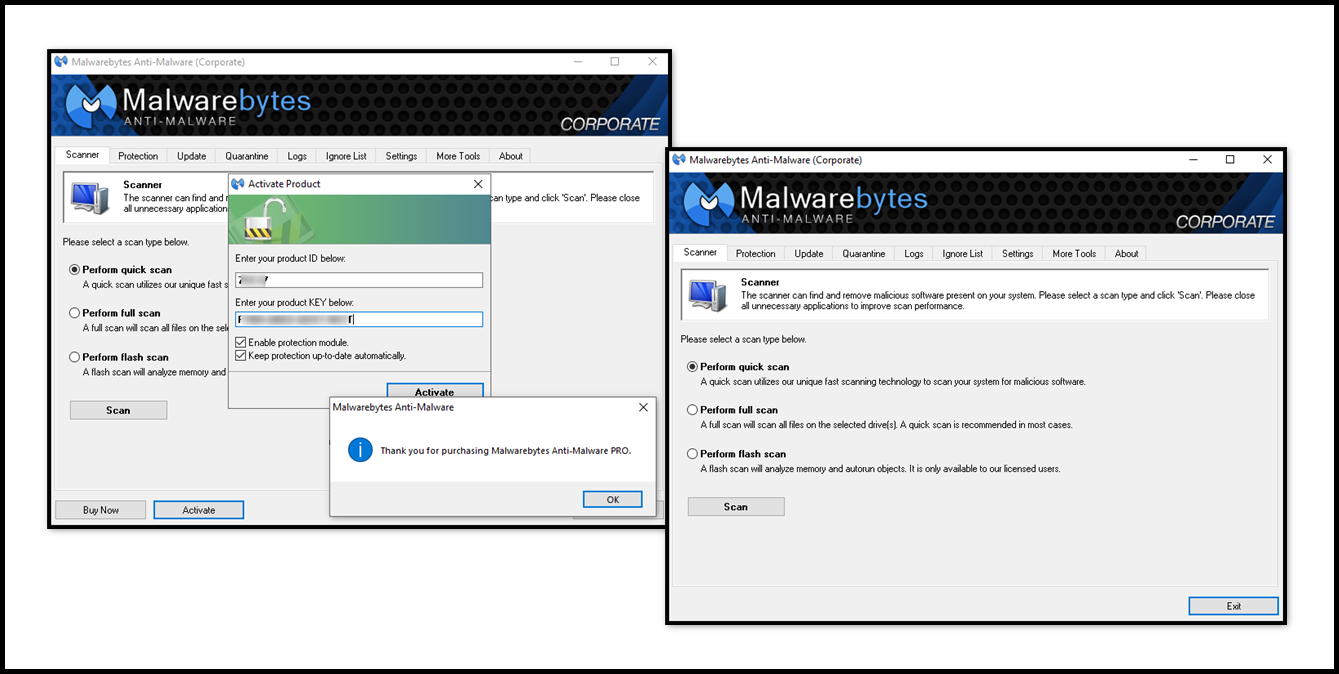
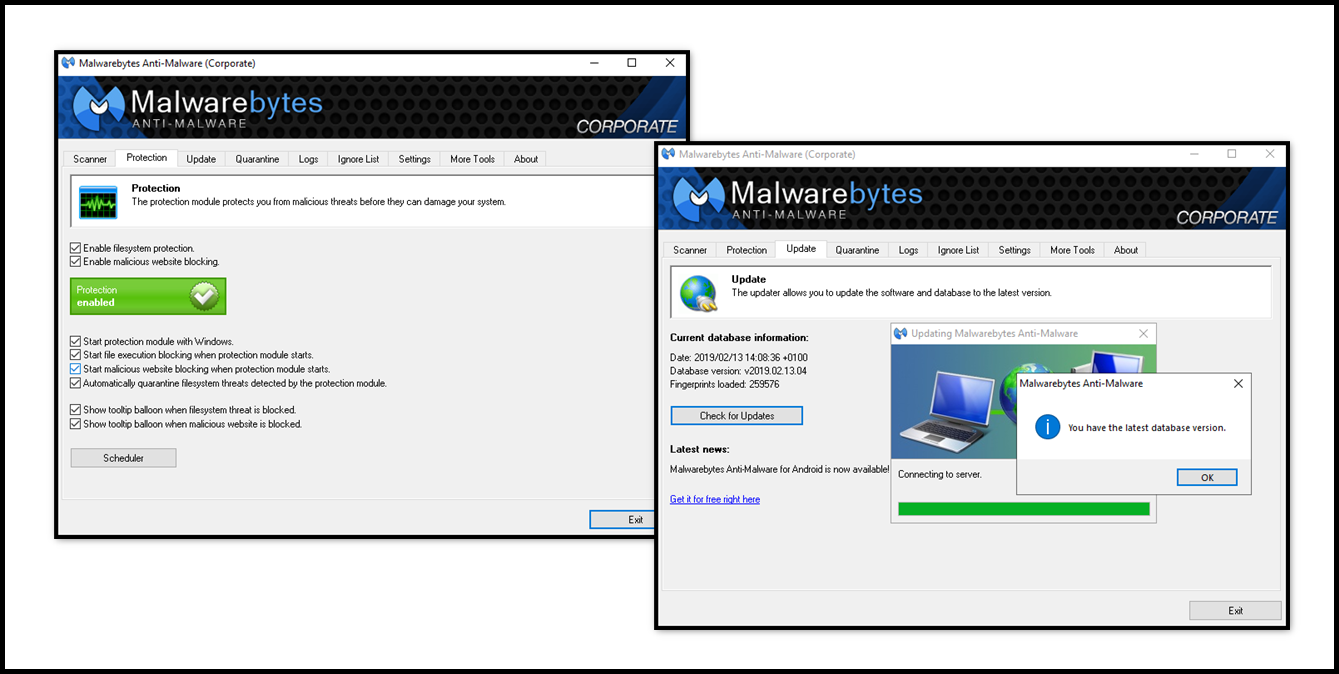
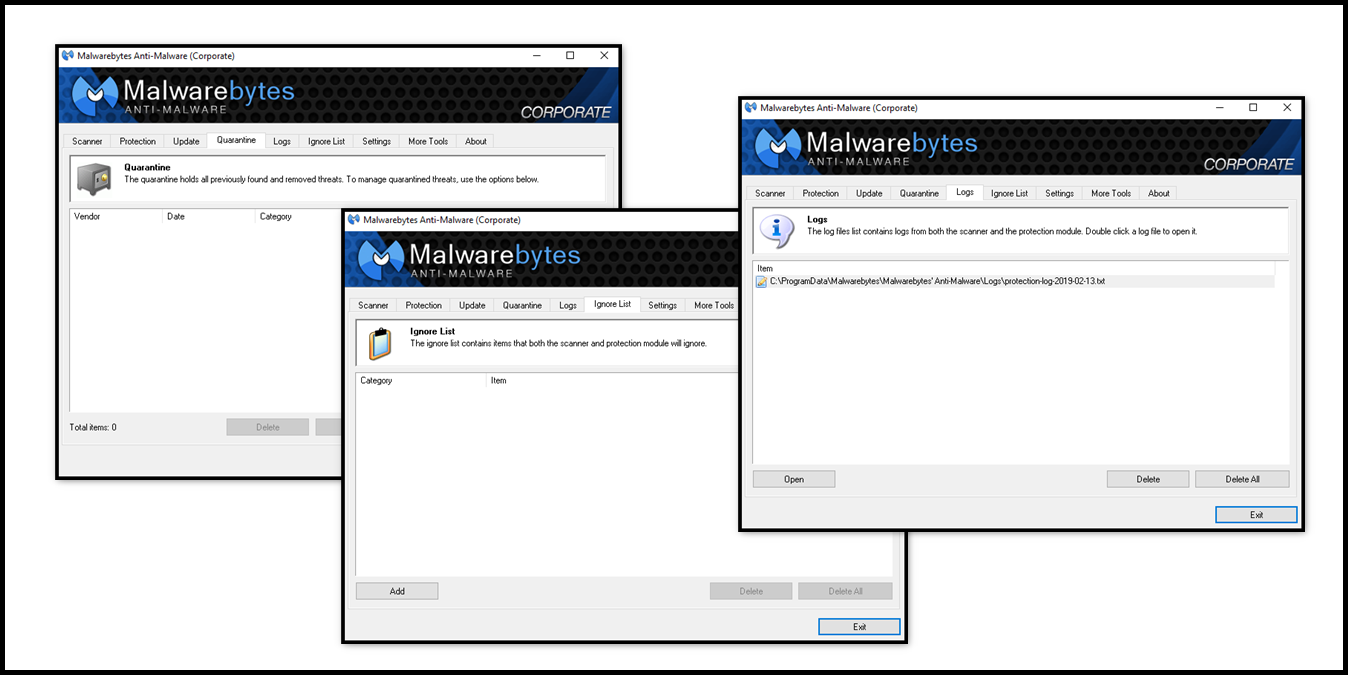
Screenshots:
Virus free! 100% clean!
All credits go to Fighting For Fun (FFF) who made and shared the key generator with us!
Portable version has Real-time protection mode disabled, and it is suitable only for the scanning of the user system.
Download links - full installation (Size: 16.51 MB):
userdrive.com
douploads.com
sendit.cloud
megaup.net
anonfile.com
bayfiles.com
Download links - portable version (Size: 17.89 MB):
userdrive.com
douploads.com
sendit.cloud
megaup.net
anonfile.com
bayfiles.com
Last edited by a moderator:

