
Share ko lang mga boss gawa ko ngaun...
Microsoft Mobile Hang Lang sa LOGO... DONE sa Hard Reset...
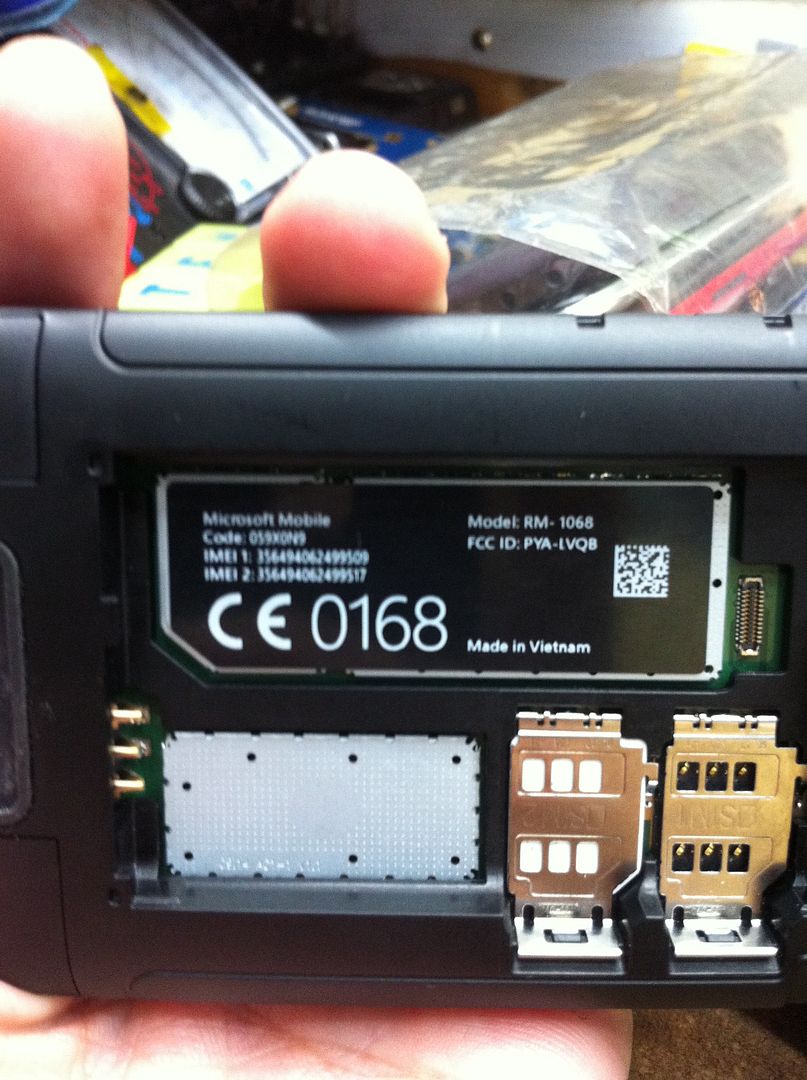
Procedure:
Turn off the phone.
Press and hold the Volume Down key
While holding Volume Down, press the Power key to turn the phone on. Release Power when the phone vibrates but continue to hold Volume Down
When the exclamation mark appears on the display, release Volume Down.
Press the following keys in order. Nothing will change on the screen while entering the sequence of buttons.key.
Press the Volume Up key.
Press the Volume Down key.
Press the Power button.
Press the Volume Down key.
The phone will automatically reset.
During the reset, two gears rotate on the display for up to 5 minutes, after which the display goes blank for about 30 seconds.
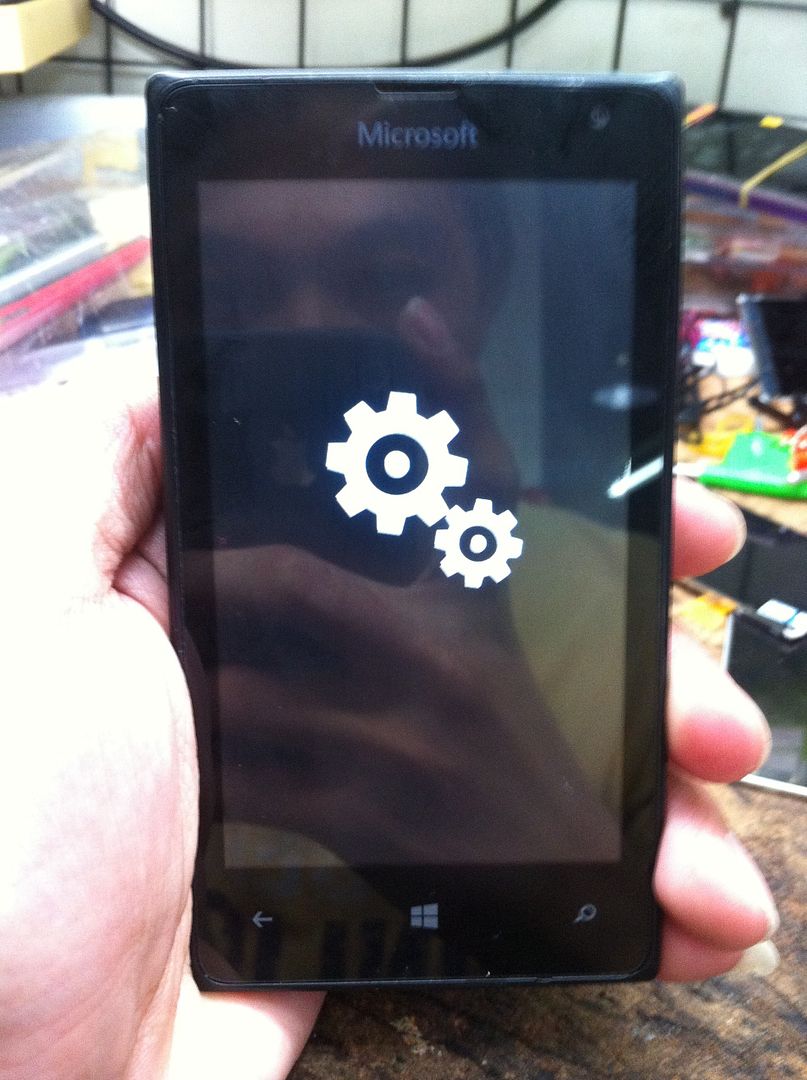
Hintayin lang matapos... wag po mainip medyo matagal po talga ng kunti... )
)
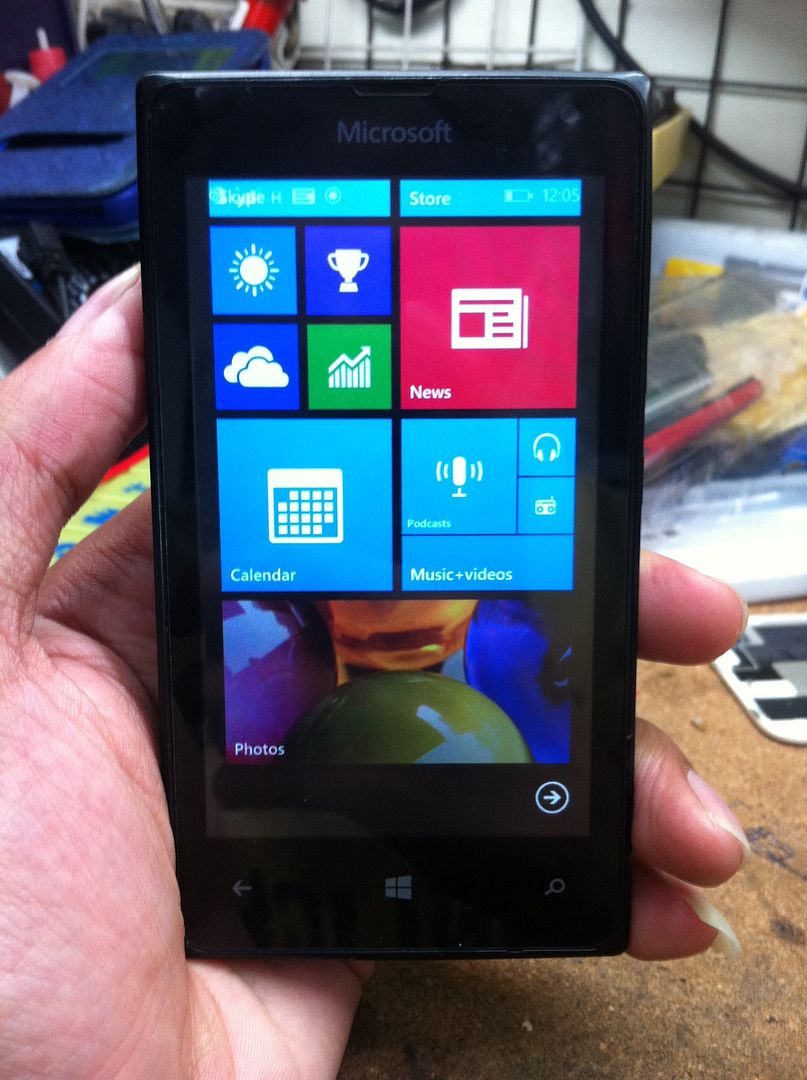
DONE!!!
Microsoft Mobile Hang Lang sa LOGO... DONE sa Hard Reset...
Procedure:
Turn off the phone.
Press and hold the Volume Down key
While holding Volume Down, press the Power key to turn the phone on. Release Power when the phone vibrates but continue to hold Volume Down
When the exclamation mark appears on the display, release Volume Down.
Press the following keys in order. Nothing will change on the screen while entering the sequence of buttons.key.
Press the Volume Up key.
Press the Volume Down key.
Press the Power button.
Press the Volume Down key.
The phone will automatically reset.
During the reset, two gears rotate on the display for up to 5 minutes, after which the display goes blank for about 30 seconds.
Hintayin lang matapos... wag po mainip medyo matagal po talga ng kunti...
)
DONE!!!
