
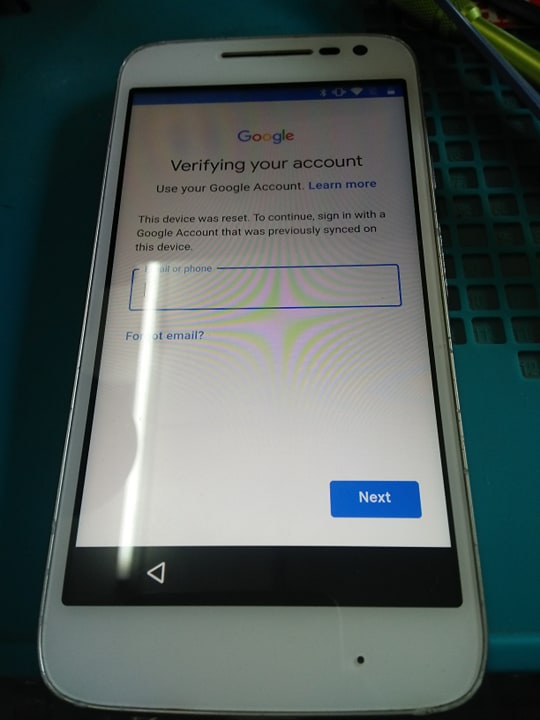
TOOLS:
Drivers: https://mega.nz/#!F35BESoA!ggqAKAwTvJ1Jy6arh4bviUsuLKRG6zWtC1566ZjbpNs
Diag Driver: https://www.hardreset.info/download/motorola-drivers/file/
MFastboot: https://www.mediafire.com/file/7vt1phq2q69t9g5/mfastboot.rar/file
Nasa TATSULOK ang Password
Extract at ilagay sa Drive C: ang mfastboot
PRODEDURE:
*Extract ang lahat ng file at install ang drivers.
*enter ang phone fastboot mode. Press volume up at power switch. pag nakita mo na ang recovery mode enter mo sa fastboot mode.
*Open comman prompt as administrator
* type cd\ then enter
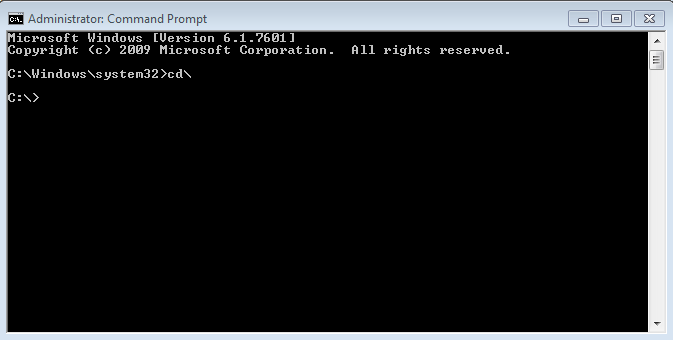
* type cd mfastboot the enter
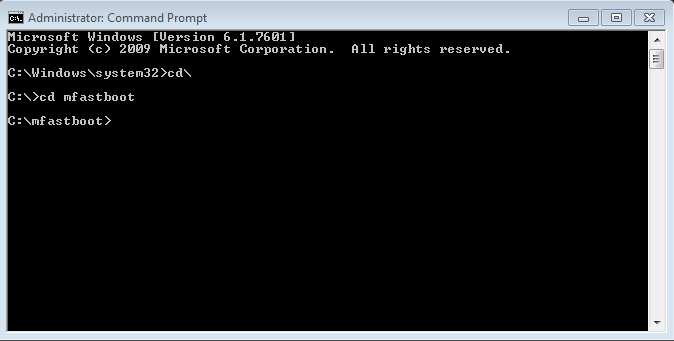
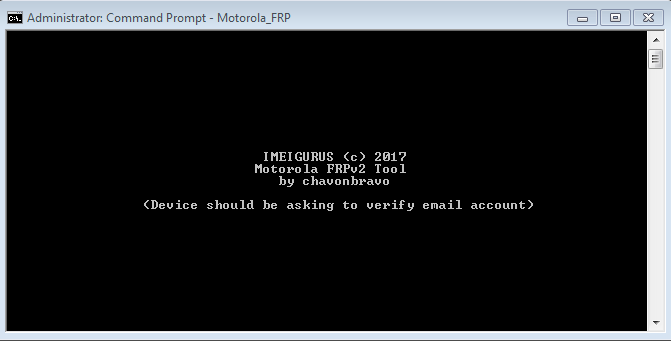
* type Motorola_FRP the enter
* makikita mo naghahanap ng password, ilagay mo
Password: iguru4life
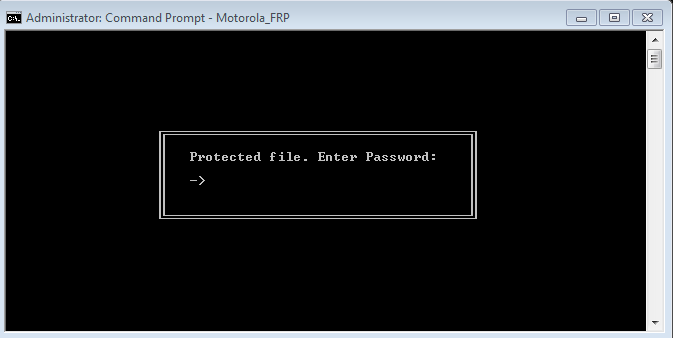
* then enter
 https://treetop100babynames.com/coolunique-baby-names
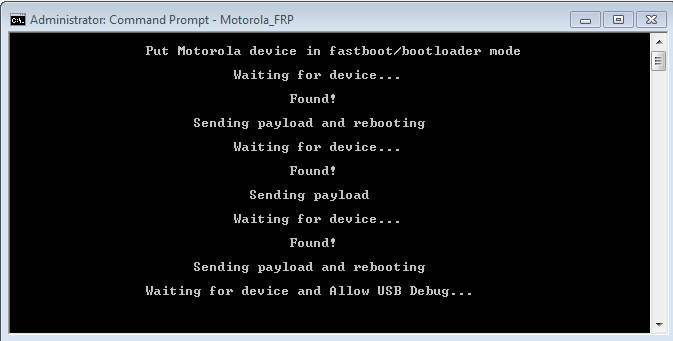
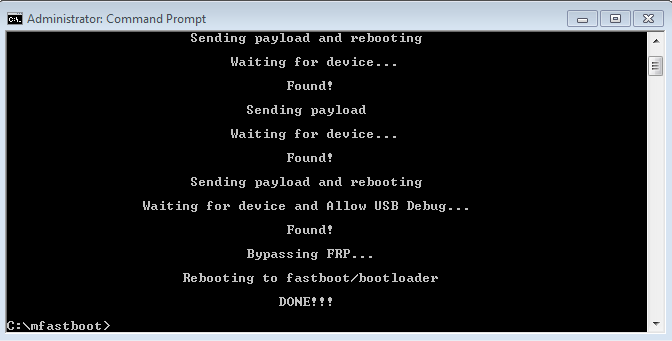
* Hintayin lang hanggang sa matapos magrestart yan ng ilang beses dapat naka instal lahat ng driver para ma detect ang unit
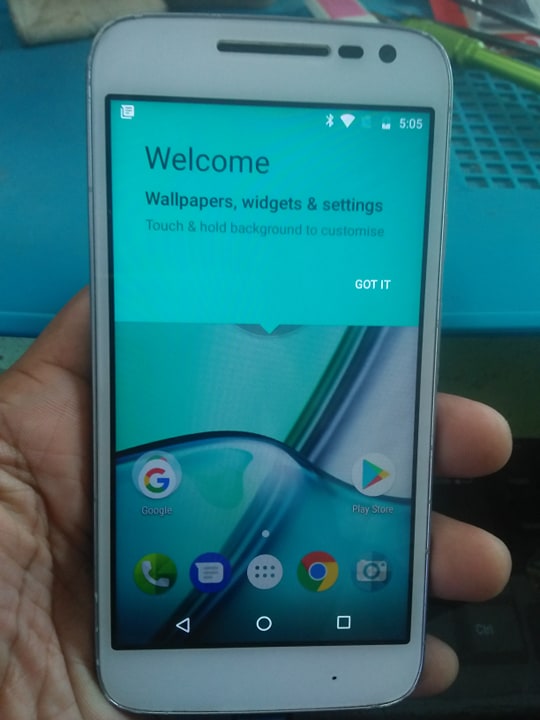
Done
 https://gasstation-nearme.com/
PS: Ang software na ito ay gumagana rin sa lahat ng MOTOROLA, LENOVO MOTO, LENOVO NEXUS phone with QUALCOMM processor.
"THANKS FOR VIEWING"
"GOD IS GOOD ALL THE TIME"
