
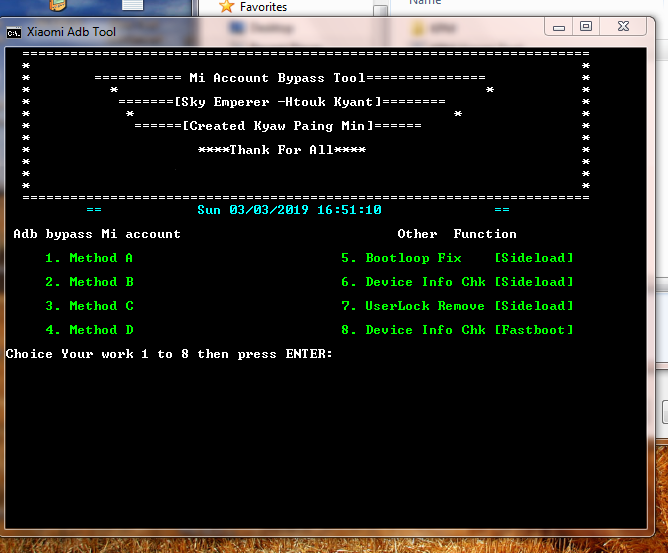
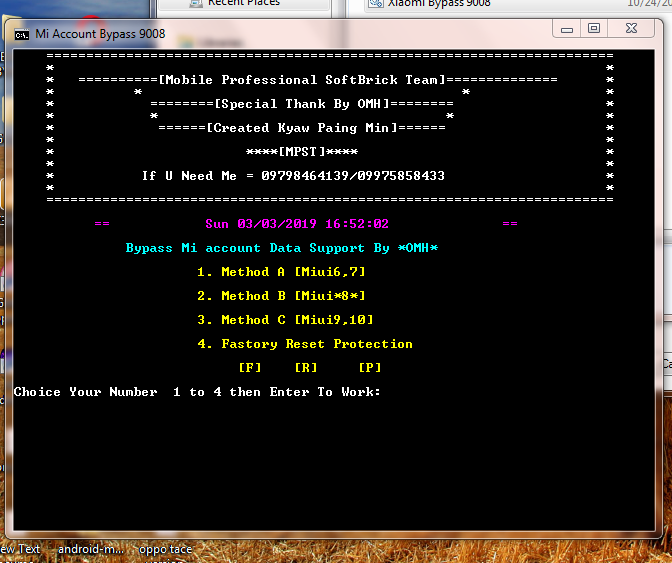
Instructions To Remove Mi Account Lock [Pattern Lock/PIN Lock/ Fingerprint]:
Make sure you are not using “Mi cloud account†on your device. Otherwise, process will remove pattern lock or password easily but device will ask to put existing Mi account password.
– Open Back Cover MI phonee using SIM Used Operator and then use a screwdriver to open the bolt
– When it is open, please remove the flexible battery label, then leave it for a few minutes and reconnect
– Now Find pinount your mobile (google it)
– Connect the other end of the USB cable to the computer and the other end of the USB cable to Mi phone
– Run device manage> note the USB port, what Nokia 2 you are Qualcomm’s HS-USB Diagnostics 9008E, if yes you take Tweezers or copper wire then samsungkan to point Test Point that you have seen in the image just to change the Qualcomm HS- USB Diagnostics 9008
– When it becomes a Qualcomm USB Port of HS-USB Diagnostics 9008
LINK..
MPST Bypass Tools
credits to original coders...