
Problem
Hang sa logo na bootloop dahil na mali ng update
Action Taken
Flash w/ tested stock rom
Firmware Here Click me
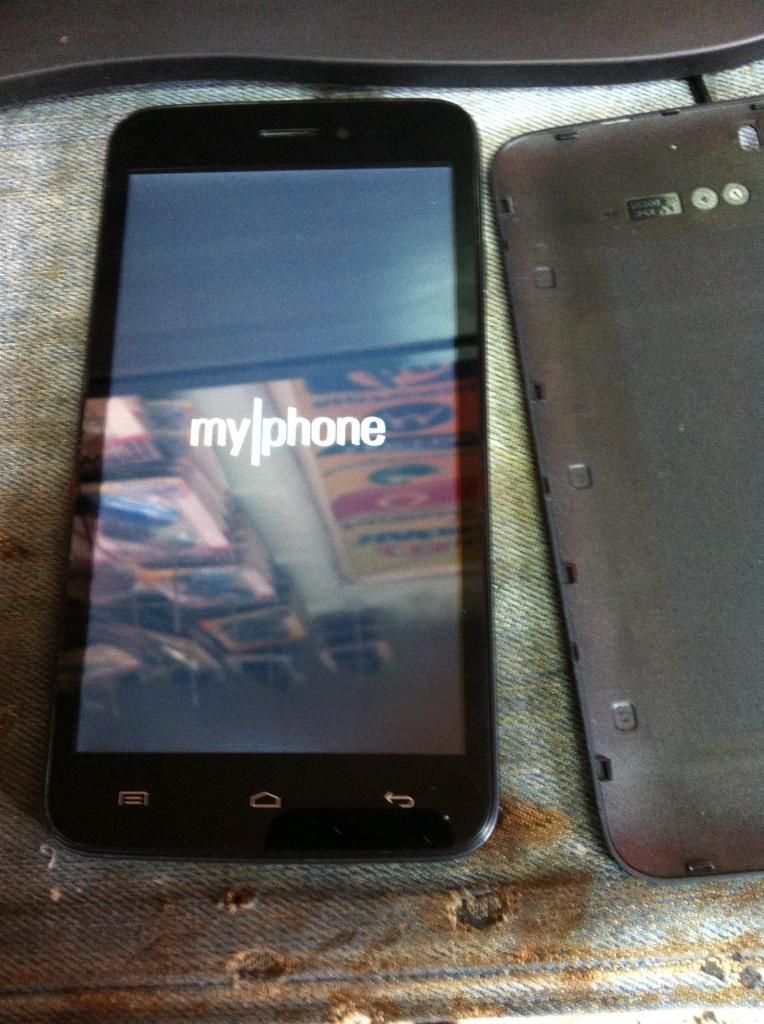
try ko using recovery mode but no luck flashing talaga so proceed sa Flashing or Firmware update
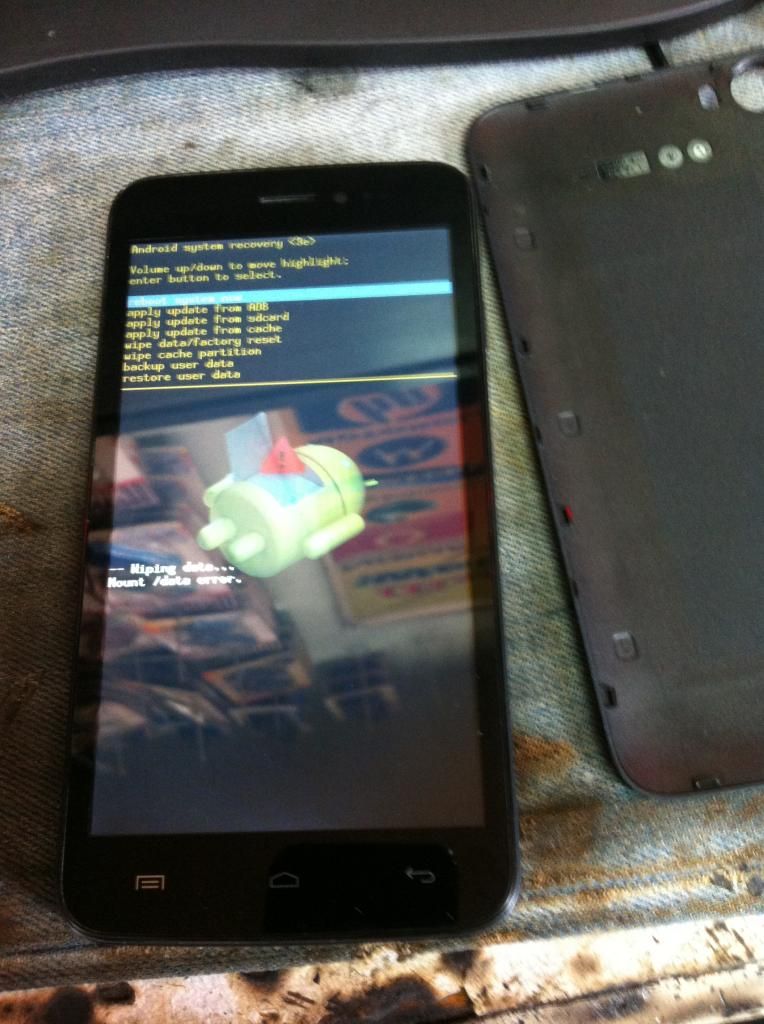
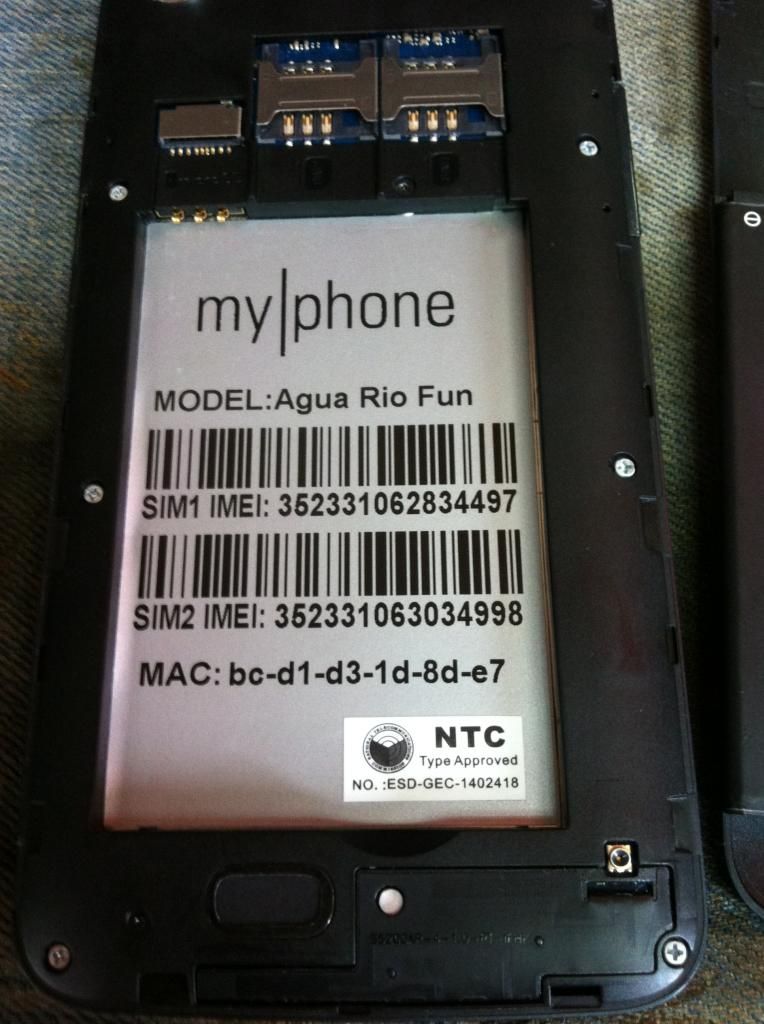
Procedure para sa mga baguhan na tulad namin
Once you finished downloading the files at the top, proceed to the following steps:
1. Paki-extract po muna mga files para ready na
2. Turn off your phone, remove the battery (do not connect to pc yet).
3. Open Device Manager (easiest way: press Windows Button + R>devmgmt.msc >ENTER).
4. Bago mo iplug in ang phone sa PC, dapat nakafocus ka sa Device Manager, meron ka lang approximately 5 seconds para abangan yung MT65xx device na lalabas under Other devices, you need to right click it as soon as you see it.
Kung na-irighclick mo naman on time, click mo yung Update driver software
Tapos choose - Browse my computer for driver software
Browse the Mediatek MT65xx Preloader Driver folder
Make sure na alam mo ang version ng OS mo para tamang driver ang mapili mo (paki-google na lang po)
After mong maselect yung driver, next next lang at mag-iinstall na yan. Posibleng di magbigay ng notif na successful ang installation. Ok lang yan, basta proceed ka sa next step.
5. Go to SP Flash Tool v5.1352.01 Folder, then open flash_tool.exe
6. Under Download tab, click on Scatter-loading button, browse mo yung folder Mp Rio Fun Stockrom, then choose MT6572_Android_scatter, then click on the Download button at the top.
7. Once done, may lalabas na green check, Pwede mo na unplug phone mo, then turn it on
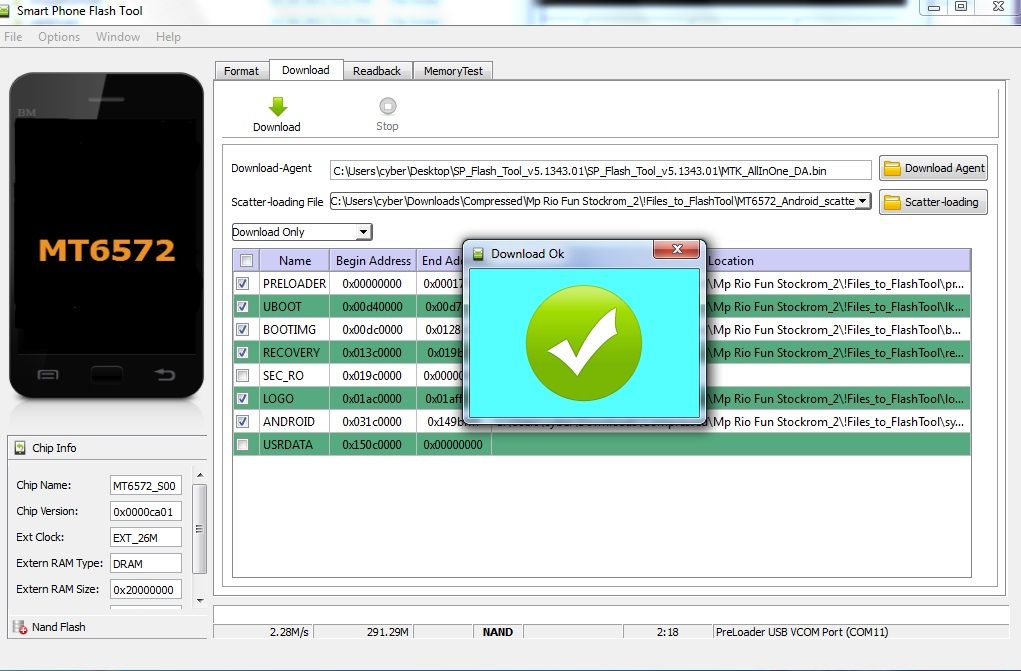
After Flashing Done
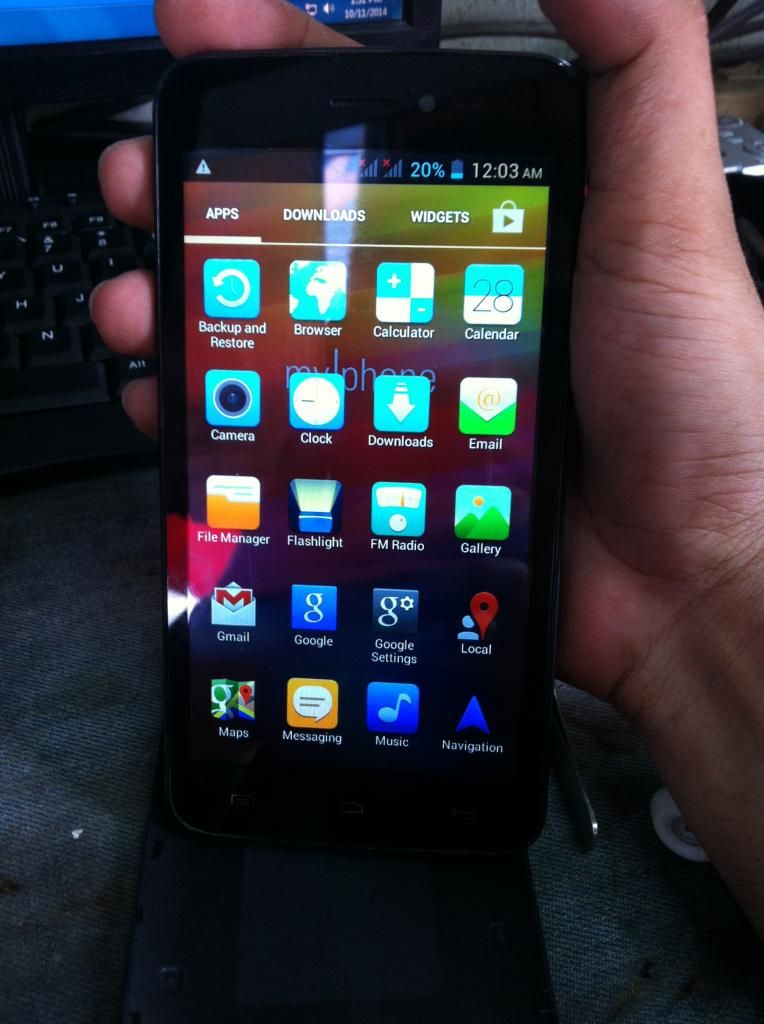
Take Note:
in case na hang parin sa logo after Flashing Do a full Factory wipe/wipe cache
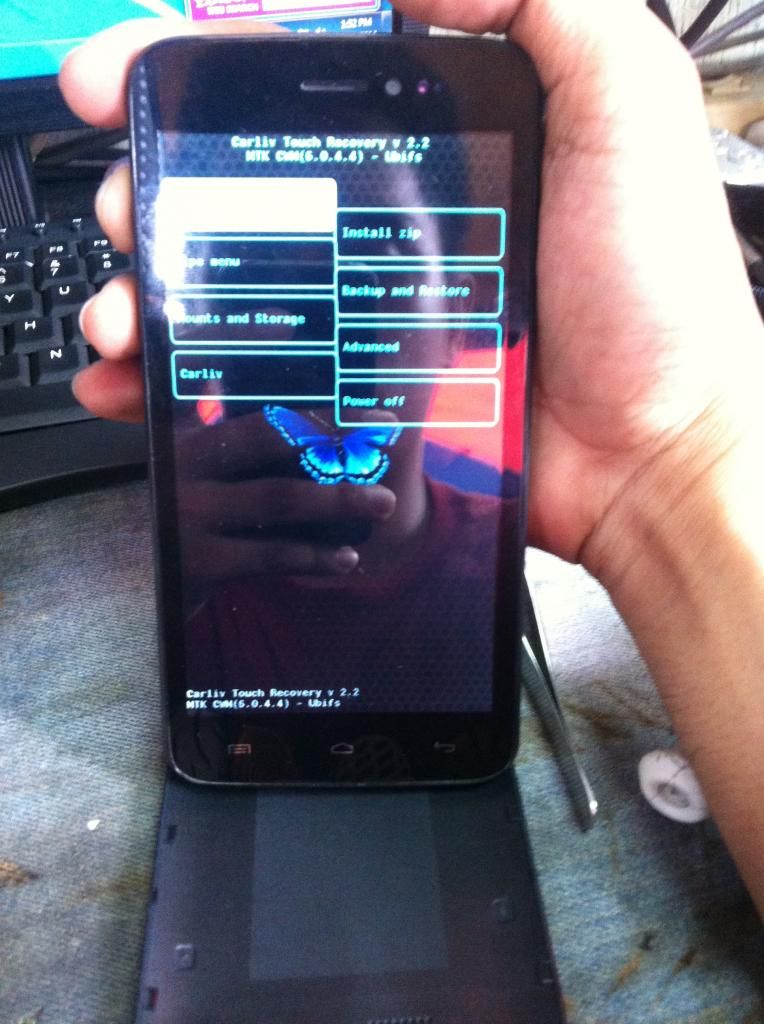
DONE salamat sa pag view
Hang sa logo na bootloop dahil na mali ng update
Action Taken
Flash w/ tested stock rom
Firmware Here Click me

try ko using recovery mode but no luck flashing talaga so proceed sa Flashing or Firmware update


Procedure para sa mga baguhan na tulad namin
Once you finished downloading the files at the top, proceed to the following steps:
1. Paki-extract po muna mga files para ready na
2. Turn off your phone, remove the battery (do not connect to pc yet).
3. Open Device Manager (easiest way: press Windows Button + R>devmgmt.msc >ENTER).
4. Bago mo iplug in ang phone sa PC, dapat nakafocus ka sa Device Manager, meron ka lang approximately 5 seconds para abangan yung MT65xx device na lalabas under Other devices, you need to right click it as soon as you see it.
Kung na-irighclick mo naman on time, click mo yung Update driver software
Tapos choose - Browse my computer for driver software
Browse the Mediatek MT65xx Preloader Driver folder
Make sure na alam mo ang version ng OS mo para tamang driver ang mapili mo (paki-google na lang po)
After mong maselect yung driver, next next lang at mag-iinstall na yan. Posibleng di magbigay ng notif na successful ang installation. Ok lang yan, basta proceed ka sa next step.
5. Go to SP Flash Tool v5.1352.01 Folder, then open flash_tool.exe
6. Under Download tab, click on Scatter-loading button, browse mo yung folder Mp Rio Fun Stockrom, then choose MT6572_Android_scatter, then click on the Download button at the top.
7. Once done, may lalabas na green check, Pwede mo na unplug phone mo, then turn it on

After Flashing Done

Take Note:
in case na hang parin sa logo after Flashing Do a full Factory wipe/wipe cache

DONE salamat sa pag view
Last edited by a moderator:


